Get 10% back in Relic Coins on every order
It's Spring Again cover

SteamGlobal· Key

It's Spring Again

€0.46

+€0.05 cashback eligibility in Relic Coins

Check before you play

Platform
Steam
Region
Global
Product type
Key
Developer
Baba Yaga Games
Publisher
Sometimes You
Supplier release date
2016-02-02
Genres
Casual, Indie

About this product

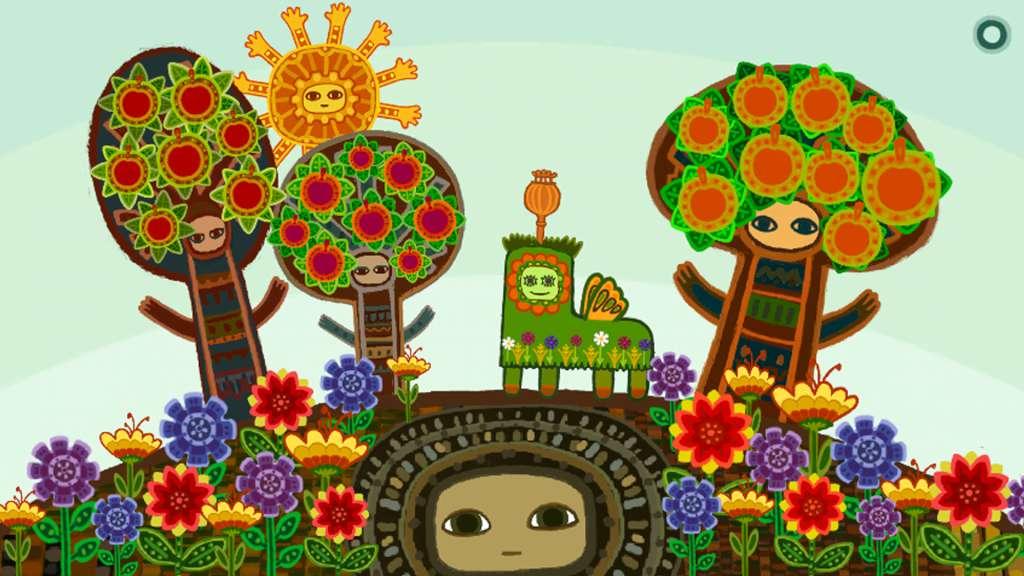
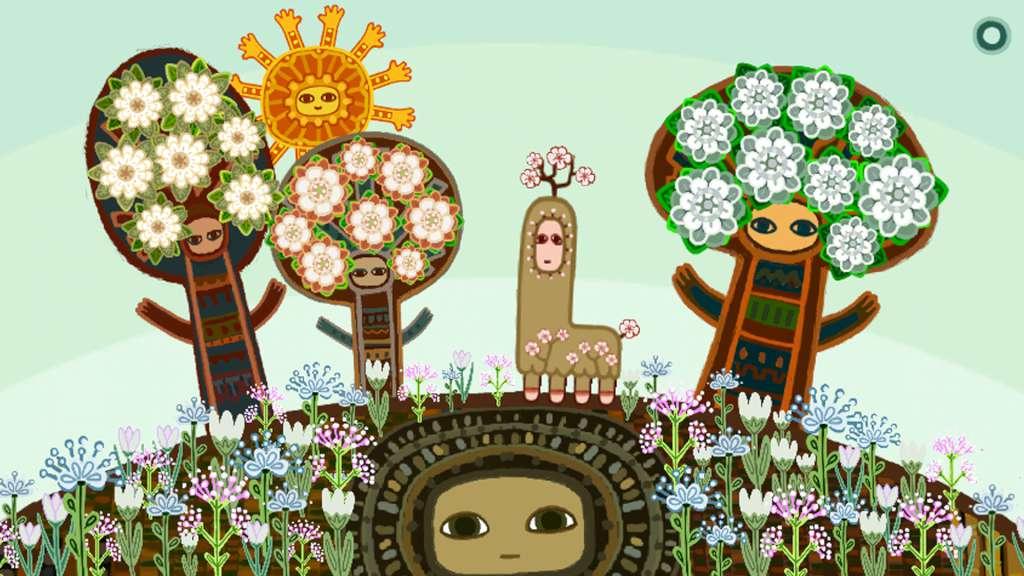
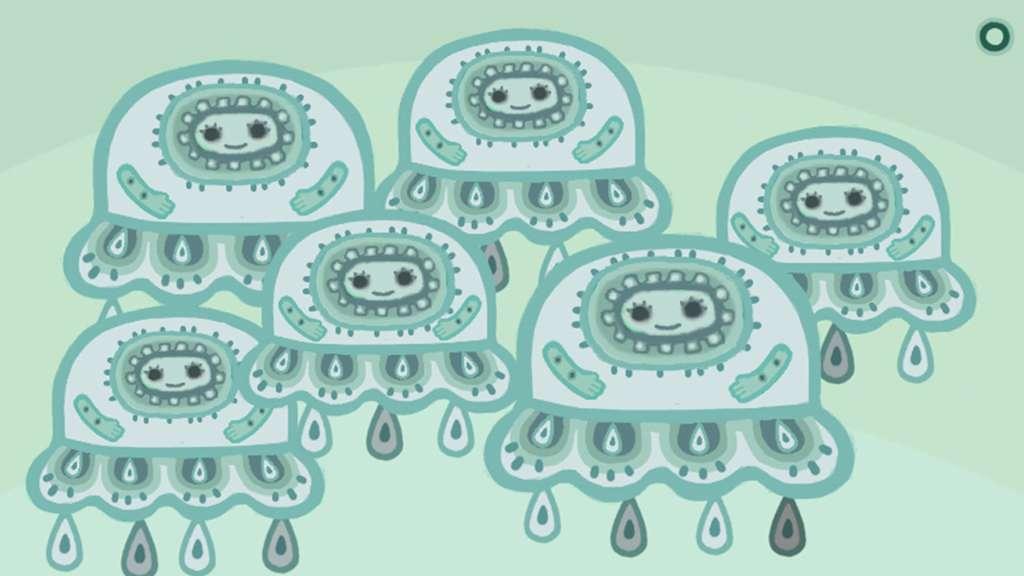
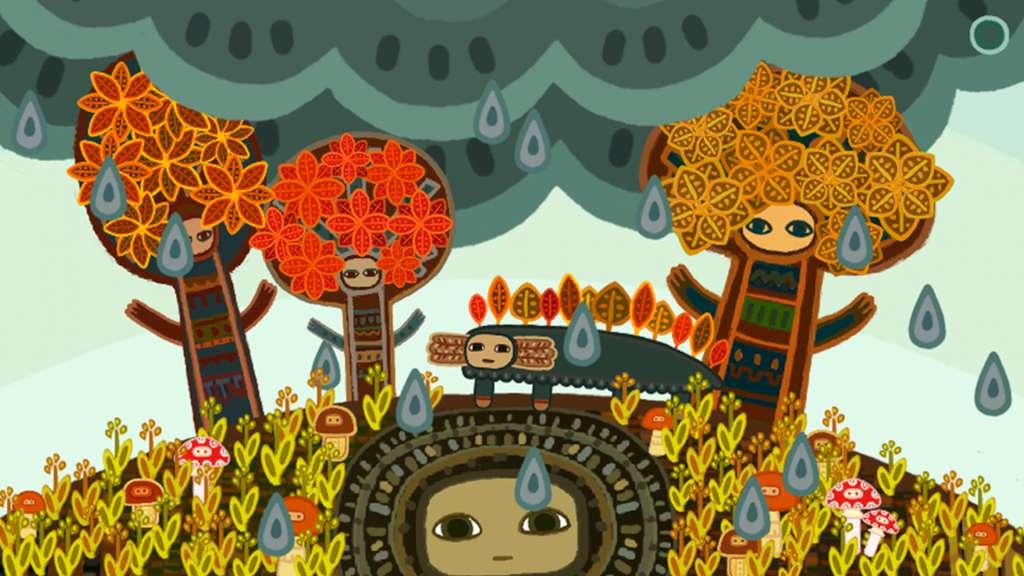
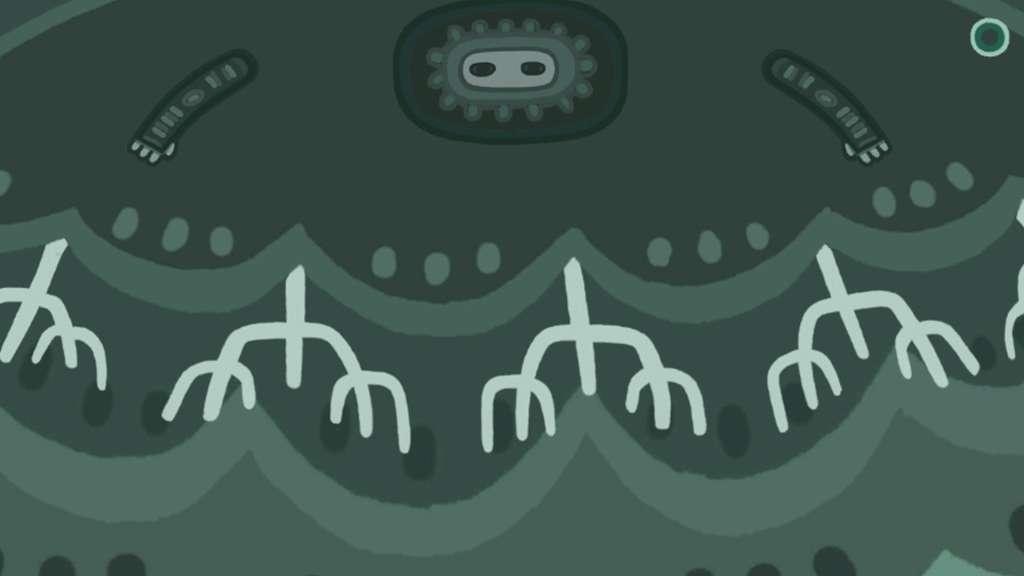
"It's Spring Again" - an educational game for children ages two and up. It uses game mechanics to teach children about the seasons.This game intended to develop associational and logical thinking. By following the hints, children help the seasons change. They learn the order of the seasons and create a melody for each of them with a little help from their parents and the narrator."It’s Spring Again" is based on a successful puppet show for children ages 2 to 5, in which puppets controlled by actors showed children audience the magic of change of seasons.The game enriches the show by allowing children to directly interact with the story.The voice actor of the game’s narrator is a wonderful actress and a musician Ekaterina Efremova. She lives in Murmansk (Russia) her whole life, performing for children and adults at puppet theaters, singing songs to a guitar and other instruments. She cooperates with musicians working in different genres, loves improvisation and is never afraid of experimenting in her art.

It's Spring Again screenshotIt's Spring Again screenshotIt's Spring Again screenshotIt's Spring Again screenshotIt's Spring Again screenshot

How to redeem

  1. 1Check your Steam account and the listed region before purchasing.
  2. 2Find your code and supplier activation instructions in your confirmed order.
  3. 3Open the redeem-code section on Steam, enter the code and follow the platform’s prompts.

Supplier instructions

Go to: http://store.steampowered.com/ and download STEAM client Click "Install Steam" (from the upper right corner) Install and start application, login with your Account name and Password (create one if you don't have). Please follow these instructions to activate a new retail purchase on Steam: Launch Steam and log into your Steam account. Click the Games Menu. Choose Activate a Product on Steam... Follow the onscreen instructions to complete the process. After successful code verification go to the "MY GAMES" tab and start downloading.

You might also like