Get 10% back in Relic Coins on every order
Tank Mechanic Simulator cover

Steam Europe - All Countries· Key

Tank Mechanic Simulator

€2.48

+€0.25 cashback eligibility in Relic Coins

Check before you play

Platform
Steam
Region
Europe - All Countries
Product type
Key
Developer
DeGenerals
Publisher
Ultimate Games
Supplier release date
2020-02-20
Genres
Action, Adventure, Simulation, Indie, Casual

About this product

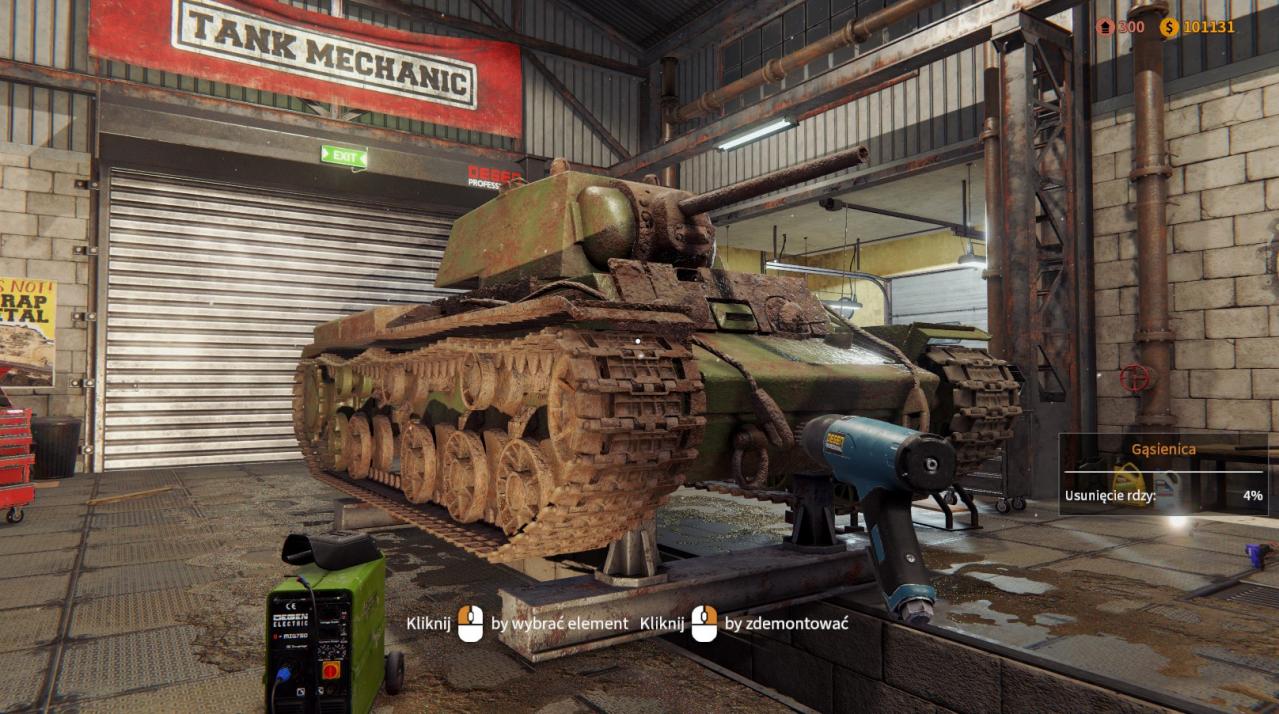
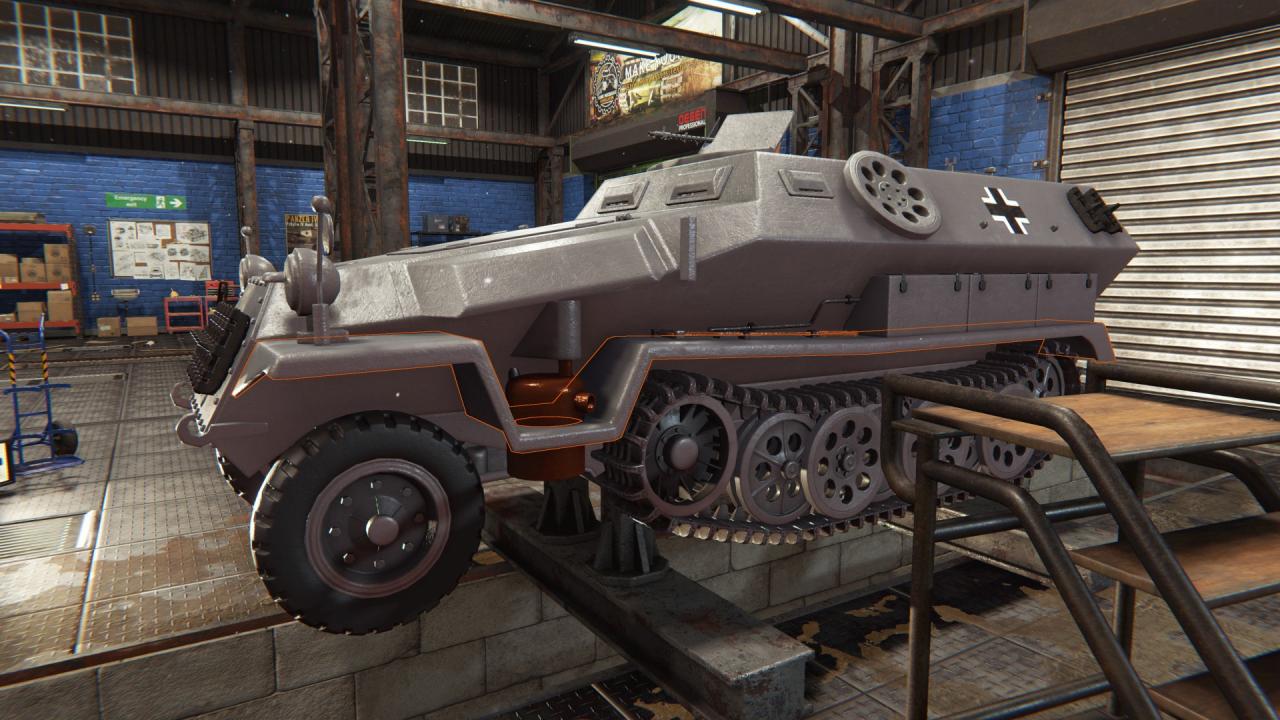
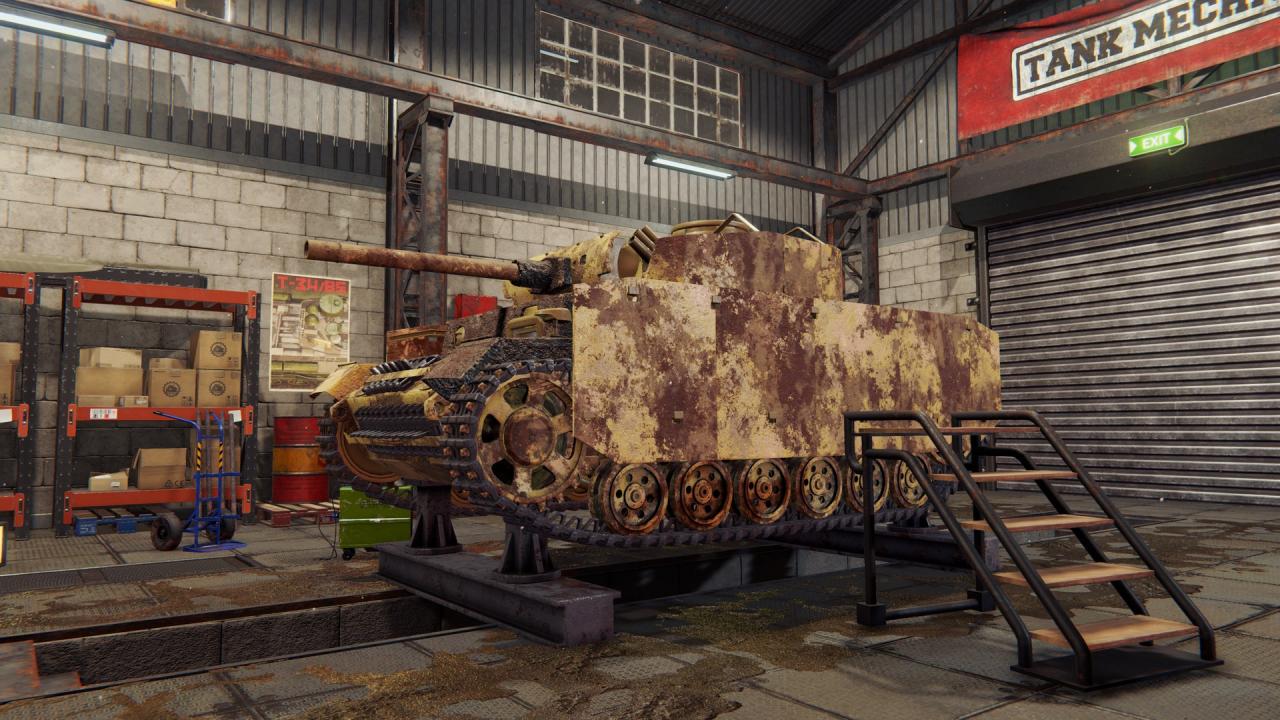
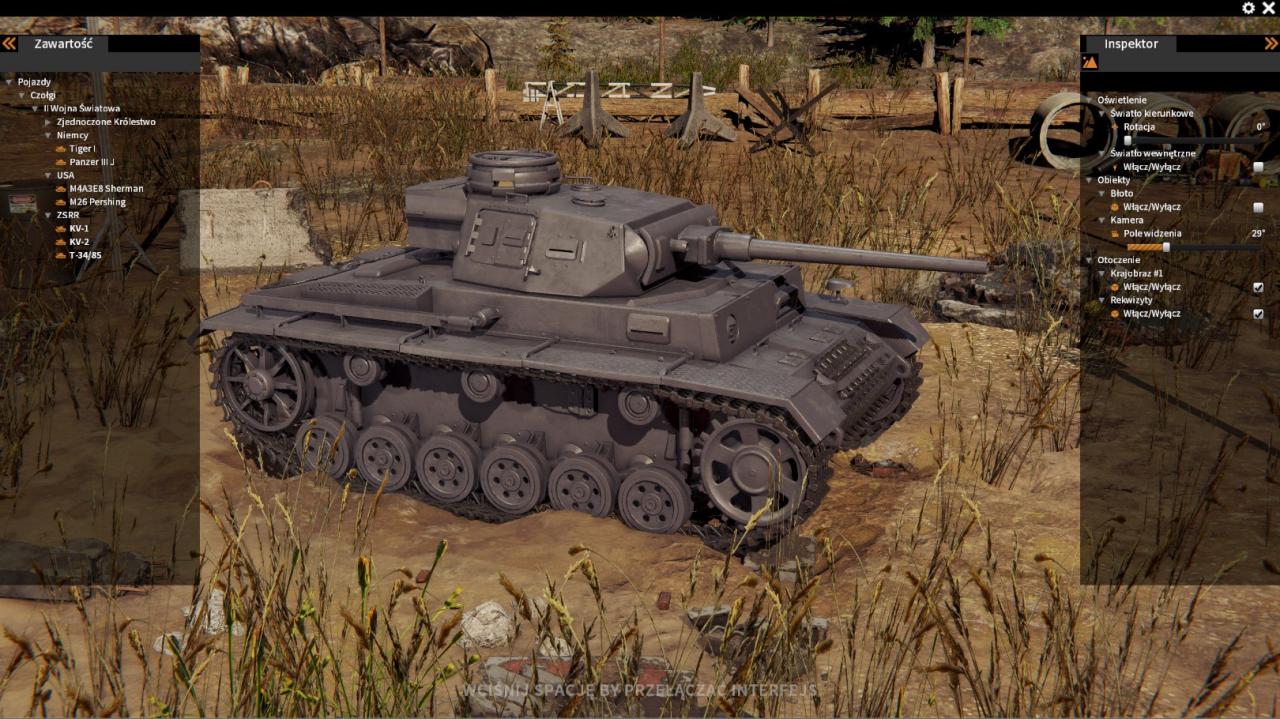
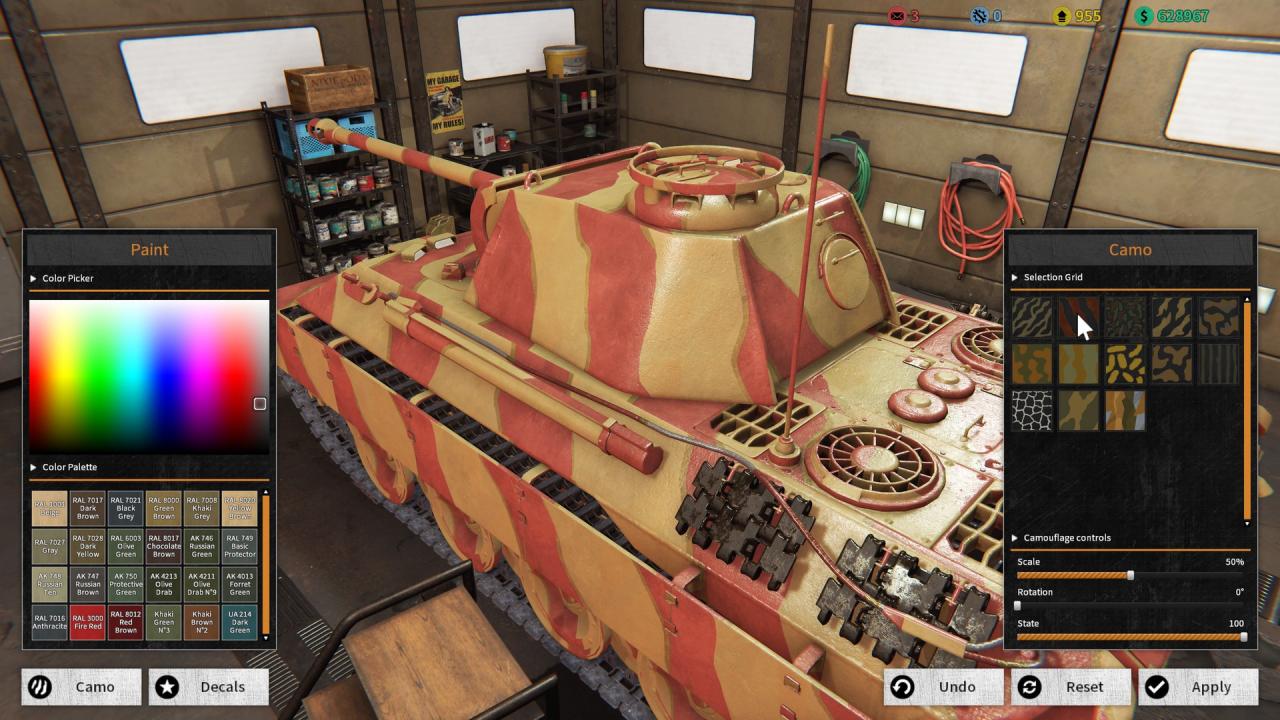
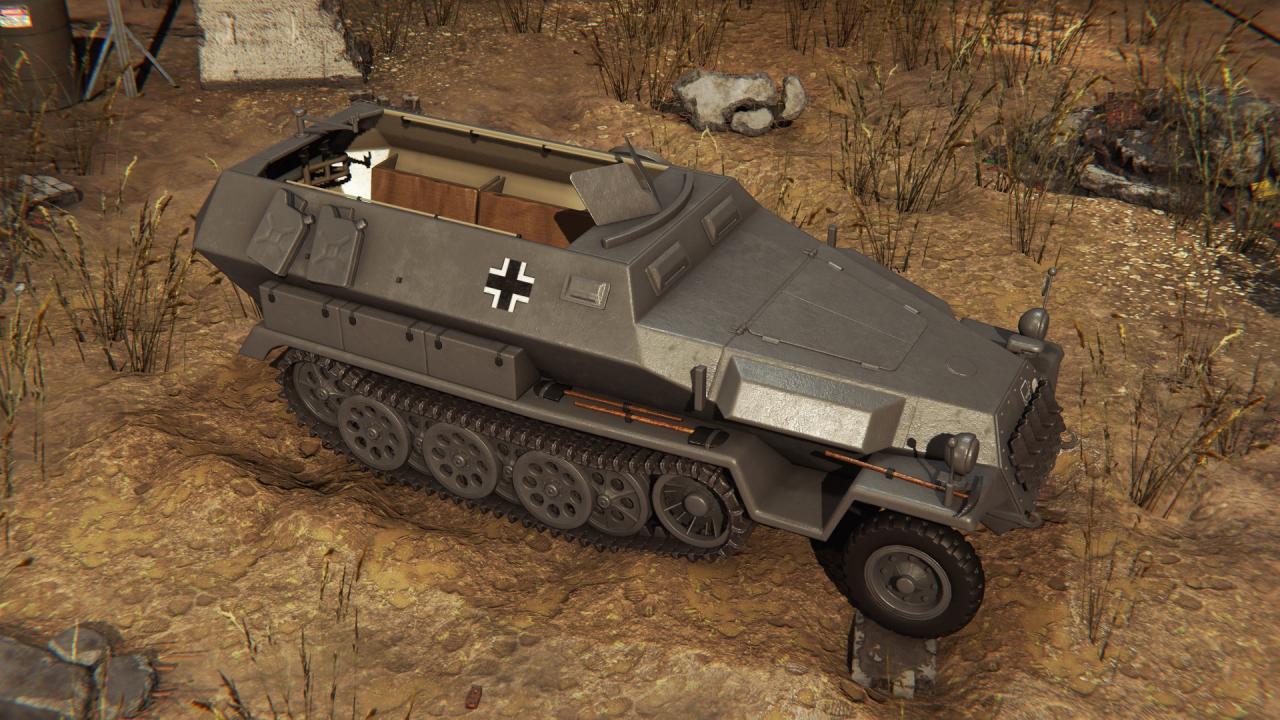
Tank Mechanic Simulator is a game about World War II tanks, their crews and their contribution to military history. As a tank museum owner, your task is to recover destroyed or abandoned tanks and renovate them. Use your offroad vehicle to locate forgotten tanks. With the final area found, determine the exact position of the tank by using special equipment like a metal detector. Set up the excavation area and extract the tank!Transport freshly extracted tanks to your warehouse. Then start working on the renovation process. Detach rusted elements and replace them with new parts. Buy them or fix them by yourself!Tank Mechanic Simulator contains a physical terrain deformation system, the player will have to mind where he wants to travel and excavate.Perform the entire renovation program starting from: cleaning the tank from mud removing rust sandblasting the tank placing a primer coat painting tank with the final paint You can excavate even when the night comes! The game extraction missions have a full night and day cycle implemented.

Tank Mechanic Simulator screenshotTank Mechanic Simulator screenshotTank Mechanic Simulator screenshotTank Mechanic Simulator screenshotTank Mechanic Simulator screenshotTank Mechanic Simulator screenshot

How to redeem

  1. 1Check your Steam account and the listed region before purchasing.
  2. 2Find your code and supplier activation instructions in your confirmed order.
  3. 3Open the redeem-code section on Steam, enter the code and follow the platform’s prompts.

Supplier instructions

Go to: http://store.steampowered.com/ and download STEAM client Click "Install Steam" (from the upper right corner) Install and start application, login with your Account name and Password (create one if you don't have). Please follow these instructions to activate a new retail purchase on Steam: Launch Steam and log into your Steam account. Click the Games Menu. Choose Activate a Product on Steam... Follow the onscreen instructions to complete the process. After successful code verification go to the "MY GAMES" tab and start downloading.

You might also like