Get 10% back in Relic Coins on every order
Spin Rhythm XD (valid until July 2027) cover

SteamGlobal· Key

Spin Rhythm XD (valid until July 2027)

€1.71

+€0.17 cashback eligibility in Relic Coins

Check before you play

Platform
Steam
Region
Global
Product type
Key
Developer
Super Spin Digital
Publisher
Super Spin Digital
Supplier release date
2019-10-22
Genres
Indie, Music / Soundtrack

About this product

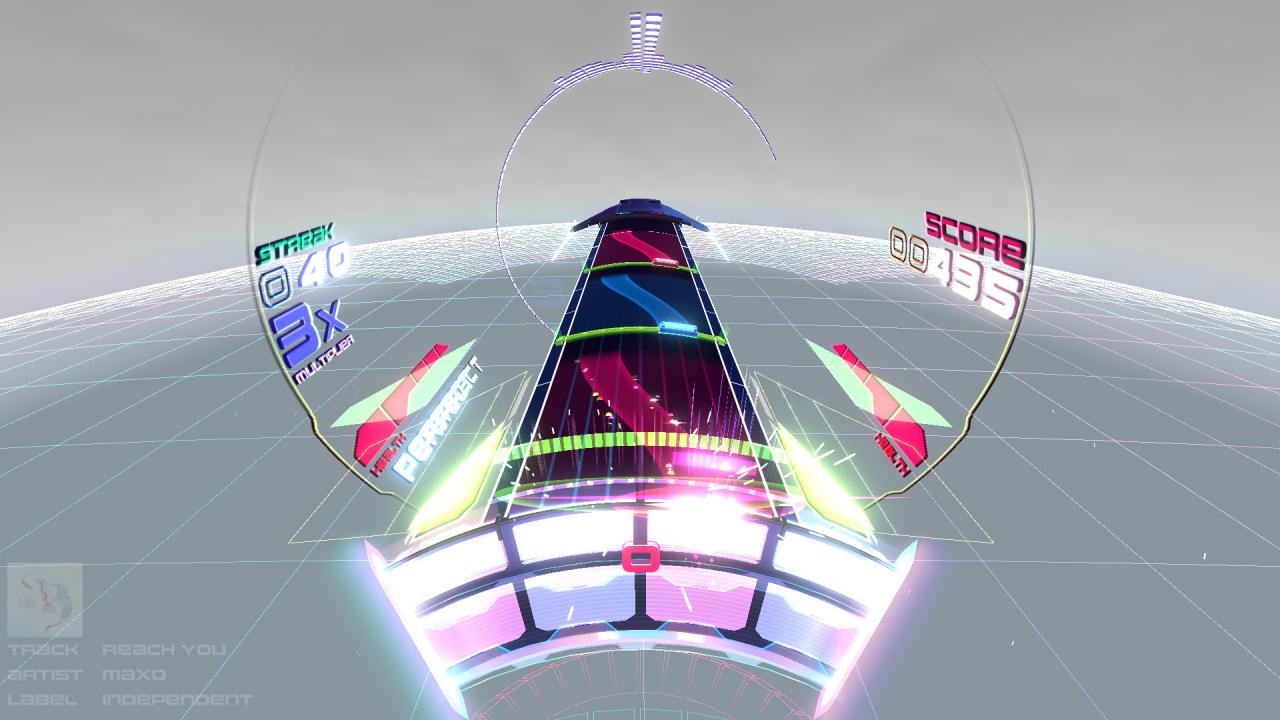
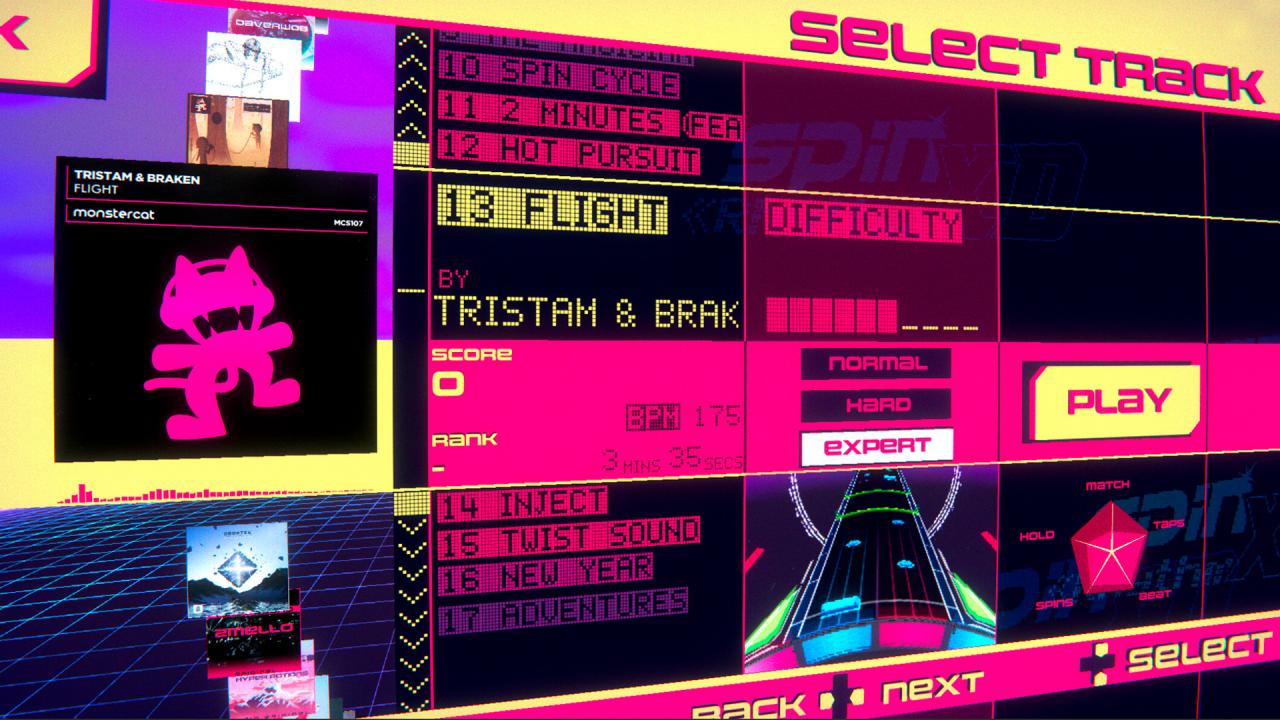
Spin Rhythm XD is an interdimensional electronic music rhythm game with fluid, analogue-inspired controls and fully hand-sequenced levels. Features TAKE CONTROL. Spin, flick and tap to match colours and beats. Spin Rhythm's smooth controls work seamlessly across multiple devices including mouse and keyboard, Steam Controller and other gamepads, motion controls and even real MIDI DJ turntables (BETA). MASTER. Precise, hand-made levels across 3-5 unique difficulties. MUSIC. Over 30 licensed tracks (with 15 available at launch) of the juiciest beats in the known universe from Nitro Fun, Hyper Potions, Subtact, Panda Eyes, Teminite, Anomalie, Tut Tut Child, Pegboard Nerds, Tristam, Braken, Maxo, Tokyo Machine, Douglas Holmquist, Kitty, Rogue, seejay, Birocratic, 2Mello and more. CREATE. Custom levels and backgrounds you can share with the world (you are only able to edit official tracks at launch).

Spin Rhythm XD (valid until July 2027) screenshotSpin Rhythm XD (valid until July 2027) screenshotSpin Rhythm XD (valid until July 2027) screenshotSpin Rhythm XD (valid until July 2027) screenshotSpin Rhythm XD (valid until July 2027) screenshotSpin Rhythm XD (valid until July 2027) screenshot

How to redeem

  1. 1Check your Steam account and the listed region before purchasing.
  2. 2Find your code and supplier activation instructions in your confirmed order.
  3. 3Open the redeem-code section on Steam, enter the code and follow the platform’s prompts.

Supplier instructions

Go to: http://store.steampowered.com/ and download STEAM client Click "Install Steam" (from the upper right corner) Install and start application, login with your Account name and Password (create one if you don't have). Please follow these instructions to activate a new retail purchase on Steam: Launch Steam and log into your Steam account. Click the Games Menu. Choose Activate a Product on Steam... Follow the onscreen instructions to complete the process. After successful code verification go to the "MY GAMES" tab and start downloading.

You might also like