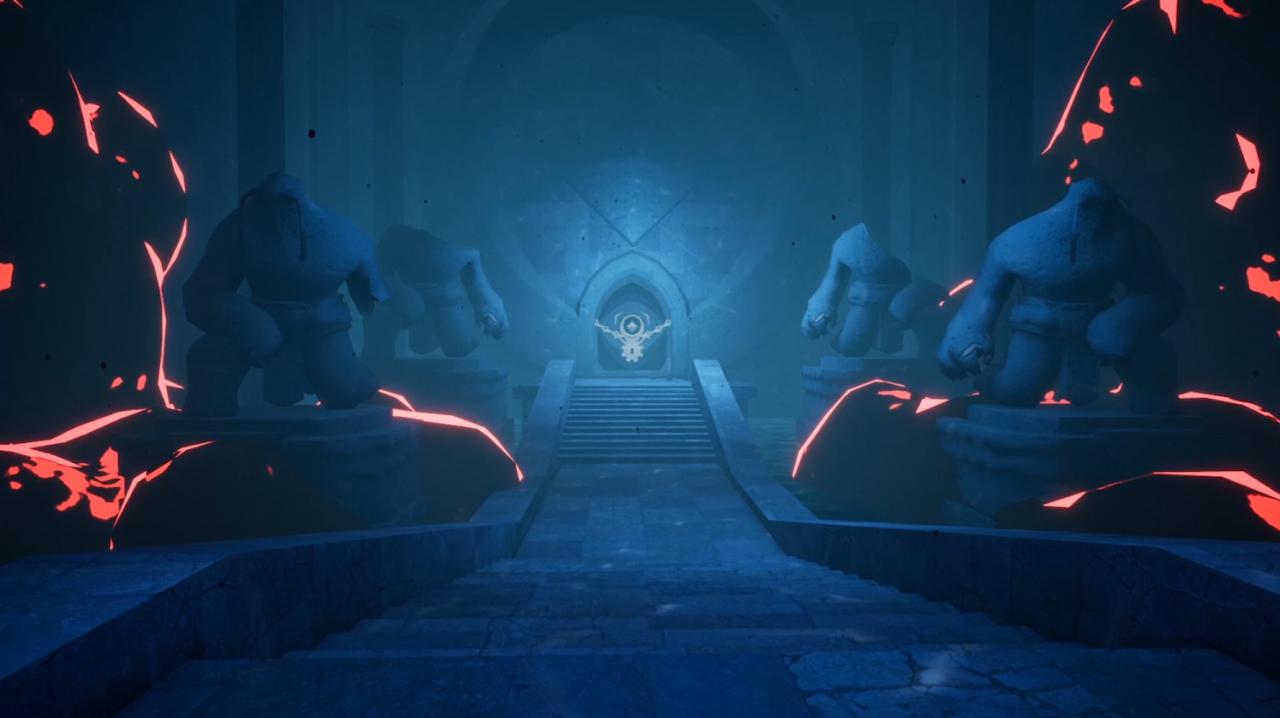
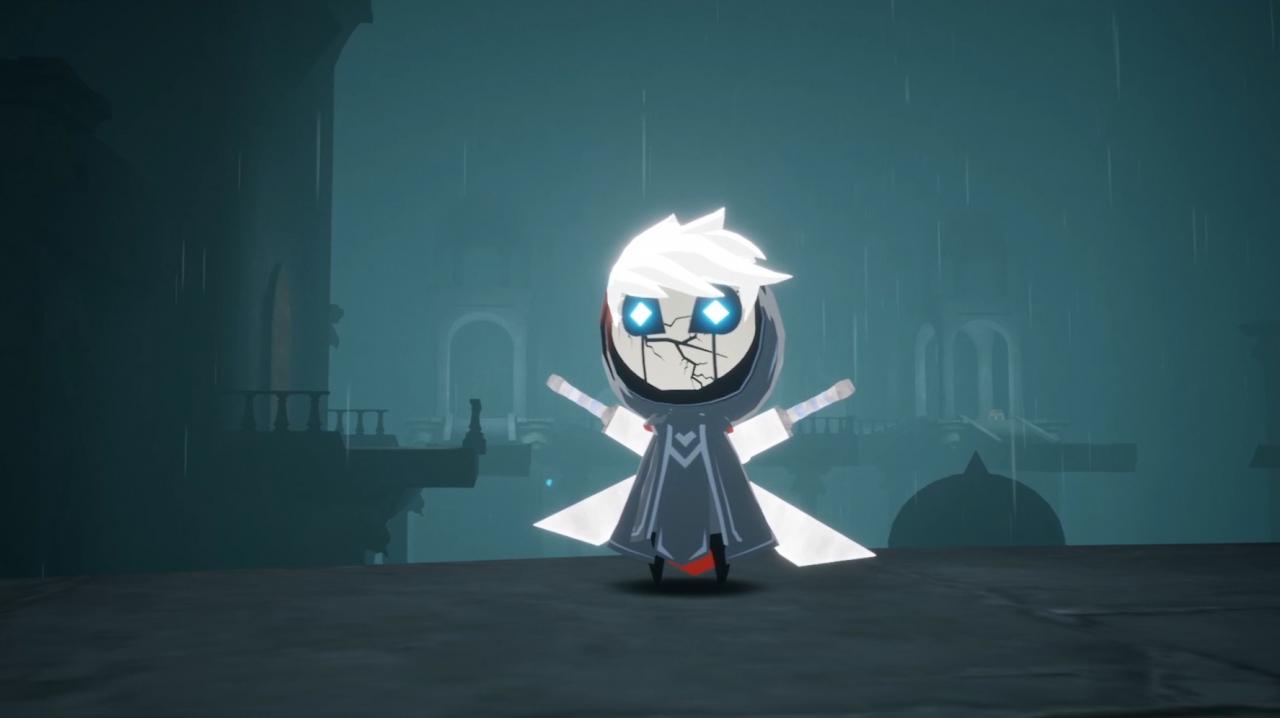
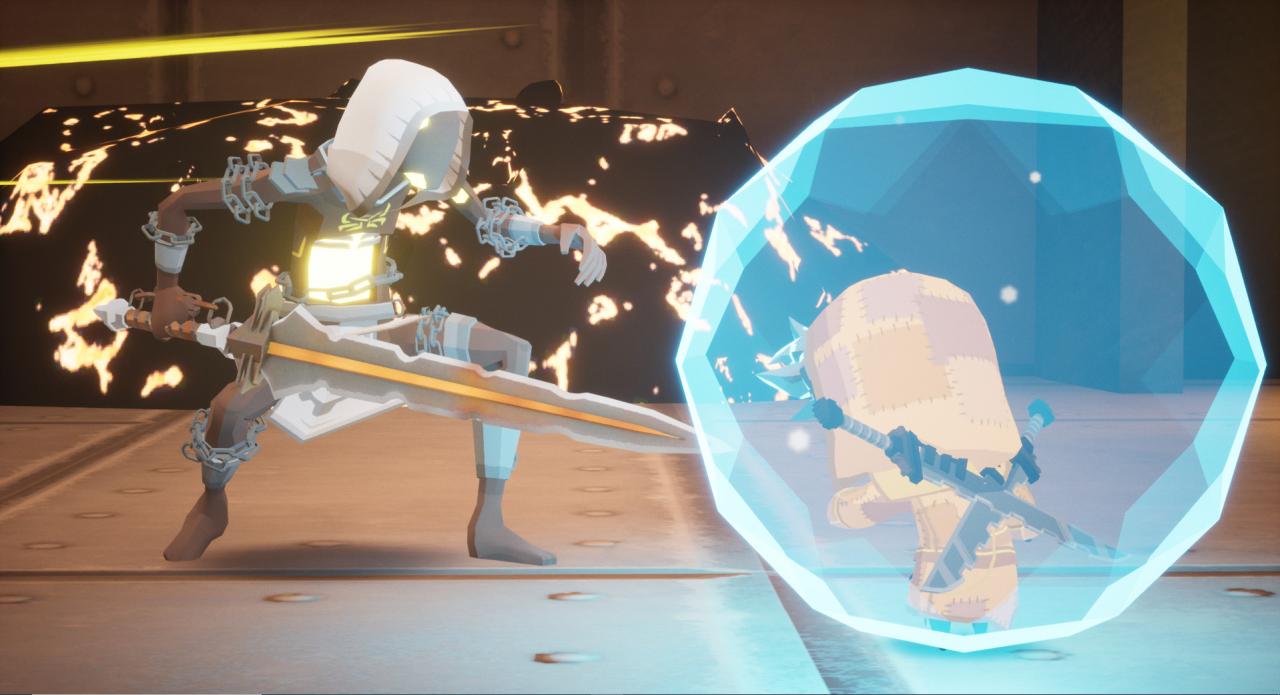
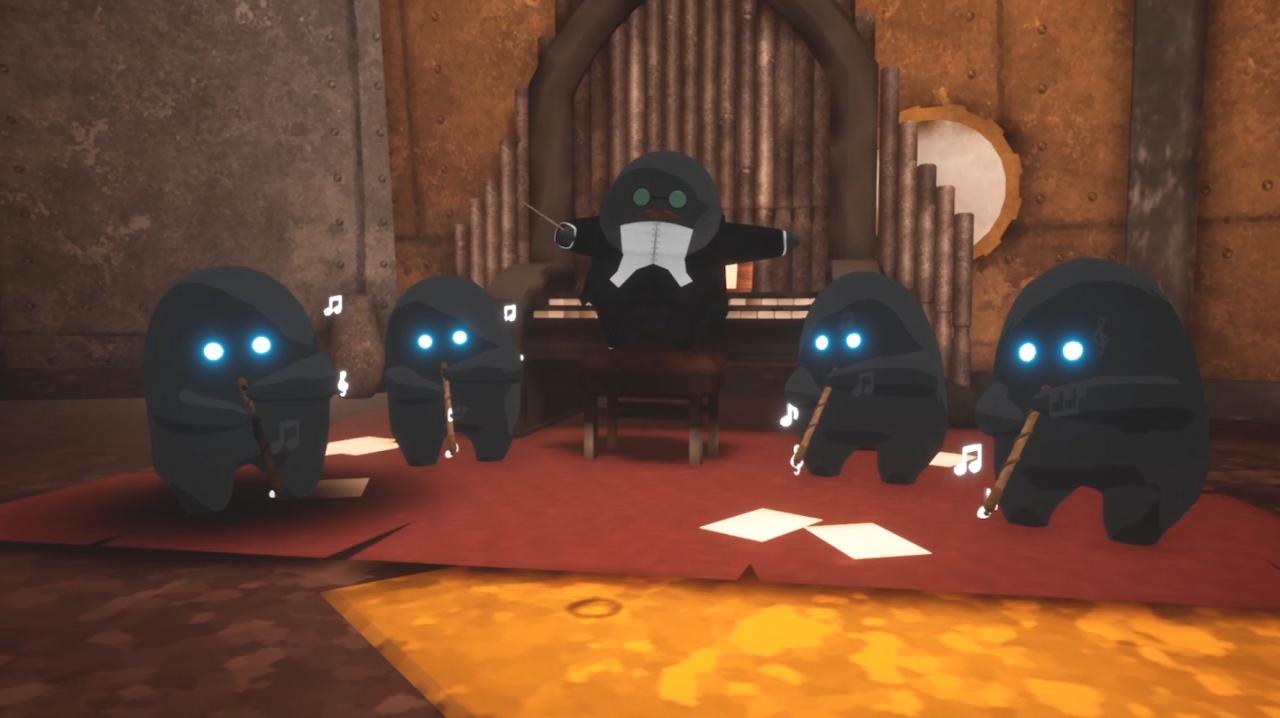
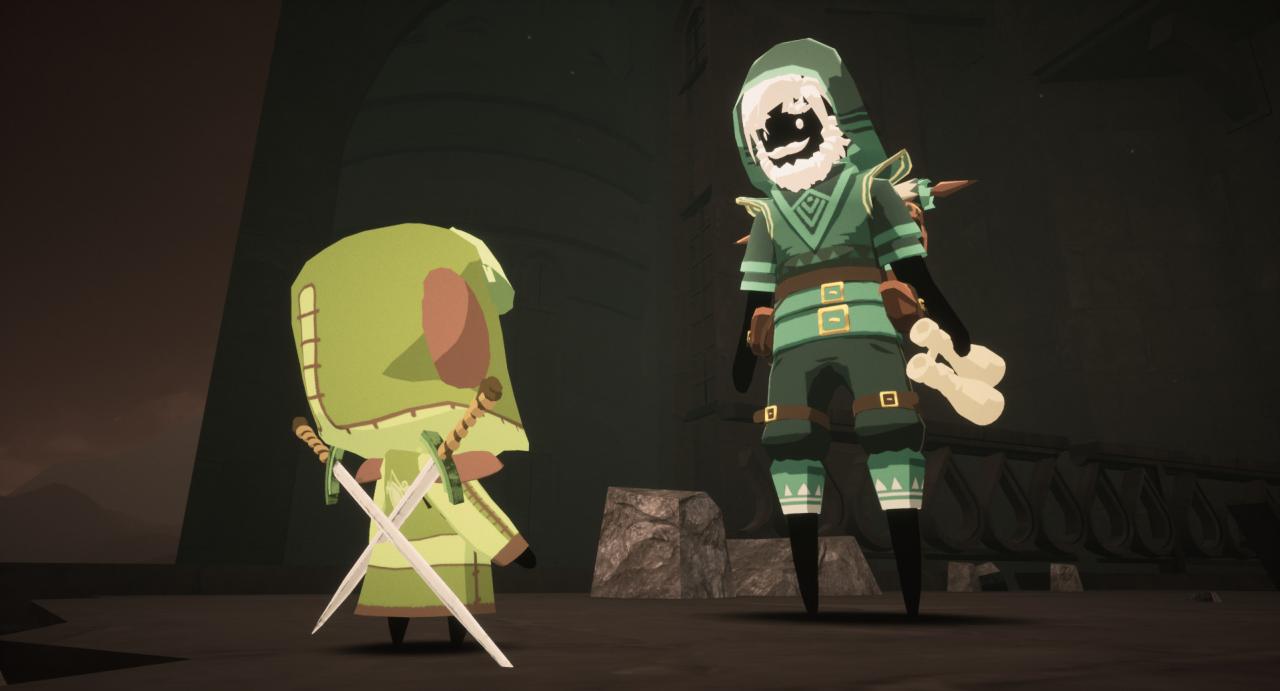
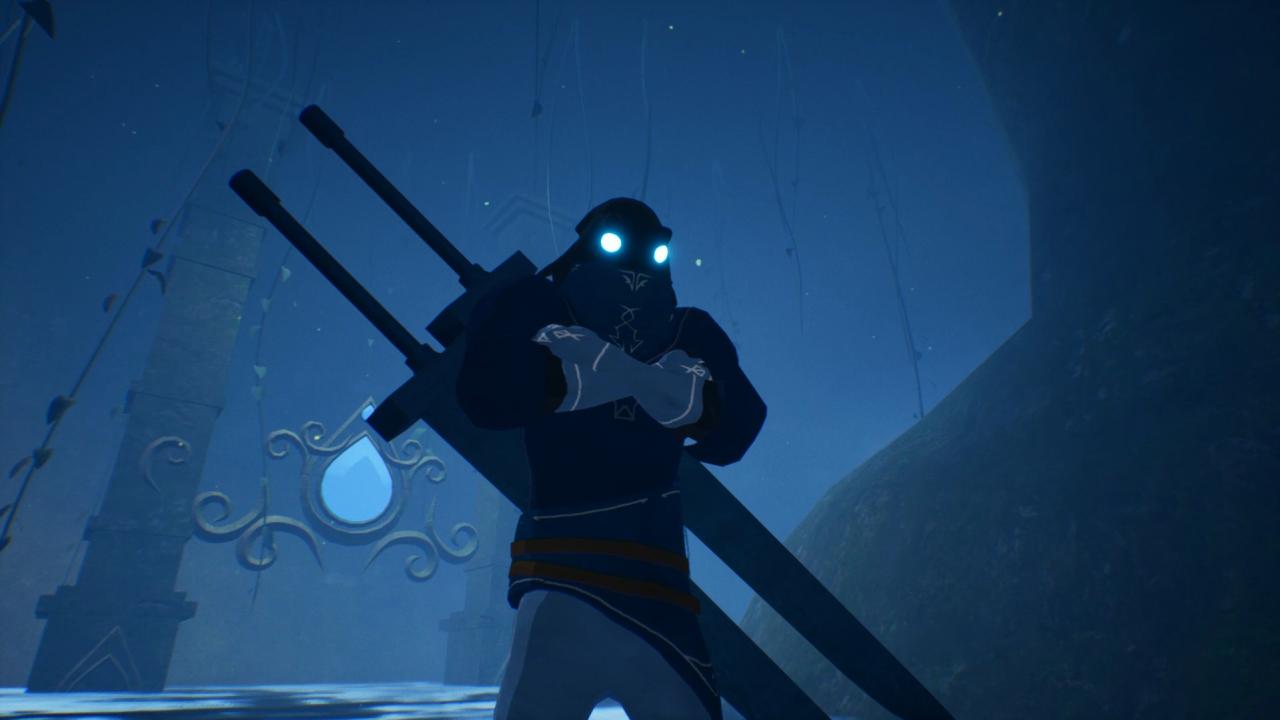
Journey through the desolated kingdom of Penumbra and discover the hidden secrets of this long-forgotten land. Explore mystical temples, where you’ll need to master the art of movement to survive increasingly difficult 3D platforming challenges. During your adventure you’ll slash your way through daunting adversaries, encounter survivors and take on strange quests to collect valuable items. Features Hardcore Platforming Leap through deadly traps and master movement to navigate gradually demanding platforming challenges. Lost in the VoidFar from Penumbra, there is a lost land called The Void. Find Void entrances throughout the world to uncover abstract platforming challenges that require great mastery to gather the valuable rewards hidden inside. Slash Your Way Through Great AdversariesEncounter dangerous enemies with distinct fighting styles and partake in intense combat-platforming boss fights. A Haunting WorldTravel through the perished world of Penumbra to explore unique areas filled with diverse enemies, sharp 3D platforming challenges, quests, collectibles and more. Encounter Peculiar SurvivorsA long time has passed since Penumbra fell into darkness, but those that survived the kingdom’s fall will aid your journey to unlock valuable rewards. CollectiblesOnce a rich and lush kingdom, Penumbra is filled with many collectibles and items to discover, loot, collect, sell, trade and purchase. UpgradesNo great warrior can battle the dangers lurking in Penumbra without the proper equipment. Upgrade your swords, collect valuable amulets and unlock new abilities to transform into a fierce fighter.