Get 10% back in Relic Coins on every order
Farming Simulator 19 - Platinum Expansion DLC cover

Xbox OneUnited States· DLC

Farming Simulator 19 - Platinum Expansion DLC

€18.60

+€1.86 cashback eligibility in Relic Coins

Check before you play

Platform
Xbox One
Region
United States
Product type
DLC

Check the required base game and edition before purchasing this add-on.

Developer
Giants Software
Publisher
Focus Entertainment
Supplier release date
2018-11-20
Genres
Simulation

About this product

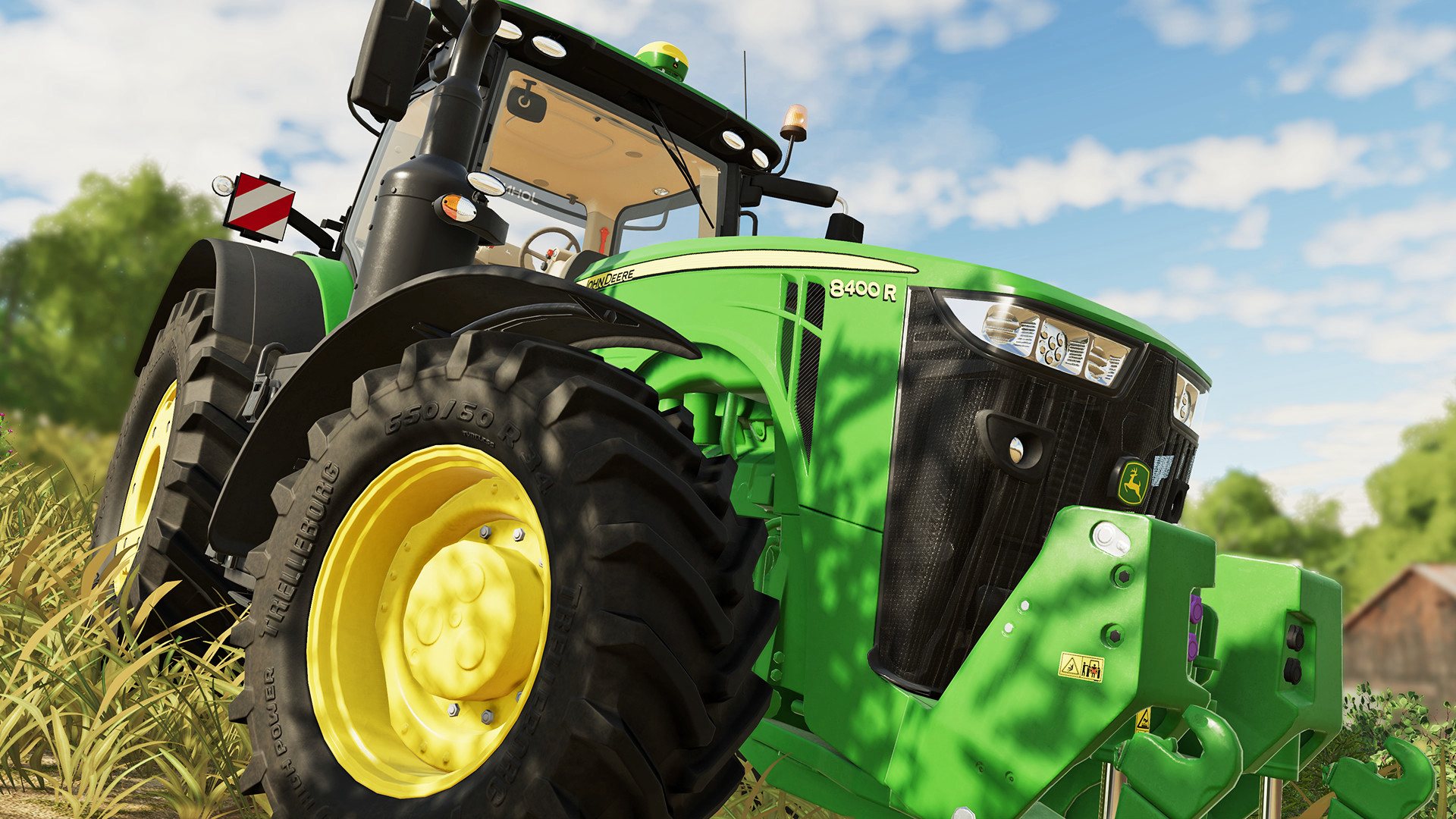
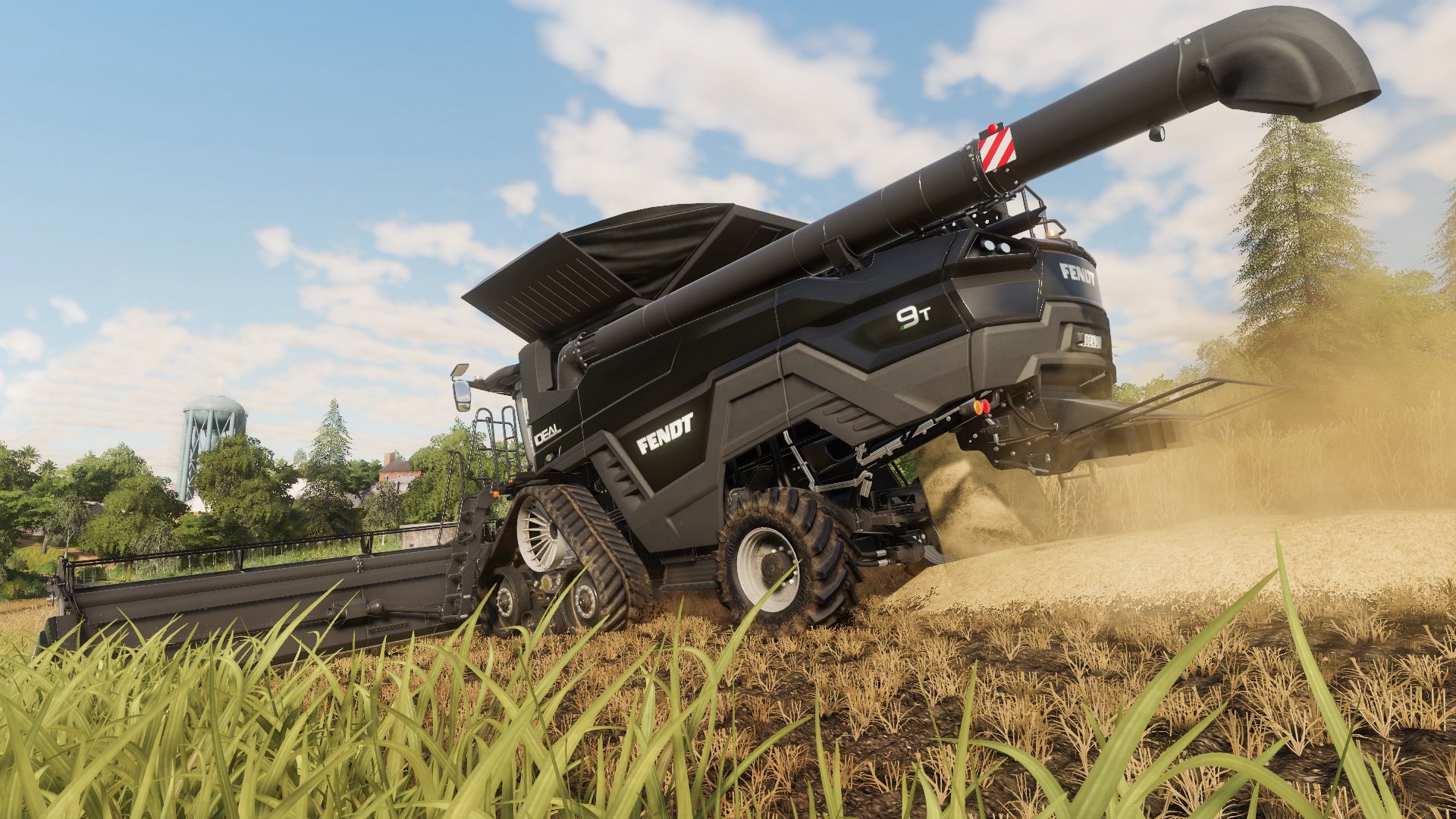
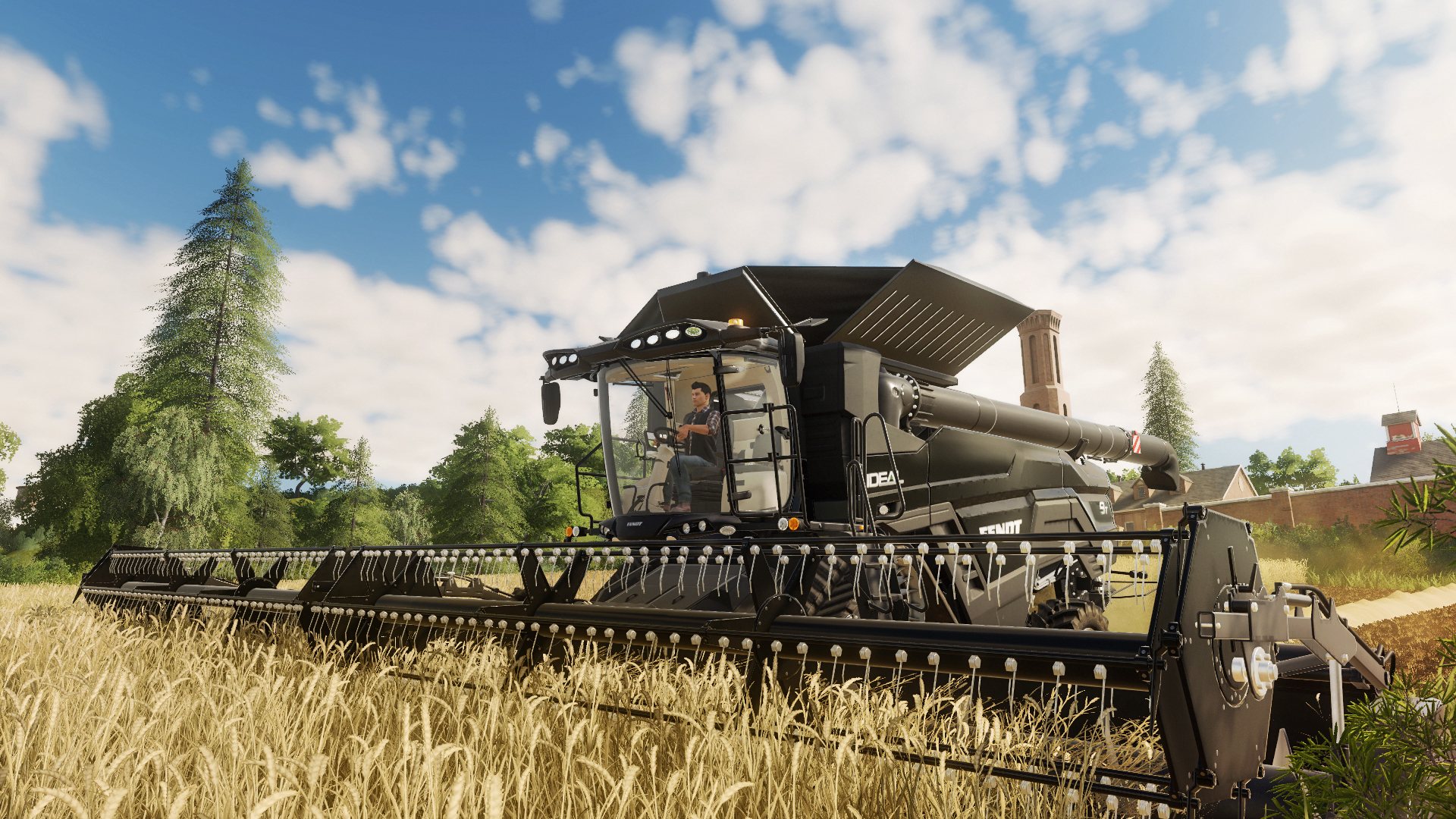
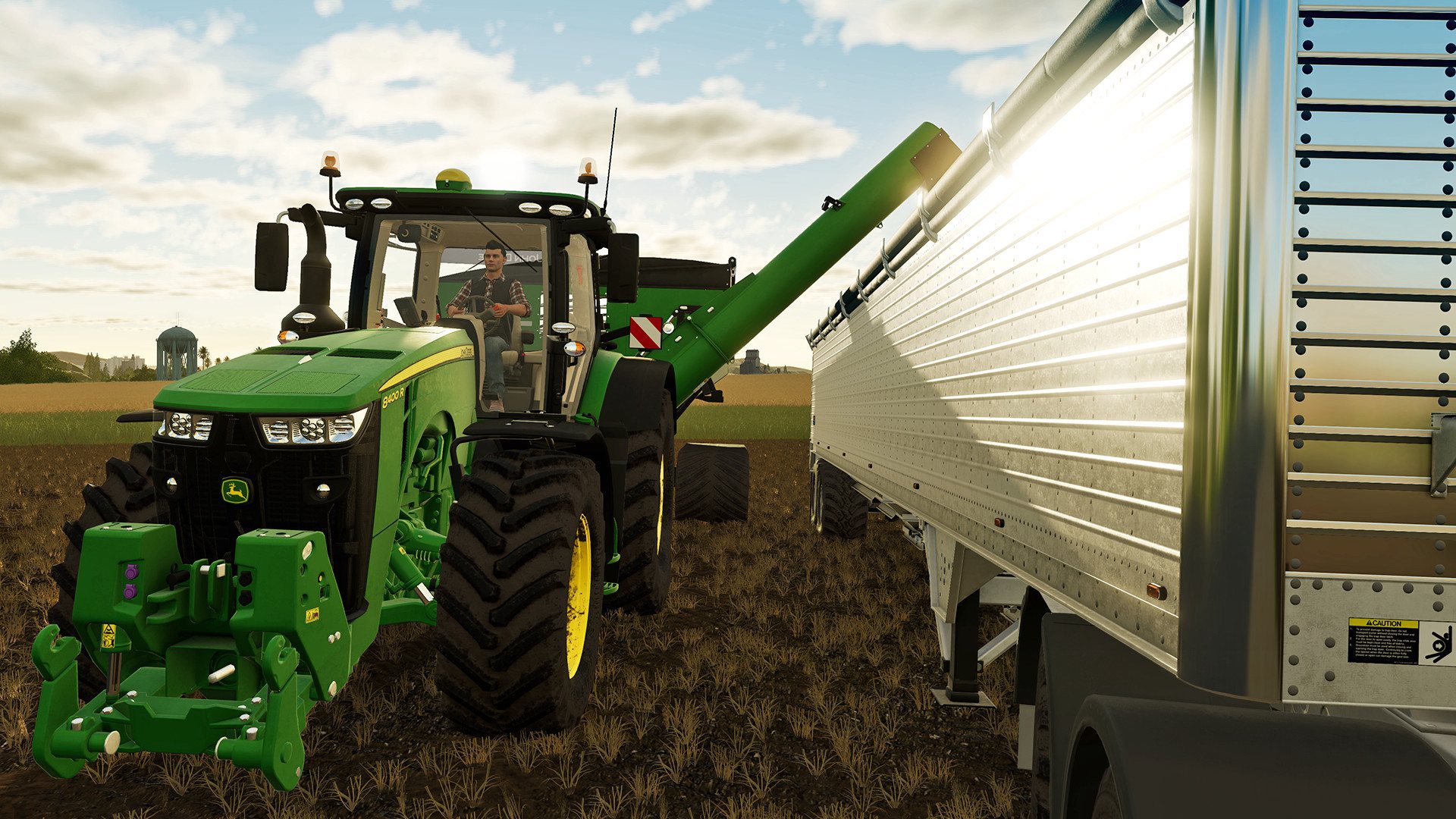
Get a wealth of additional vehicles from new brand CLAAS to upgrade your Farming Simulator 19. The official expansion of Farming Simulator 19 brings a host of fresh content to extend and enrich your game! For the first time in franchise history, discover CLAAS, one of the world’s leading farming brands, and its new vehicles allowing you to expand a wide range of activities such as forage harvesting and baling. Over 35 faithfully reproduced vehicles and tools from CLAAS join the already huge garage of Farming Simulator 19, including the new LEXION 8900 combine harvester and its unique technology, the JAGUAR 960 TT forage harvester for effective silage, and the powerful XERION 5000 tractor.

Farming Simulator 19 - Platinum Expansion DLC screenshotFarming Simulator 19 - Platinum Expansion DLC screenshotFarming Simulator 19 - Platinum Expansion DLC screenshotFarming Simulator 19 - Platinum Expansion DLC screenshot

How to redeem

  1. 1Check the required base game, platform and edition before purchasing.
  2. 2Find the code or supplier activation instructions in your confirmed order.
  3. 3Redeem on Xbox One using the supplied instructions, then install the add-on with the compatible base game.

Supplier instructions

Go to: http://store.steampowered.com/ and download STEAM client Click "Install Steam" (from the upper right corner) Install and start application, login with your Account name and Password (create one if you don't have). Please follow these instructions to activate a new retail purchase on Steam: Launch Steam and log into your Steam account. Click the Games Menu. Choose Activate a Product on Steam... Follow the onscreen instructions to complete the process. After successful code verification go to the "MY GAMES" tab and start downloading.

You might also like