

SteamGlobal· Key
Orborun
€0.36
+€0.04 cashback eligibility in Relic Coins
Check before you play
- Platform
- Steam
- Region
- Global
- Product type
- Key
- Publisher
- Digerati Distribution
- Genres
- Action, Indie, Casual
SteamGlobal· Key
€0.36
+€0.04 cashback eligibility in Relic Coins
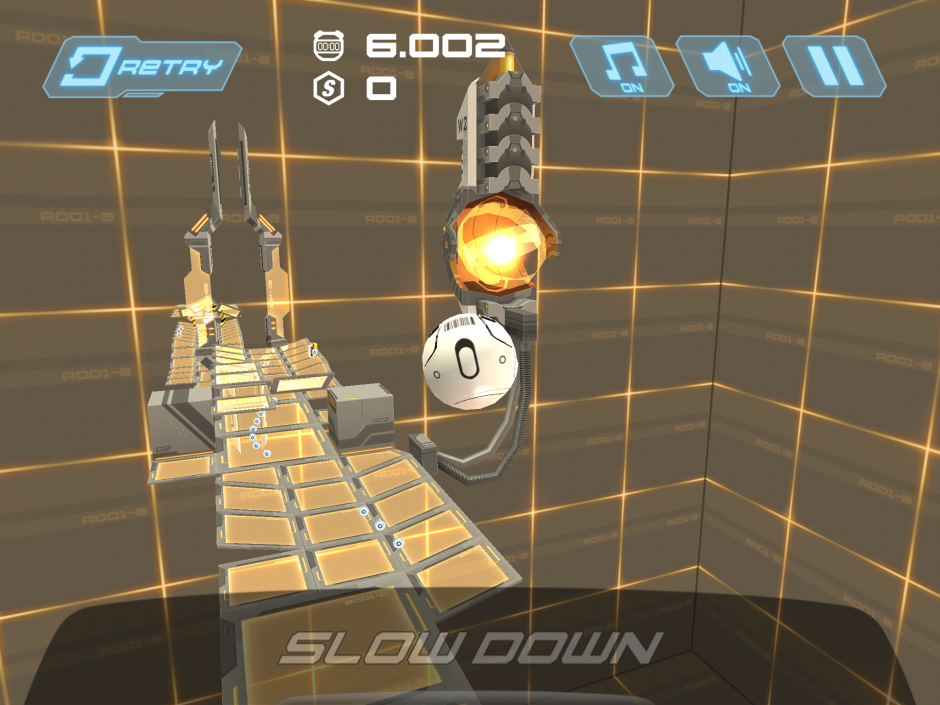
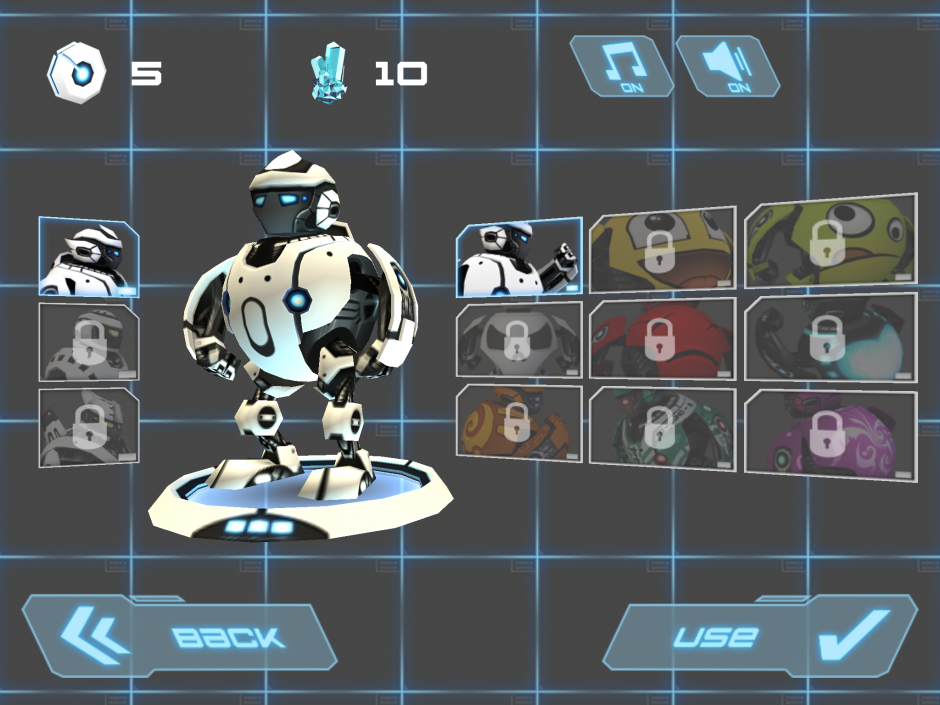
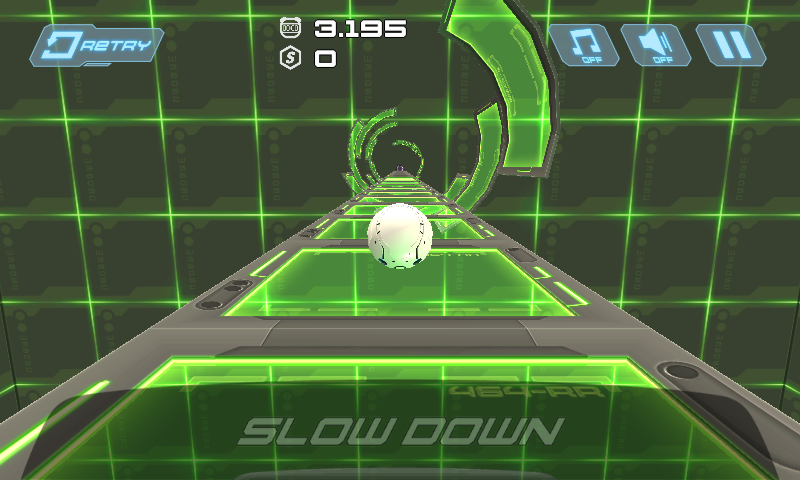
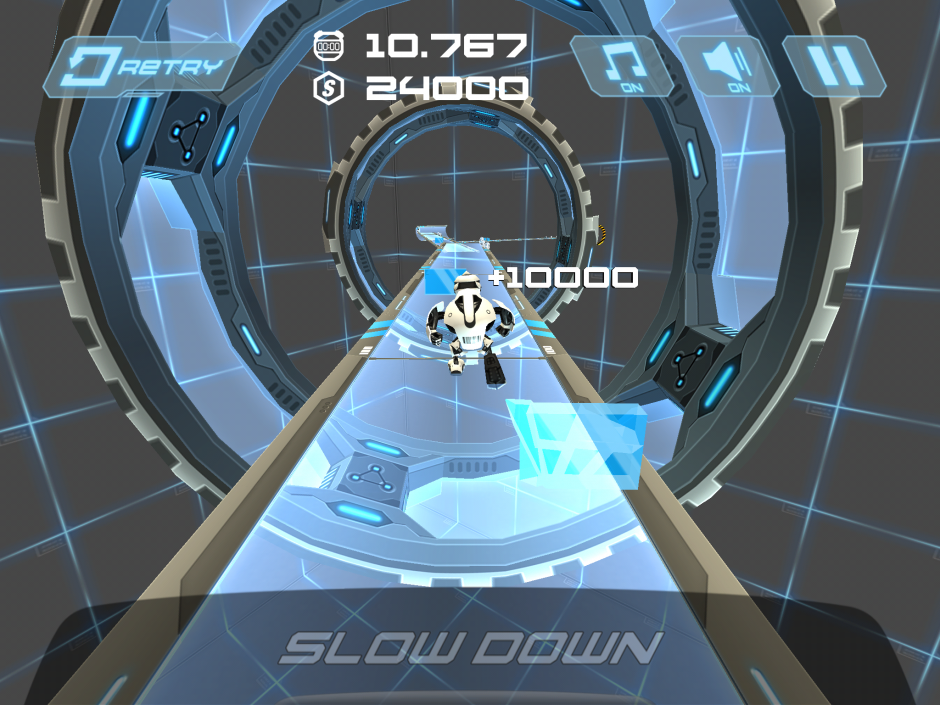
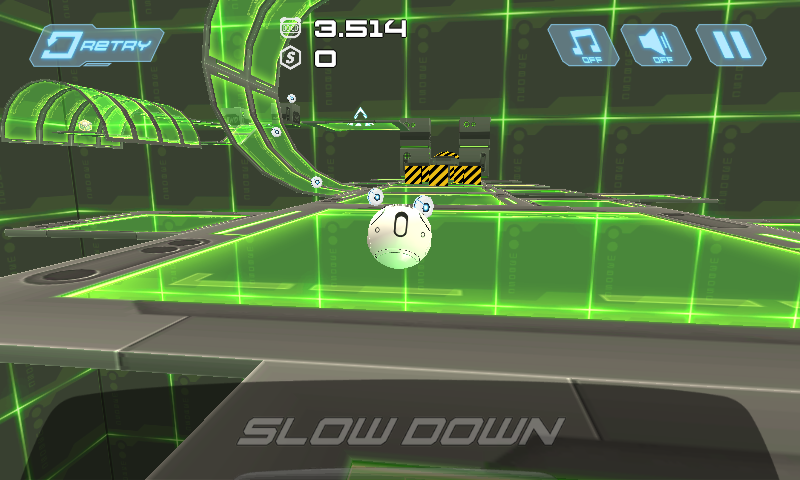
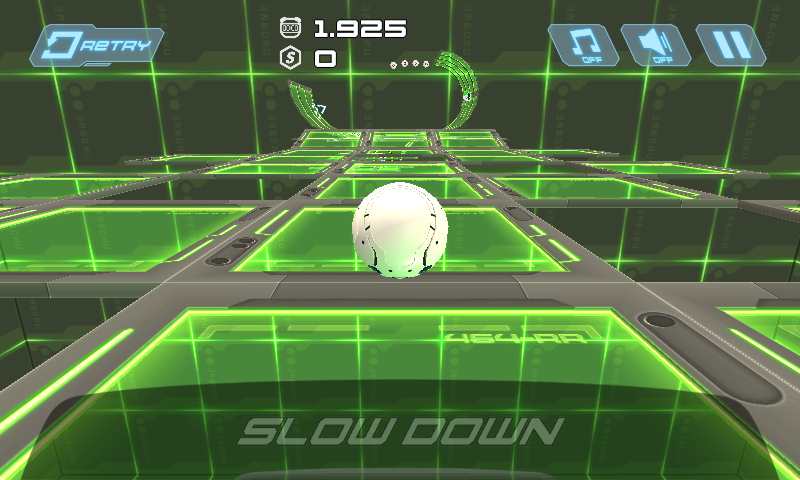
Orborun Steam Key Platforma: Steam Languages: EN Release: 5 Sep 2014 Product Description Orborun is a 3D action skill run & roll game! Control your Orbot to collect the goods, avoid the obstacles and escape the hazardous Orbo-world. Complete levels on perfect run to get more bonus. More than 100 levels, local co-op multiplayer, feeling of speed and adrenaline, twisted levels in haste/puzzle and hazard shaped different worlds and cool Orbot skins makes this game fun to play for ages. Features Fast, paced and fun Rediscover the rolling ball games genre 90+ various and rich levels in 3 robotic environments 3 different robots with 27 cool Orbots skins to unlock System requirements PC System Requirements OS: XP or later Memory: 1024 MB RAM Graphics: pretty much any card Hard Drive: 600 MB available space Mac System Requirements OS: OS X 10.6 or later Memory: 1024 MB RAM Graphics: pretty much any card Hard Drive: 600 MB available space Linux System Requirements OS: Ubuntu 12.04 or later Memory: 1024 MB RAM Graphics: pretty much any card Hard Drive: 600 MB available space
Go to: http://store.steampowered.com/ and download STEAM client Click "Install Steam" (from the upper right corner) Install and start application, login with your Account name and Password (create one if you don't have). Please follow these instructions to activate a new retail purchase on Steam: Launch Steam and log into your Steam account. Click the Games Menu. Choose Activate a Product on Steam... Follow the onscreen instructions to complete the process. After successful code verification go to the "MY GAMES" tab and start downloading.