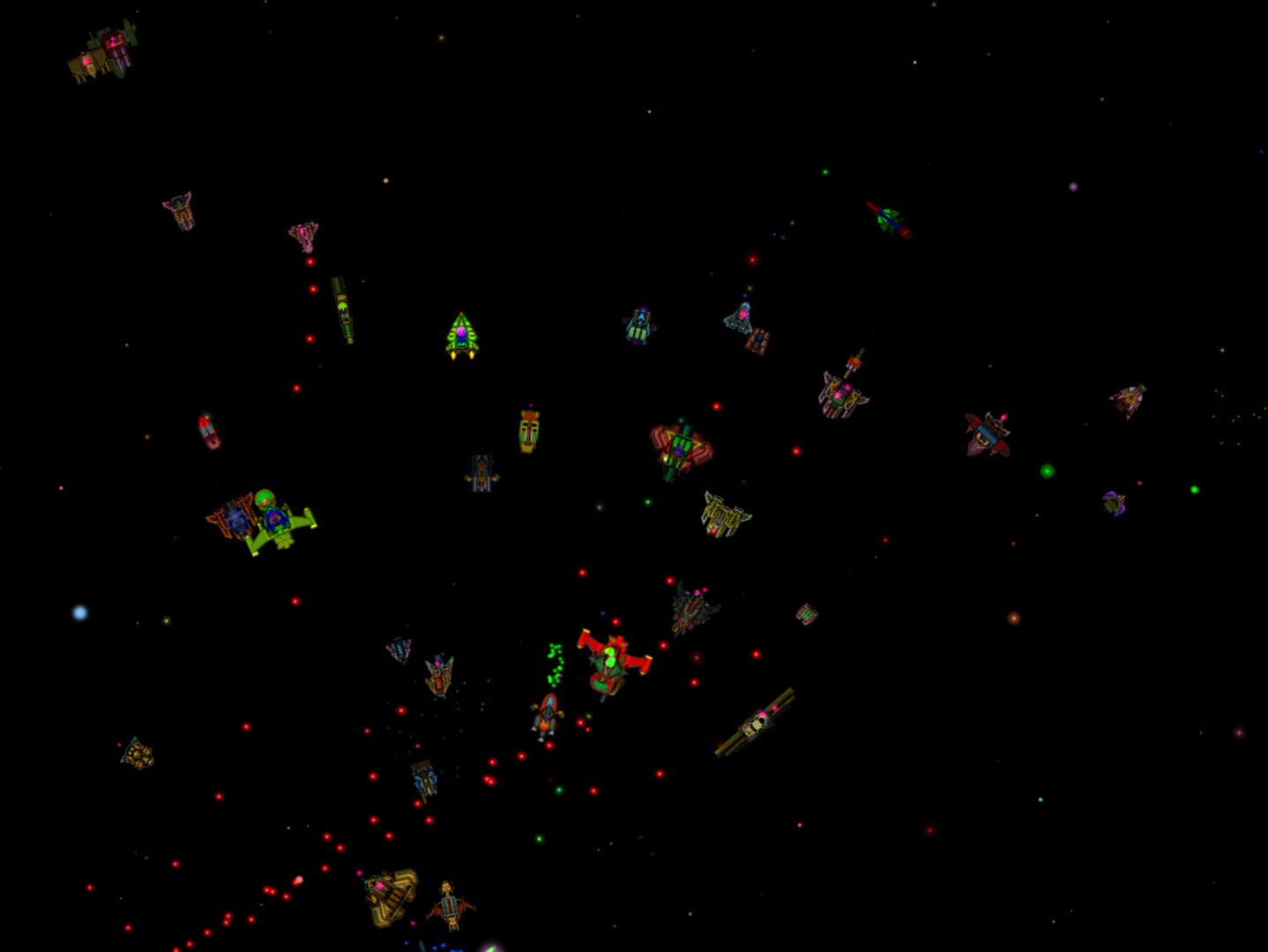
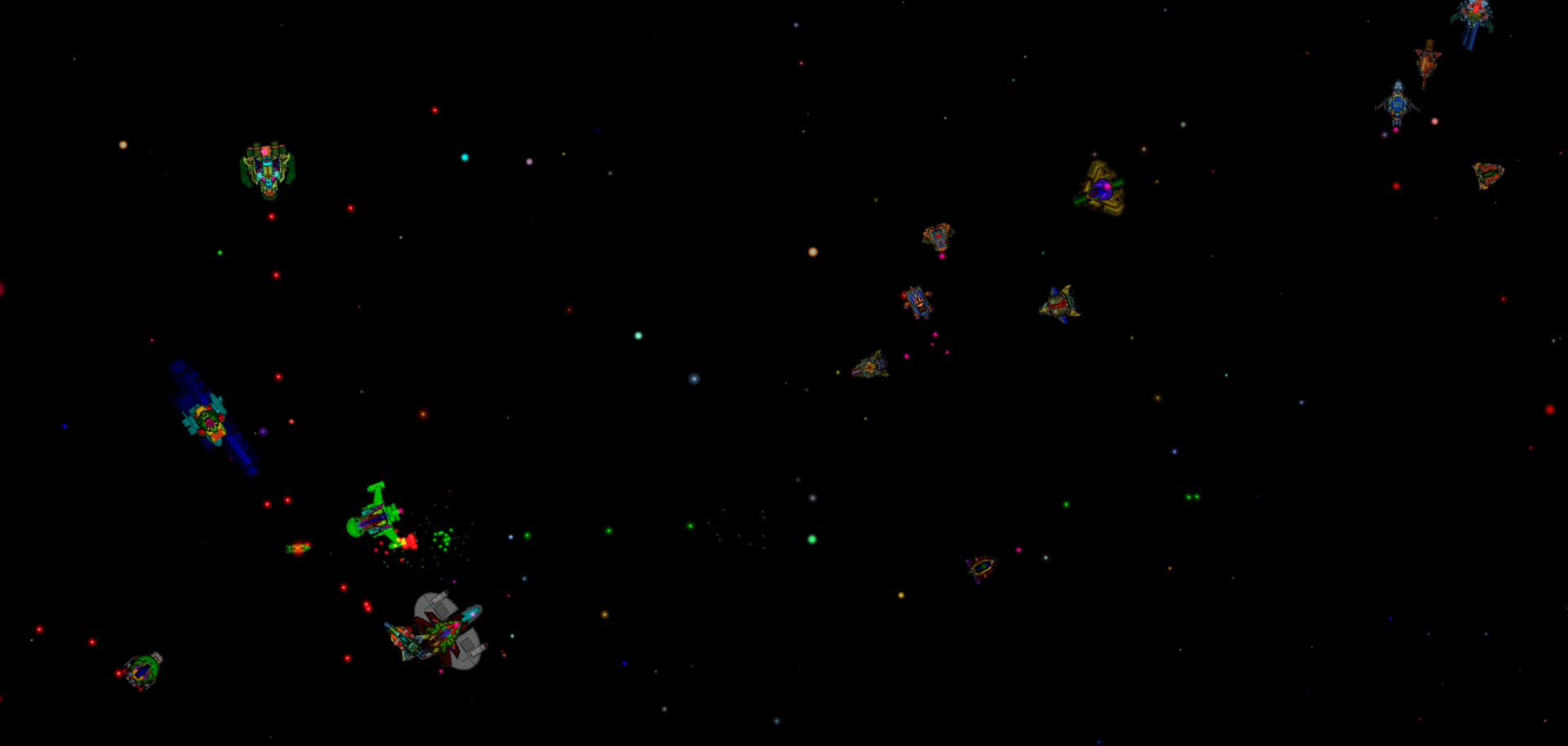
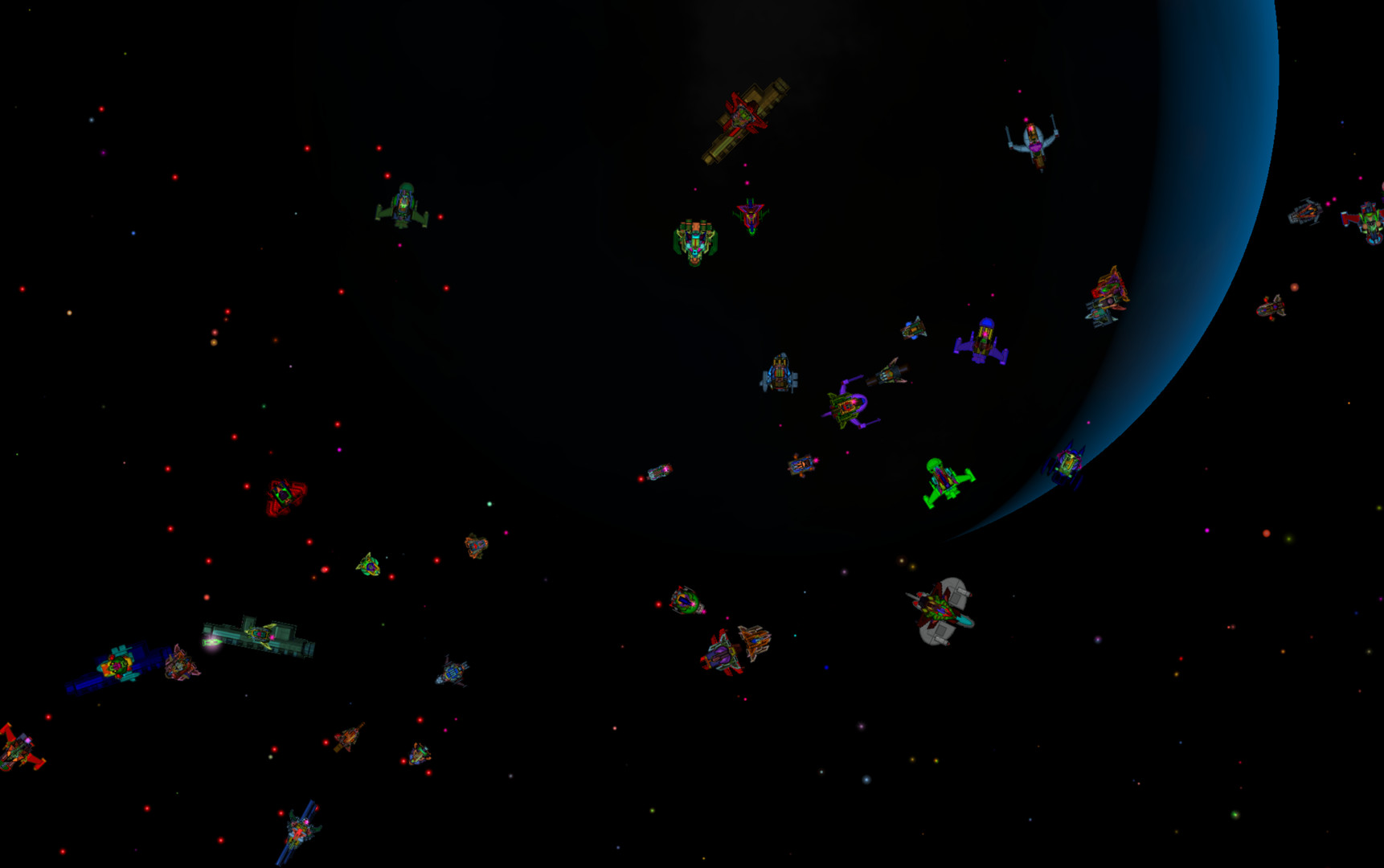
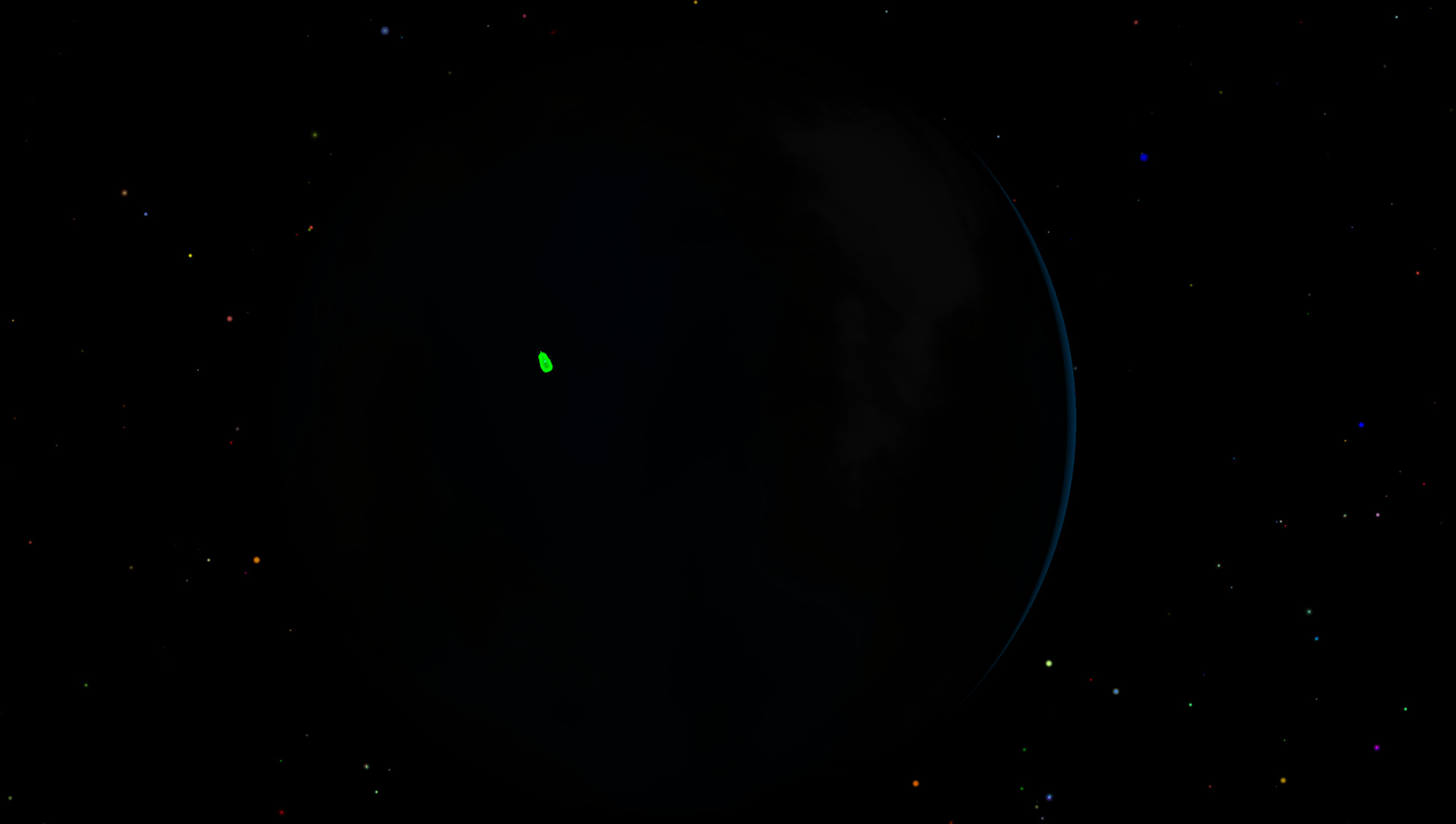
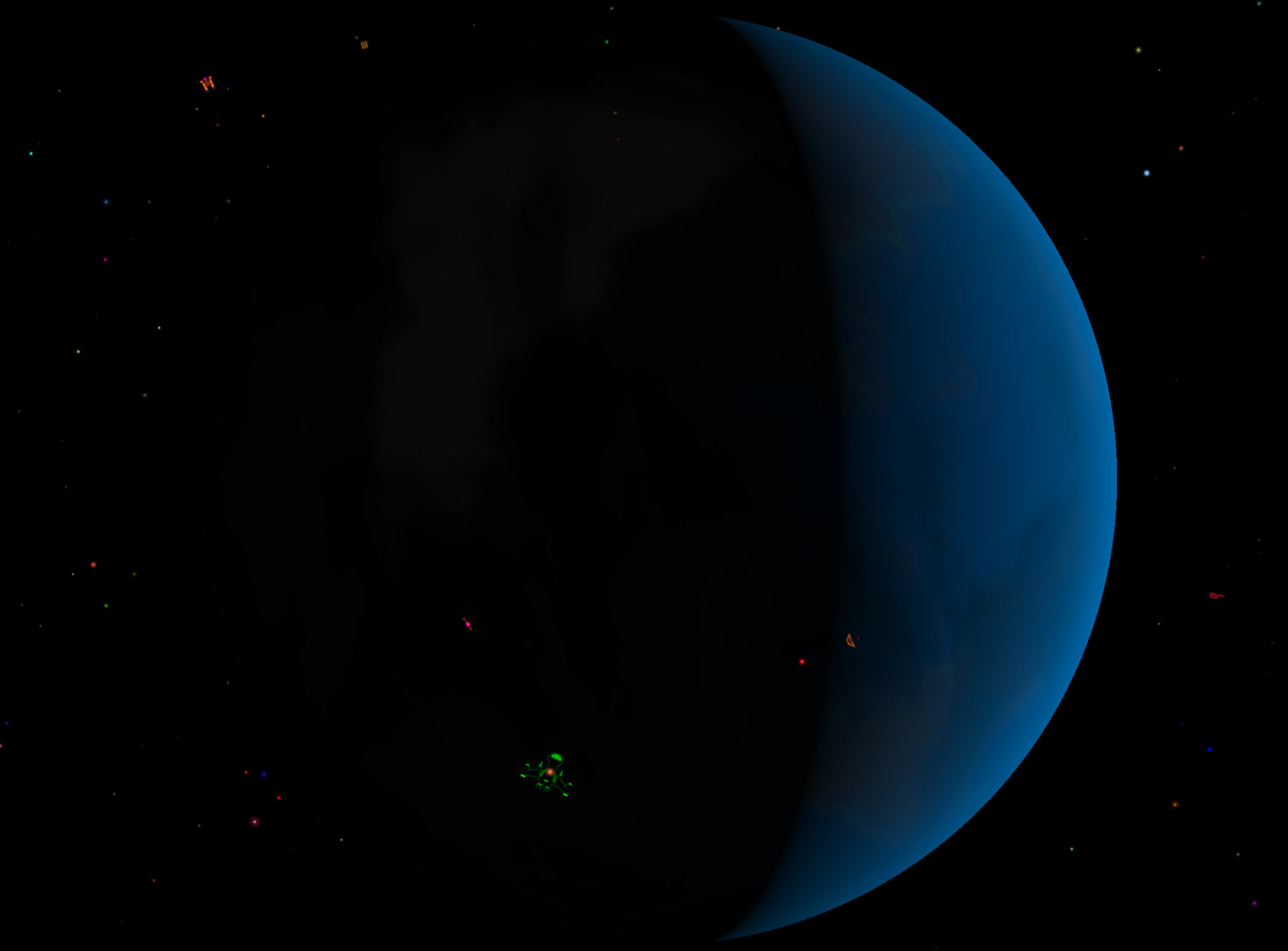
Apolune is a minimalist, endless procedural evolutionary space war. Enjoy fighting wave after wave of enemy starships in a classic "2D" simulation that evolves and mutates as you fight on, victorious. Defend the Earth from hordes of vile aliens in your simple craft: point-and-shoot. Fight while orbiting far away stars, dark rogue planets, bizarre alien worlds and deep interstellar objects. Contemplate your place in the endless galaxy. Compare previous session statistics with your current standing. Achieve milestones and upload to Steam databank. Test your might against the world!The beauty is in what you will discover.Controls: Keyboard only (or Steam controller!) Navigator: WASD + Left CTRL Gunner: Right CTRL + Left + Right arrow keys Requires mouse to click menu buttons. Two-Player Co-op Two Ways!1) Local co-op can be achieved by sharing the hot-seat: one person is the navigator (left side of keyboard), the other is the gunner (right side of keyboard) in the same ship.2) Hit "Y" or "U" to activate second player controls: F T G H I K J L (Turn) Y U (Shoot)*** Use the Steam launch menu option "Show Manual" to learn about the "true" Two Player option that allows you to map a controller to control the Astronaut in a one-of-a-kind second player tethered experience on a shared screen (local hot seat / co-op). Additionally, you can learn about advanced "Launch Options" like resolution support, and more!Supports Matrox Triple and Dual Head2Go multi-monitor systems!