Get 10% back in Relic Coins on every order
Ghost in the pool cover

SteamGlobal· Key

Ghost in the pool

€2.91

+€0.29 cashback eligibility in Relic Coins

Check before you play

Platform
Steam
Region
Global
Product type
Key
Developer
CASCHA GAMES
Publisher
CASCHA GAMES
Supplier release date
2021-01-27
Genres
Adventure, Indie, Horror, Visual Novel

About this product

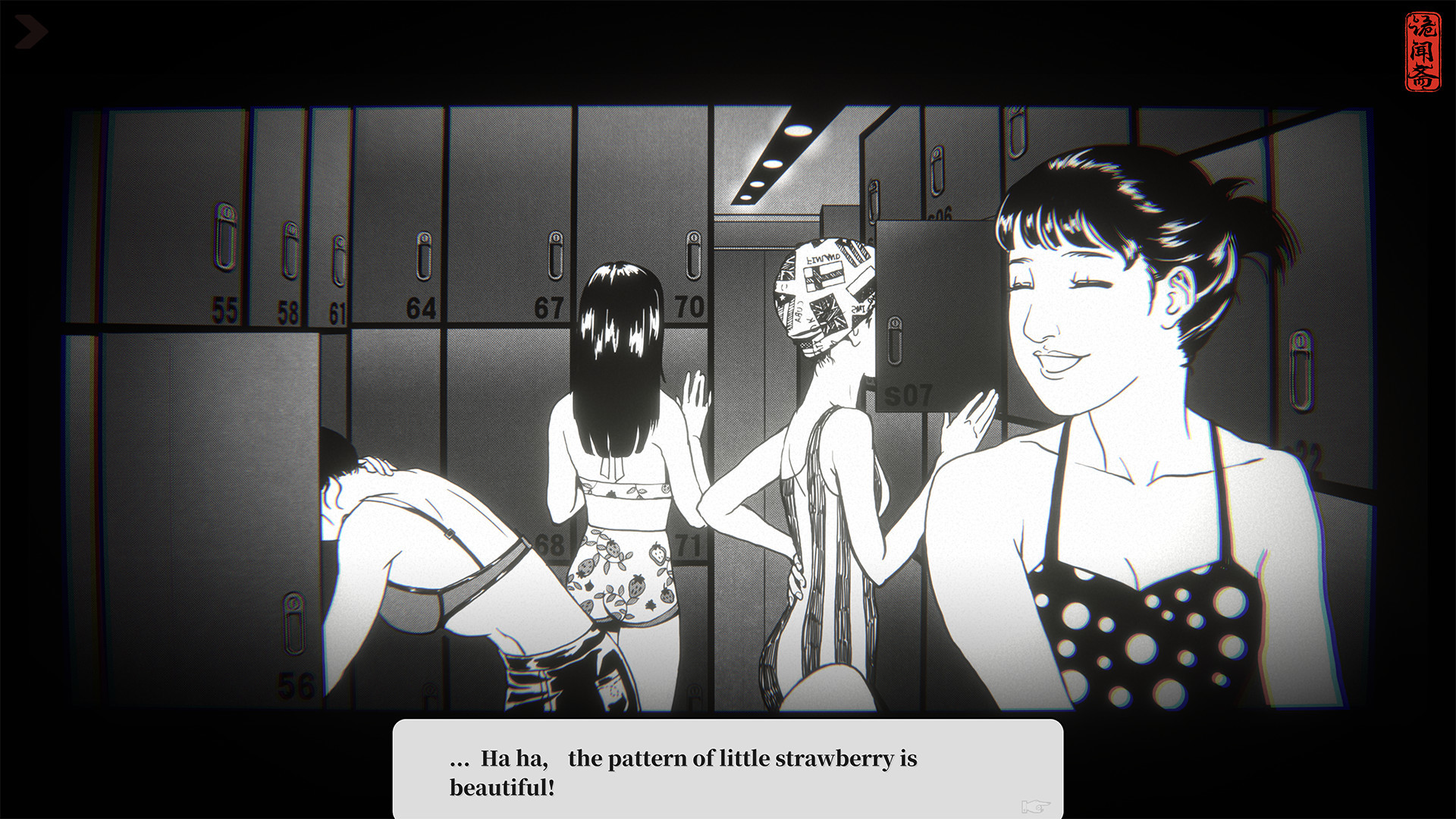
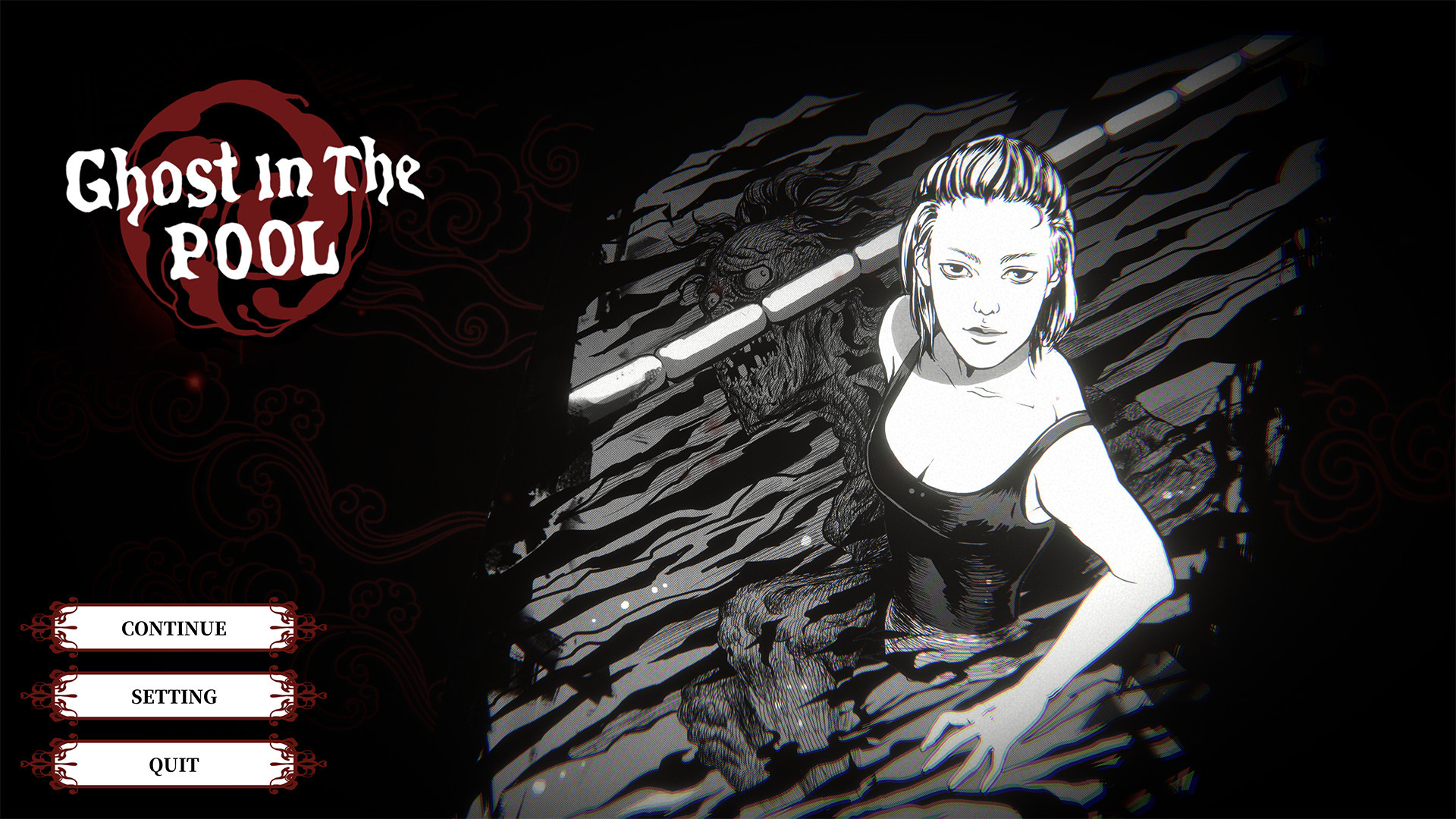
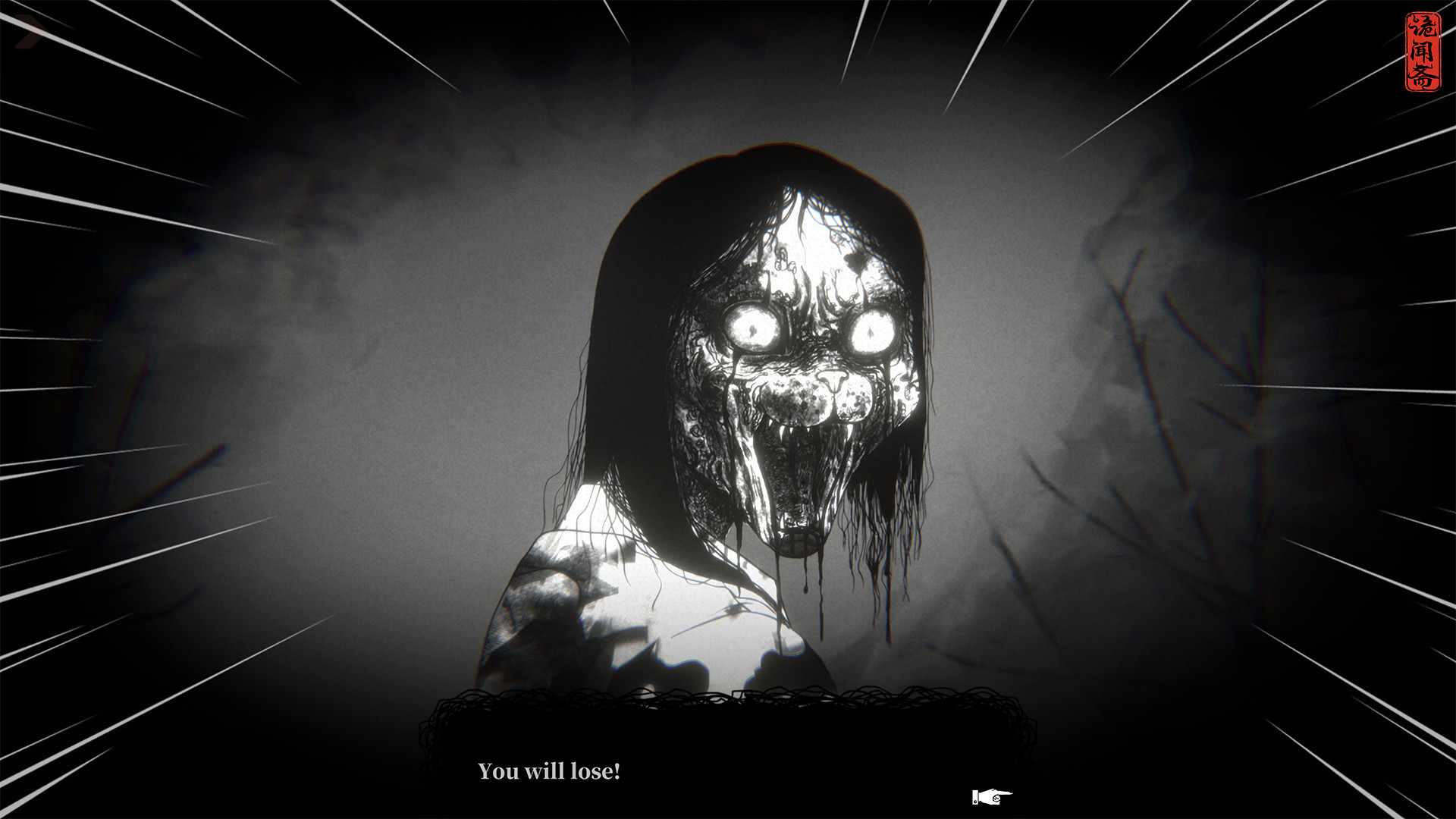
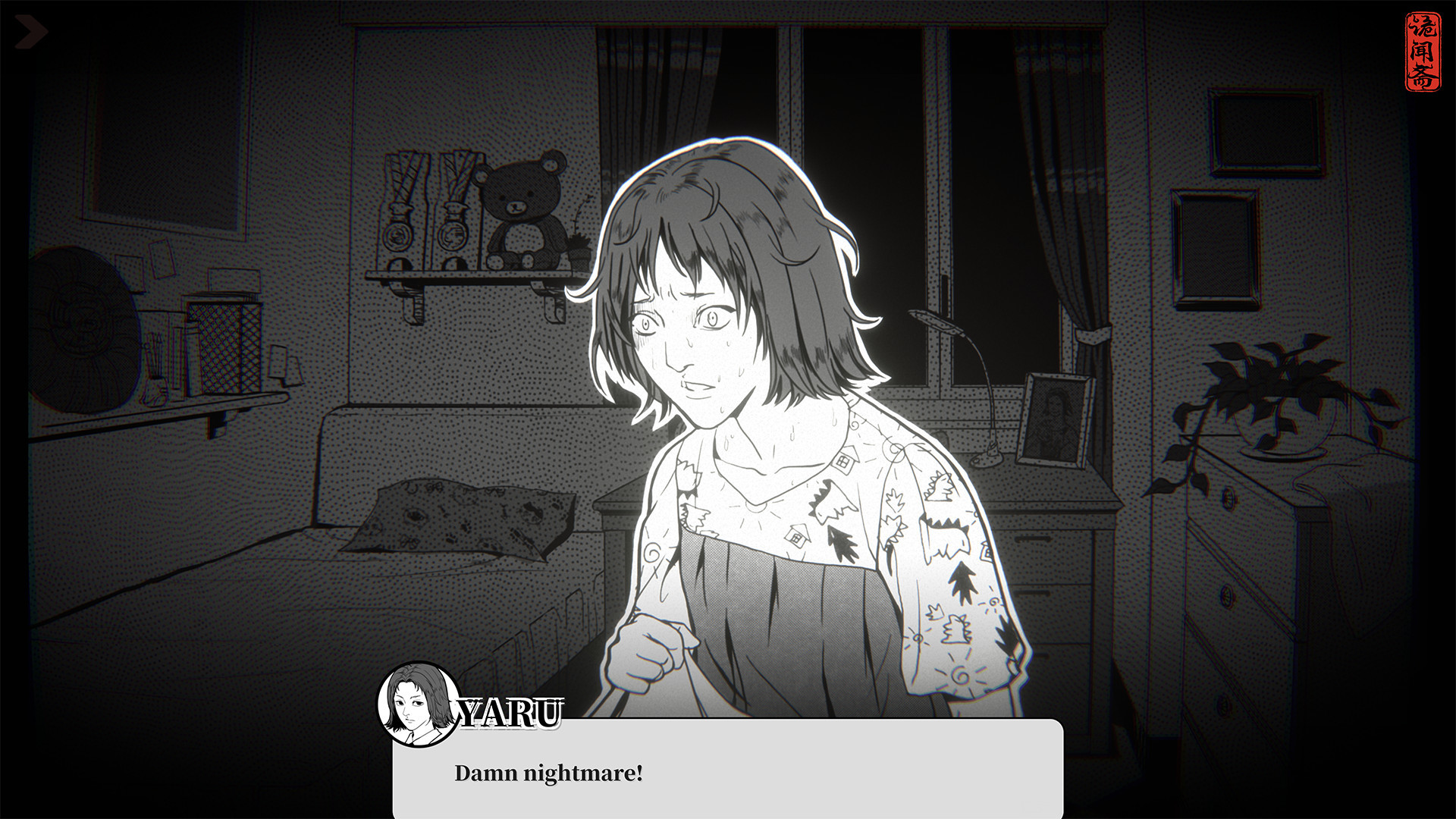
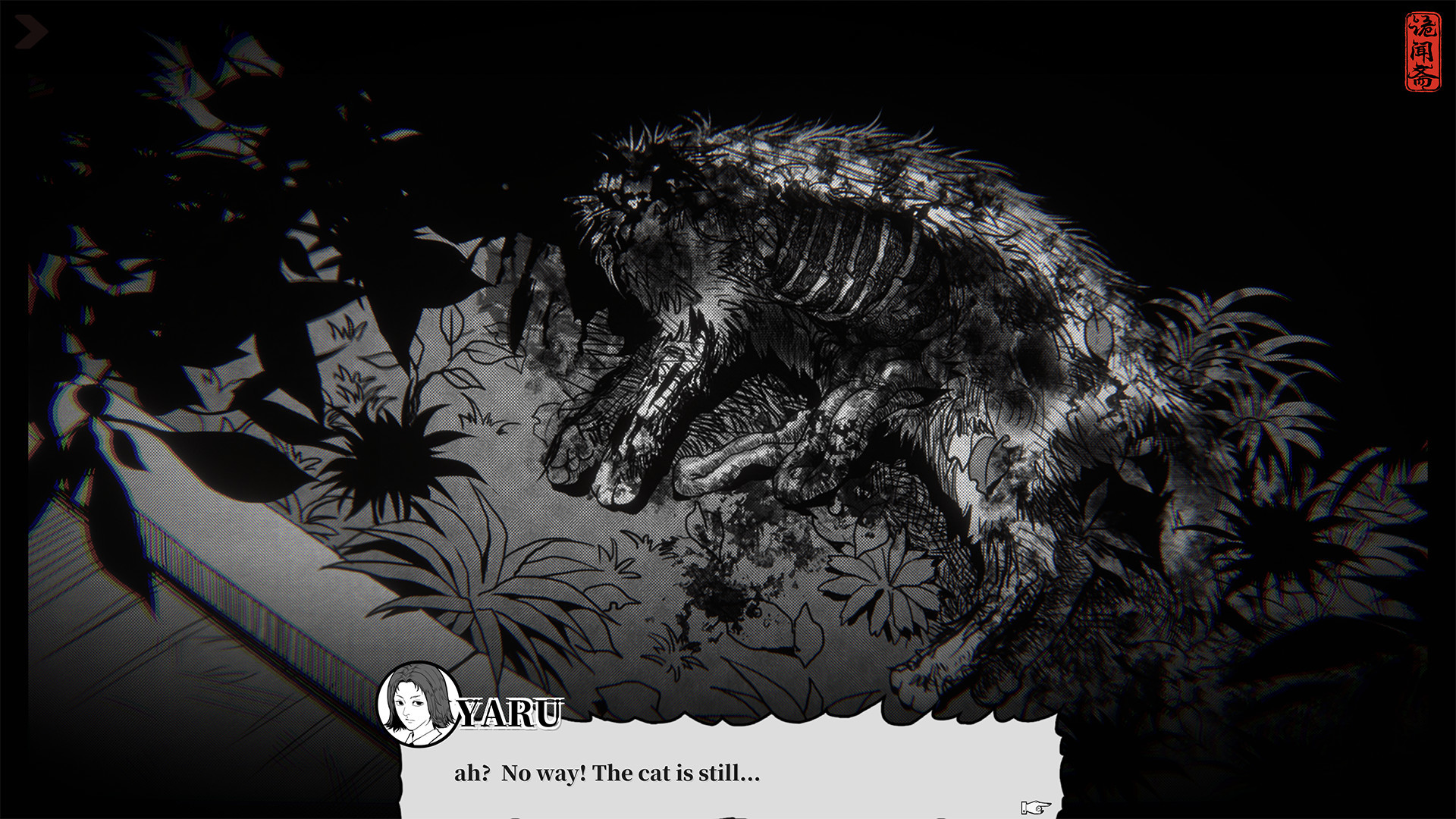
[Ghost in the pool] is a short black and white Japanese comic style campus horror visual novel game.The story and art style are both derived from the original series of horror comic “诡闻斋”.This game is recreated and developed by CASCHA and the original authors of the comic JOEY.Take you to experience different campus horror tales in a different way. It all started from a rumor that the school swimming pool has a ghost in it, Every innocent life can be the victim, especially when you go there at night. The school knows it but keep it quiet, and just simply lock the pool after day time.But, there always have some brave people who believe or not believe it, and break into the natatorium at night, and meet the horrible creature there and with no return back. Features 1 to 2 hours of the fully interactive game, including 3 main endings and multiple branches. The specific game duration depends on the gameplay you choose. More than 200 fully hand-drawn art resources, including portraits and scene backgrounds of all characters, and vivid comic strips. 6 completely original music works and rich sound effects and visual effects. Multi-language localization support. (For details, please refer to Steam's introduction) The supported languages ​​will continue to be added in subsequent updates.

Ghost in the pool screenshotGhost in the pool screenshotGhost in the pool screenshotGhost in the pool screenshotGhost in the pool screenshot

How to redeem

  1. 1Check your Steam account and the listed region before purchasing.
  2. 2Find your code and supplier activation instructions in your confirmed order.
  3. 3Open the redeem-code section on Steam, enter the code and follow the platform’s prompts.

Supplier instructions

Go to: http://store.steampowered.com/ and download STEAM client Click "Install Steam" (from the upper right corner) Install and start application, login with your Account name and Password (create one if you don't have). Please follow these instructions to activate a new retail purchase on Steam: Launch Steam and log into your Steam account. Click the Games Menu. Choose Activate a Product on Steam... Follow the onscreen instructions to complete the process. After successful code verification go to the "LIBRARY" tab and start downloading.

You might also like