Get 10% back in Relic Coins on every order
YUKI VR cover

SteamGlobal· Key

YUKI VR

€4.57

+€0.46 cashback eligibility in Relic Coins

Check before you play

Platform
Steam
Region
Global
Product type
Key
Developer
ARVORE Immersive Experiences
Publisher
ARVORE Immersive Experiences
Supplier release date
2021-07-22
Genres
Action, Adventure, Casual, Indie, Strategy

About this product

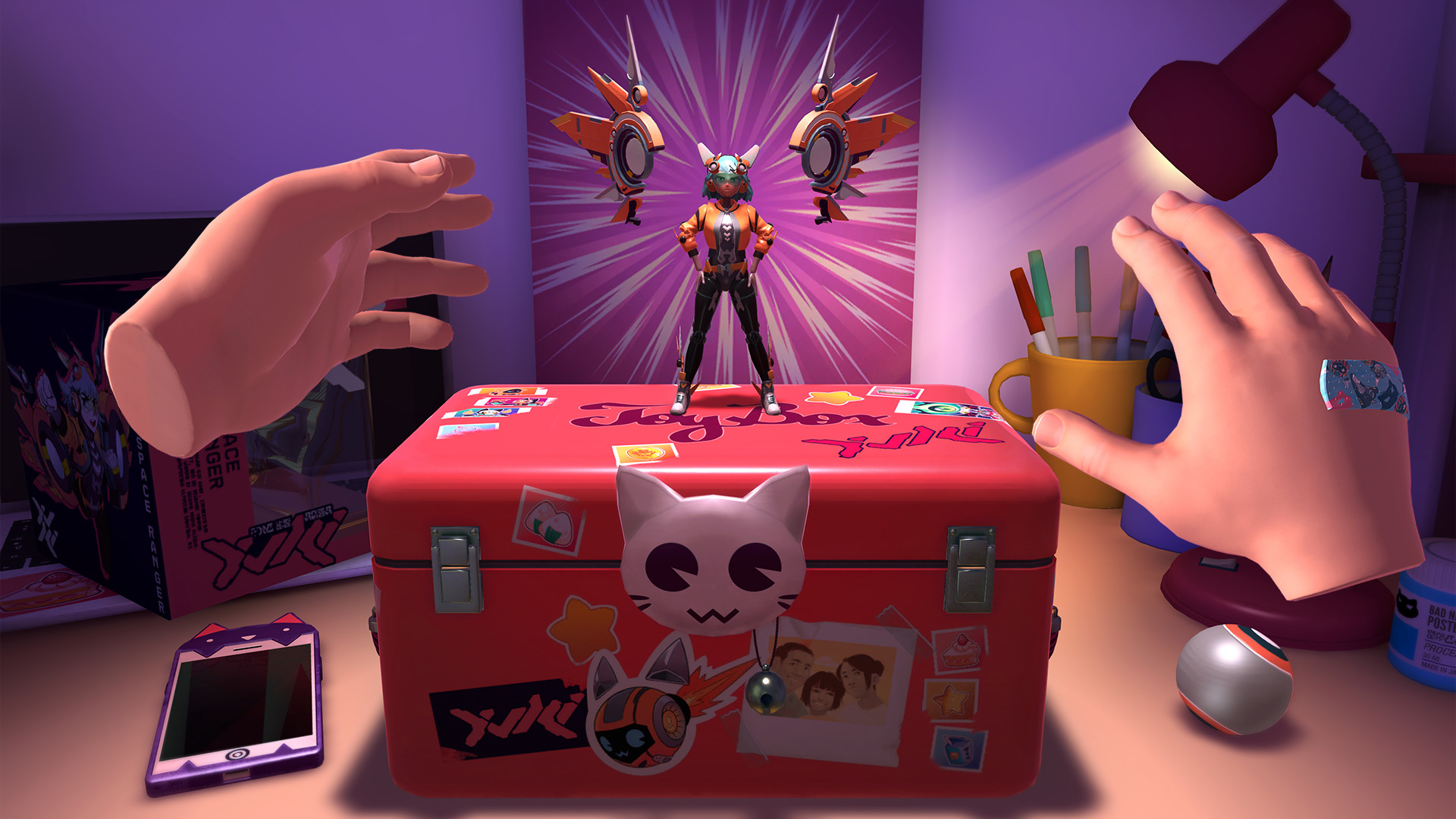
YUKI is an upbeat mix of the bullet-hell and roguelike game genres in VR, set in an incredible anime universe. Step into the wild imagination of a child and fly through multidimensional worlds holding her favorite action character, Yuki. Use your hands to fly Yuki and dodge loads of bullets and obstacles that cross your path! Groove to the sound of mesmerizing music as you maneuver through each of the new spellbinding game levels while blasting the evil Yokaliens.As you embark on this enthralling spatial VR-designed gameplay, you’ll find yourself getting into a smooth choreography with enemies, bullets, and obstacles. Collect cool power-ups to become stronger as you face new levels that surprise you every time. The more you play, the more powerful you become, and better are the chances you'll make it through. After all, a child's imagination can cease evil, and the only way to save the universe is to play like a kid!Enjoy this new experience and one of the best game releases of 2021!


YUKI VR screenshotYUKI VR screenshotYUKI VR screenshotYUKI VR screenshotYUKI VR screenshotYUKI VR screenshot

How to redeem

  1. 1Check your Steam account and the listed region before purchasing.
  2. 2Find your code and supplier activation instructions in your confirmed order.
  3. 3Open the redeem-code section on Steam, enter the code and follow the platform’s prompts.

Supplier instructions

Go to: http://store.steampowered.com/ and download STEAM client Click "Install Steam" (from the upper right corner) Install and start application, login with your Account name and Password (create one if you don't have). Please follow these instructions to activate a new retail purchase on Steam: Launch Steam and log into your Steam account. Click the Games Menu. Choose Activate a Product on Steam... Follow the onscreen instructions to complete the process. After successful code verification go to the "LIBRARY" tab and start downloading.

You might also like