Get 10% back in Relic Coins on every order
Bud Spencer & Terence Hill - Slaps And Beans cover

Xbox Series X|S Europe - All Countries· Key

Bud Spencer & Terence Hill - Slaps And Beans

€19.91

+€1.99 cashback eligibility in Relic Coins

Check before you play

Platform
Xbox Series X|S
Region
Europe - All Countries
Product type
Key
Developer
Trinity Team srls
Publisher
Buddy Productions GmbH
Supplier release date
2017-12-15
Genres
Action, Adventure, Indie

About this product

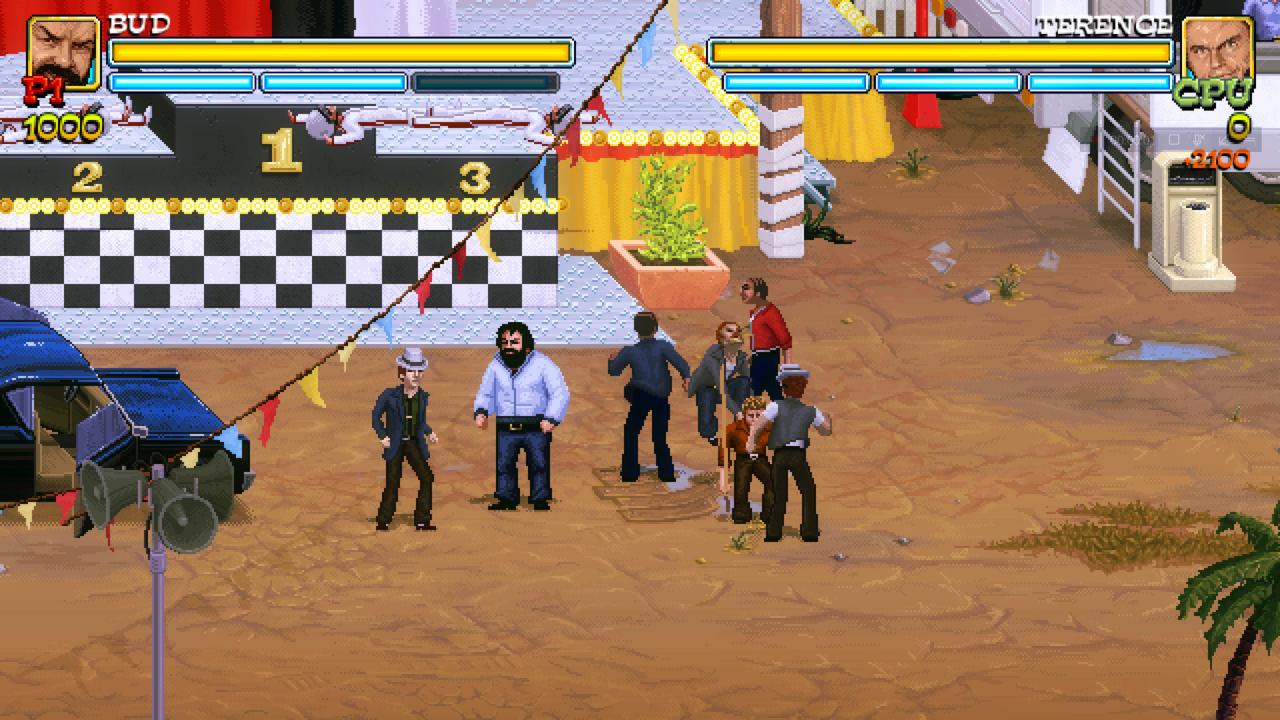
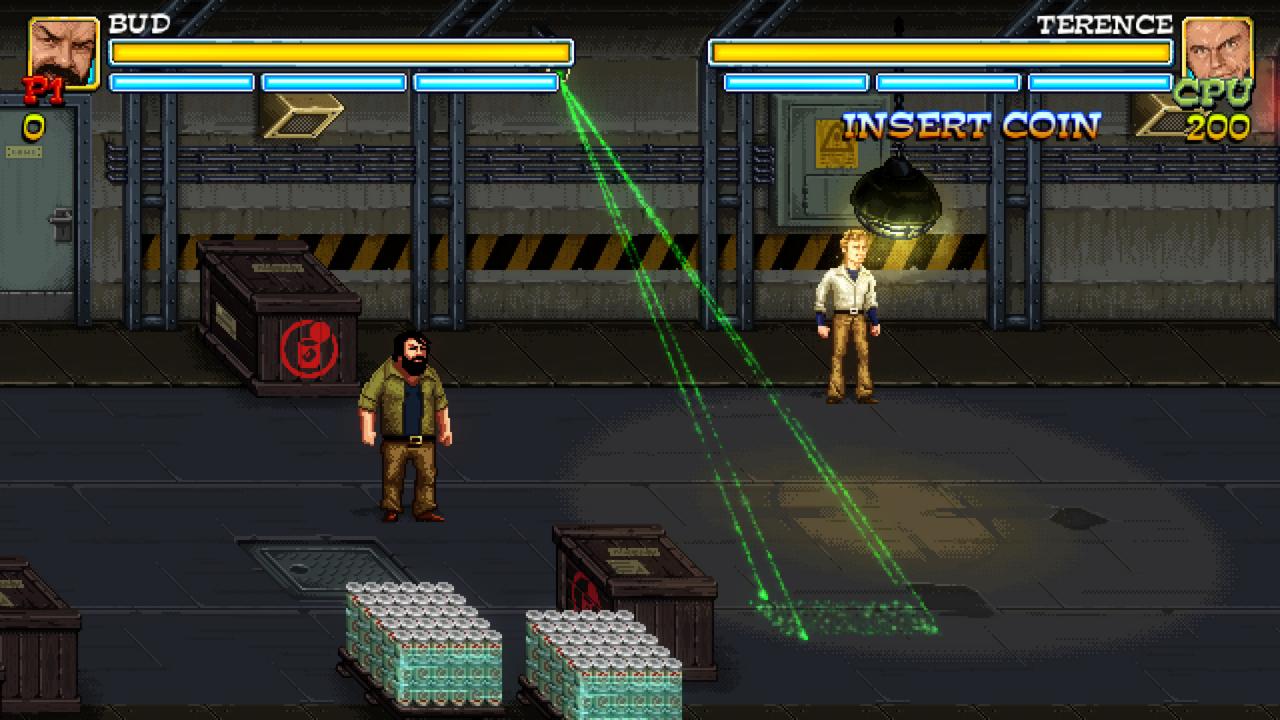
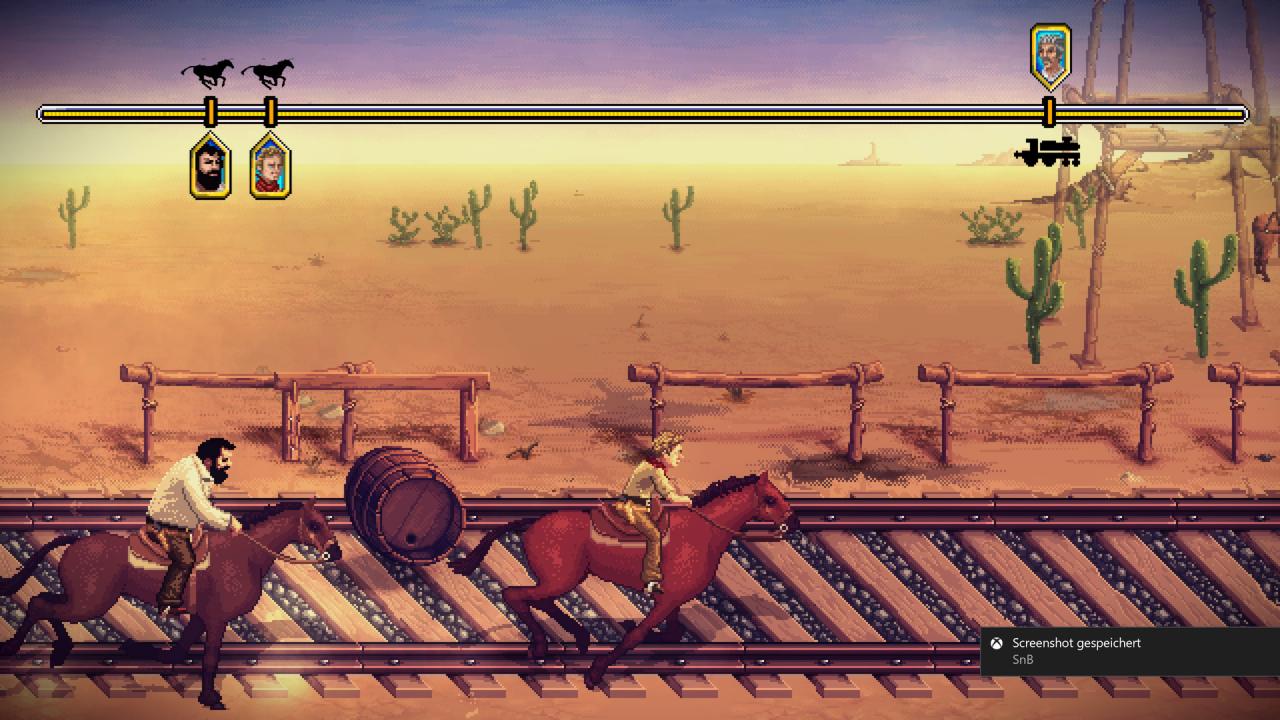
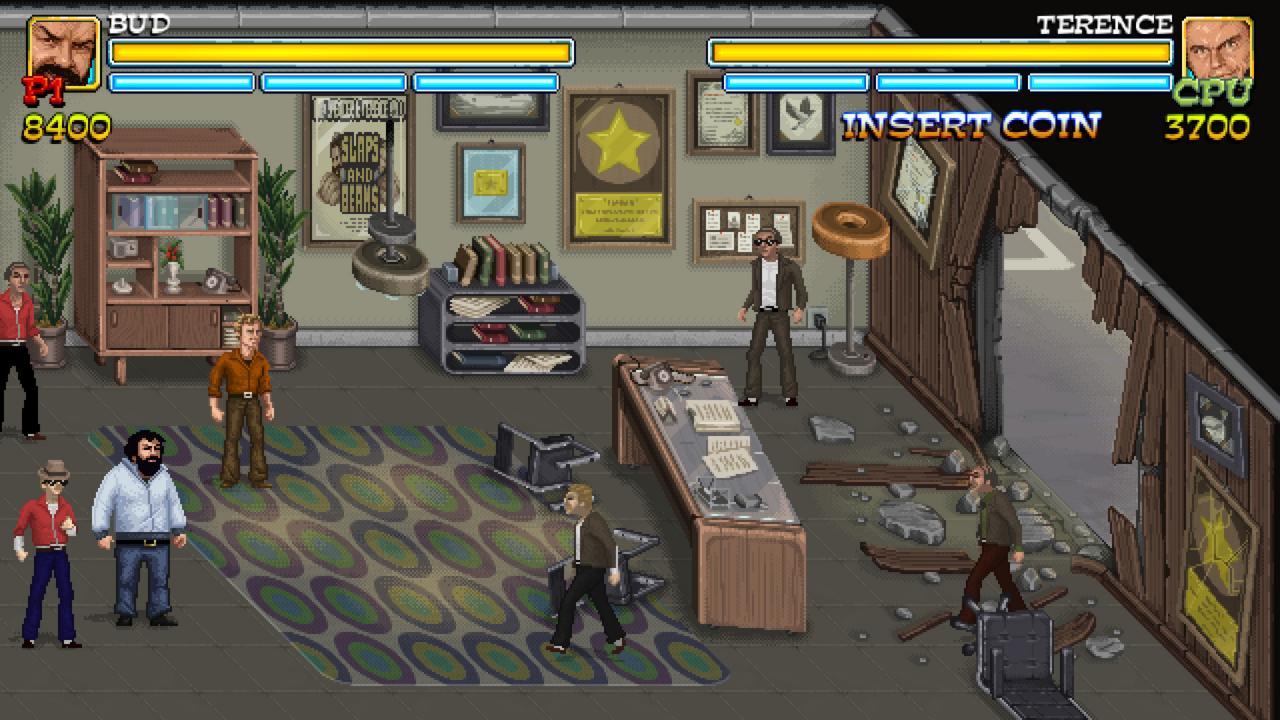
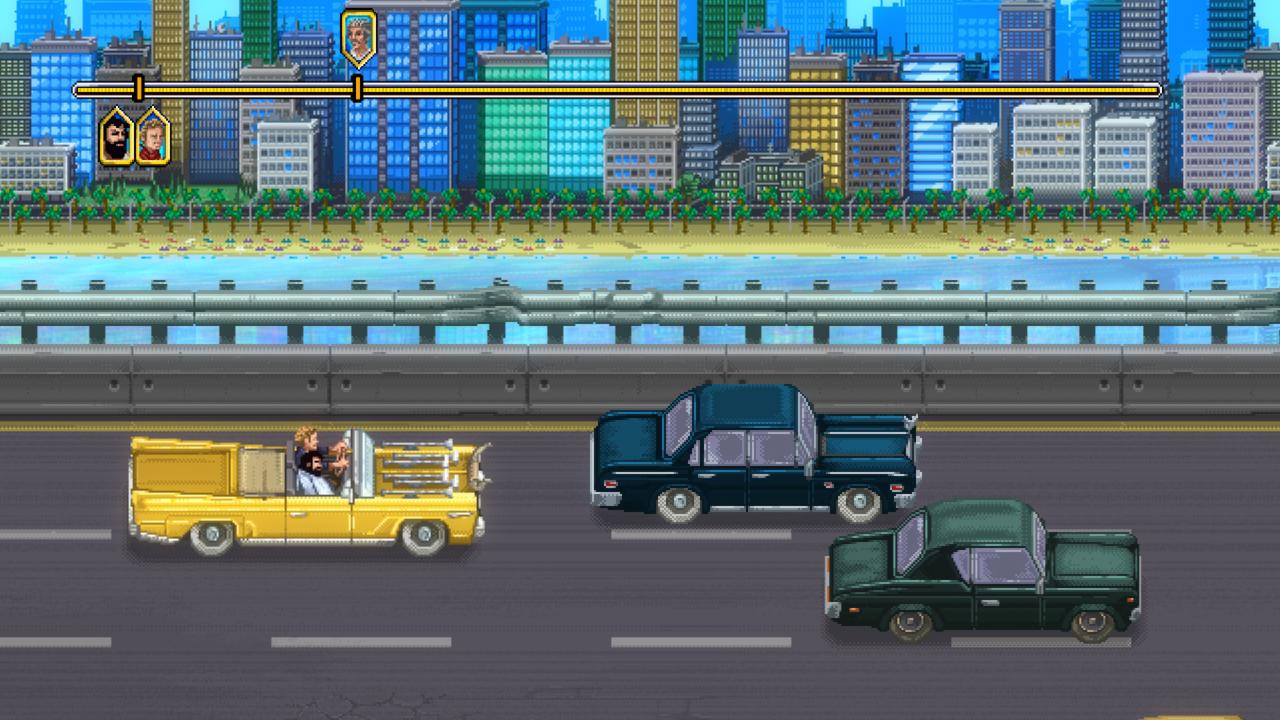
Bud Spencer and Terence Hill in their first virtual adventure. A brand new story! Whether in the Western Saloon, Miami Downtown, at the fairground etc... you'll get the full load of funny conversation, slaps and of course lots of mass brawls. Slaps And Beans is a co-operative or single player scrolling beat’em up game with the addition of platform elements and mini-games in which you'll interpret the characters of Bud Spencer and Terence Hill. Features Retro pixel art graphics Bud Spencer & Terence Hill style fighting system Co-op multiplayer Mini-games A red Dune Buggy with a yellow tarp A lot of slaps and a lot of beans (obviously)

Bud Spencer & Terence Hill - Slaps And Beans screenshotBud Spencer & Terence Hill - Slaps And Beans screenshotBud Spencer & Terence Hill - Slaps And Beans screenshotBud Spencer & Terence Hill - Slaps And Beans screenshotBud Spencer & Terence Hill - Slaps And Beans screenshotBud Spencer & Terence Hill - Slaps And Beans screenshot

How to redeem

  1. 1Check your Xbox Series X|S account and the listed region before purchasing.
  2. 2Find your code and supplier activation instructions in your confirmed order.
  3. 3Open the redeem-code section on Xbox Series X|S, enter the code and follow the platform’s prompts.

Supplier instructions

Go to: http://store.steampowered.com/ and download STEAM client Click "Install Steam" (from the upper right corner) Install and start application, login with your Account name and Password (create one if you don't have). Please follow these instructions to activate a new retail purchase on Steam: Launch Steam and log into your Steam account. Click the Games Menu. Choose Activate a Product on Steam... Follow the onscreen instructions to complete the process. After successful code verification go to the "MY GAMES" tab and start downloading.

You might also like