Get 10% back in Relic Coins on every order
Guild of Ascension cover

SteamGlobal· Key

Guild of Ascension

€0.99

+€0.10 cashback eligibility in Relic Coins

Check before you play

Platform
Steam
Region
Global
Product type
Key
Developer
WhileOne Productions
Publisher
PID Games
Supplier release date
2021-09-21
Genres
Action, Adventure, Indie, RPG, Strategy

About this product

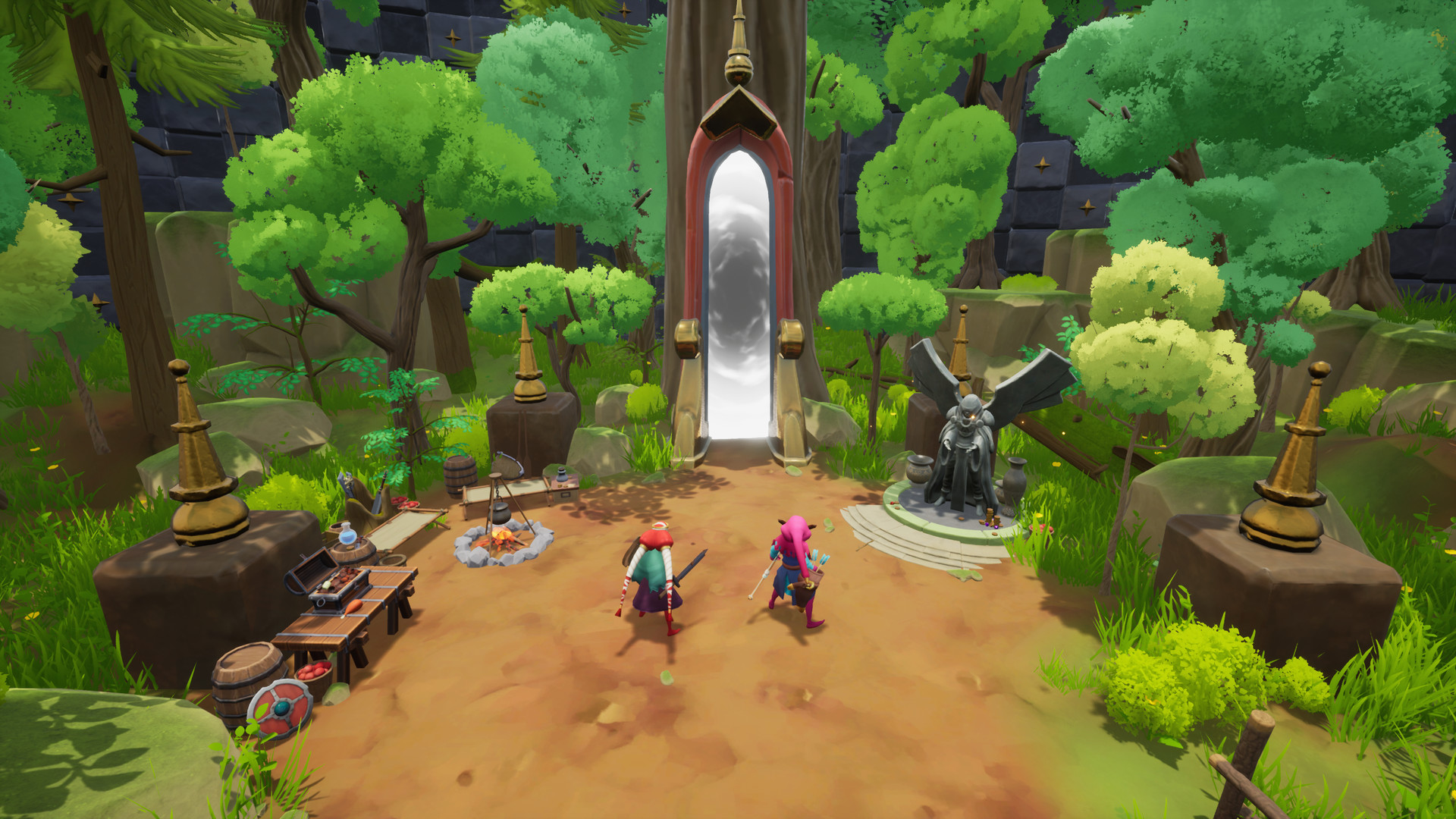
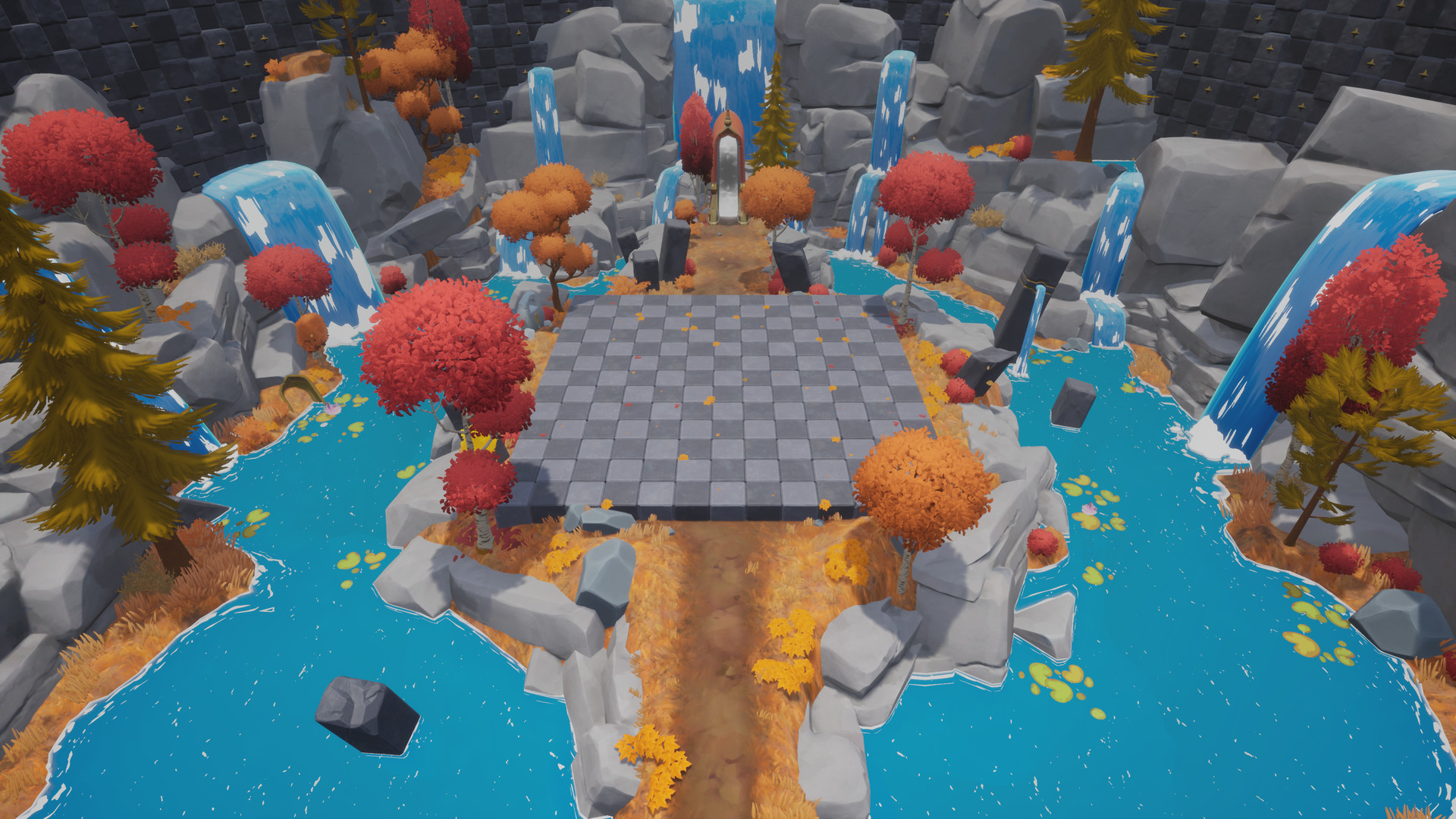
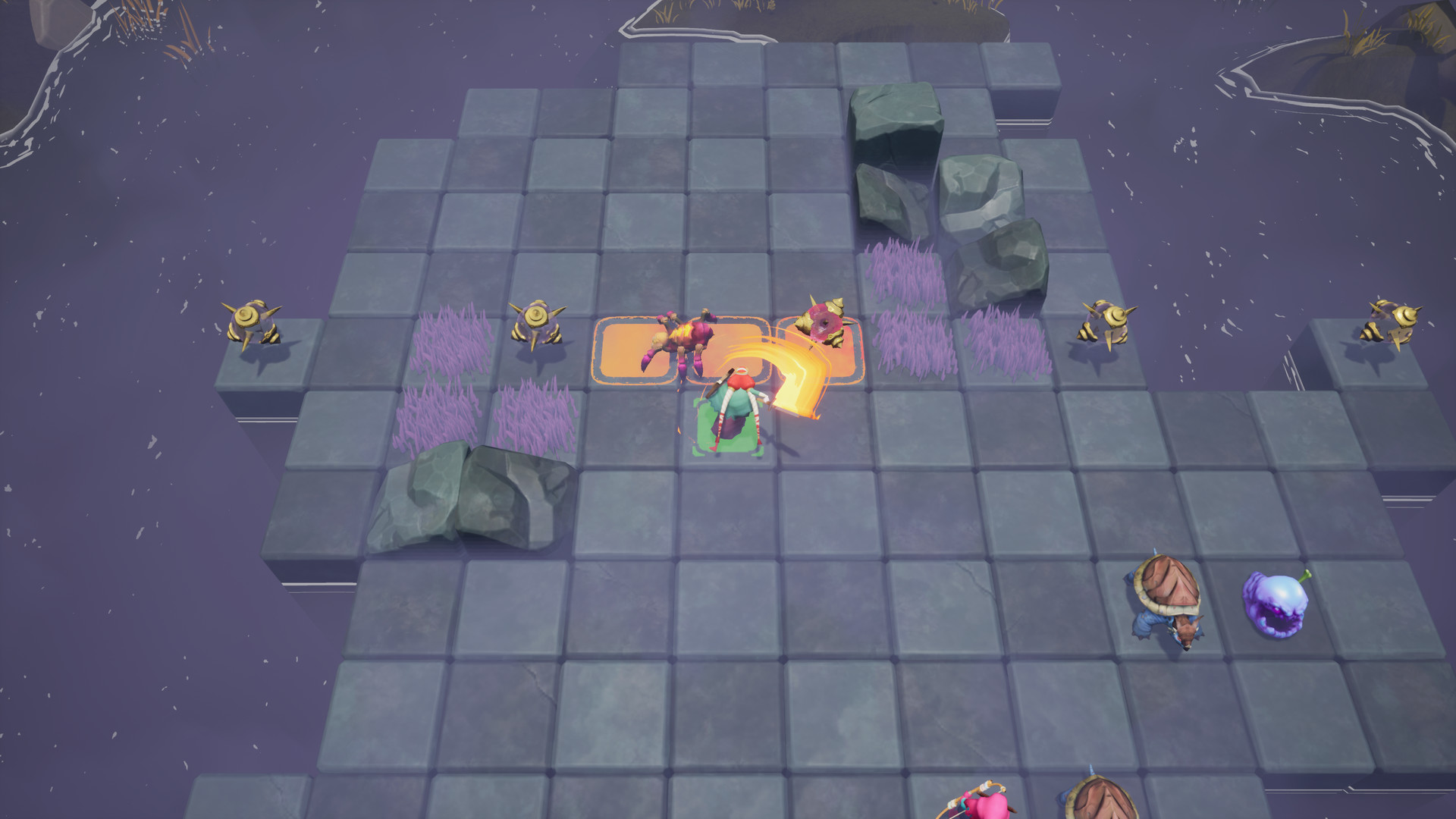
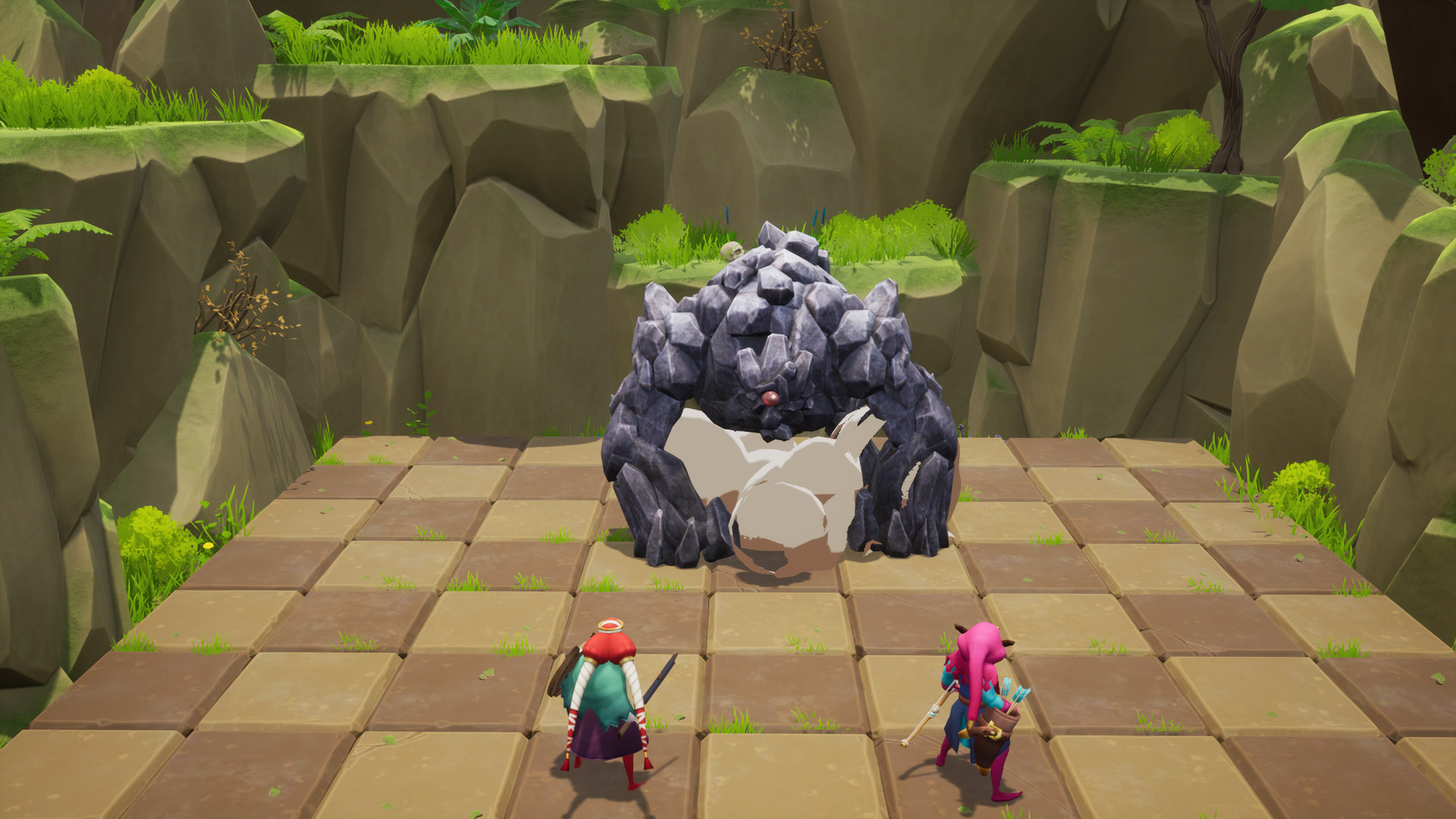
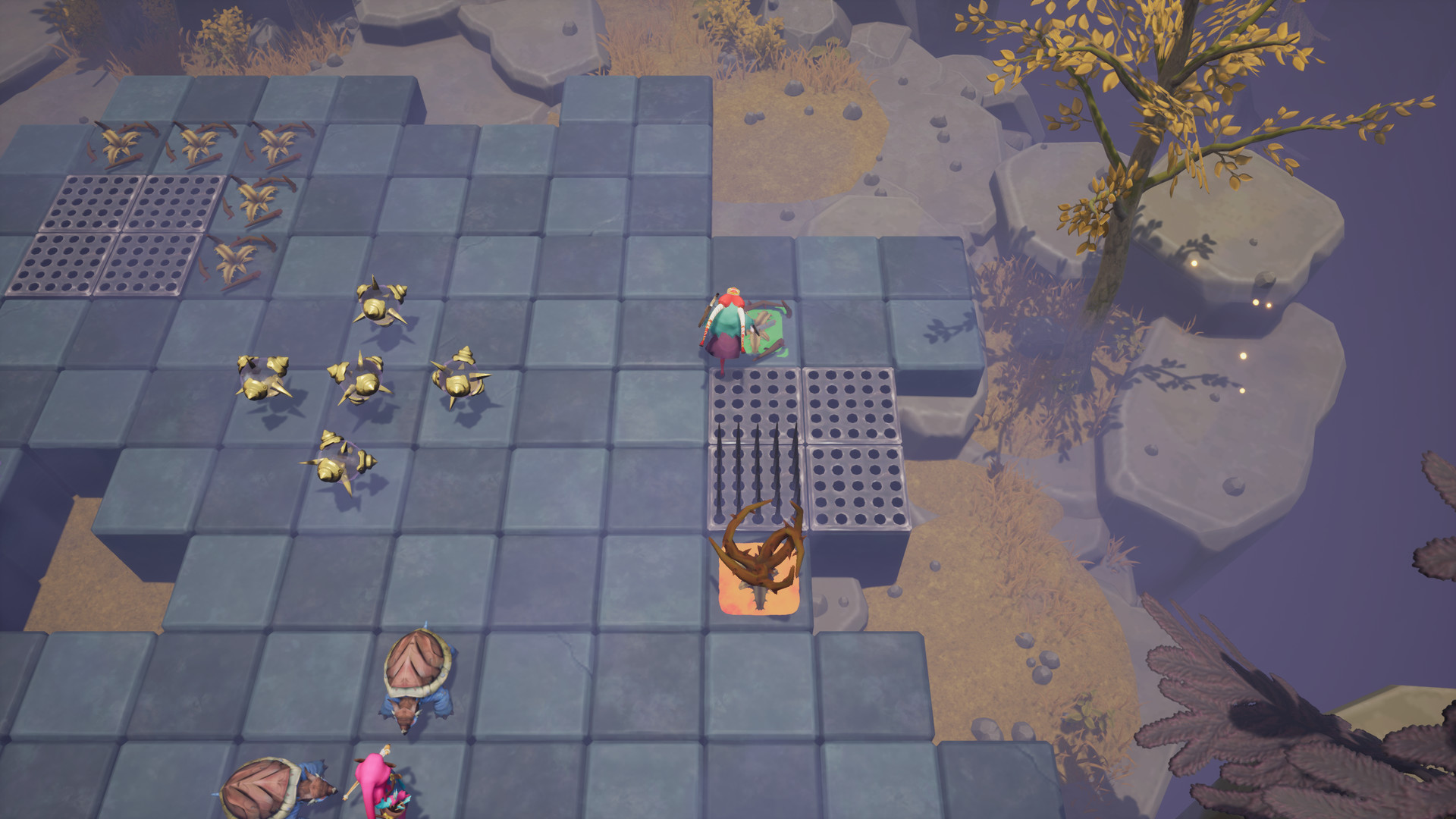
Guild of Ascension is a Tactical-Action-RPG with rogue-lite elements, mixing turn-based combat with real-time action combo system.Craft weapons, learn skills, befriend critters, encounter bizarre creatures, and fight giant Bosses in your Ascension of the Tower! Features Real-Time action combo systemThe Tower grants you few seconds to act freely during your turn, make sure to use them wisely by learning and master your weapons combo and special attacks. One player, Two charactersIf your group wants to succeed in the Tower, it must plan and act in perfect harmony, like they are sharing the same mind. Collect the lootThe Tower will reward you after each fight, keep the money and materials for the guild. But make sure to ask for privileges that will help you during your next challenges, as climbing the Tower is no easy task. Craft better equipmentOnce you are back from you lastest trip in the Tower, make sure to ask the Guild to craft you some new equipment.You will need all the help you can get if you hope to Ascend to the top. Battle Giants BossesOnce you find the Guardians of the Tower floors, don't be afraid by their massive size, and use what you learned to overcome the challenge! Good luck on your Ascension.

Guild of Ascension screenshotGuild of Ascension screenshotGuild of Ascension screenshotGuild of Ascension screenshotGuild of Ascension screenshotGuild of Ascension screenshot

How to redeem

  1. 1Check your Steam account and the listed region before purchasing.
  2. 2Find your code and supplier activation instructions in your confirmed order.
  3. 3Open the redeem-code section on Steam, enter the code and follow the platform’s prompts.

Supplier instructions

Go to: http://store.steampowered.com/ and download STEAM client Click "Install Steam" (from the upper right corner) Install and start application, login with your Account name and Password (create one if you don't have). Please follow these instructions to activate a new retail purchase on Steam: Launch Steam and log into your Steam account. Click the Games Menu. Choose Activate a Product on Steam... Follow the onscreen instructions to complete the process. After successful code verification go to the "LIBRARY" tab and start downloading.

You might also like