

SteamGlobal· Gift
Melody's Escape
€9.33
+€0.93 cashback eligibility in Relic Coins
Check before you play
- Platform
- Steam
- Region
- Global
- Product type
- Gift
- Developer
- Icetesy SPRL
- Publisher
- Icetesy SPRL
- Genres
- Indie
SteamGlobal· Gift
€9.33
+€0.93 cashback eligibility in Relic Coins
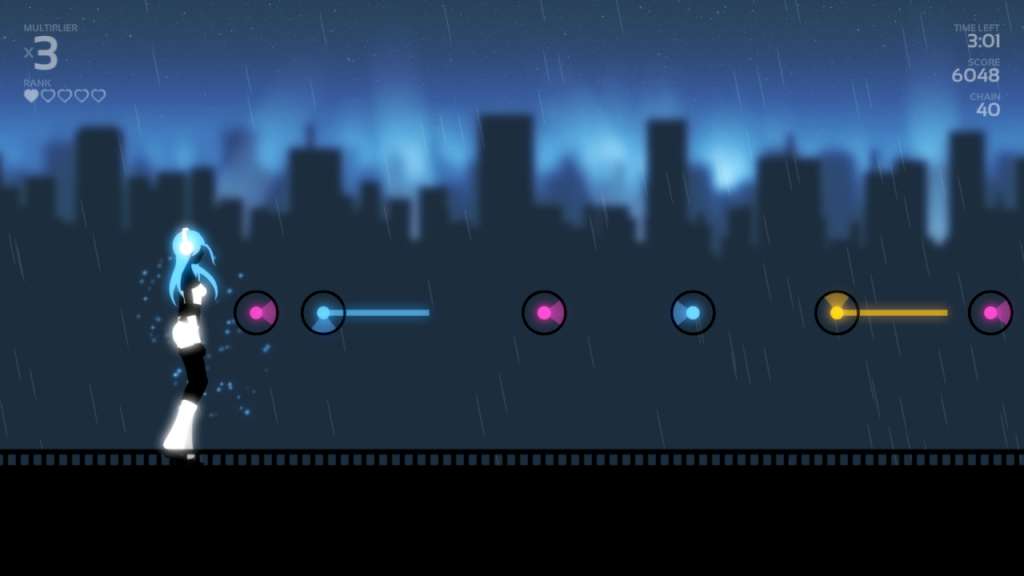
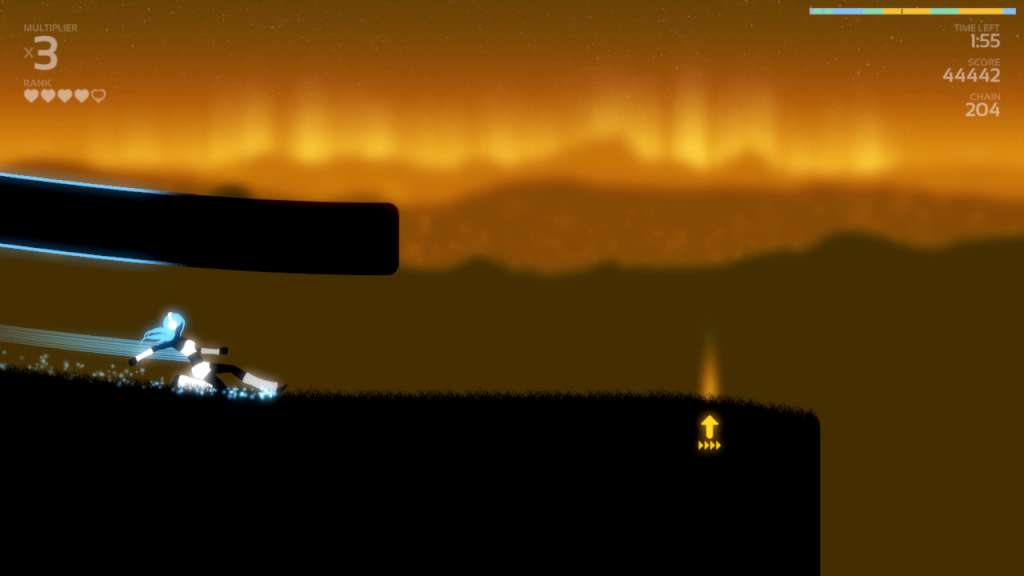
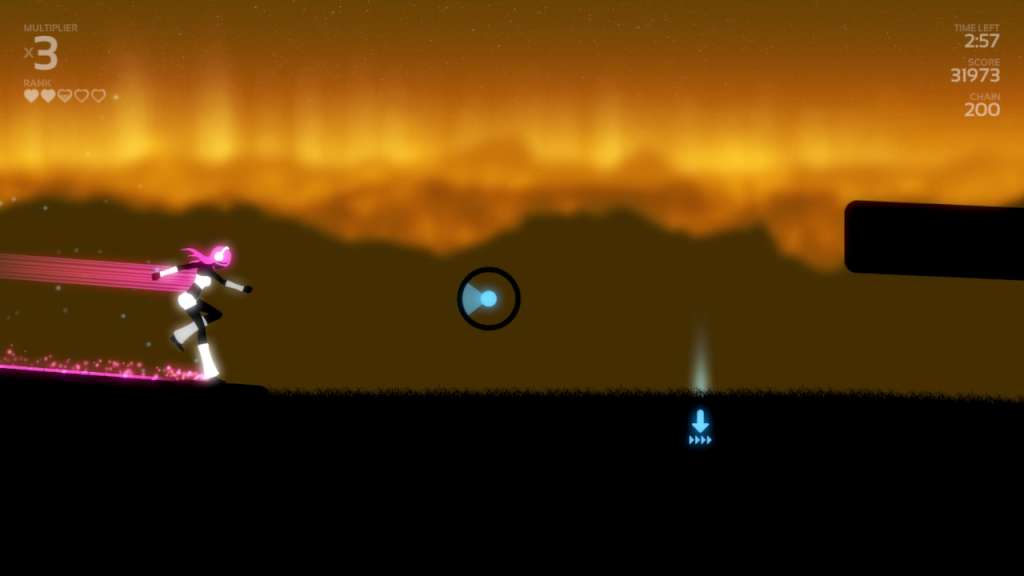
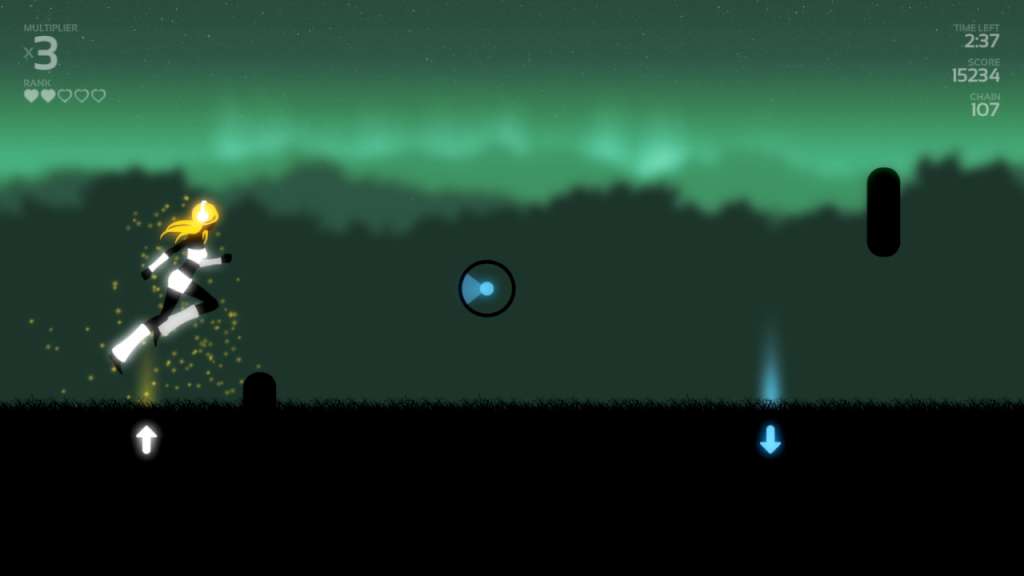
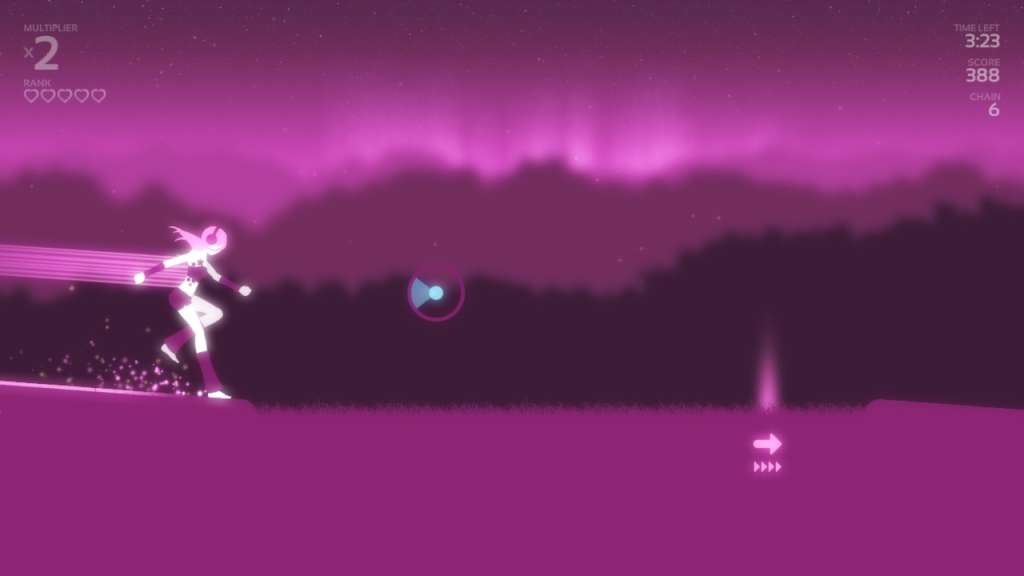
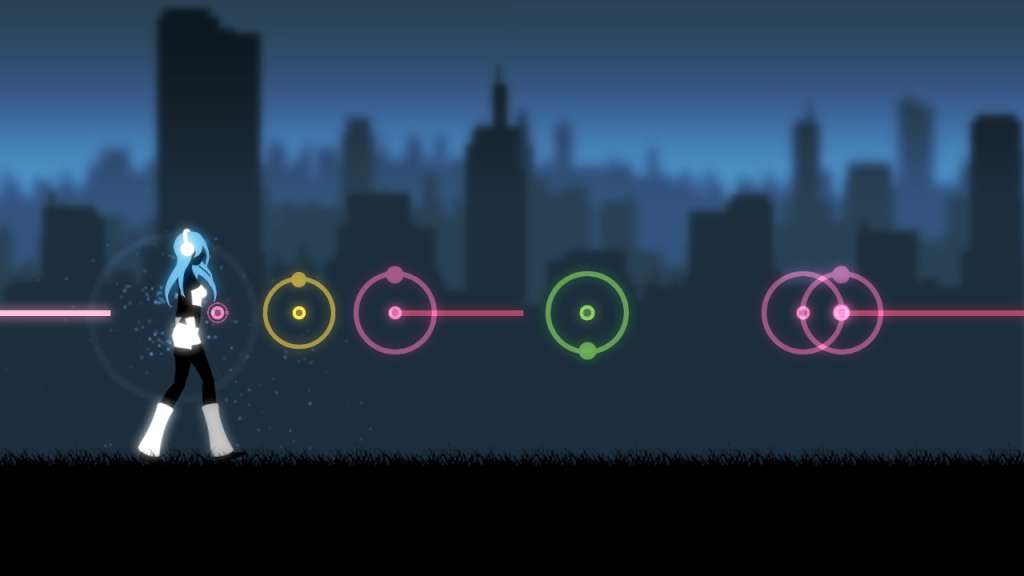
Melody's Escape Steam Gift Platform: Steam Release Date: 26/02/2014 Product Description Run, jump and slide to the rhythm of your own music library! In Melody's Escape, advanced audio detection algorithms transcribe the energy that you feel when listening to music into a synchronized gameplay experience, with a captivating and dynamic obstacle course. The game will adapt in real-time to the intensity of your music and change the movement mode accordingly, from walking during very calm parts up to all-out flying when your music explodes! Your goal is the help Melody avoid obstacles and collect floating light orbs, all of which are synced to the beats of your music of choice thanks to very accurate beat detection. With the 3 available difficulty modes, you can choose whether to have a relaxing experience or a very intense one. Features Use your own music library: The gameplay of Melody's Escape is completely powered by your music of choice (MP3, OGG, WMA, FLAC, iTunes® (AAC) and more!*) Works with all music genres and styles: Whether you're a big fan of EDM, K-Pop, alternative, acoustic sessions or classical music, the game will always adapt to the song's energy and rhythm to provide you with a dynamic experience, and will keep you engaged even when your music is calm. Each action is synced to your music: Every required input is synchronized to your music, allowing you to completely immerse and focus on the experience! Very accurate and fast music analysis: Melody's Escape features extremely accurate beat-matching algorithms and is optimized to analyse a song in its entirety within a few seconds. Slide on vocals and long notes: There is a strong focus on long vocals and held notes in the game, giving you the opportunity to slide alongside them, intensifying the experience of the most powerful parts of your music. Workshop support: Customize the appearance of the game to your liking with custom skins, dynamic hair-styles and color palettes! System Requirements PC System Requirements OS: Windows® XP, Vista, 7, 8 Processor: 1.8Ghz Intel® Core 2 Duo or equivalent Memory: 1 GB RAM Graphics: Intel® HD3000. DirectX 9.0c compatible with shader Model 2.0 support DirectX: Version 9.0c Hard Drive: 200 MB available space Sound Card: DirectX 9.0c compatible sound cards Additional Notes: No bundled music, you need digital music files on your disk to play Mac System Requirements OS: Snow Leopard 10.6.8 Processor: 2.4Ghz Intel Core 2 Duo or equivalent Memory: 2 GB RAM Graphics: OpenGL 3.0+ support Hard Drive: 100 MB available space Sound Card: Required Additional Notes: No bundled music, you need digital music files on your disk to play Linux / SteamOS System Requirements OS: glibc 2.15+ Processor: 2.4Ghz Intel Core 2 Duo or equivalent Memory: 2 GB RAM Graphics: OpenGL 3.0+ support Hard Drive: 100 MB available space Sound Card: Required Additional Notes: libmpg123 is required to play MP3s. No bundled music, you need digital music files on your disk to play
Go to: http://store.steampowered.com/ and download STEAM client Click "Install Steam" (from the upper right corner) Install and start application, login with your Account name and Password (create one if you don't have). Please follow these instructions to activate a new retail purchase on Steam: Launch Steam and log into your Steam account. Click the Games Menu. Choose Activate a Product on Steam... Follow the onscreen instructions to complete the process. After successful code verification go to the "MY GAMES" tab and start downloading.