Get 10% back in Relic Coins on every order
The Guild Collection cover

SteamGlobal· Gift

The Guild Collection

€57.65

+€5.77 cashback eligibility in Relic Coins

Check before you play

Platform
Steam
Region
Global
Product type
Gift
Developer
ZeniMax Online Studios
Publisher
Bethesda Softworks
Supplier release date
2013-09-05
Genres
Strategy, Simulation

About this product

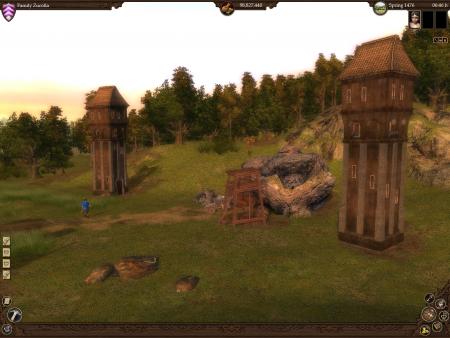
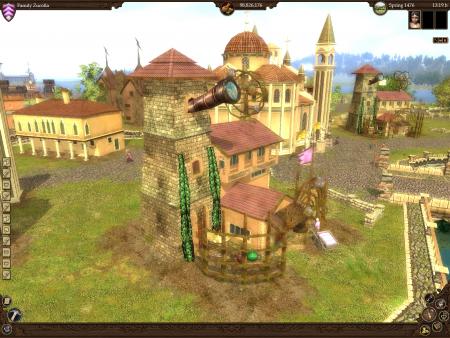
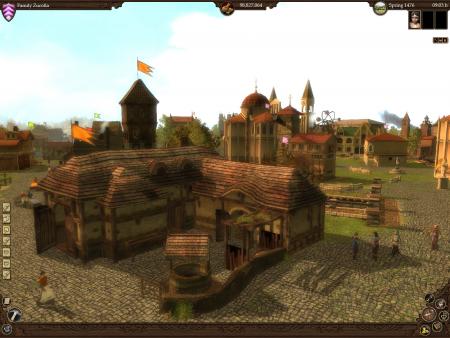
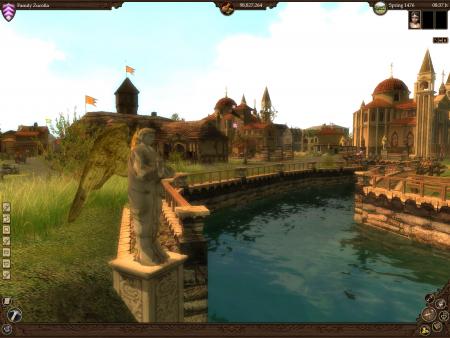
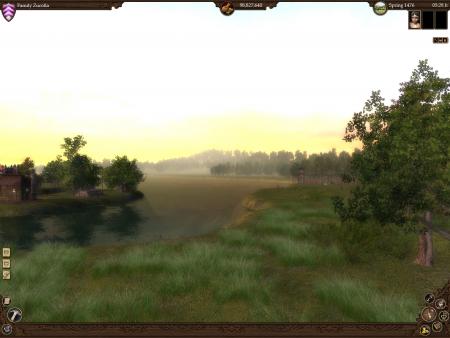
This product includes: The Guild Gold Edition The Guild II The Guild II - Pirates of the European Seas The Guild II Renaissance At the age of 13, you leave your parents, go to the city to learn a job and aiming to build your own trade empire at the time of real commercial and though exchanges expansion. You choose the city, each one has its difficulty level, you choose your parents, whose respective jobs predispose you to have specific qualities, and you choose your business among the old fashionned Middle Age jobs. Run your own business, manage your workers properly as to be the more productive you can, and hire guards to protect your goods... Because even if you get better than the competitors, they can destroy your work and your goods... That's the difficult world of business affairs!

The Guild Collection screenshotThe Guild Collection screenshotThe Guild Collection screenshotThe Guild Collection screenshotThe Guild Collection screenshotThe Guild Collection screenshot

How to redeem

  1. 1Check that your Steam account can receive gifts in the listed region.
  2. 2Open the confirmed order and follow the supplier’s gift-delivery instructions.
  3. 3Accept the gift on the required platform account and add it to your library.

Supplier instructions

"Please remember that we are NOT responsible for any problems that may arise from purchasing and using Steam Gifts. You are doing it at your own risk. "Please note, that due to recent Valve Steam Gift policy update Steam Gifts for games that are covered by VAC ban program can no longer be added to Inventory. Make sure that you are logged in to the proper account before entering the link as Steam Gifts can be only added to your library or rejected. How do I use a Steam gift given to me? If you do not already have Steam, download and install Steam here. Once you have Steam installed, you will be prompted to create an account or login to an existing Steam account. If you do not have an account, please create one. You will receive an e-mail containing a link that will open Steam allowing you to redeem your gift. After clicking the link, you will receive a notification at the top right corner in the Steam client informing that you have a new gift.

You might also like