
OtherGlobal· Key
Corel PDF Fusion
€0.07
+€0.01 cashback eligibility in Relic Coins
Check before you play
- Region
- Global
- Product type
- Key
- Developer
- Corel Corporation
- Publisher
- Corel Corporation
- Genres
- Software
OtherGlobal· Key
€0.07
+€0.01 cashback eligibility in Relic Coins
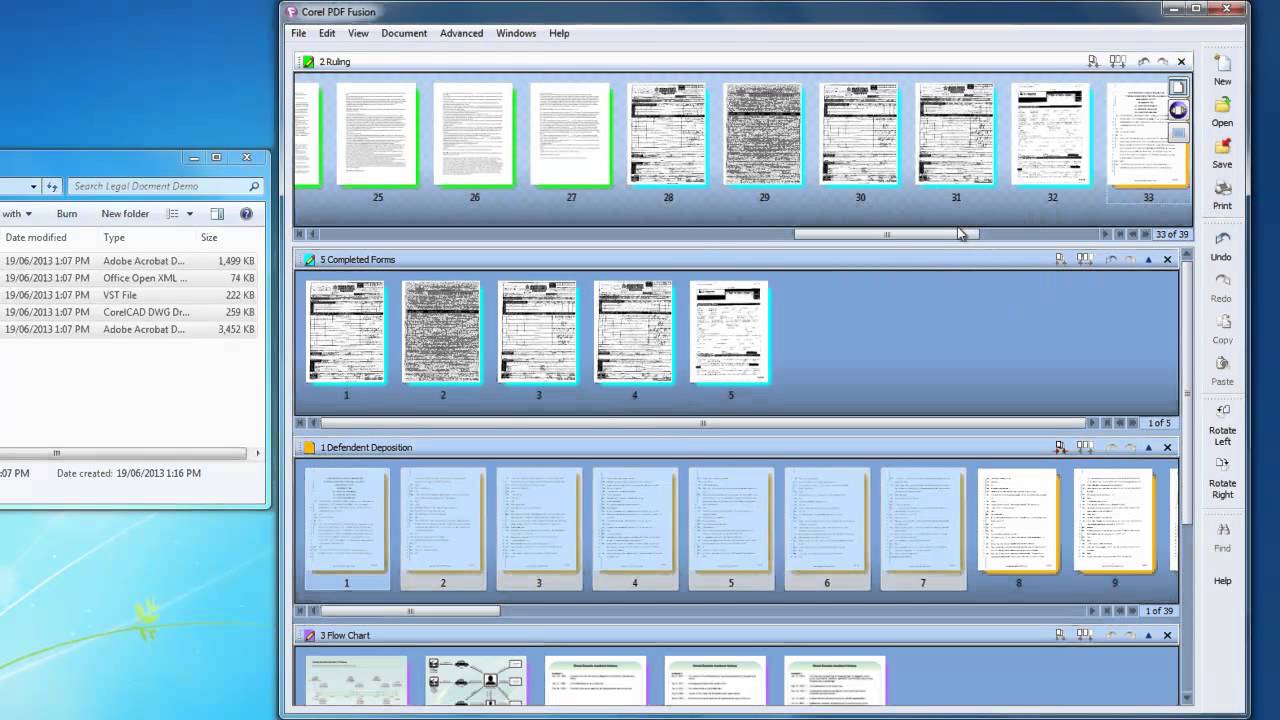
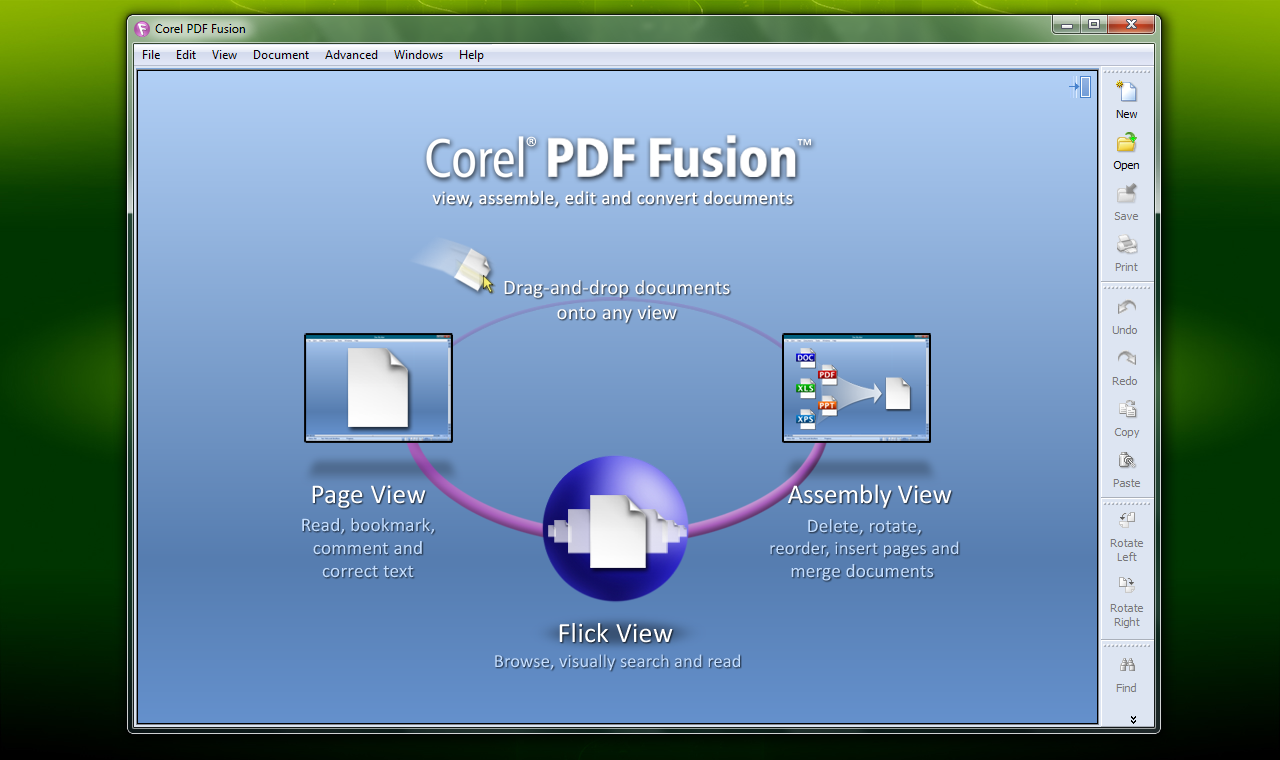
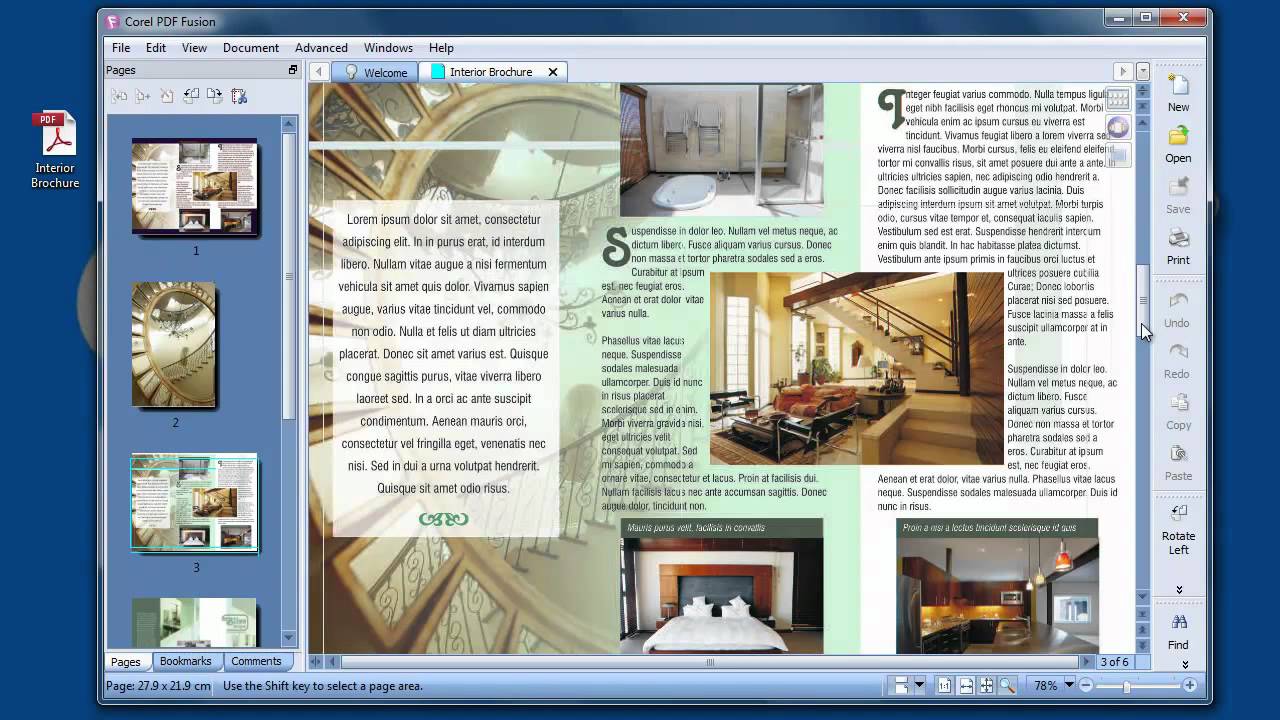
The all-in-one PDF creator toolkit! Boost your productivity with Corel PDF Fusion, an all-in-one PDF creator that lets you assemble, edit and create PDFs. Open more than 100 different file types just by dragging and dropping them onto the Welcome Screen. Take pages from multiple files, including documents, spreadsheets and presentations, and combine them into a single PDF to share with anyone. Add new text, bookmarks and comments. Plus, convert files to PDF, PDF/A, XPS and DOC formats with just a click. Save money by viewing over 100 file types without purchasing additional software Easily create and edit PDFs Drag and drop to combine multiple file types in one PDF document Save time by easily re-purposing content, instead of retyping, and cutting and pasting Share files with anyone by converting to PDF, PDF/A, XPS or Microsoft Word formats
Download the trial version from https://www.wordperfect.com/en/product/pdf-creator/. Double-click the Corel PDF Fusion icon or select All Programs > Corel PDF Fusion > Corel PDF Fusion to open the application. Select Help > Enter Serial Number.... This displays the serial number dialog. Enter your serial number, using copy and paste for accuracy, and click OK. If the serial number is correct and accepted a message appears. If “VIEWER” is displayed on the Welcome screen it is removed. If the serial number is invalid you are given another opportunity to enter the correct key. After entering your serial number you must re-start Corel PDF Fusion so that the watermarks are disabled.