
OtherGlobal· Key
AdGuard Ad Blocker Premium Personal (1 Year / 3 Devices)
€20.83
+€2.08 cashback eligibility in Relic Coins
Check before you play
- Region
- Global
- Product type
- Key
- Genres
- Software
OtherGlobal· Key
€20.83
+€2.08 cashback eligibility in Relic Coins
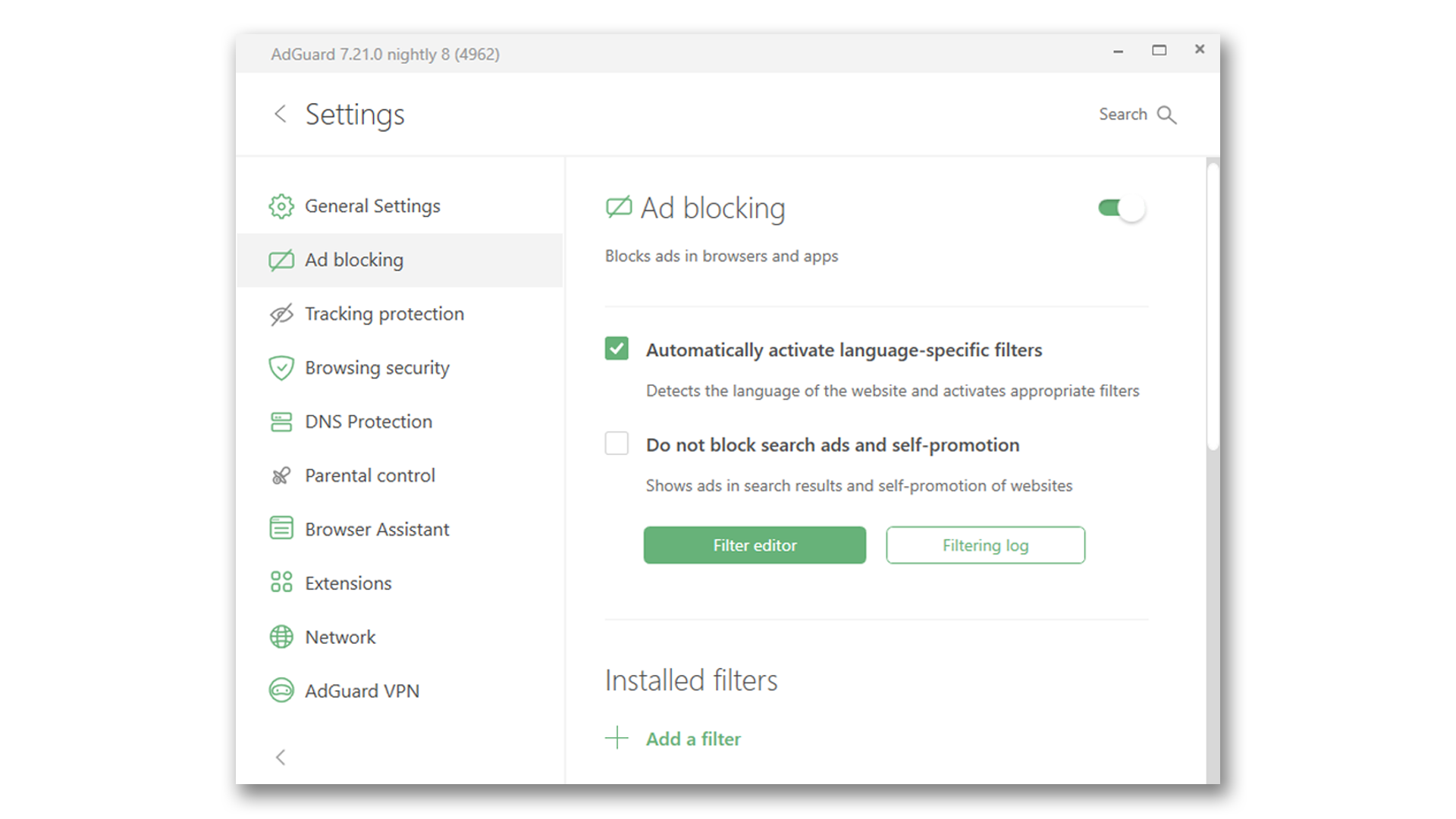
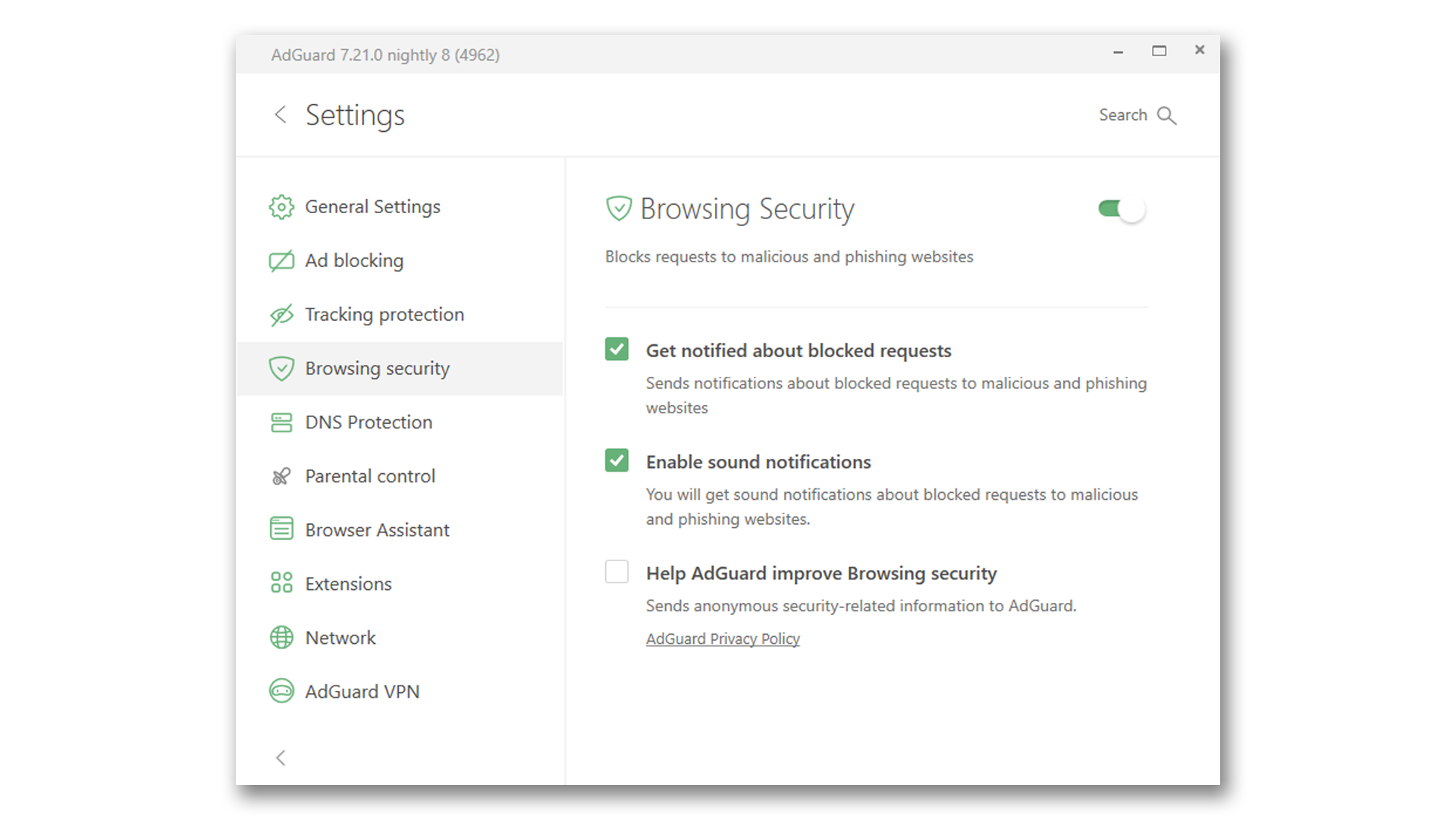
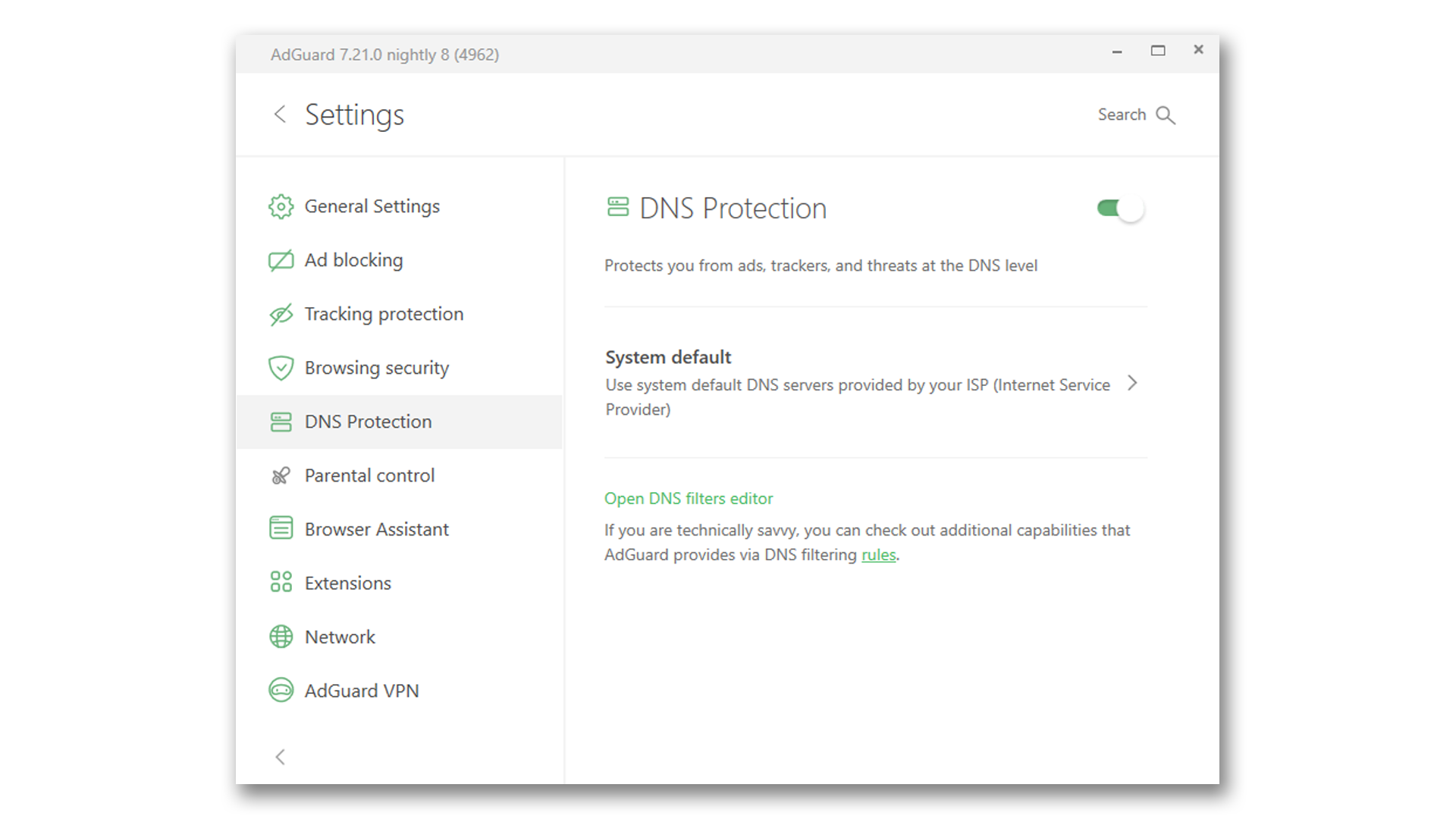
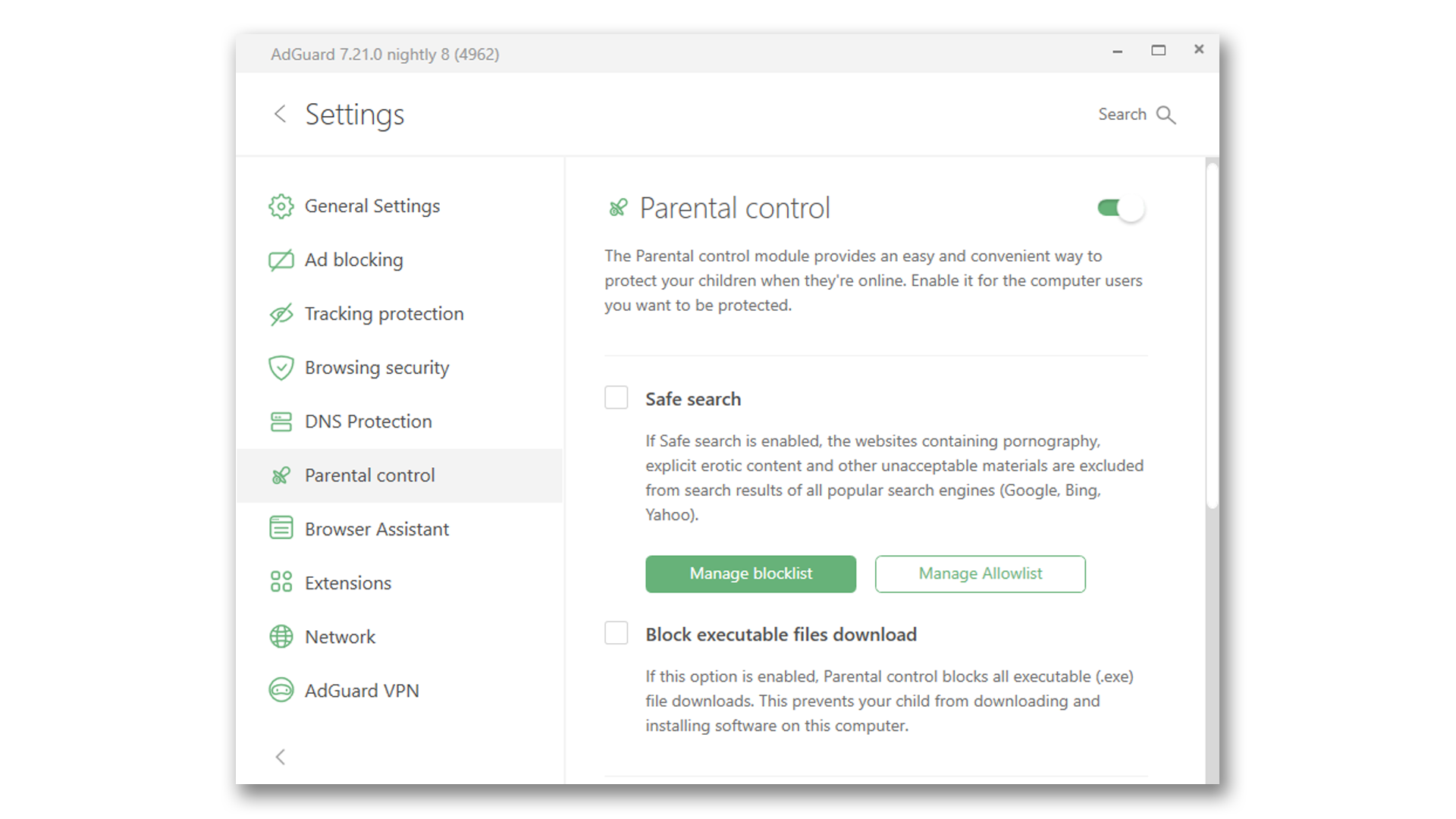
Includes: Mobile and Standard protection Why choose AdGuard? Ad blocking AdGuard blocks all kinds of ads. Pop-ups, video ads, banners and such — they will all go away. Due to unnoticeable background filtering and cosmetic processing, all you will see is clean pages with the content you came for. Safe web surfing Protection from phishing and hazardous websites and malvertising (malicious ads). AdGuard checks every page against our database for any malicious content and blocks requests from potentially dangerous ones. Privacy protection AdGuard fights against all trackers and analytical systems that spy on you. The program blocks third-party cookies, can hide your IP address, and provides an abundance of other features to protect your personal data. Parental control AdGuard protects your children online. It blocks access to inappropriate websites, removes obscene materials from search results, and provides parents with a customizable blacklist to tailor the safest web experience for their kids.
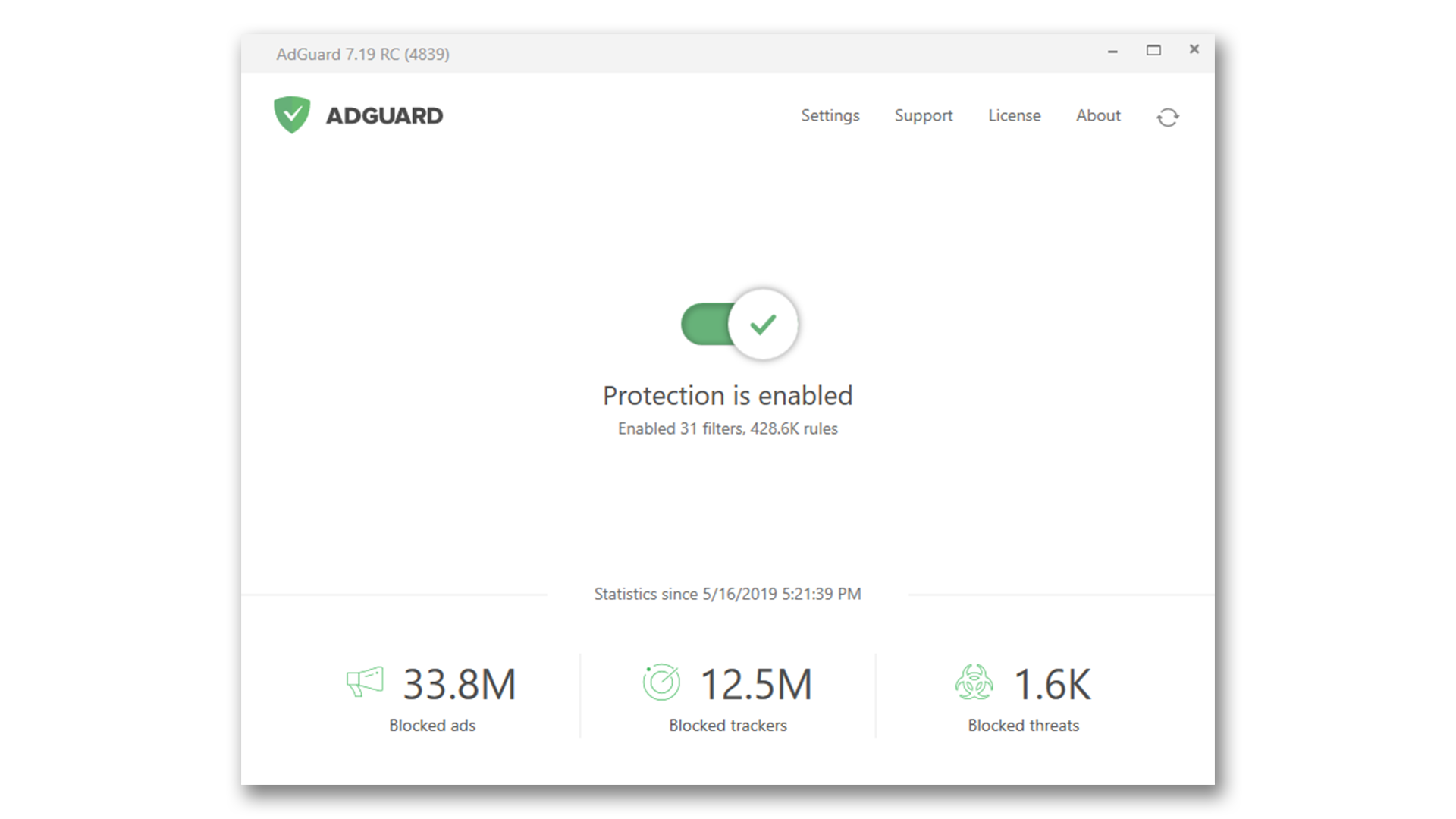
To use AdGuard on a PC or tablet under Microsoft Windows, you should download the installation package and launch the installation program. actions: Open your browser and proceed to thehttp://adguard.com/ by typing AdGuard.com in the address bar, and then click DOWNLOAD. Activating AdGuard for Windows Open the program Choose 'License' inset in program's menu Enter your license key and click on 'Activate license' button Activating AdGuard for Mac Open AdGuard menu To do it, click on the AdGuard icon in the menu bar: Open options menu by clicking on gear icon and choose 'License...' In the opened window enter your license key and press 'Activate license key'. Activating AdGuard for Android Open the app and go to license menu To do it, click on yellow button in the bottom of app's main screen: Choose 'Activate with license key' option Enter your license key and click on 'Activate device' button