Get 10% back in Relic Coins on every order
ReCore Definitive Edition cover

Xbox One Europe - All Countries· Key

ReCore Definitive Edition

€10.49

+€1.05 cashback eligibility in Relic Coins

Check before you play

Platform
Xbox One
Region
Europe - All Countries
Product type
Key
Developer
Comcept
Publisher
Microsoft Studios
Supplier release date
2016-09-13
Genres
Action, Adventure, Casual, Puzzle, Open World, Platformer, Story rich
About this product

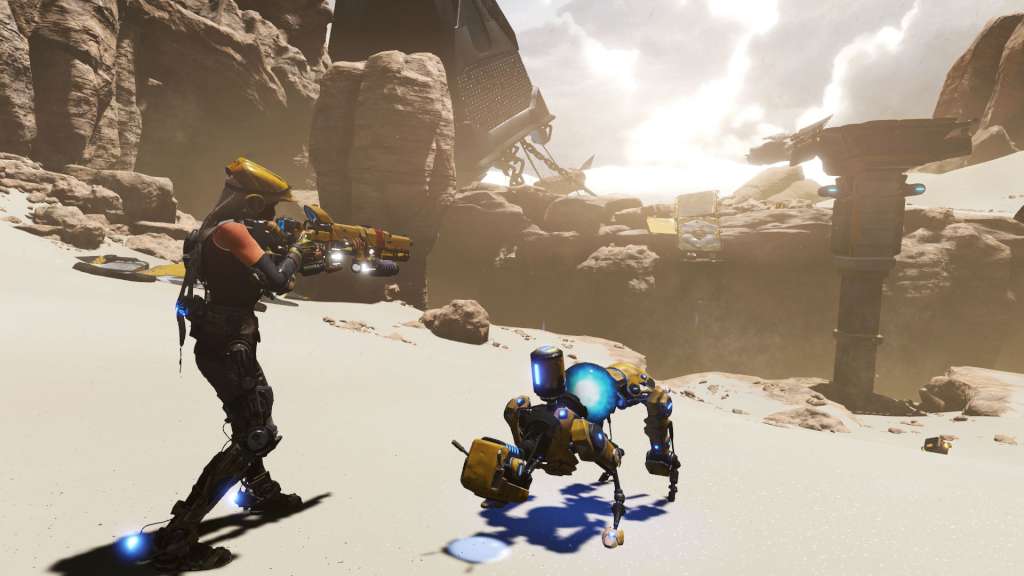
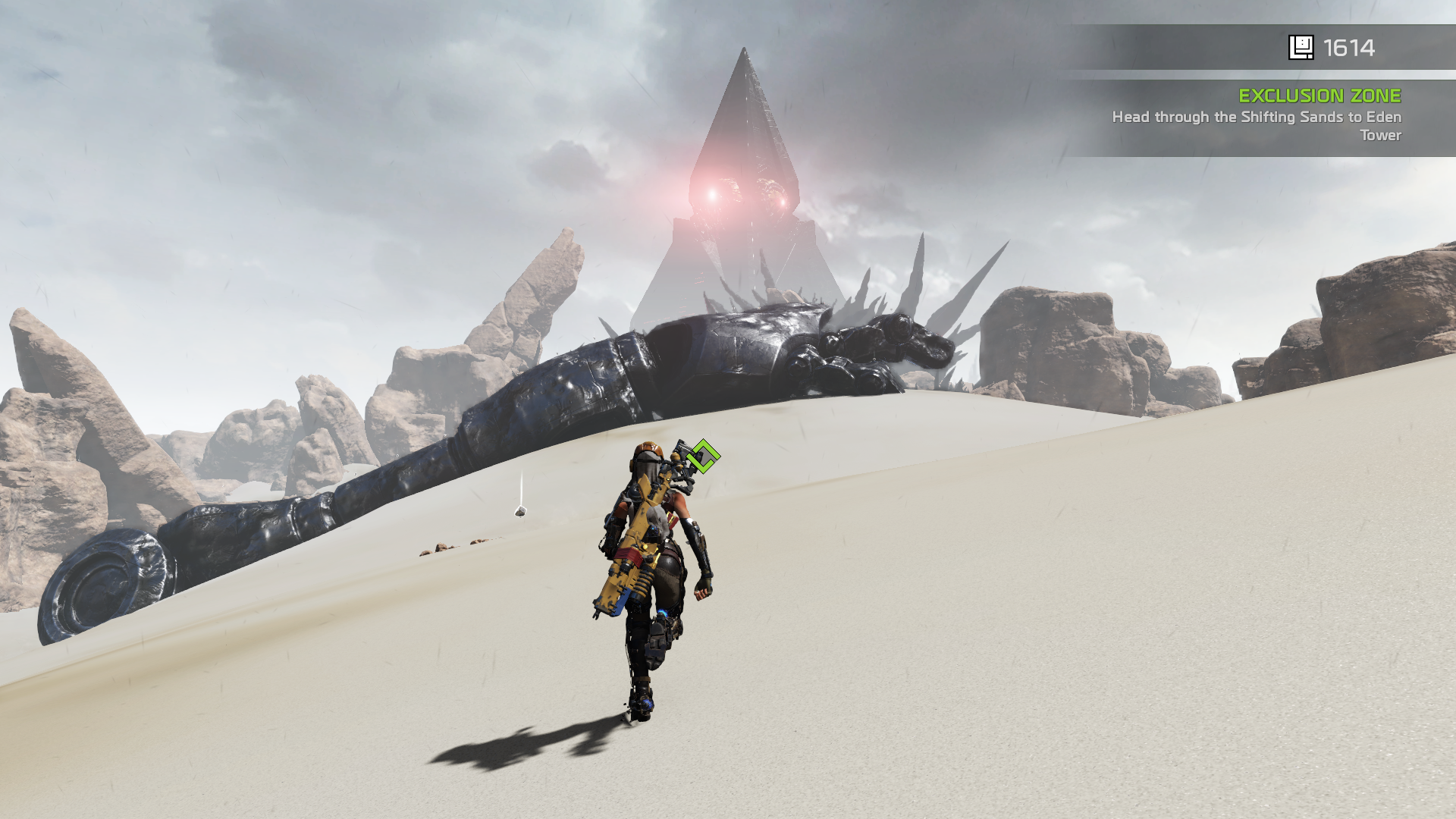
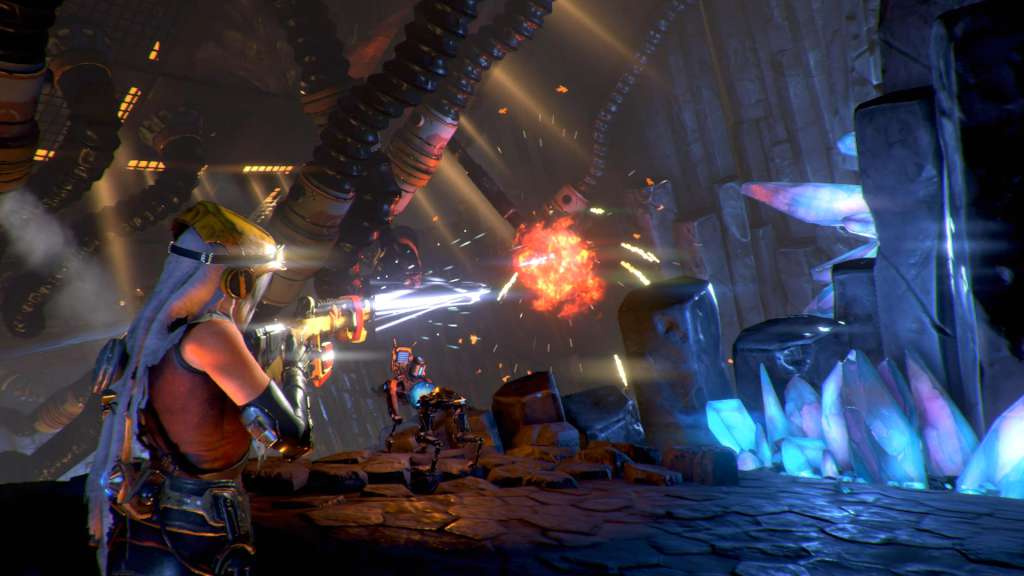
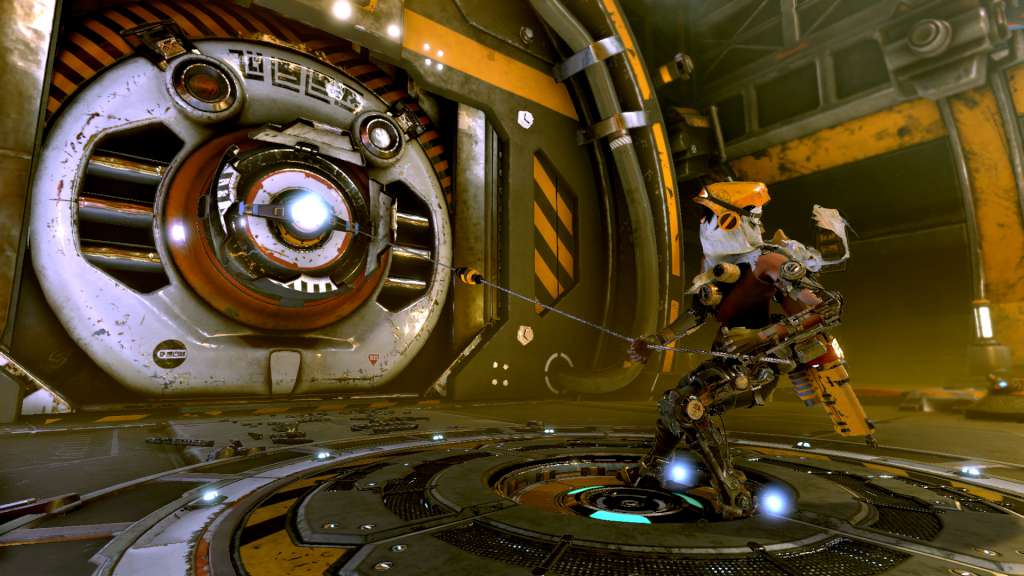
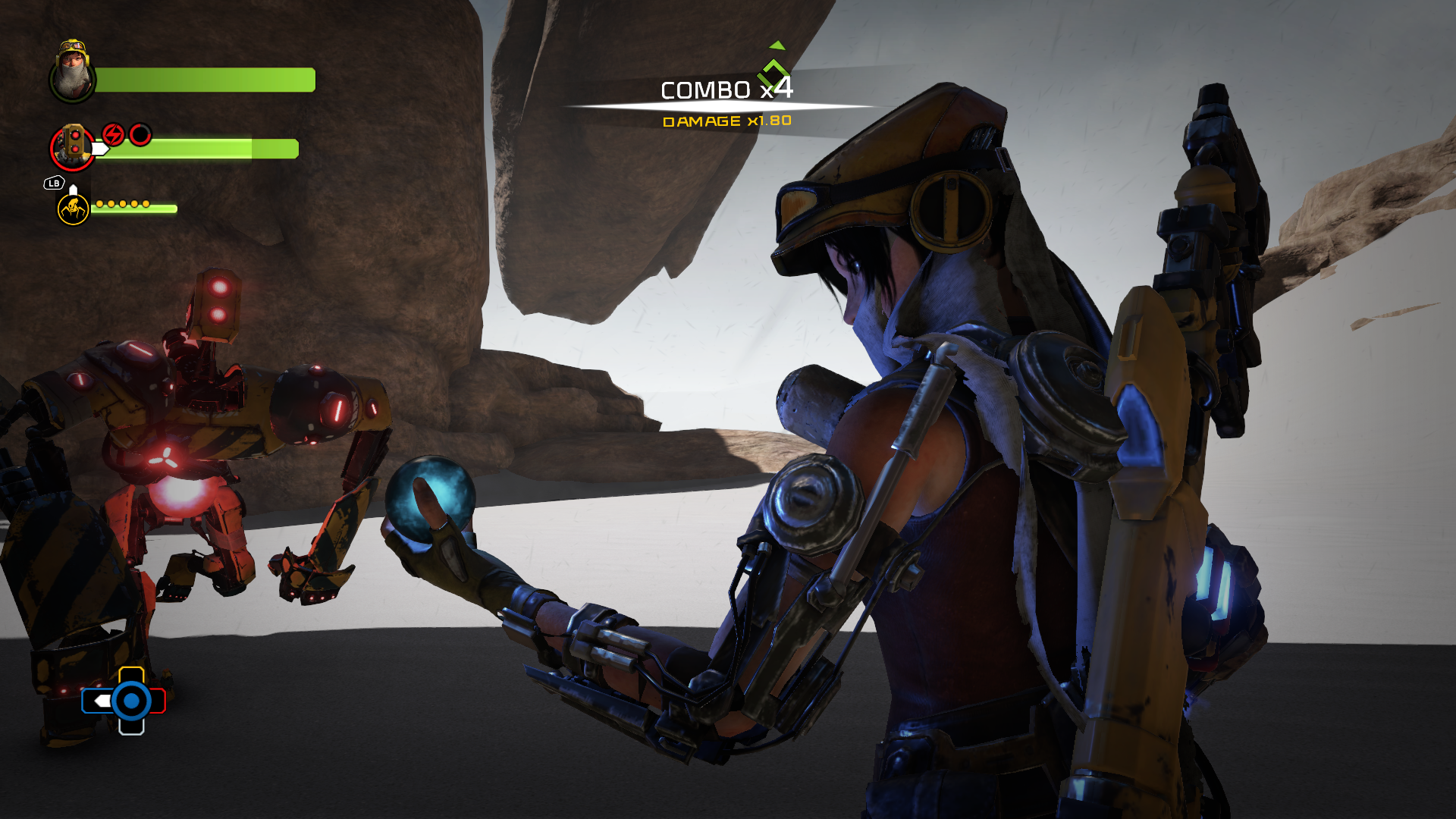
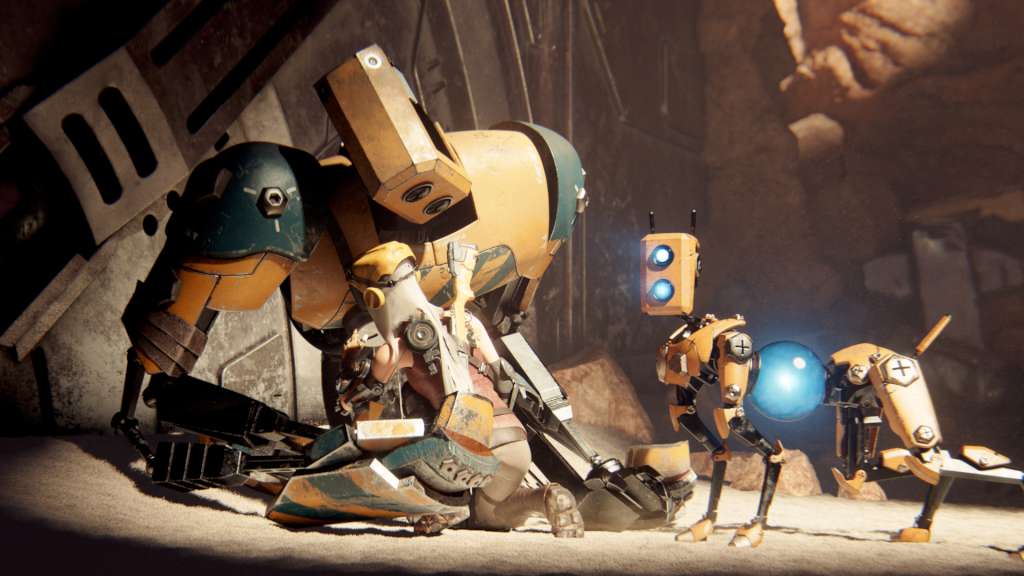
Includes: Base game Eye of Obsidian DLC T8-NK Corebot frame From the legendary creator Keiji Inafune and the makers of Metroid Prime comes “ReCore”, an action-adventure masterfully crafted for a new generation. As one of the last remaining humans, forge friendships with courageous robot companions and lead them on an epic adventure through a mysterious dynamic world. Features Collect and customize - build your perfect battle party by collecting and customizing Corebot companions. Defeat dangerous foes - lead your Corebots into battle against dangerous robots, including devious bosses. Explore a dynamic worlds - sandstorms constantly shape the planet, revealing new adventures.

ReCore Definitive Edition screenshotReCore Definitive Edition screenshotReCore Definitive Edition screenshotReCore Definitive Edition screenshotReCore Definitive Edition screenshotReCore Definitive Edition screenshot

How to redeem

  1. 1Check your Xbox One account and the listed region before purchasing.
  2. 2Find your code and supplier activation instructions in your confirmed order.
  3. 3Open the redeem-code section on Xbox One, enter the code and follow the platform’s prompts.

Supplier instructions

In order to use the key follow the instruction below: Go to https://www.xbox.com Login to your account Hover over your account link (the top right of the screen) a menu will appear, click on the "Redeem Code" button. On the next page, click "Redeem" Enter your code Click "Confirm" Click "Confirm" again to assign the key to your account. In order to download and install your game on Windows 10 follow the instructions below: Using your Microsoft account, sign in to the PC where you want to install your games. On the Start screen, select the Store icon. In the Store, select Games from the menu. Browse and select the game you want to install.

You might also like