Get 10% back in Relic Coins on every order
Wer Wei? Denn Sowas? - Das 2. Spiel cover

SteamGlobal· Key

Wer Wei? Denn Sowas? - Das 2. Spiel

€8.93

+€0.89 cashback eligibility in Relic Coins

Check before you play

Platform
Steam
Region
Global
Product type
Key
Developer
bitComposer Interactive GmbH
Publisher
bitComposer Interactive GmbH
Supplier release date
2019-10-15
Genres
Casual, Indie, Simulation

About this product

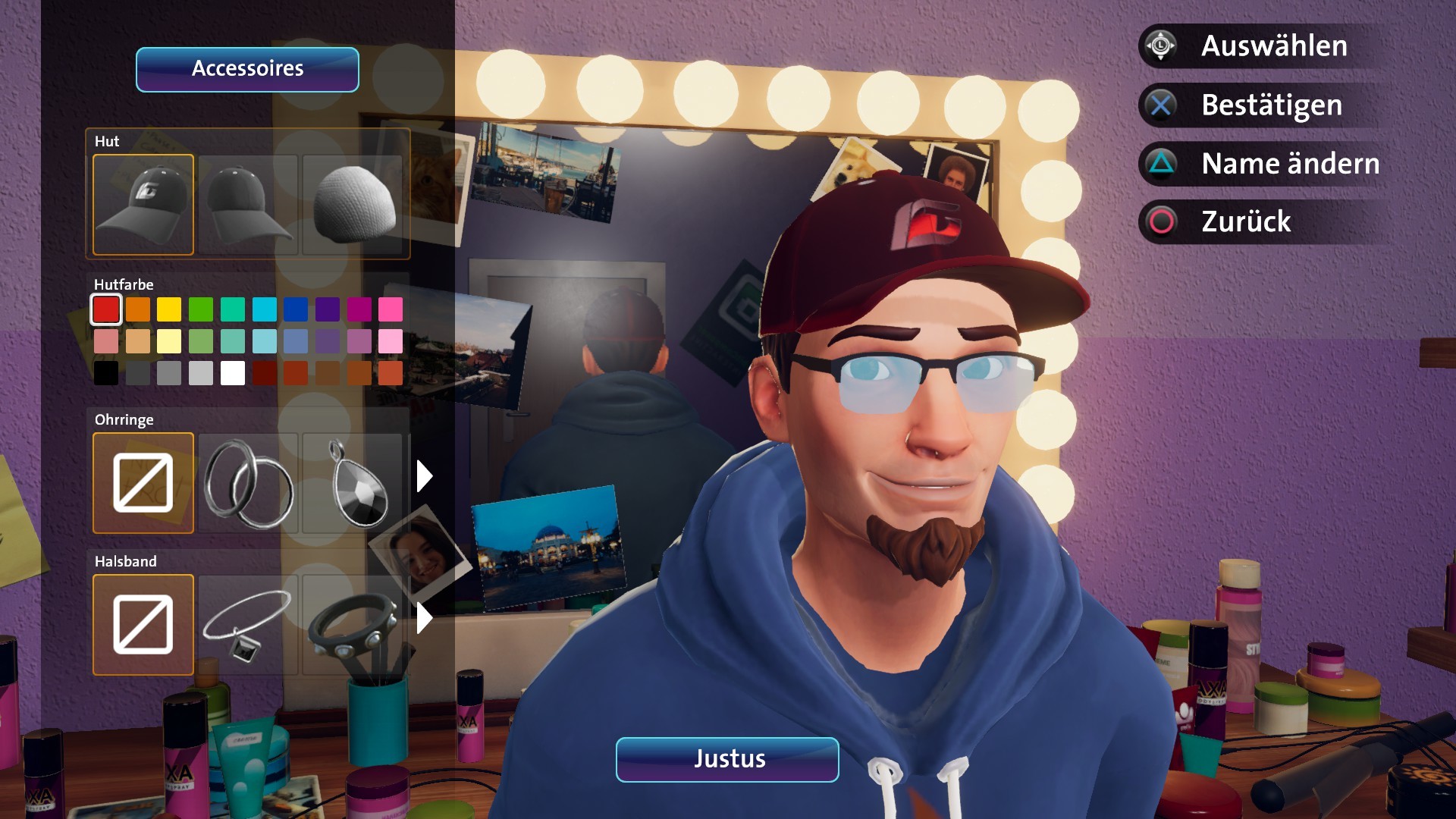
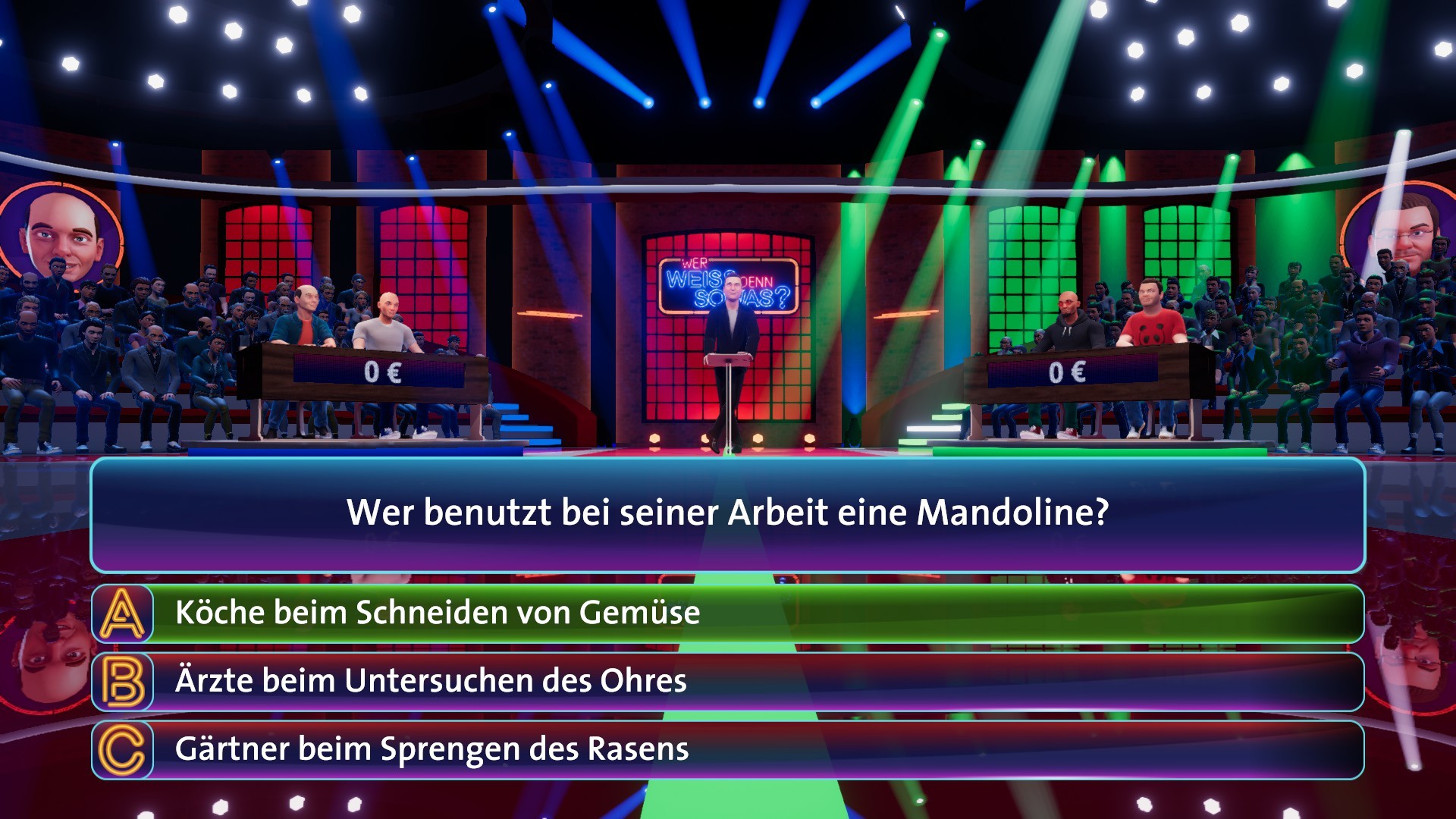
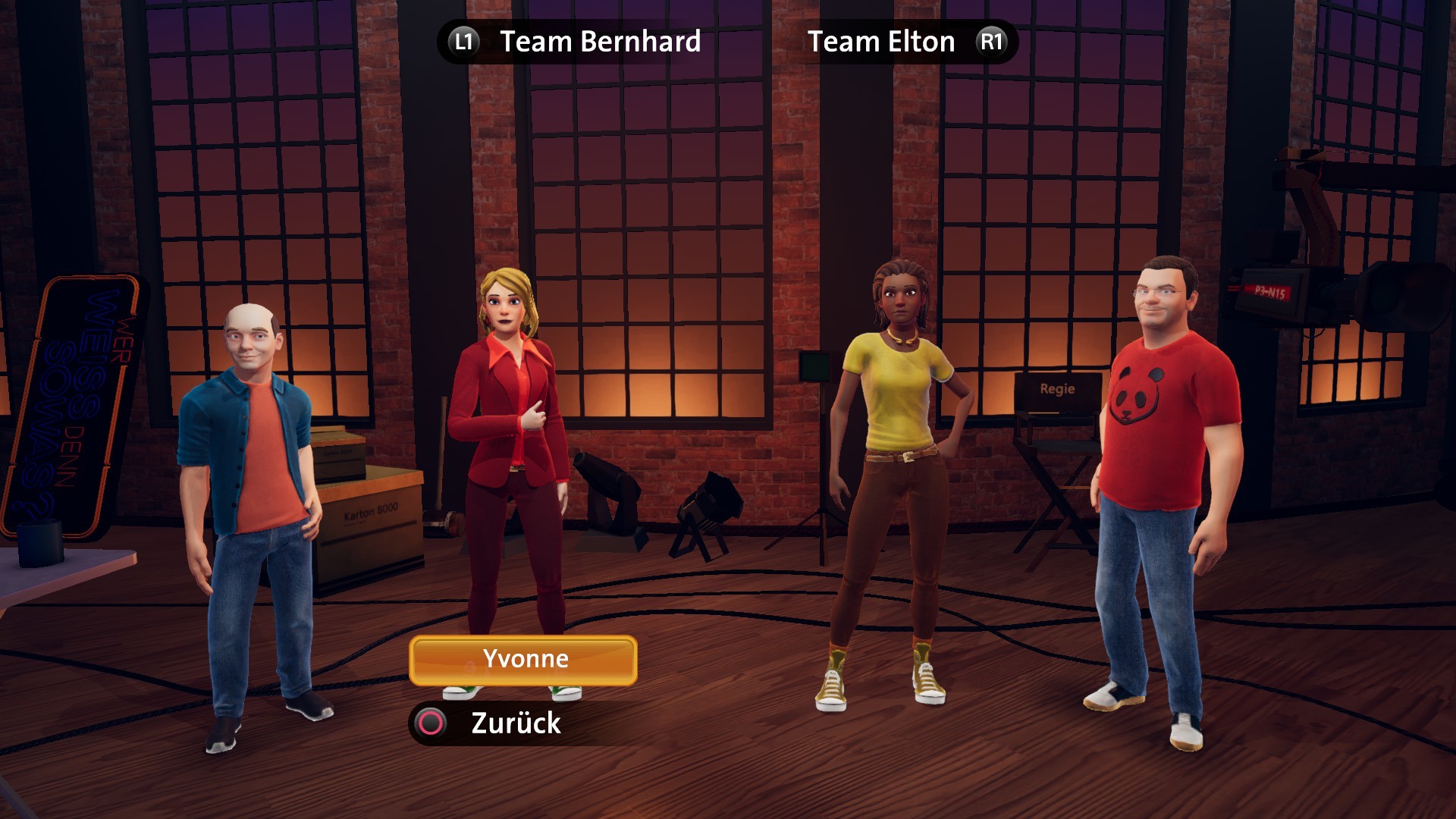
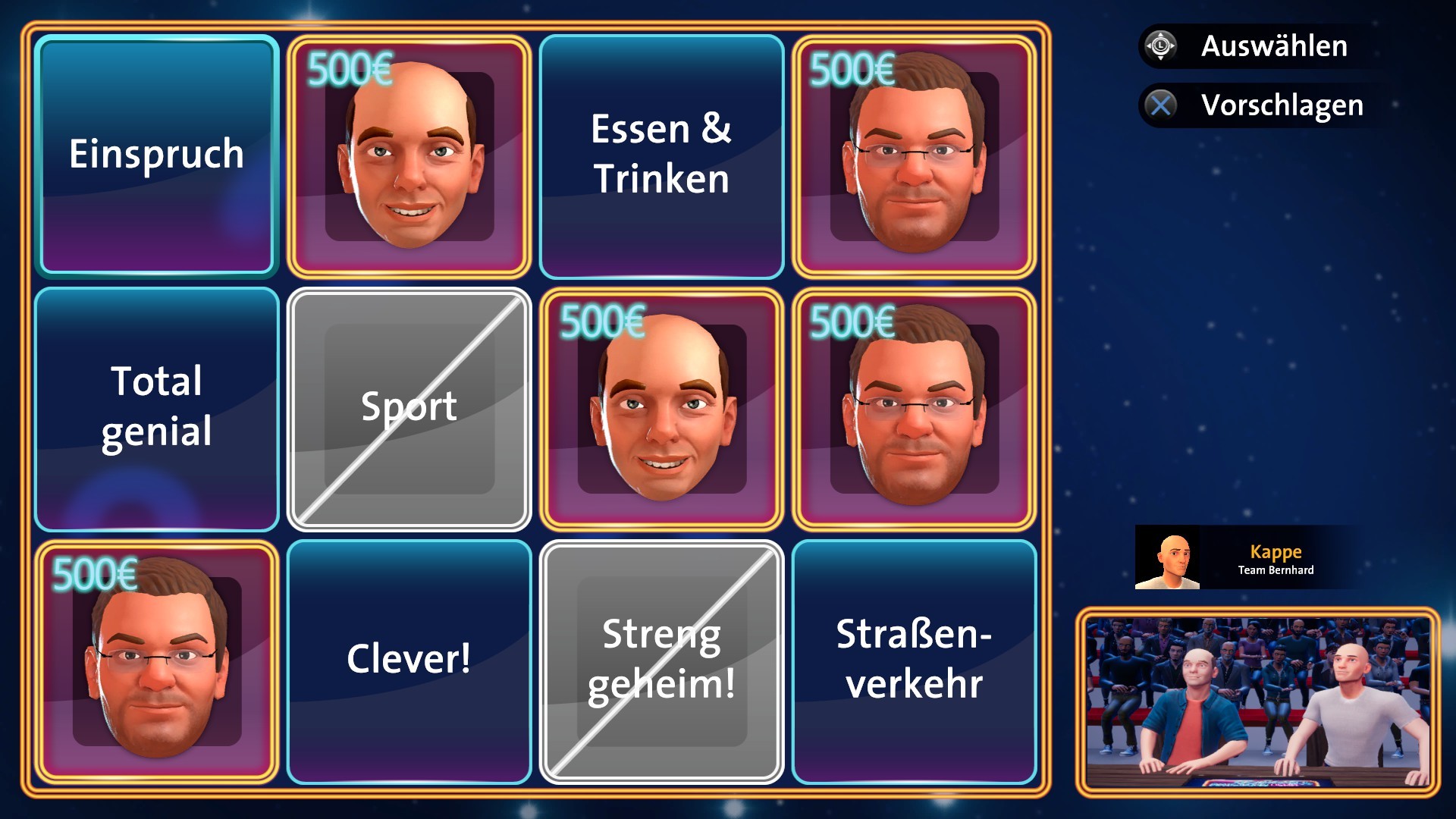
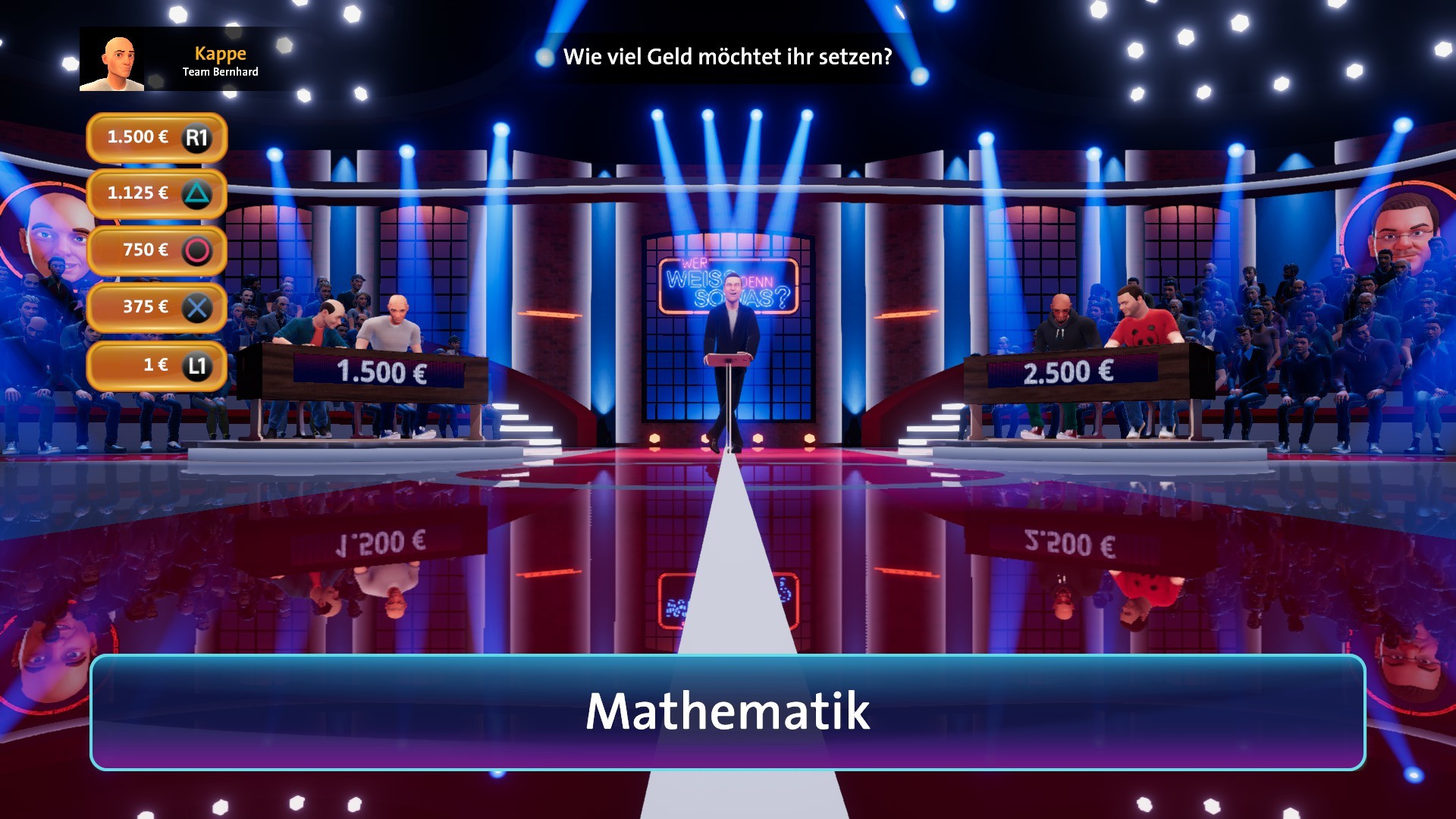
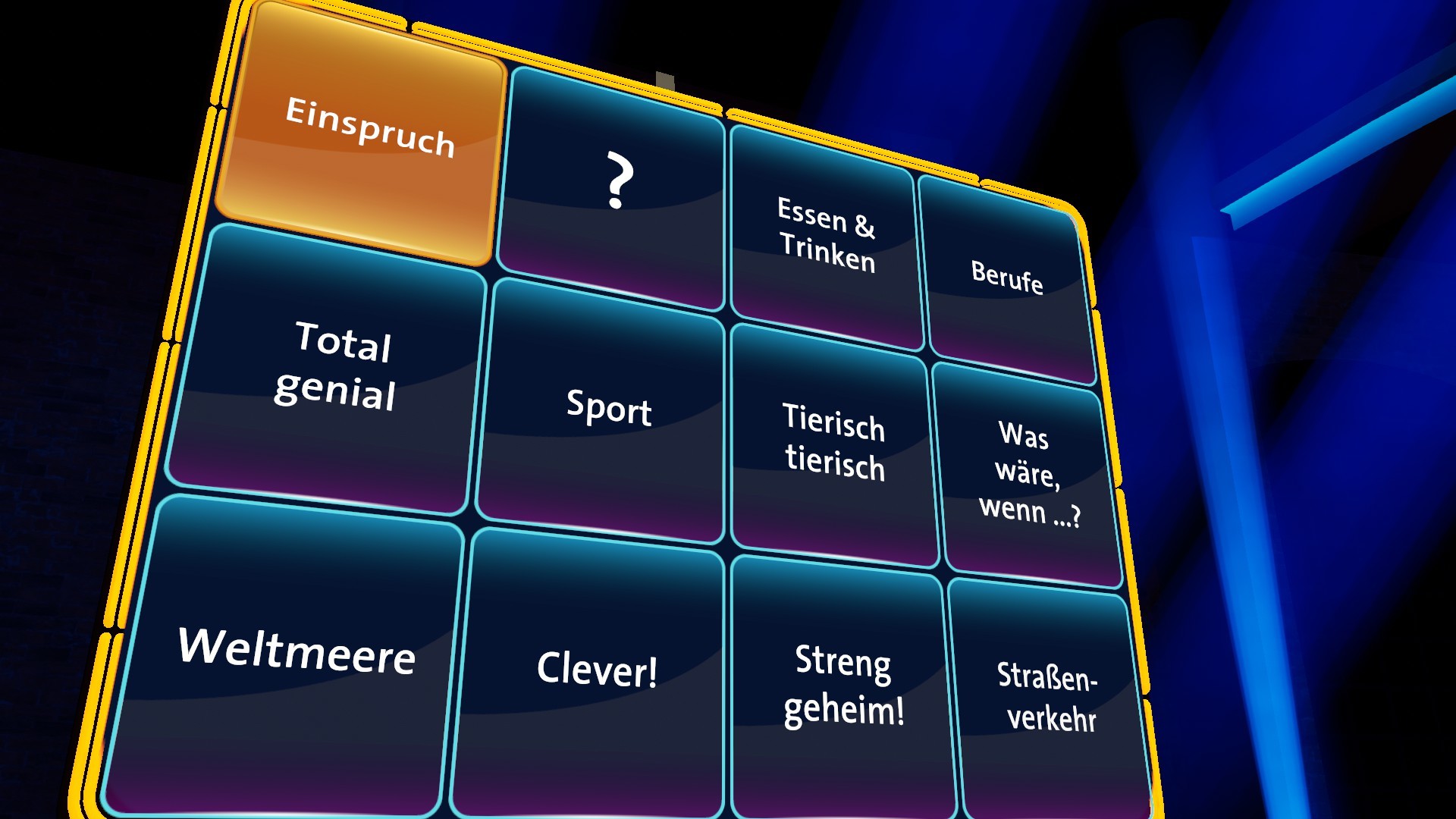
WER WEISS DENN SOWAS? – It's time for round two and things are getting even more exciting. Play in a team with Elton or compete alongside of Bernhard Hoëcker. Whether you're playing alone, with a friend, or your entire family – you'll have to give your all in WER WEISS DENN SOWAS? – Das 2. Spiel. Prove how good your knowledge actually is in 30 new shows, with exciting questions and original answer videos. None other than Kai Pflaume himself confidently guides you through the shows. Pure knowledge, fun, and a whole load of entertainment. What is the "24 hours a decade" rule of thumb about? Do you know the answer? No? WER WEISS DENN SOWAS? With the characters and original voices of Kai Pflaume, Elton, and Bernhard Hoëcker. 30 complete shows with more than 390 questions and matching answer videos. One to four-player mode: You choose whose side you're on – alongside Bernhard Hoëcker, in a team with Elton, or perhaps you'd prefer to play with your friends? Create your own character from a variety of different options Did you know that in over 450 programs of "Wer weiß denn sowas?" the maximum amount has been won nine times, while no money at all has been won 22 times?

Wer Wei? Denn Sowas? - Das 2. Spiel screenshotWer Wei? Denn Sowas? - Das 2. Spiel screenshotWer Wei? Denn Sowas? - Das 2. Spiel screenshotWer Wei? Denn Sowas? - Das 2. Spiel screenshotWer Wei? Denn Sowas? - Das 2. Spiel screenshotWer Wei? Denn Sowas? - Das 2. Spiel screenshot

How to redeem

  1. 1Check your Steam account and the listed region before purchasing.
  2. 2Find your code and supplier activation instructions in your confirmed order.
  3. 3Open the redeem-code section on Steam, enter the code and follow the platform’s prompts.

Supplier instructions

Go to: http://store.steampowered.com/ and download STEAM client Click "Install Steam" (from the upper right corner) Install and start application, login with your Account name and Password (create one if you don't have). Please follow these instructions to activate a new retail purchase on Steam: Launch Steam and log into your Steam account. Click the Games Menu. Choose Activate a Product on Steam... Follow the onscreen instructions to complete the process. After successful code verification go to the "LIBRARY" tab and start downloading.

You might also like