Get 10% back in Relic Coins on every order
Chaos Code -New Sign of Catastrophe- (valid until July 2027) cover

SteamGlobal· Key

Chaos Code -New Sign of Catastrophe- (valid until July 2027)

€0.35

+€0.03 cashback eligibility in Relic Coins

Check before you play

Platform
Steam
Region
Global
Product type
Key
Developer
FK Digital
Publisher
Arc System Works
Supplier release date
2017-03-16
Genres
Action, Fighting, Anime

About this product

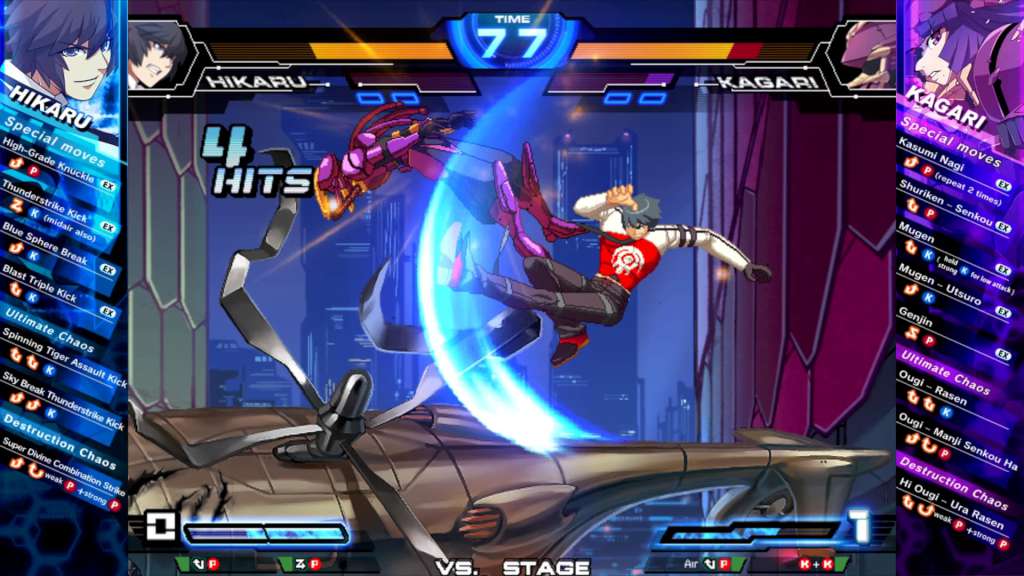
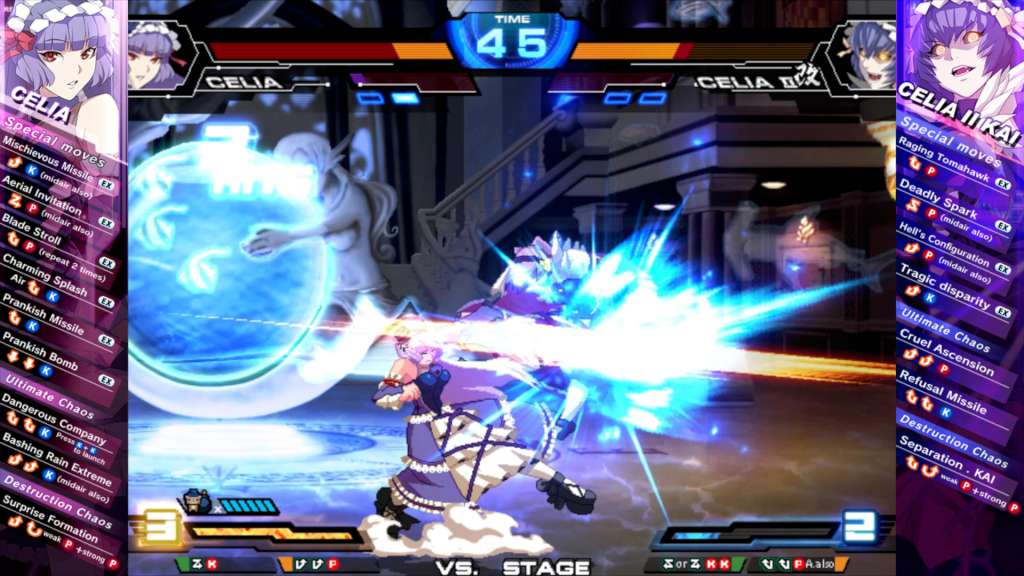
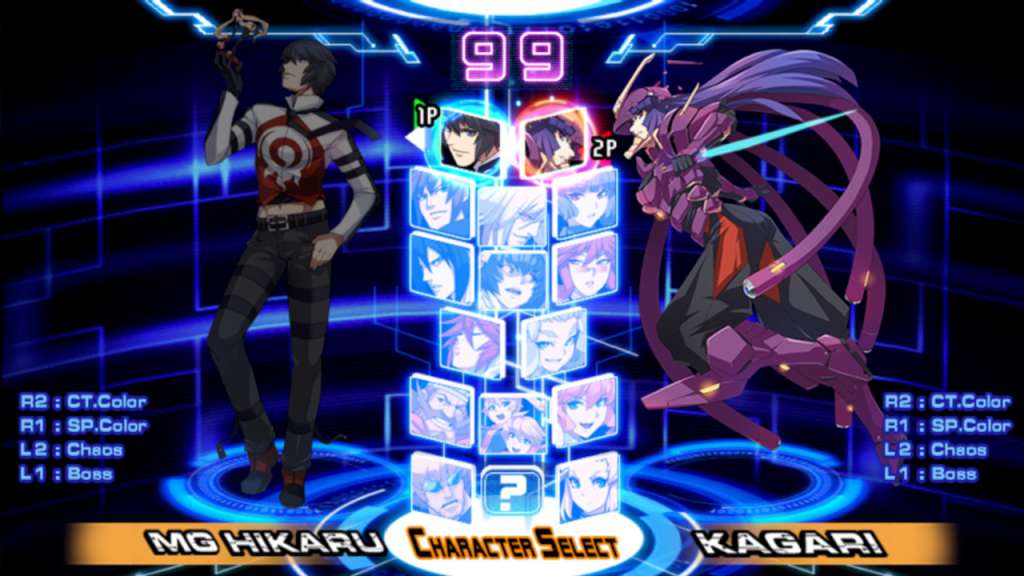
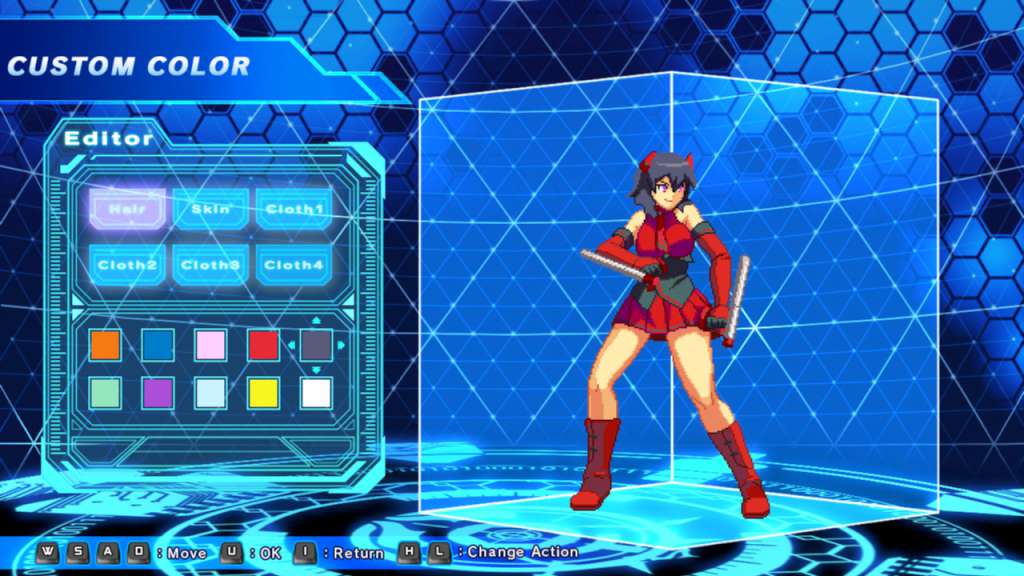
CHAOS CODE -NEW SIGN OF CATASTROPHE- is a simple yet highly flexible hi-speed 2D Fighting game, where players can enjoy the thrill of fighting with all the flashy moves!There are 7 game modes in the game. Online play is also available for players connected to the internet.Choose from 16 unique characters, and fight in the Rank Matches to claim the top! Features Each of the 16 characters have 4 more additional moves, where players can choose and pick 2 out of it during Character Selection. Find a combination that best suits you! Also, in the "Color Edit" Mode, you can even customize the color scheme of your character for greater personality! Other game modes include "Arcade Mode", "Versus Mode", "Mission Mode" and more. Players can also access the "Network Mode" and battle with one another over the internet at the luxury of your home! Defeat all other players and be the top ranker!

Chaos Code -New Sign of Catastrophe- (valid until July 2027) screenshotChaos Code -New Sign of Catastrophe- (valid until July 2027) screenshotChaos Code -New Sign of Catastrophe- (valid until July 2027) screenshotChaos Code -New Sign of Catastrophe- (valid until July 2027) screenshotChaos Code -New Sign of Catastrophe- (valid until July 2027) screenshot

How to redeem

  1. 1Check your Steam account and the listed region before purchasing.
  2. 2Find your code and supplier activation instructions in your confirmed order.
  3. 3Open the redeem-code section on Steam, enter the code and follow the platform’s prompts.

Supplier instructions

Go to: http://store.steampowered.com/ and download STEAM client Click "Install Steam" (from the upper right corner) Install and start application, login with your Account name and Password (create one if you don't have). Please follow these instructions to activate a new retail purchase on Steam: Launch Steam and log into your Steam account. Click the Games Menu. Choose Activate a Product on Steam... Follow the onscreen instructions to complete the process. After successful code verification go to the "MY GAMES" tab and start downloading.

You might also like