Get 10% back in Relic Coins on every order
Farming Simulator 2013 - Official Expansion DLC cover

SteamGlobal· DLC

Farming Simulator 2013 - Official Expansion DLC

€6.87

+€0.69 cashback eligibility in Relic Coins

Check before you play

Platform
Steam
Region
Global
Product type
DLC

Check the required base game and edition before purchasing this add-on.

Developer
Giants Software
Publisher
Giants Software
Supplier release date
2013-10-09
Genres
Strategy

About this product

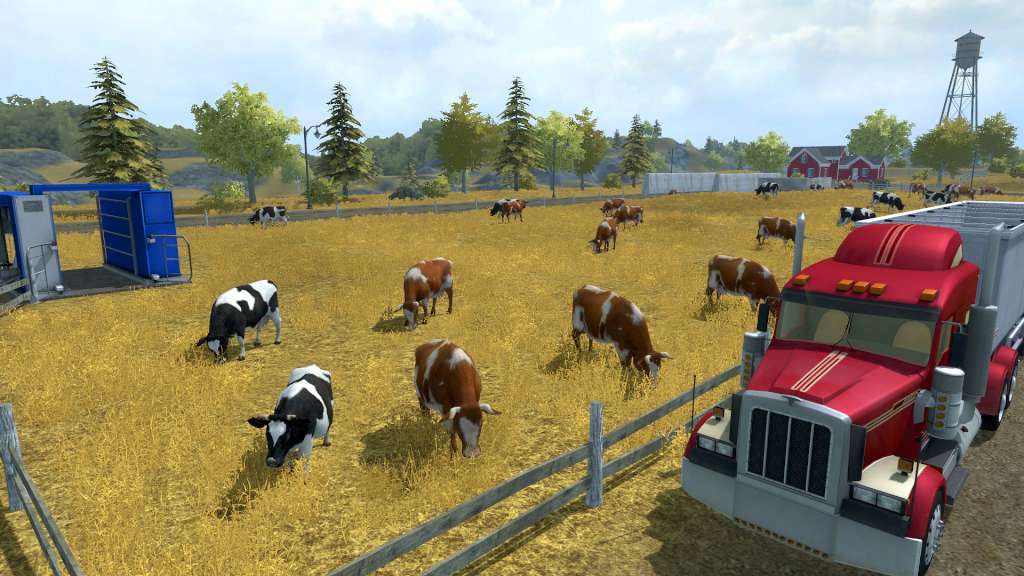
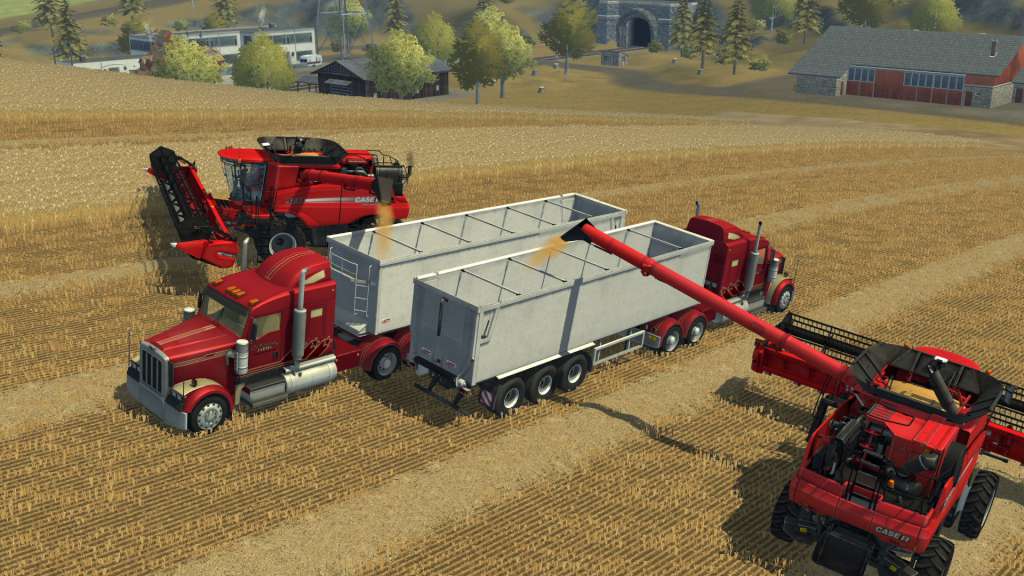
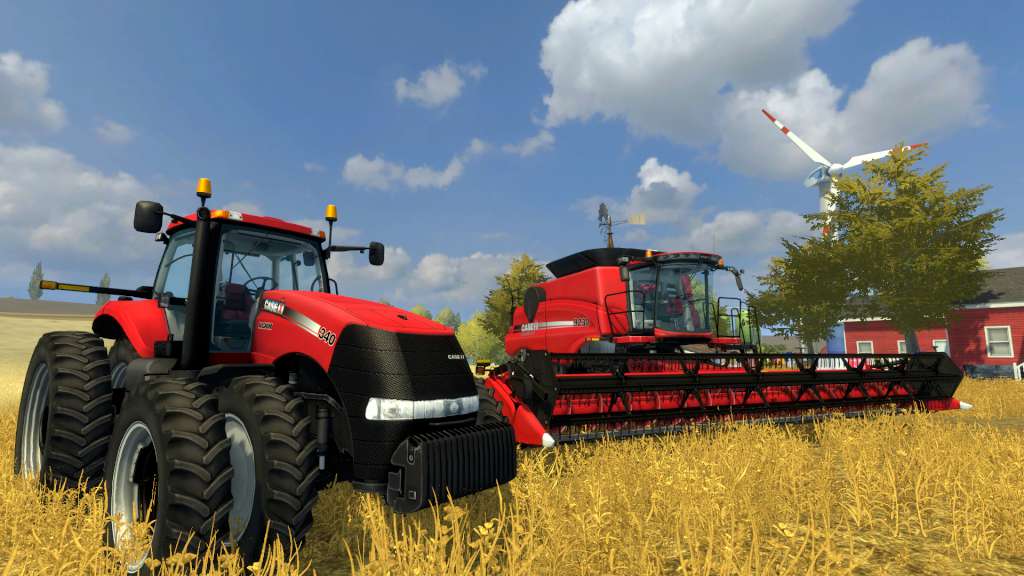
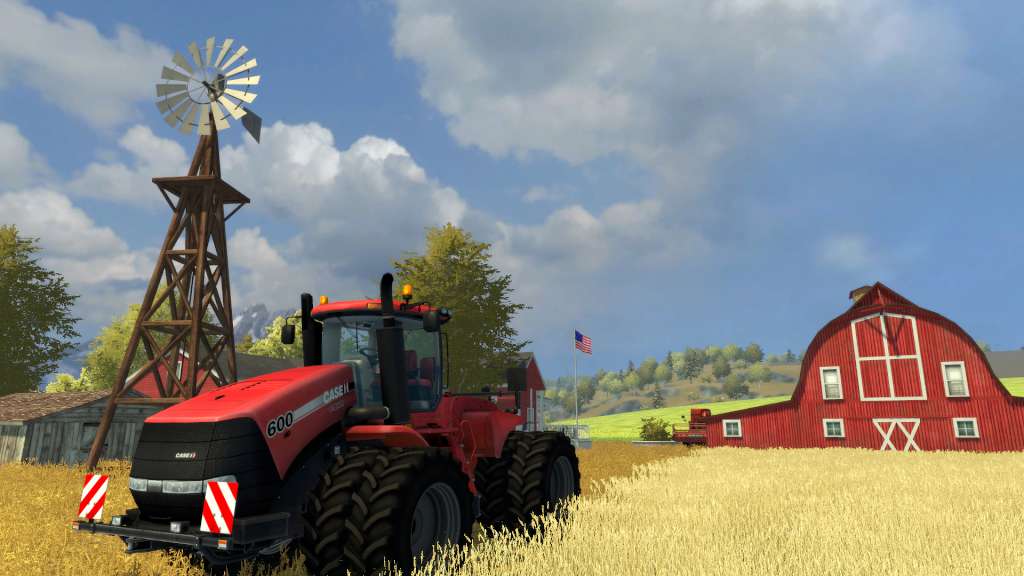
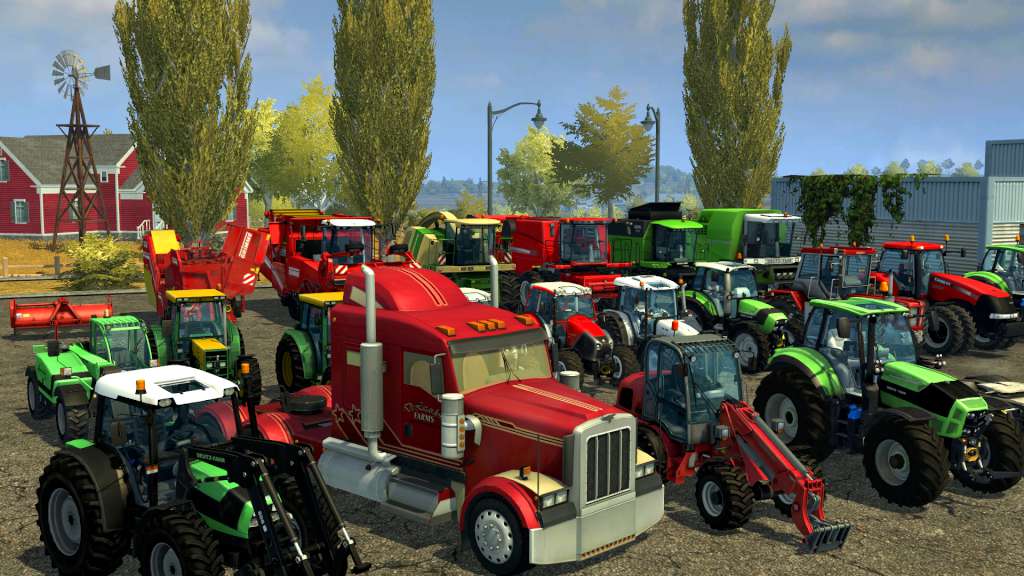
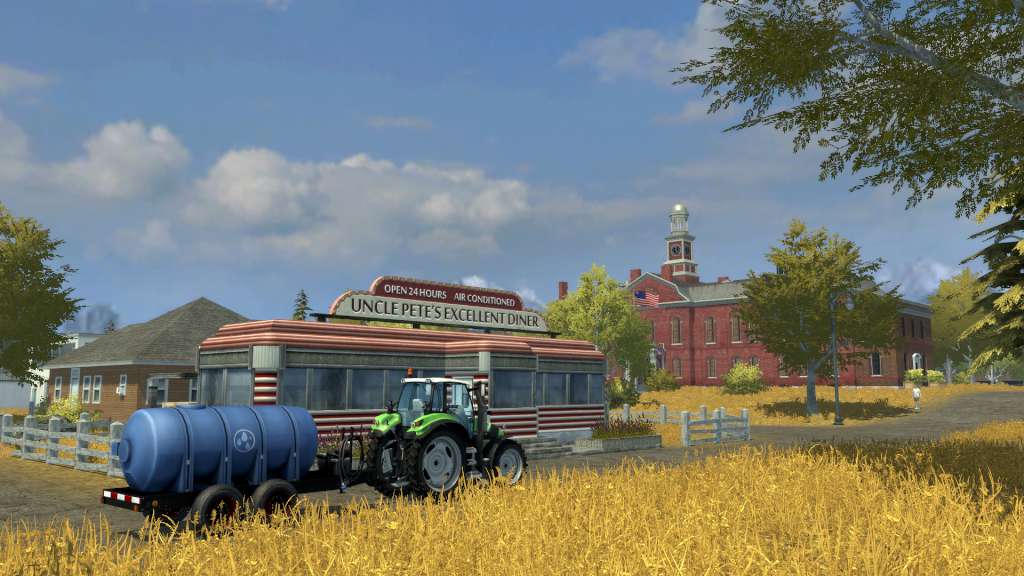
Discover the official expansion of Farming Simulator 2013 bringing a lot of novelties to extend and enrich your experience! An entirely new American backdrop has now been added to the extensive European environment, which will double the size of the gameplay area in Farming Simulator. Inspired by typical American farms, this new and monumental terrain represents a total change of scene, with new locations, fresh development opportunities for your farm and even bigger fields suitable for the largest agricultural machinery available in the game. The game also offers new vehicles providing a huge selection of farming vehicles the player may use and drive to develop their farm! A new American environment doubles the size of the gameplay area More than 20 new vehicles faithfully reproduced.

Farming Simulator 2013 - Official Expansion DLC screenshotFarming Simulator 2013 - Official Expansion DLC screenshotFarming Simulator 2013 - Official Expansion DLC screenshotFarming Simulator 2013 - Official Expansion DLC screenshotFarming Simulator 2013 - Official Expansion DLC screenshotFarming Simulator 2013 - Official Expansion DLC screenshot

How to redeem

  1. 1Check the required base game, platform and edition before purchasing.
  2. 2Find the code or supplier activation instructions in your confirmed order.
  3. 3Redeem on Steam using the supplied instructions, then install the add-on with the compatible base game.

Supplier instructions

Go to: http://store.steampowered.com/ and download STEAM client Click "Install Steam" (from the upper right corner) Install and start application, login with your Account name and Password (create one if you don't have). Please follow these instructions to activate a new retail purchase on Steam: Launch Steam and log into your Steam account. Click the Games Menu. Choose Activate a Product on Steam... Follow the onscreen instructions to complete the process. After successful code verification go to the "MY GAMES" tab and start downloading.

You might also like