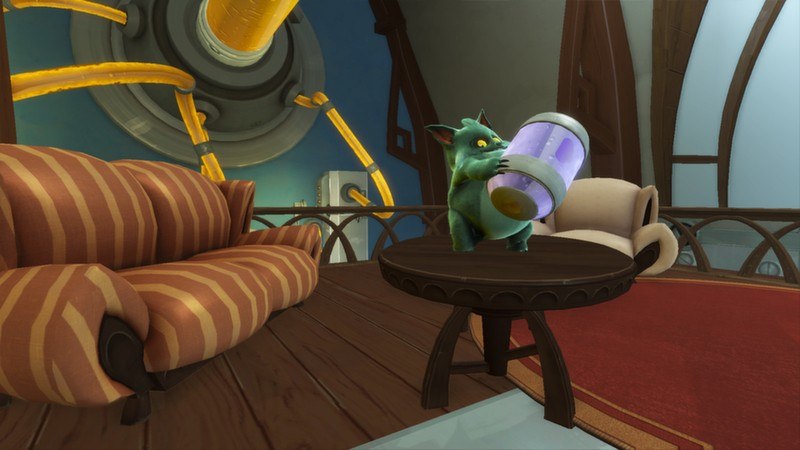
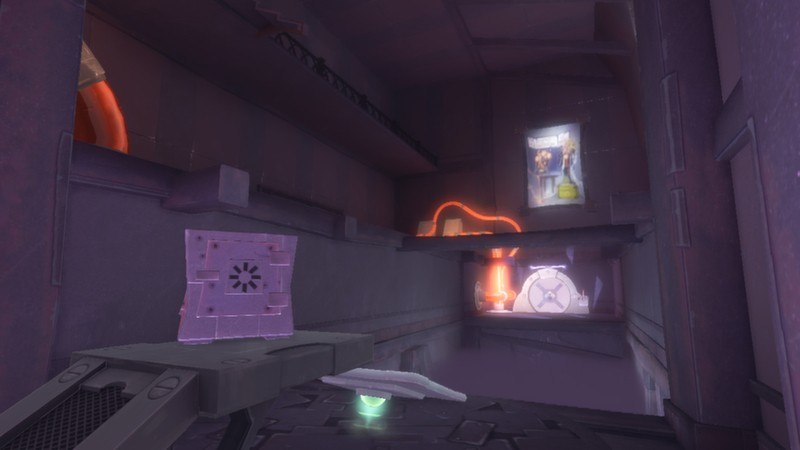
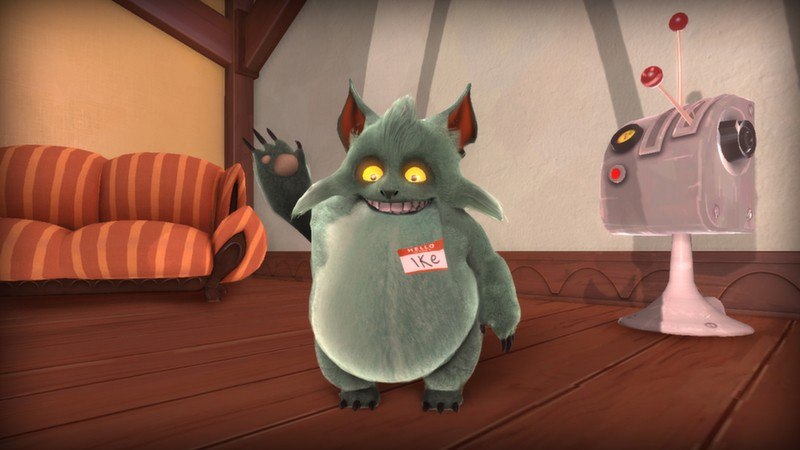
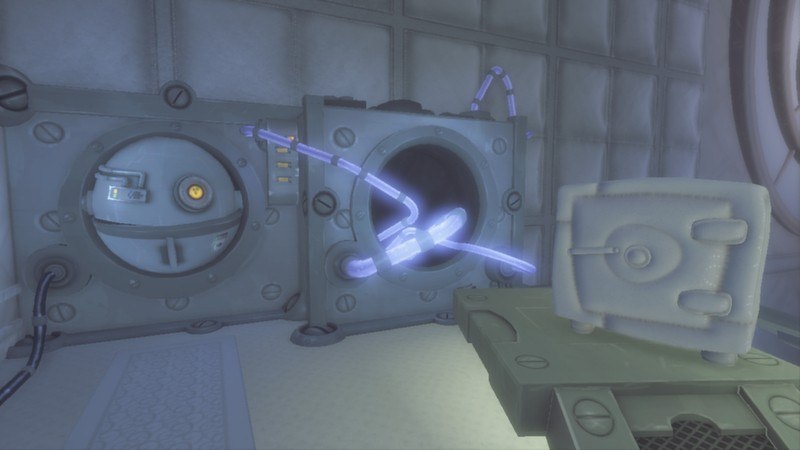
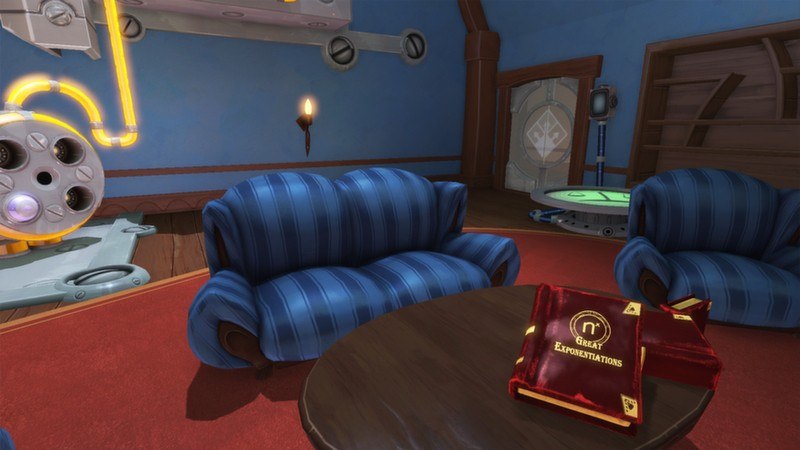
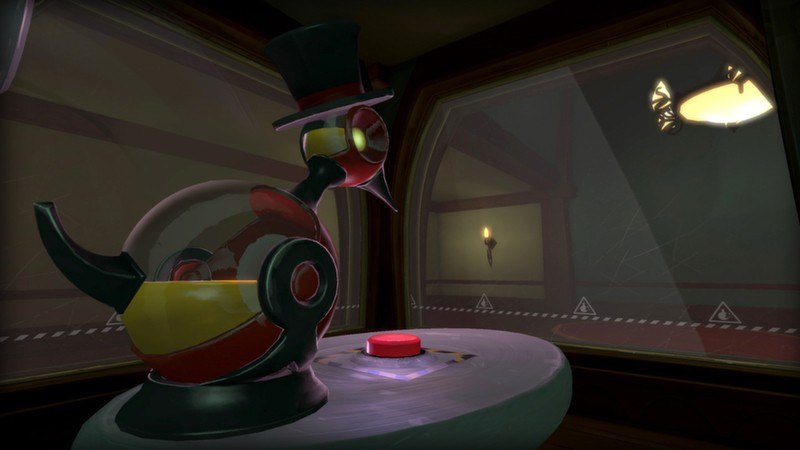
Quantum Conundrum Season Pass EU Steam Key Platform: Steam Release Date: 21 Jun 2012 Product Description This product can be activated only in Europe! Quantum Conundrum Season Pass Steam Key includes: Quantum Conundrum main game Quantum Conundrum: IKE-aramba! Quantum Conundrum: The Desmond Debacle Quantum Conundrum soundtrack When you, as a young boy, are dropped off to visit your uncle, you notice something’s wrong. First, he’s not there to greet you. Second, there’s the explosion that happened right as you arrived. And third, the house seems to be even weirder than you remembered it. Now, your job is to find—and ultimately rescue—your uncle, by using his newest invention, the Interdimensional Shift Device (or IDS), to switch between dimensions and solve puzzles. That sofa too heavy to move? There’s a dimension for that! Switch to Fluffy Dimension and that sofa is now light as a feather. Need to get up to a high ledge? There’s a dimension for that! Just switch to Anti-Gravity Dimension and things begin to float upward. Need to make things heavier? There’s a dimension for th—well, you get the idea. Switch dimensions in real time, work your way through the crazy complex mansion wings and rescue your uncle! System Requirements OS:Windows 7 SP1 Processor:Intel Core 2 Duo 2.2 Ghz / AMD Athlon x2 64 3800+ Memory:2 GB RAM Graphics:GeForce 8800 GT 512 MB / ATI Radeon HD 2900 512 MB Hard Drive:1.75 GB HD space Sound:DirectX9 compatible sound card