Get 10% back in Relic Coins on every order
Child of Light cover

Xbox One Europe - All Countries· Key

Child of Light

€10.20

+€1.02 cashback eligibility in Relic Coins

Check before you play

Platform
Xbox One
Region
Europe - All Countries
Product type
Key
Developer
Ubisoft Montreal
Publisher
Ubisoft Entertainment
Supplier release date
2014-04-30
Genres
Action, RPG, Platformer, Story rich, Co-op

About this product

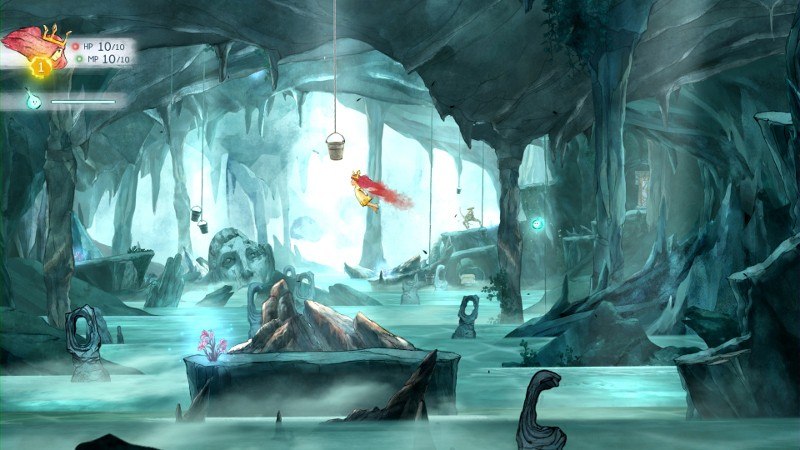
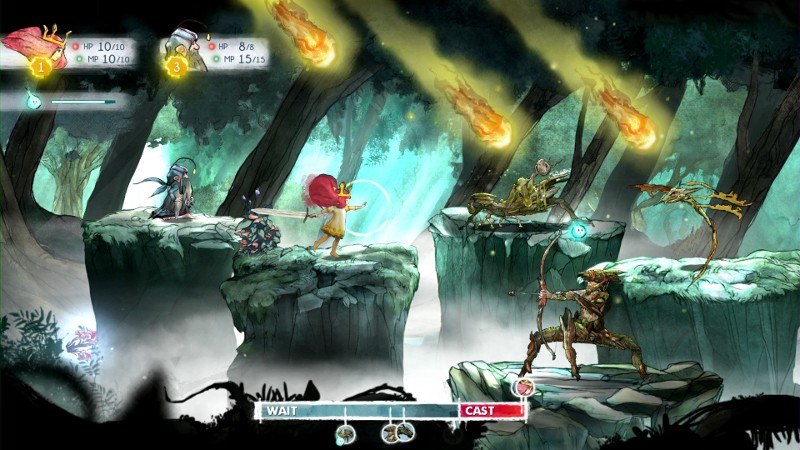
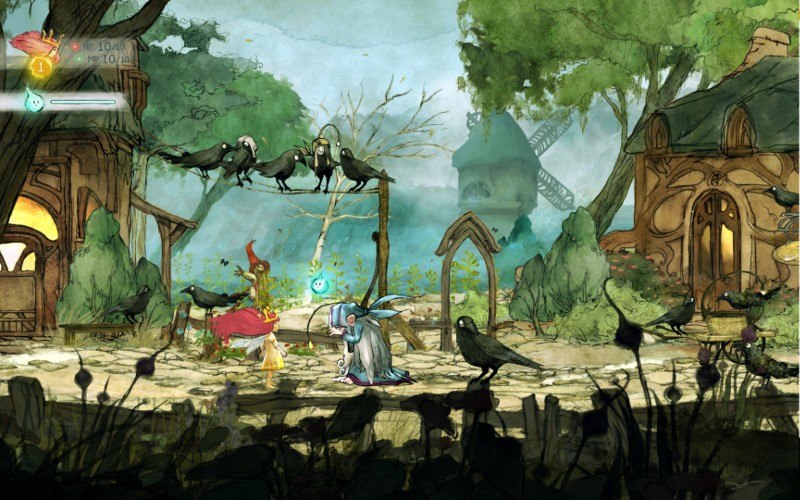
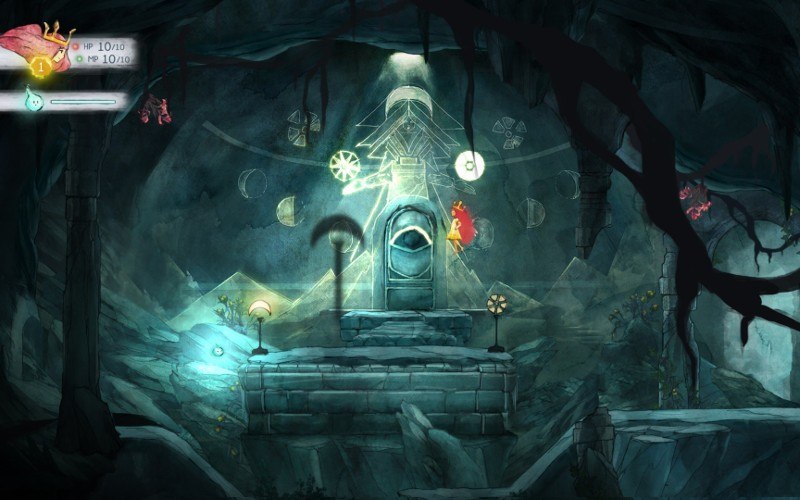
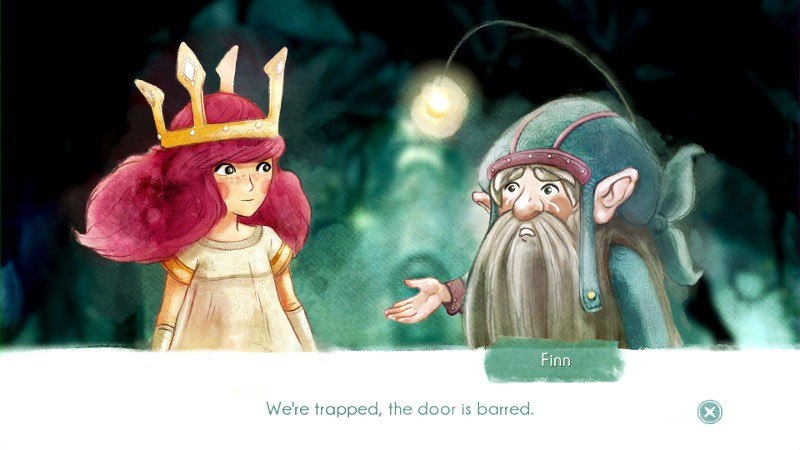
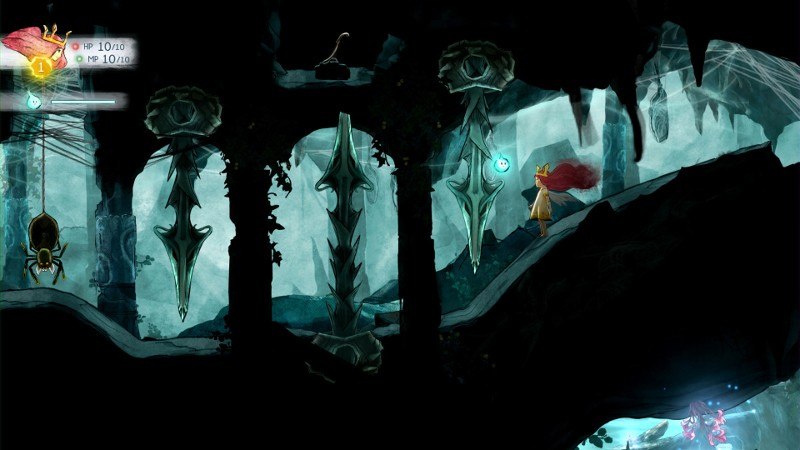
Aurora, a young girl from 1895 Austria, awakens on the lost fairytale continent of Lemuria. To return home she must fight against the dark creatures of the Queen of the Night, who have stolen the sun, the moon and the stars. At stake is not only Lemuria, but Aurora’s true destiny. Features An Adventure Waits!Created by a talented team at Ubisoft Montreal using the UbiArt Framework, Child of Light is an RPG inspired by fairy tales complemented with a story carefully crafted in verse and rhyme. Step into a living painting, the breathtaking scenery of Lemuria is an invitation to explore a long lost world. Enter the World of Lemuria Across your journey through Lemuria you will encounter many eccentric creatures, from spirits of the forest to talking mice to wicked witches and evil sea serpents. Discover a vast land with iconic locations and exciting dungeons that will evolve as Aurora regains the stolen lights. Fight the Dark Battle enemies using an Active-Time Battle System alongside the firefly Igniculus and other members of Aurora’s party on their quest to recover the sun, the moon and the stars. Beat your enemies using a deep party system and the varied skill trees of your party. Play with a friend as both Aurora and Igniculus using the seamless drop-in drop-out cooperative multiplayer.

Child of Light screenshotChild of Light screenshotChild of Light screenshotChild of Light screenshotChild of Light screenshotChild of Light screenshot

How to redeem

  1. 1Check your Xbox One account and the listed region before purchasing.
  2. 2Find your code and supplier activation instructions in your confirmed order.
  3. 3Open the redeem-code section on Xbox One, enter the code and follow the platform’s prompts.

Supplier instructions

Go to: http://store.steampowered.com/ and download STEAM client Click "Install Steam" (from the upper right corner) Install and start application, login with your Account name and Password (create one if you don't have). Please follow these instructions to activate a new retail purchase on Steam: Launch Steam and log into your Steam account. Click the Games Menu. Choose Activate a Product on Steam... Follow the onscreen instructions to complete the process. After successful code verification go to the "MY GAMES" tab and start downloading.

You might also like