Get 10% back in Relic Coins on every order
The Great Jitters: Pudding Panic cover

SteamGlobal· Key

The Great Jitters: Pudding Panic

€0.59

+€0.06 cashback eligibility in Relic Coins

Check before you play

Platform
Steam
Region
Global
Product type
Key
Developer
kunst-stoff GmbH
Publisher
kunst-stoff GmbH
Supplier release date
2014-05-22
Genres
Action, Casual, Indie, Strategy

About this product

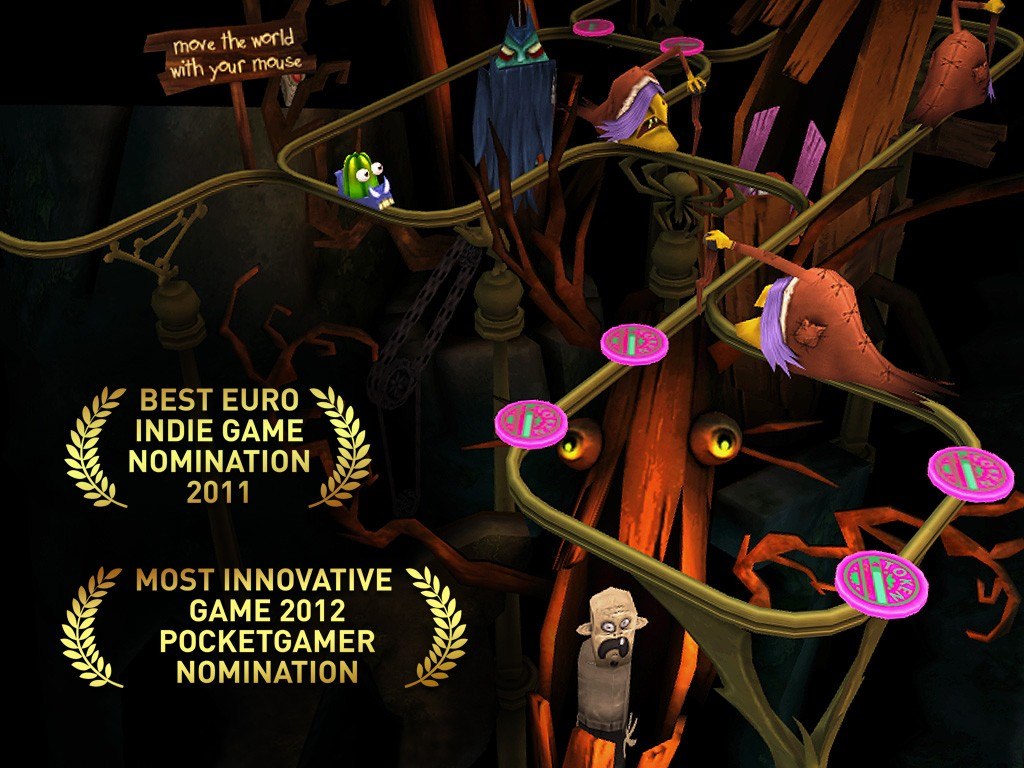
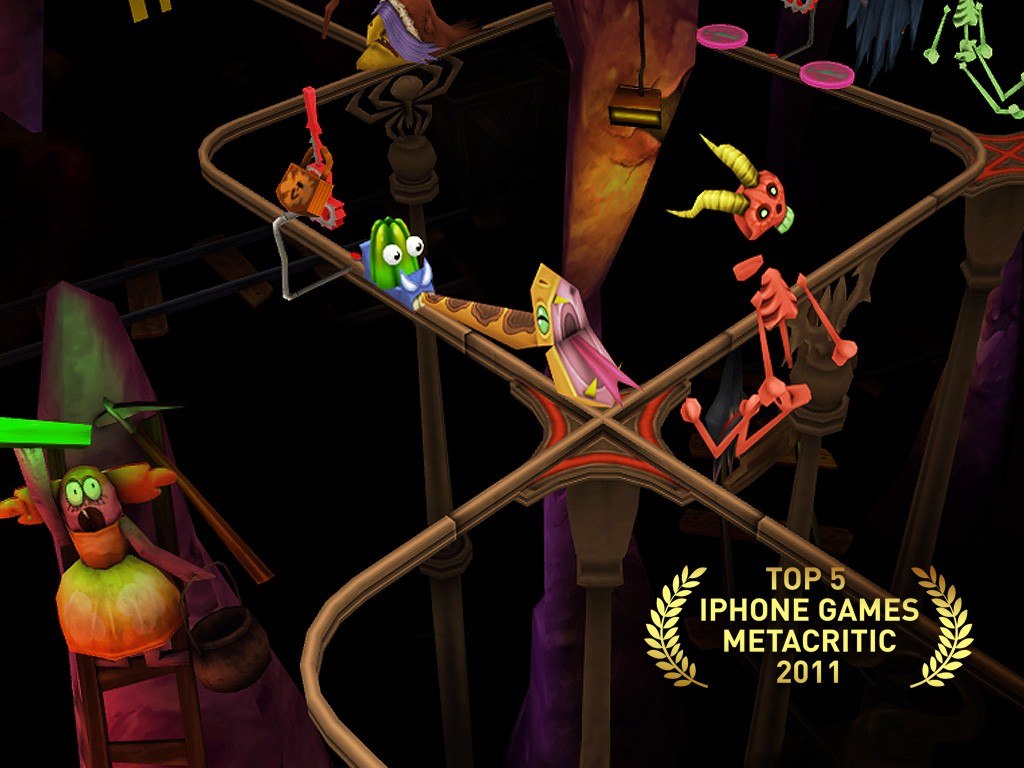
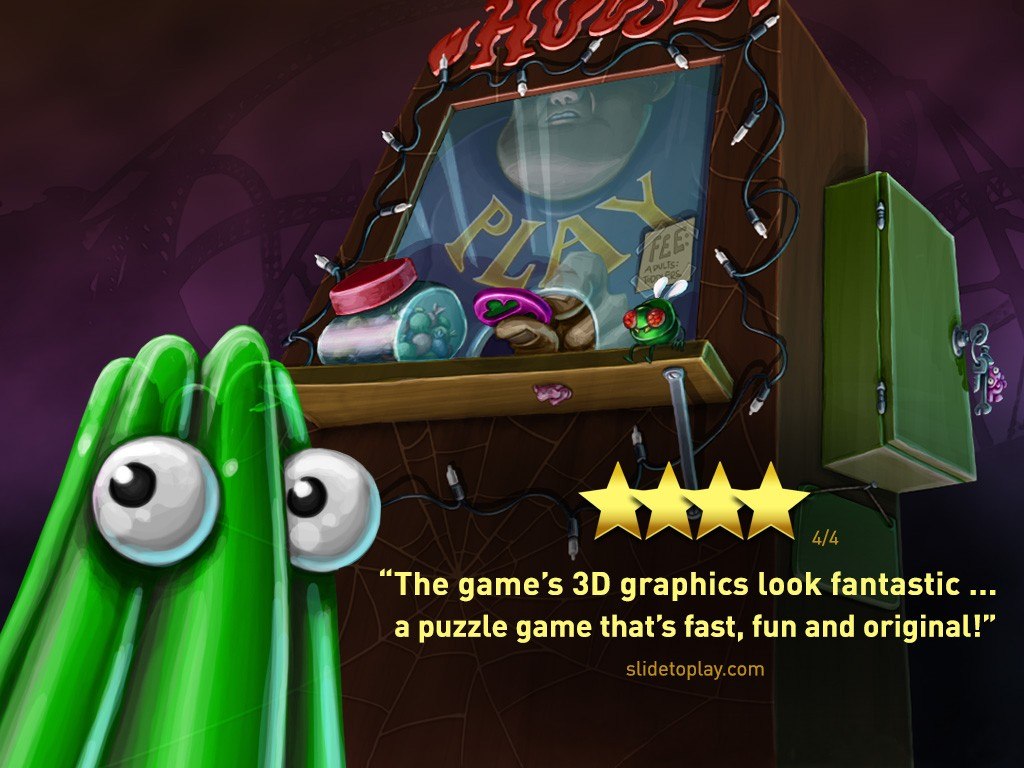
Puzzle a shivering jello through 48 levels of a haunted house.But beware! Scary monsters are waiting in the dark! Your only chance of survival is to scare the monsters back before the jello quivers, shivers and faints from fear. Fight evil witches, rattling skeletons and rusty knights with an arsenal of crazy weapons! Collect coins to reload your weapons and valerian for your nerves! Are you clever and skilled enough to escape the labyrinth and to defeat the final enemies?Test your courage in 48 suspenseful levels and dive into four beautiful 3D worlds! Many variations in gameplay and lots of challenges will make your pulse rise and your adrenalin flow: Solve puzzles, play against the clock, escape the monsters and win treacherousraces! Features: 48 levels of different gameplay challenges hilarious animations and sounds beautiful 3D environments suspense, action and puzzling fun!

The Great Jitters: Pudding Panic screenshotThe Great Jitters: Pudding Panic screenshotThe Great Jitters: Pudding Panic screenshotThe Great Jitters: Pudding Panic screenshotThe Great Jitters: Pudding Panic screenshot

How to redeem

  1. 1Check your Steam account and the listed region before purchasing.
  2. 2Find your code and supplier activation instructions in your confirmed order.
  3. 3Open the redeem-code section on Steam, enter the code and follow the platform’s prompts.

Supplier instructions

"Please remember that we are NOT responsible for any problems that may arise from purchasing and using Steam Gifts. You are doing it at your own risk. "Please note, that due to recent Valve Steam Gift policy update Steam Gifts for games that are covered by VAC ban program can no longer be added to Inventory. Make sure that you are logged in to the proper account before entering the link as Steam Gifts can be only added to your library or rejected. How do I use a Steam gift given to me? If you do not already have Steam, download and install Steam here. Once you have Steam installed, you will be prompted to create an account or login to an existing Steam account. If you do not have an account, please create one. You will receive an e-mail containing a link that will open Steam allowing you to redeem your gift. After clicking the link, you will receive a notification at the top right corner in the Steam client informing that you have a new gift.

You might also like