Get 10% back in Relic Coins on every order
Battle Worlds: Kronos cover

Xbox One Europe - All Countries· Key

Battle Worlds: Kronos

€19.91

+€1.99 cashback eligibility in Relic Coins

Check before you play

Platform
Xbox One
Region
Europe - All Countries
Product type
Key
Developer
KING Art
Publisher
THQ Nordic
Supplier release date
2013-05-09
Genres
Strategy

About this product

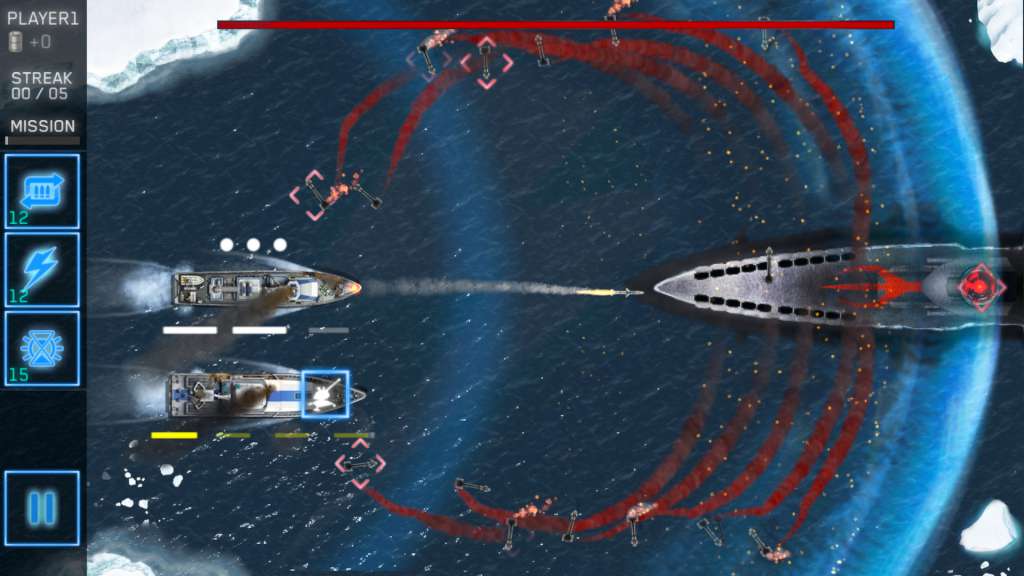
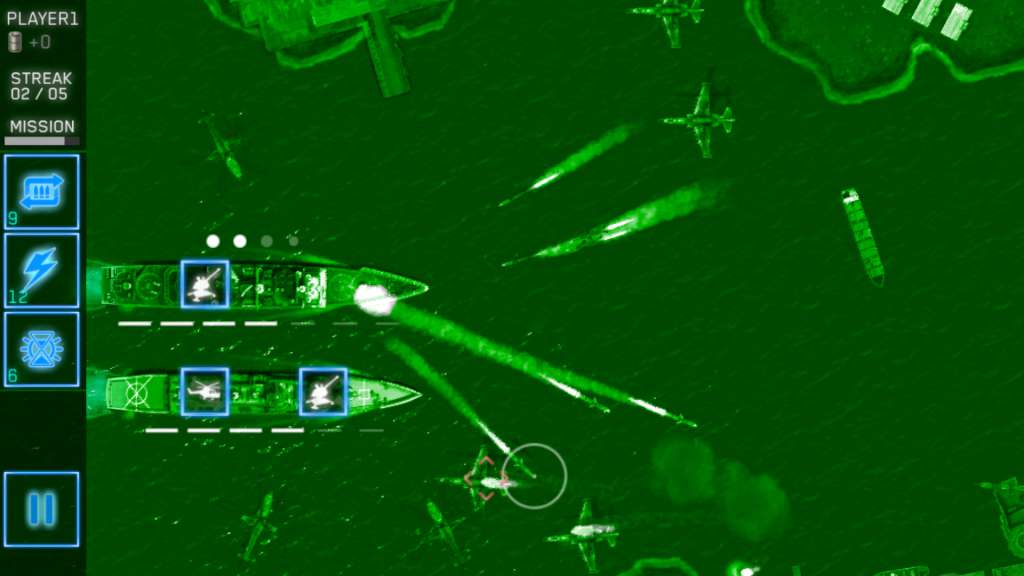
Battle World: Kronos is a classic turn-based strategy game in the tradition of Battle Isle, Advance Wars and Panzer General. Have you ever wondered what games like that would look like today? Well, we did. As a result, we decided to develope Battle Worlds: Kronos. Features Two Single Player Campaigns (~30 hours of gameplay) Single Player Challenge Maps - Test your skills in different combat scenarios and keep track of your progress. Live Multiplayer - Battle your friends live on the interent (cross-platform) or via hot-seat. Asynchronous Multiplayer - Take all the time you need and consider your moves. Similar to "play-by-mail", your round is stored on our server and turned over to your opponent. The system allows you to continue the match anytime and anywhere you want (cross-platform). Online Features - Leagues, chat and - in early 2014 - tournaments. Strong AI - A clever AI that will challenge even experienced commanders. Map Editor - A powerful editor to create your own maps and missions. Includes "Trains" DLC - Get the "Trains" DLC in early 2014, featuring a new campaign (~10 hours), additional multiplayer maps and new units FOR FREE!

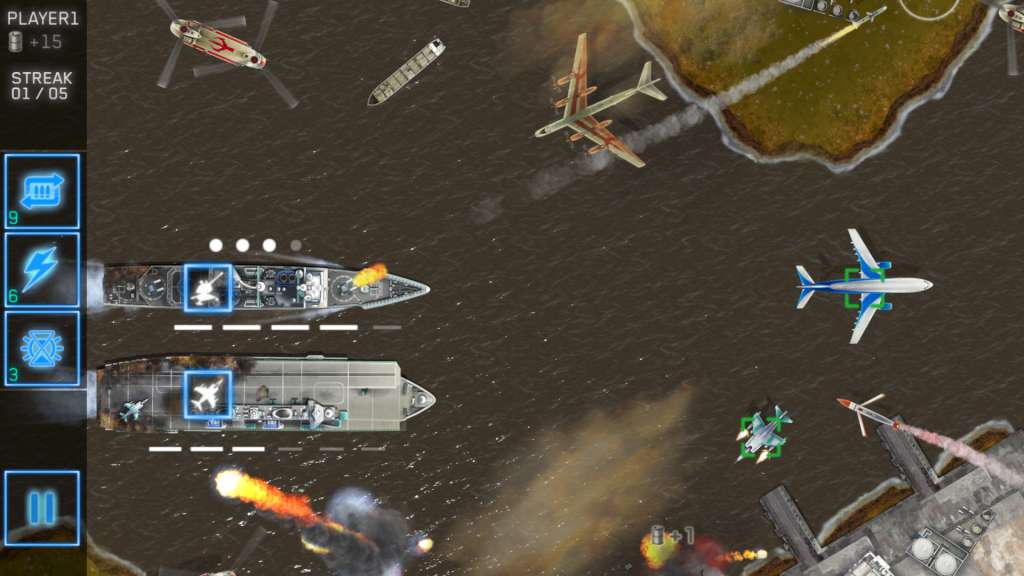
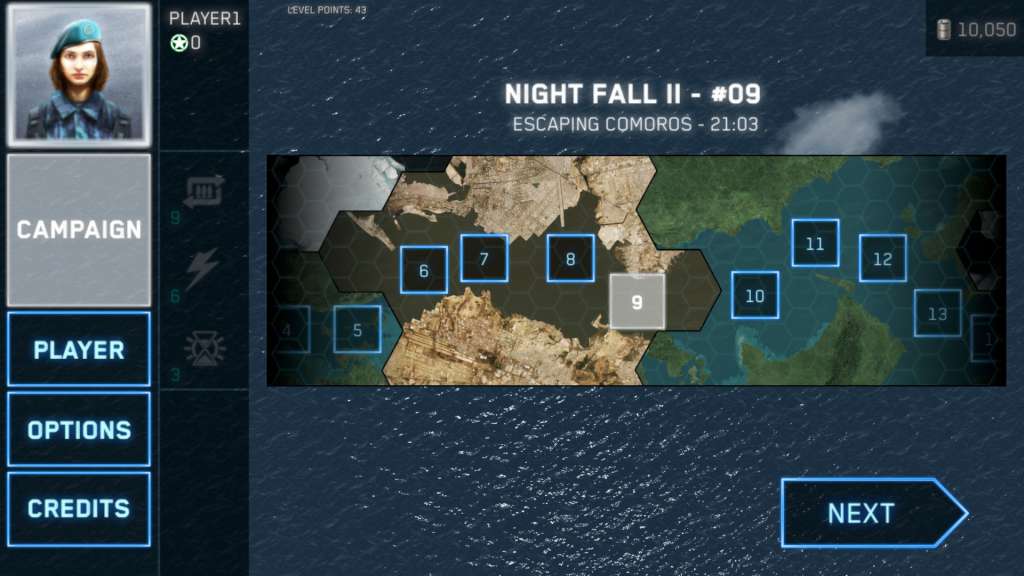
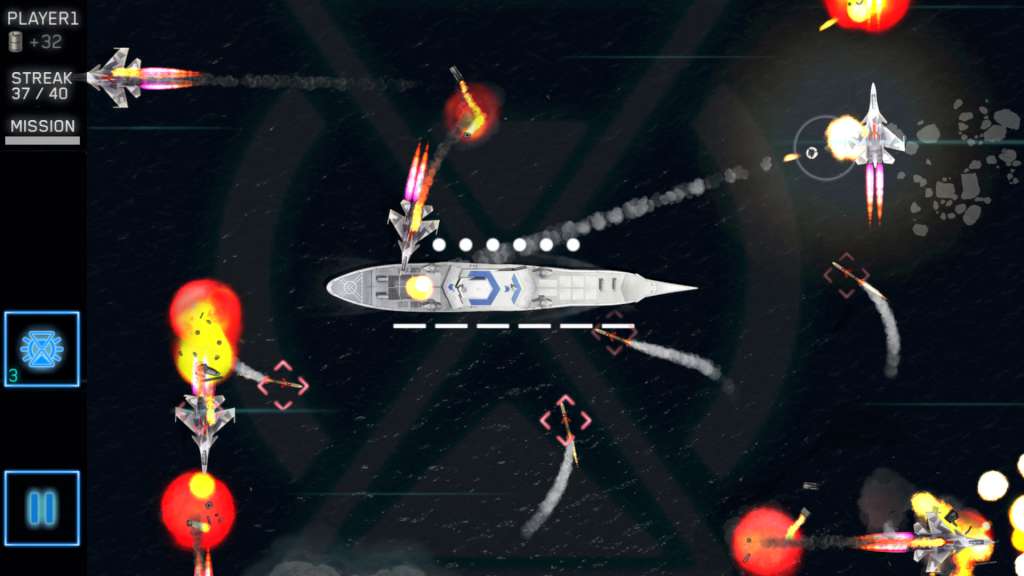
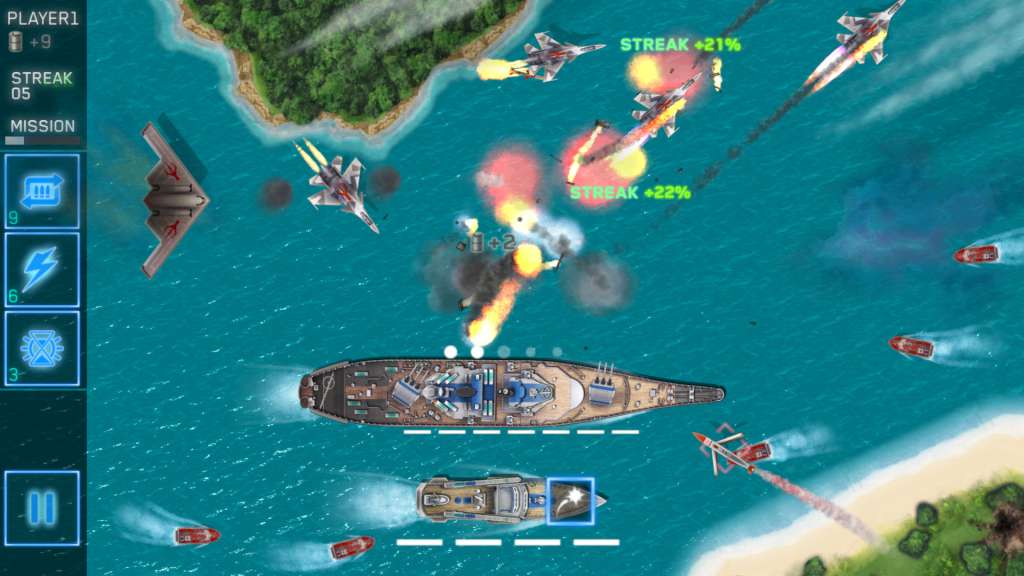
Battle Worlds: Kronos screenshotBattle Worlds: Kronos screenshotBattle Worlds: Kronos screenshotBattle Worlds: Kronos screenshotBattle Worlds: Kronos screenshotBattle Worlds: Kronos screenshot

How to redeem

  1. 1Check your Xbox One account and the listed region before purchasing.
  2. 2Find your code and supplier activation instructions in your confirmed order.
  3. 3Open the redeem-code section on Xbox One, enter the code and follow the platform’s prompts.

Supplier instructions

Go to: http://store.steampowered.com/ and download STEAM client Click "Install Steam" (from the upper right corner) Install and start application, login with your Account name and Password (create one if you don't have). Please follow these instructions to activate a new retail purchase on Steam: Launch Steam and log into your Steam account. Click the Games Menu. Choose Activate a Product on Steam... Follow the onscreen instructions to complete the process. After successful code verification go to the "MY GAMES" tab and start downloading.

You might also like