Get 10% back in Relic Coins on every order
Ride 2 cover

Xbox OneUnited States· Key

Ride 2

€2.81

+€0.28 cashback eligibility in Relic Coins

Check before you play

Platform
Xbox One
Region
United States
Product type
Key
Developer
Milestone
Publisher
Square Enix
Supplier release date
2016-10-07
Genres
Racing, Sport, Simulation

About this product

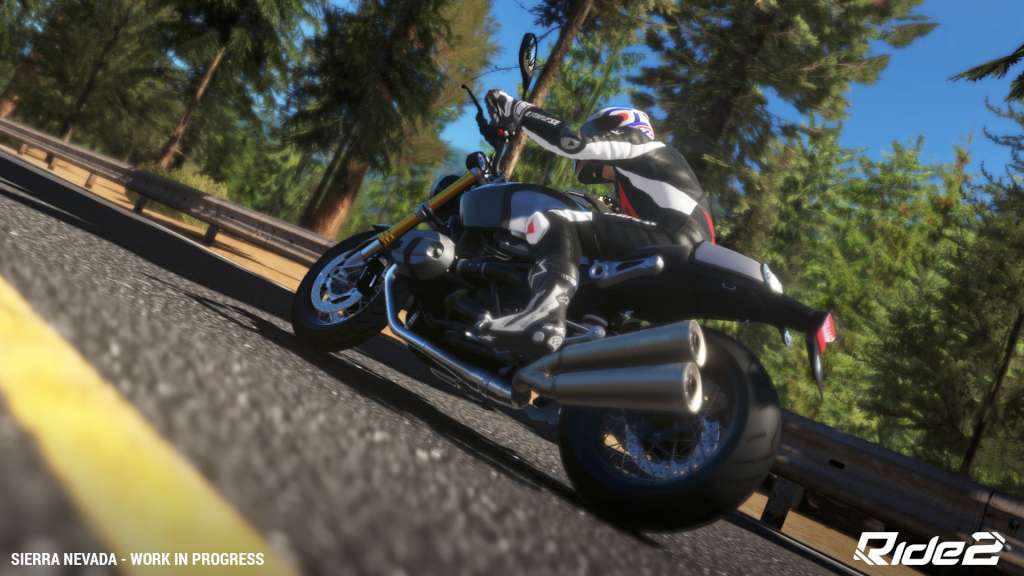
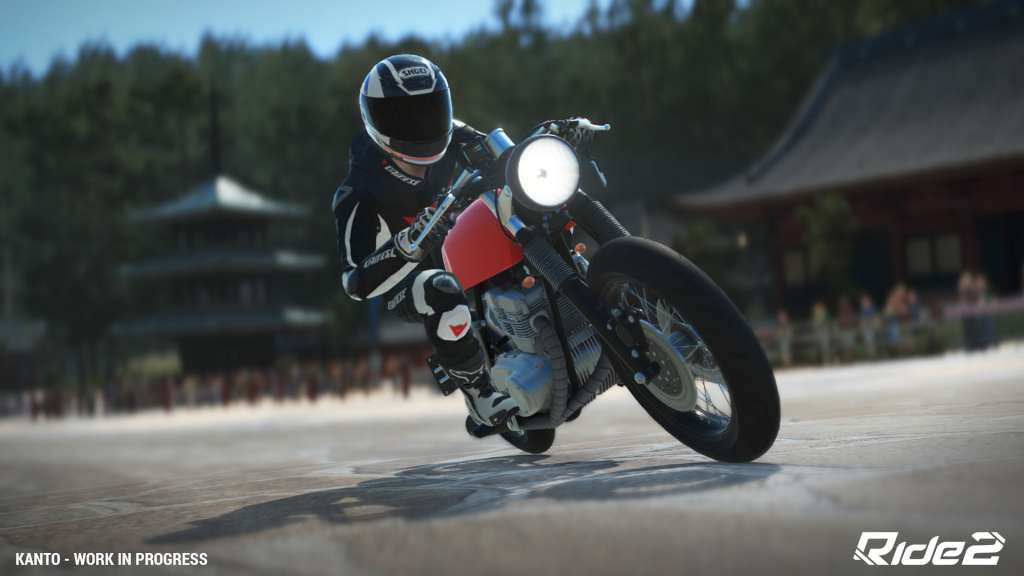
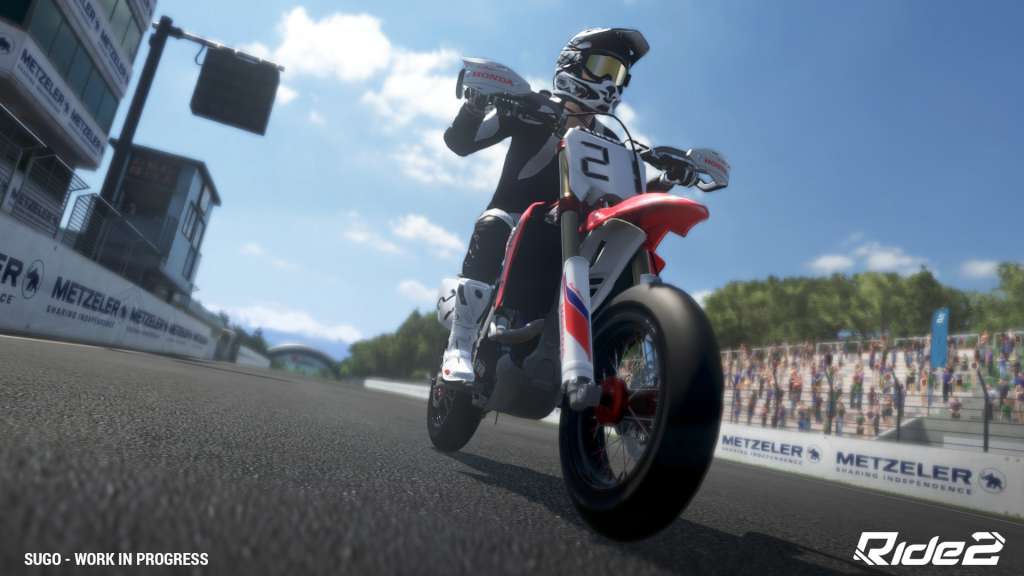
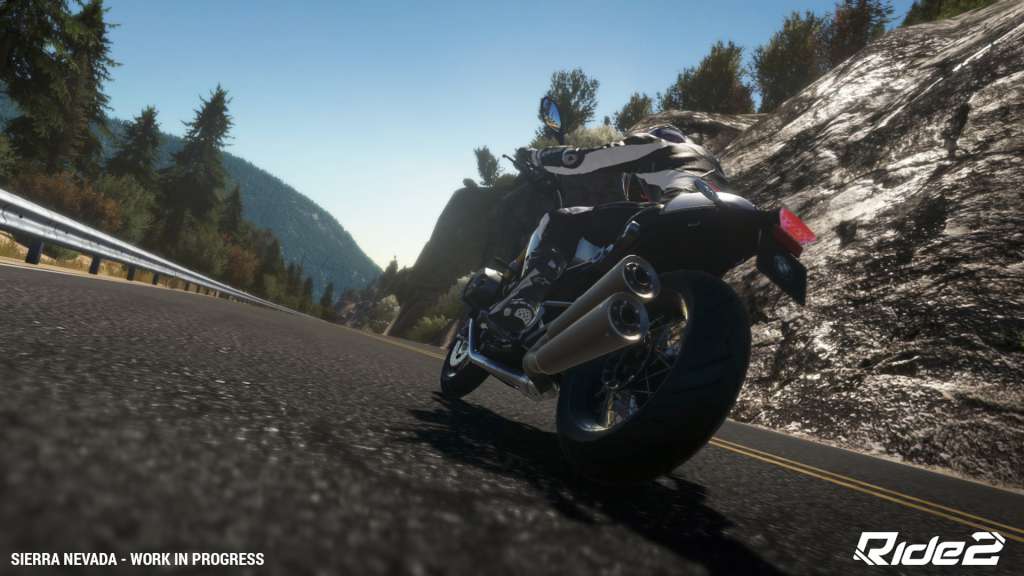
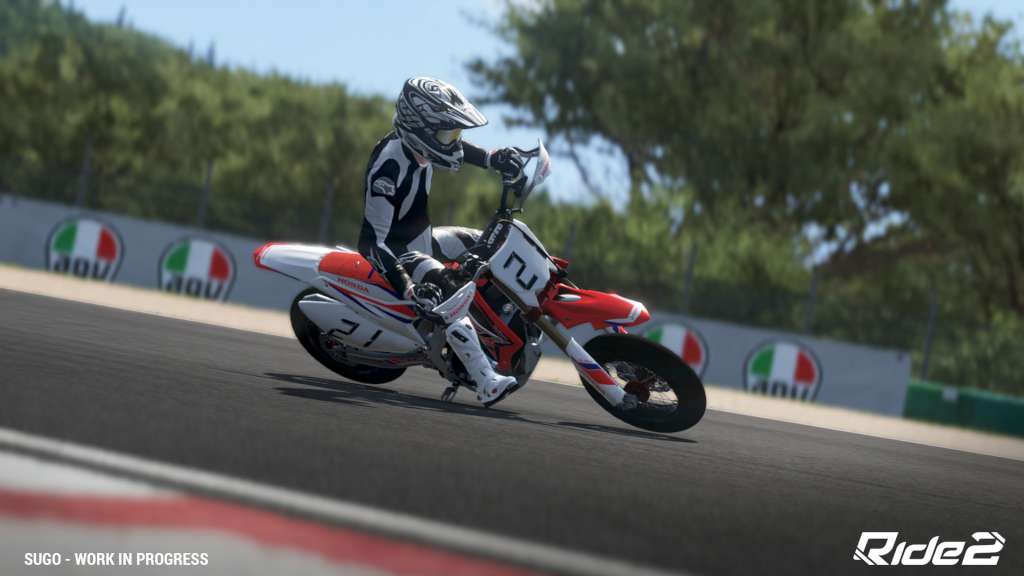
Welcome to the temple of motorcycles, the only digital garage that will allow you to discover, transform and test the world’s fastest, most iconic and original vehicles. The top of the range of the most famous brands will await you to compete against each other in a unique videogame and show the world their full potential! Over 170 bikes are the undisputed protagonists of the new chapter of this long-waited two-wheel racing game! Feel the adrenaline rush through your veins and face the most dreadful bends with the passion and the boldness of a professional rider! RIDE 2 will include the tracks of the wildest and most exciting races of all time! Country, City, GP, Road, Motard and Drag race: challenge the toughest types of roads and leave a slipstream at every squeal of tyres! Features Over 170 bike models New categories like the legendary Sport Bike 2 Strokes, the Supermotos and the Naked Café Racers 30 different tracks with different topographic features each 22 of the world’s most important motorcycle manufacturers Over 1200 customisable parts and over 600 different liveries that you can use to transform a motorcycle for everyone into YOUR own custom bike New Social features and new Friends for a complete and fun game experience

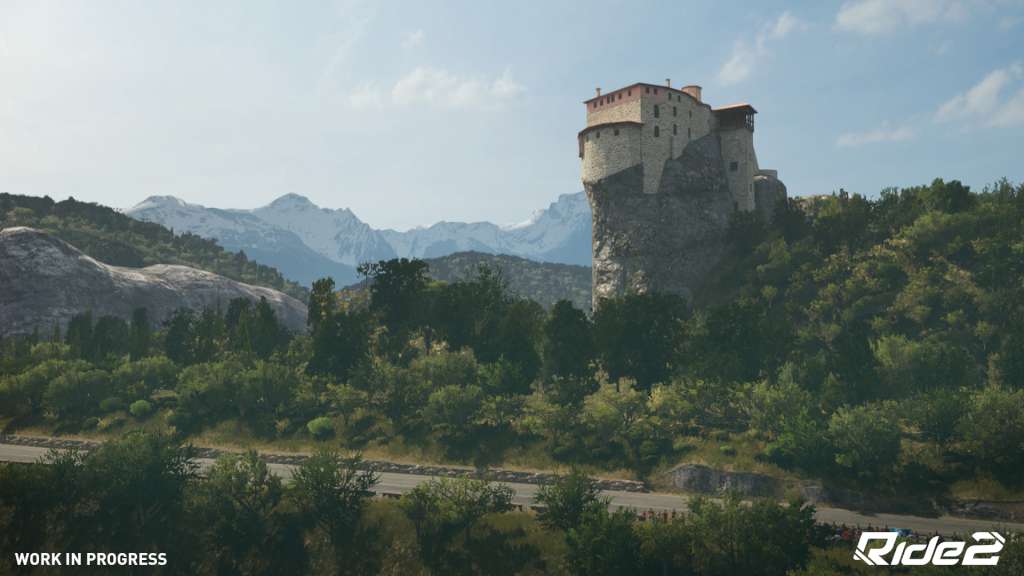
Ride 2 screenshotRide 2 screenshotRide 2 screenshotRide 2 screenshotRide 2 screenshotRide 2 screenshot

How to redeem

  1. 1Check your Xbox One account and the listed region before purchasing.
  2. 2Find your code and supplier activation instructions in your confirmed order.
  3. 3Open the redeem-code section on Xbox One, enter the code and follow the platform’s prompts.

Supplier instructions

Go to: http://store.steampowered.com/ and download STEAM client Click "Install Steam" (from the upper right corner) Install and start application, login with your Account name and Password (create one if you don't have). Please follow these instructions to activate a new retail purchase on Steam: Launch Steam and log into your Steam account. Click the Games Menu. Choose Activate a Product on Steam... Follow the onscreen instructions to complete the process. After successful code verification go to the "MY GAMES" tab and start downloading.

You might also like