

SteamGlobal· Key
Receiver
€1.85
+€0.19 cashback eligibility in Relic Coins
Check before you play
- Platform
- Steam
- Region
- Global
- Product type
- Key
- Developer
- Wolfire Games
- Publisher
- Wolfire Games
- Genres
- Action, Simulation, Indie
SteamGlobal· Key
€1.85
+€0.19 cashback eligibility in Relic Coins
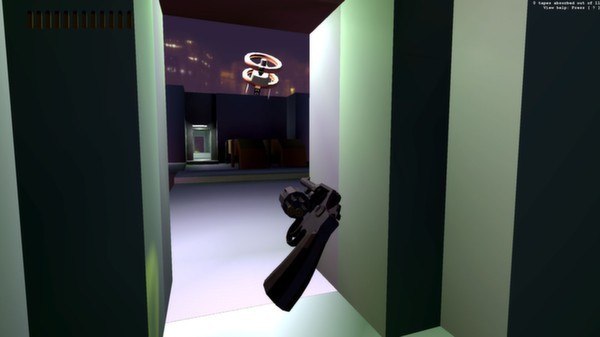
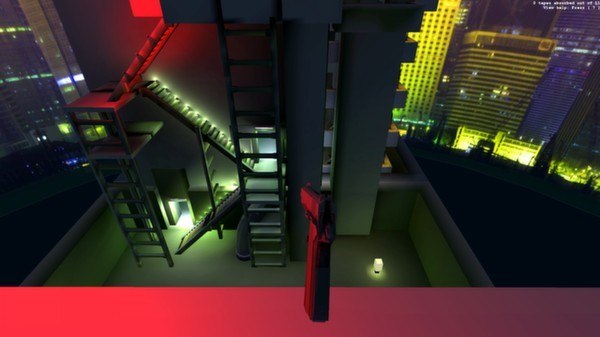
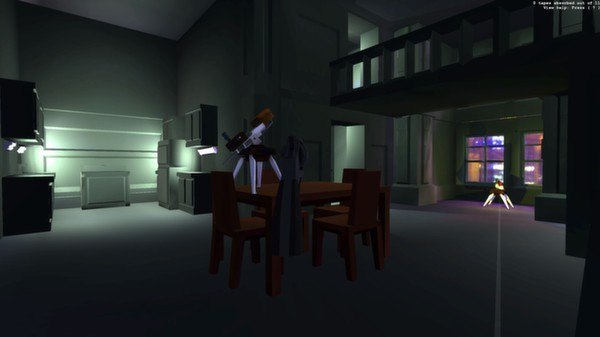
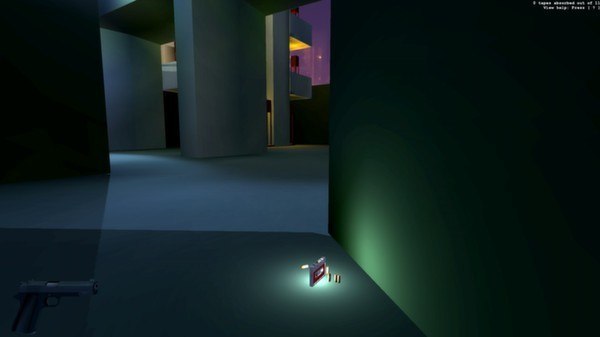
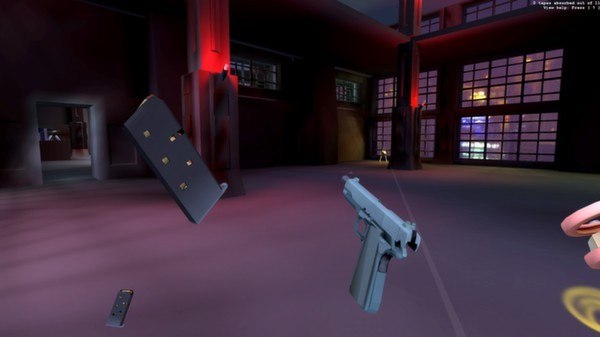
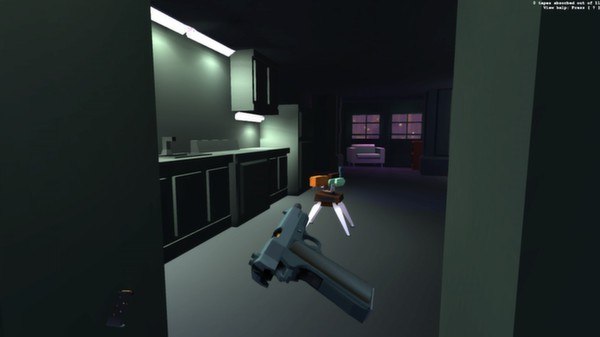
Receiver Steam Key Platform: Steam Release Date: 29 Apr 2013 Product Description Receiver was created for the 7-day FPS challenge to explore gun handling mechanics, randomized levels, and unordered storytelling. Armed only with a handgun and an audio cassette player, you must uncover the secrets of the Mindkill in a building complex infested with automated turrets and hovering shock drones. Watch the videos to learn more about our design experiments in this game! Features Detailed simulations of a Colt 1911 pistol, S&W Model 10 "Victory" revolver, and Glock 17 with full-auto mod Taser robots and machine gun turrets with physically-based damage models Ballistic modeling of ricochets and bullet drop 11 audio tapes to prepare you to defend yourself against the inevitable Mindkill event Become literate in how guns actually operate System Requirements PC System Requirements OS:Windows XP Processor:2.0 GHz Memory:1 GB RAM Graphics:Passmark G3D 250+ Hard Drive:150 MB HD space Mac System Requirements OS:10.6 Processor:2.0 GHz Memory:1 GB RAM Graphics:Passmark G3D 250+ Hard Drive:150 MB HD space Linux System Requirements OS:Ubuntu 12.10 Processor:2.0 GHz Memory:1 GB RAM Graphics:Passmark G3D 250+ Hard Drive:150 MB HD space
Go to: http://store.steampowered.com/ and download STEAM client Click "Install Steam" (from the upper right corner) Install and start application, login with your Account name and Password (create one if you don't have). Please follow these instructions to activate a new retail purchase on Steam: Launch Steam and log into your Steam account. Click the Games Menu. Choose Activate a Product on Steam... Follow the onscreen instructions to complete the process. After successful code verification go to the "MY GAMES" tab and start downloading.