Get 10% back in Relic Coins on every order
Kyle is Famous: Complete Edition cover

SteamGlobal· Key

Kyle is Famous: Complete Edition

€0.39

+€0.04 cashback eligibility in Relic Coins

Check before you play

Platform
Steam
Region
Global
Product type
Key
Developer
John Szymanski
Publisher
John Szymanski
Supplier release date
2019-11-18
Genres
Adventure, Casual, Indie, Visual Novel

About this product

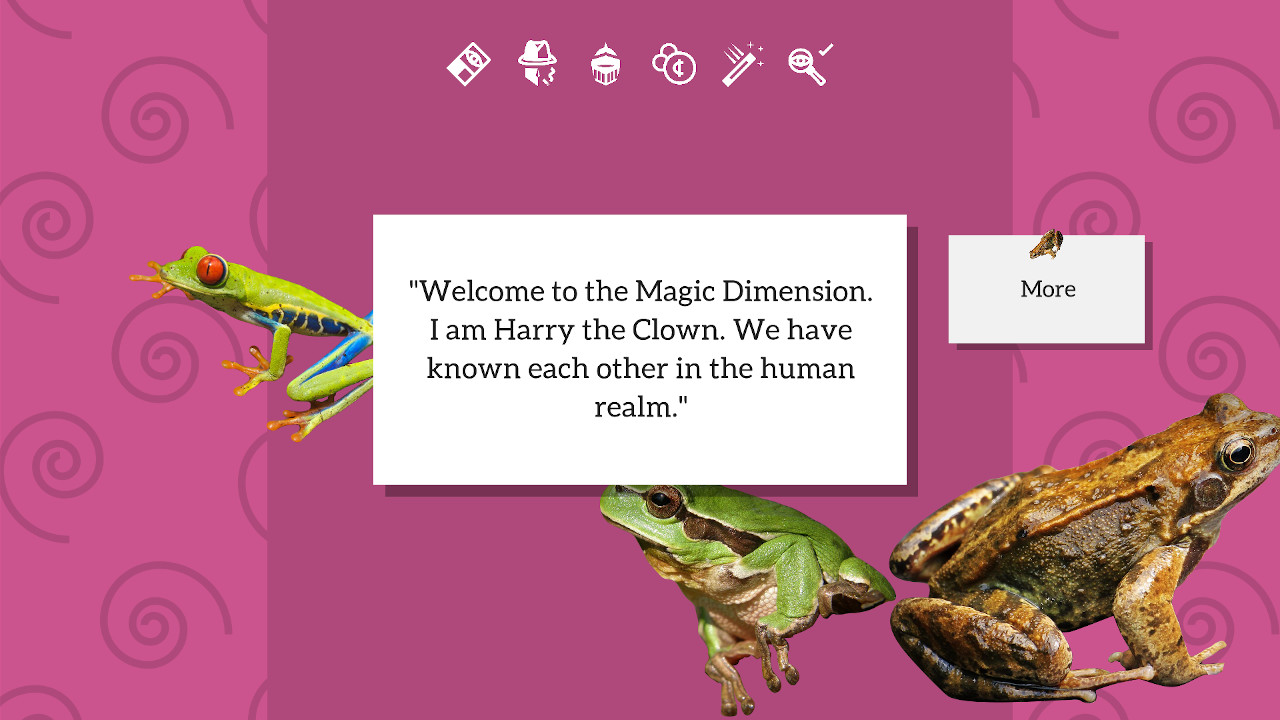
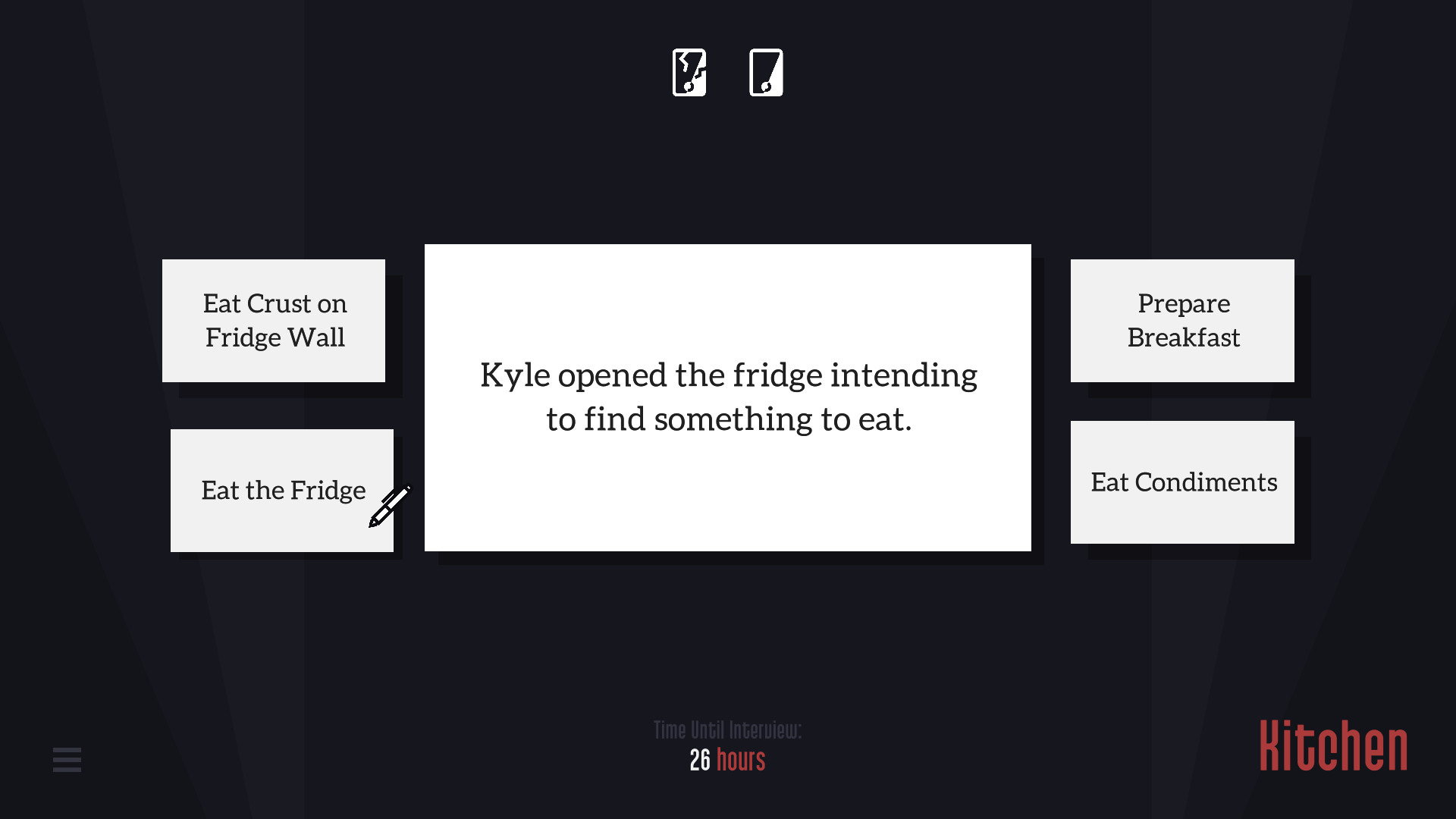
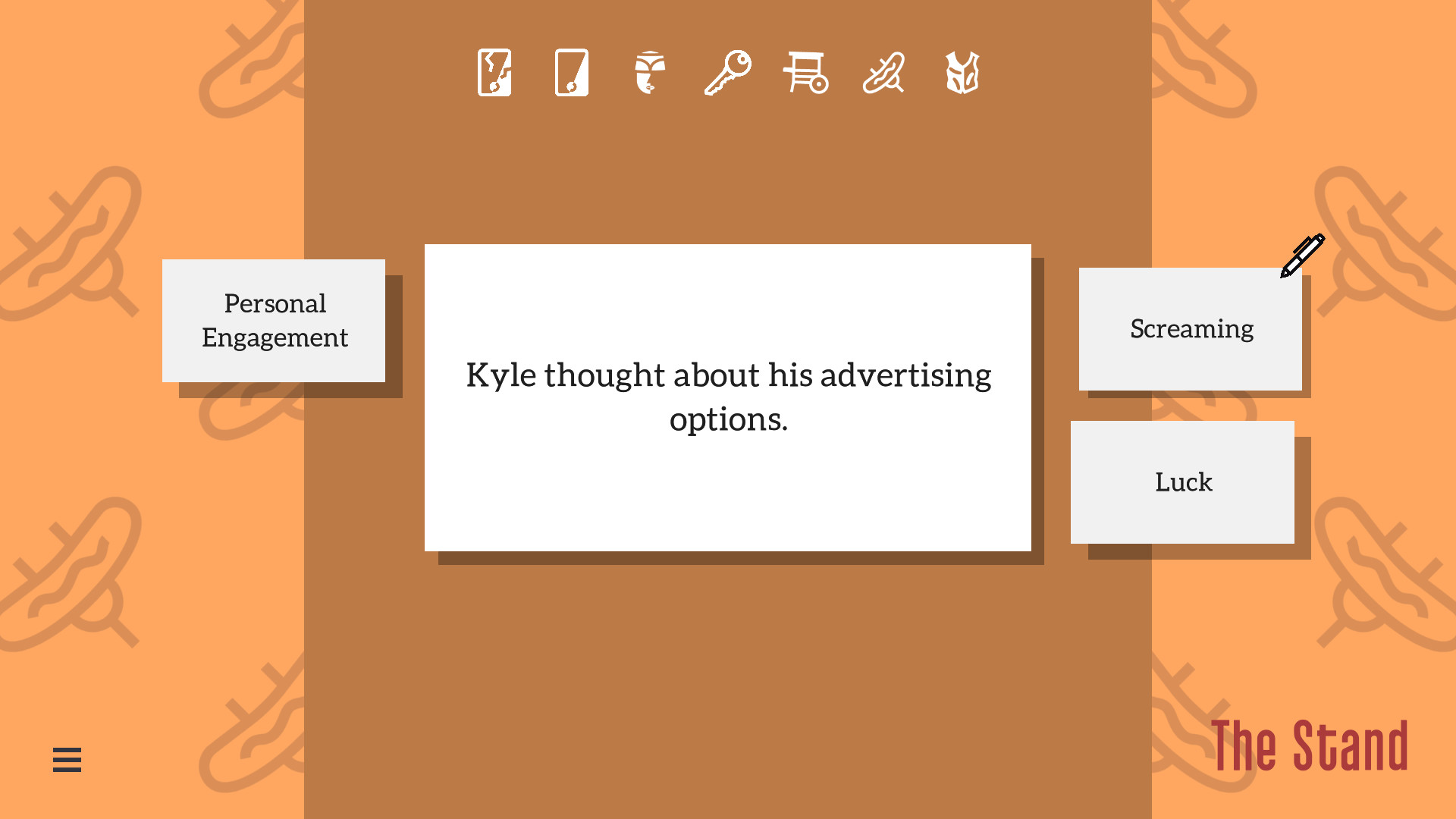
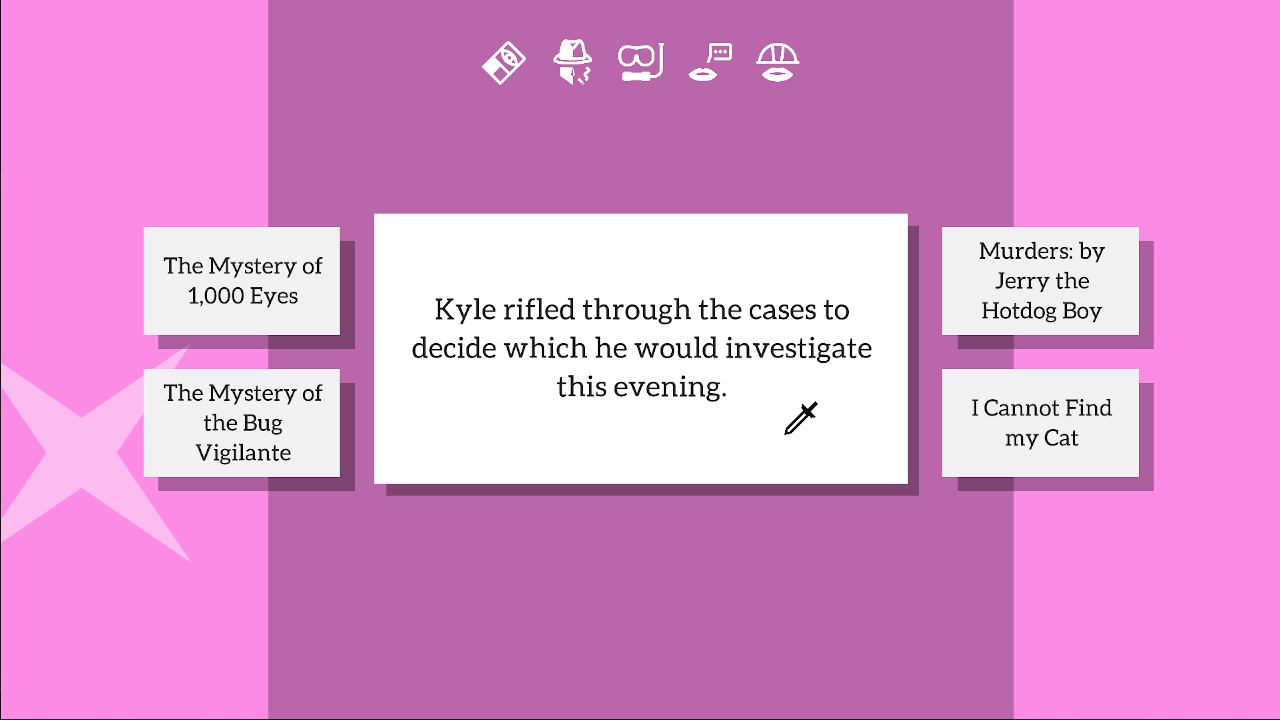
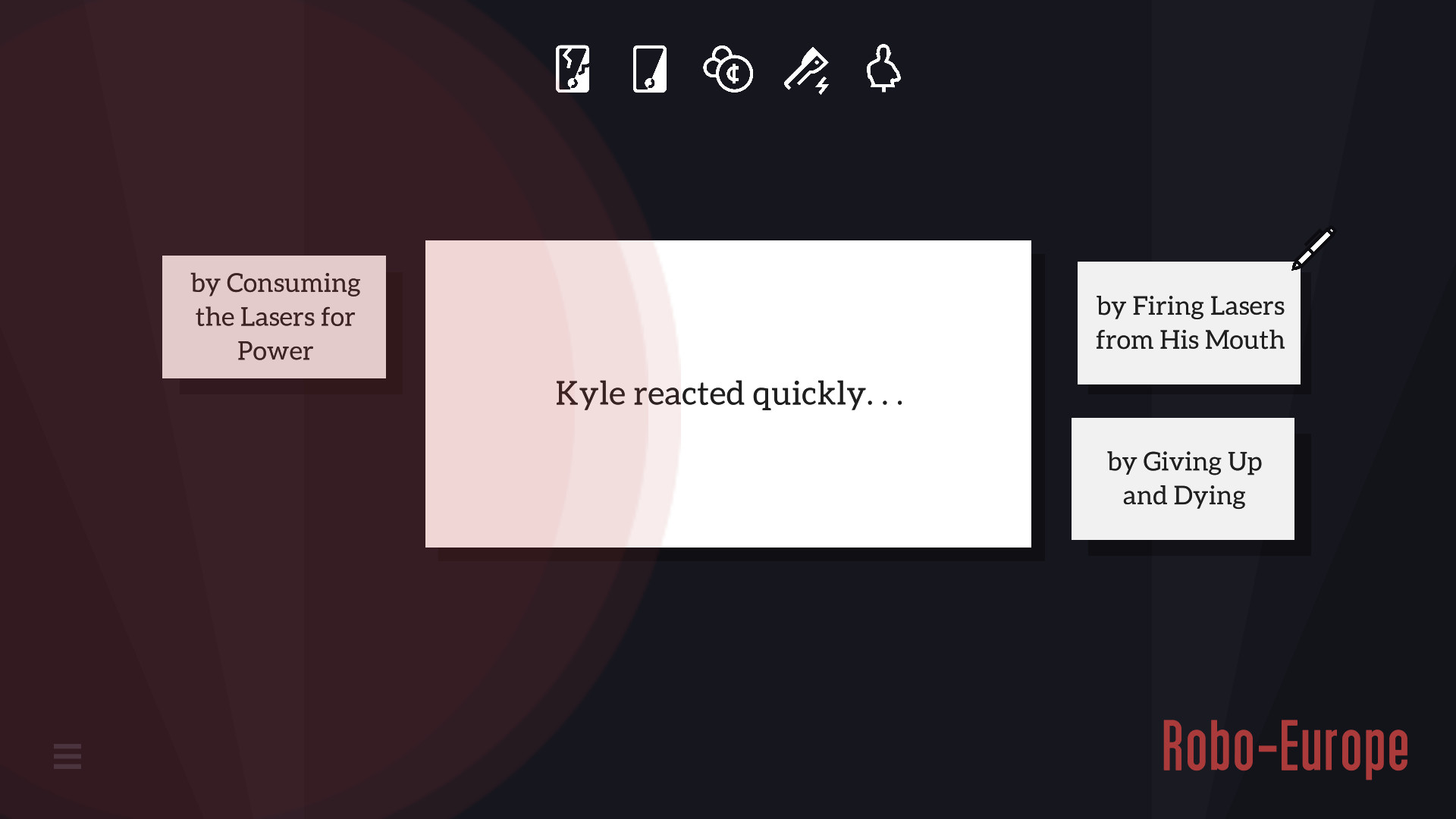
Take Control of Kyle in this Text-Based Adventure . . .. . . Make decisions for Kyle that will affect every part of his day. Take Kyle's hand through unique endings, each determined by what Kyle has done and who he has interacted with. He needs you. Be kind.Kyle has 117 endings . . .. . . but only one of them is the good, well-prepared ending that you are going to guide Kyle to. Who knows what would happen if you weren't there for him?! Would he destroy the city? Gossip about his neighbor? Fight crime? Revive a dead loved one?Kyle can swallow the fridge . . .. . . and Kyle can travel time and steal from the locals and dump lard on his neighbor and many, many other things that KYLE SHOULD NOT DO. Take Kyle's hand. Direct him. Tell him what he ABSOLUTELY SHOULD NOT DO. Confidently help Kyle. He needs you.


Kyle is Famous: Complete Edition screenshotKyle is Famous: Complete Edition screenshotKyle is Famous: Complete Edition screenshotKyle is Famous: Complete Edition screenshotKyle is Famous: Complete Edition screenshot

How to redeem

  1. 1Check your Steam account and the listed region before purchasing.
  2. 2Find your code and supplier activation instructions in your confirmed order.
  3. 3Open the redeem-code section on Steam, enter the code and follow the platform’s prompts.

Supplier instructions

Go to: http://store.steampowered.com/ and download STEAM client Click "Install Steam" (from the upper right corner) Install and start application, login with your Account name and Password (create one if you don't have). Please follow these instructions to activate a new retail purchase on Steam: Launch Steam and log into your Steam account. Click the Games Menu. Choose Activate a Product on Steam... Follow the onscreen instructions to complete the process. After successful code verification go to the "LIBRARY" tab and start downloading.

You might also like