

SteamGlobal· Key
Doorways: The Underworld
€1.31
+€0.13 cashback eligibility in Relic Coins
Check before you play
- Platform
- Steam
- Region
- Global
- Product type
- Key
- Supplier release date
- 2014-09-17
- Genres
- Action, Adventure, Indie
SteamGlobal· Key
€1.31
+€0.13 cashback eligibility in Relic Coins
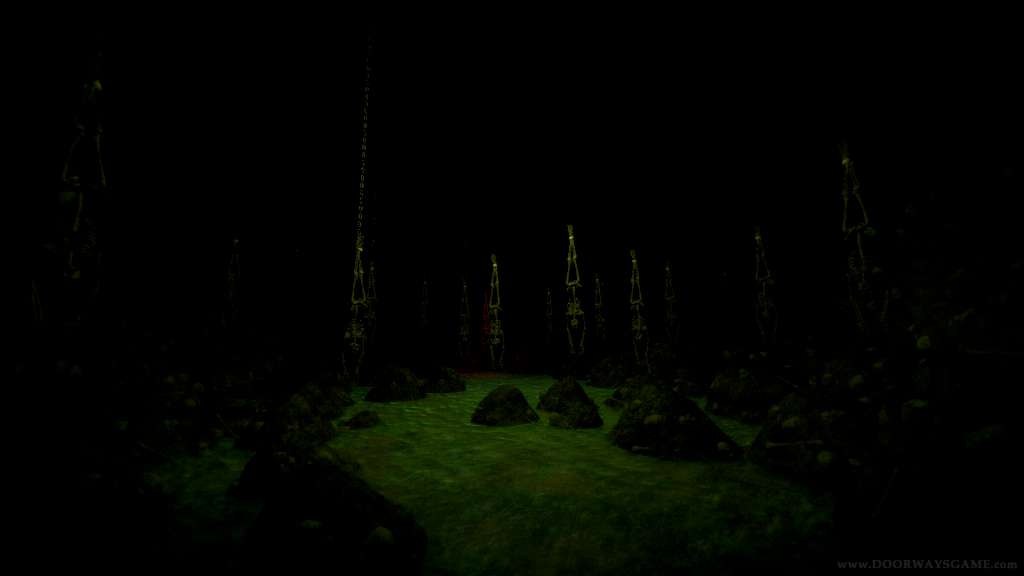
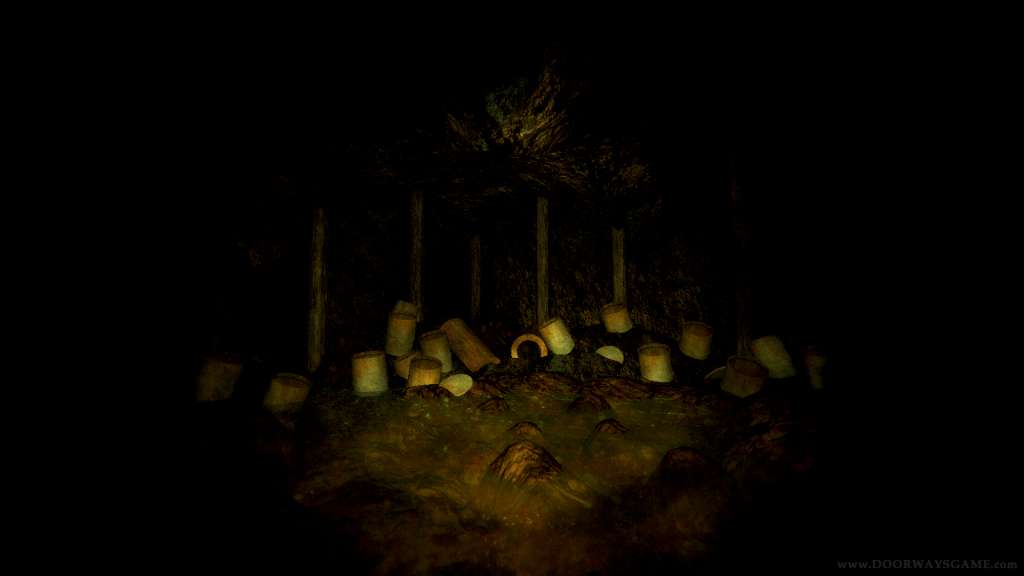
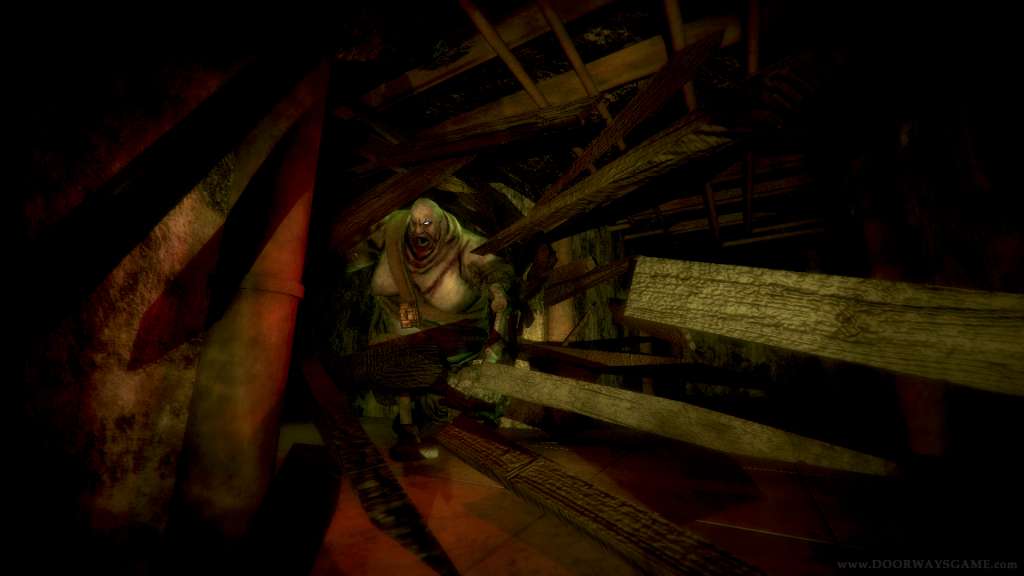
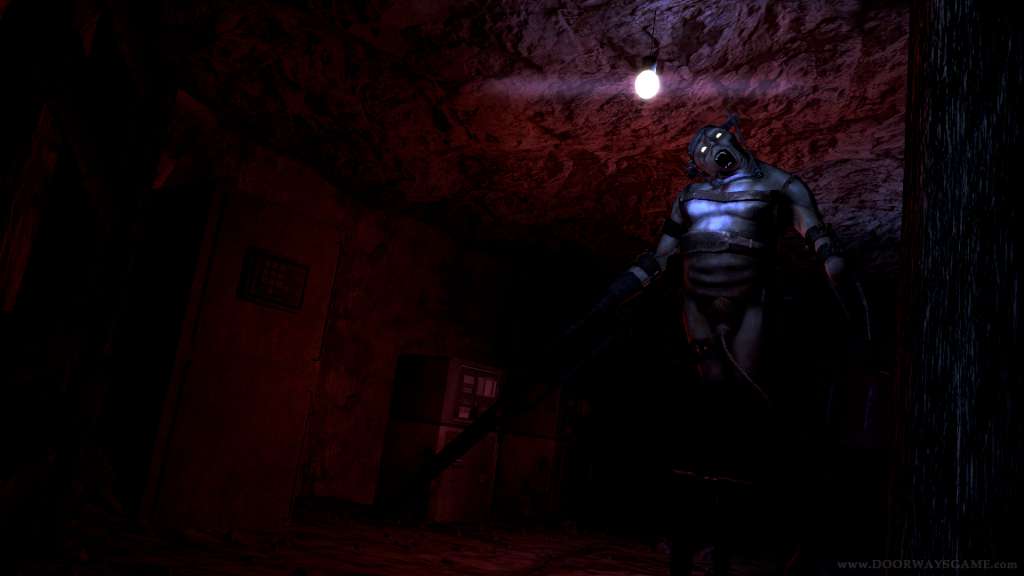
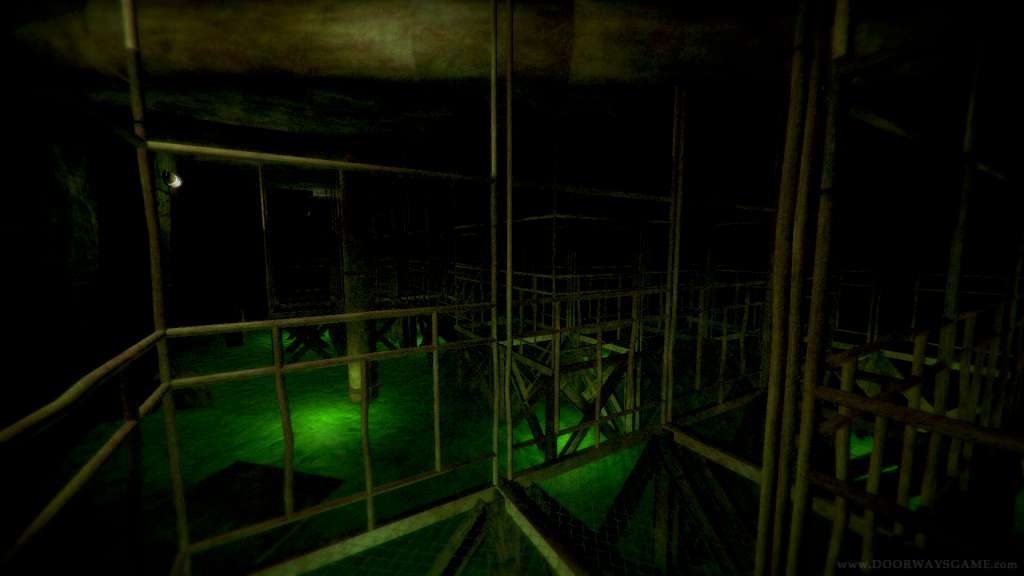
Doorways: The Underworld is a first person horror adventure, featuring a complex story and deep atmosphere. It will challenge you with its fast-paced gameplay and breathtaking visuals and sounds, so prepare to immerse yourself in a terrifying psychological experience. The Underworld is the third chapter of Doorways. It is not necesary to have the first chapters in order to play this game. But we recommend to do so for a better understand of the story. You're playing as Thomas Foster, a special agent who must track a missing psychopath. Who is she? What is this place and how did you get here? These are just some of the questions that you must answer during your journey... Features Horrifying exploration adventure with an immersive atmosphere Ingenious puzzles as well as challenges that put your reflexes at test Inspired voice acting by Sam A. Mowry (the voice of Alexander in Amnesia: The Dark Descent) Replayability through many secret places Full Controller support Native Oculus Rift support IMPORTANT Achievements do not work on Linux
Go to: http://store.steampowered.com/ and download STEAM client Click "Install Steam" (from the upper right corner) Install and start application, login with your Account name and Password (create one if you don't have). Please follow these instructions to activate a new retail purchase on Steam: Launch Steam and log into your Steam account. Click the Games Menu. Choose Activate a Product on Steam... Follow the onscreen instructions to complete the process. After successful code verification go to the "MY GAMES" tab and start downloading.