Get 10% back in Relic Coins on every order
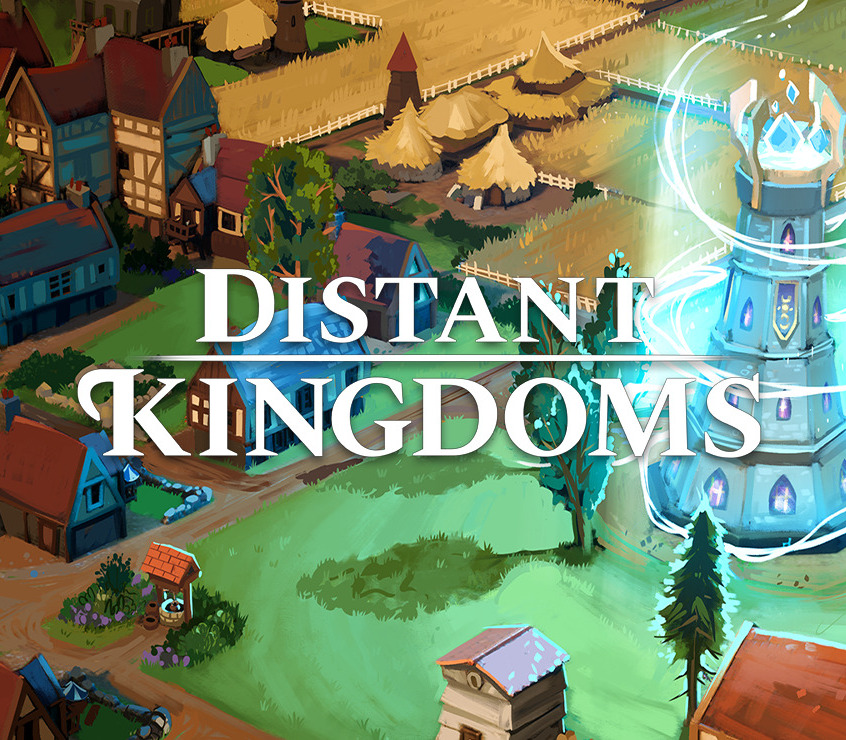
Distant Kingdoms cover

Steam Europe - All Countries· Key

Distant Kingdoms

€31.49

+€3.15 cashback eligibility in Relic Coins

Check before you play

Platform
Steam
Region
Europe - All Countries
Product type
Key
Developer
Orthrus Studios
Publisher
Kasedo Games
Supplier release date
2021-05-05
Genres
Indie, Simulation, Strategy

About this product

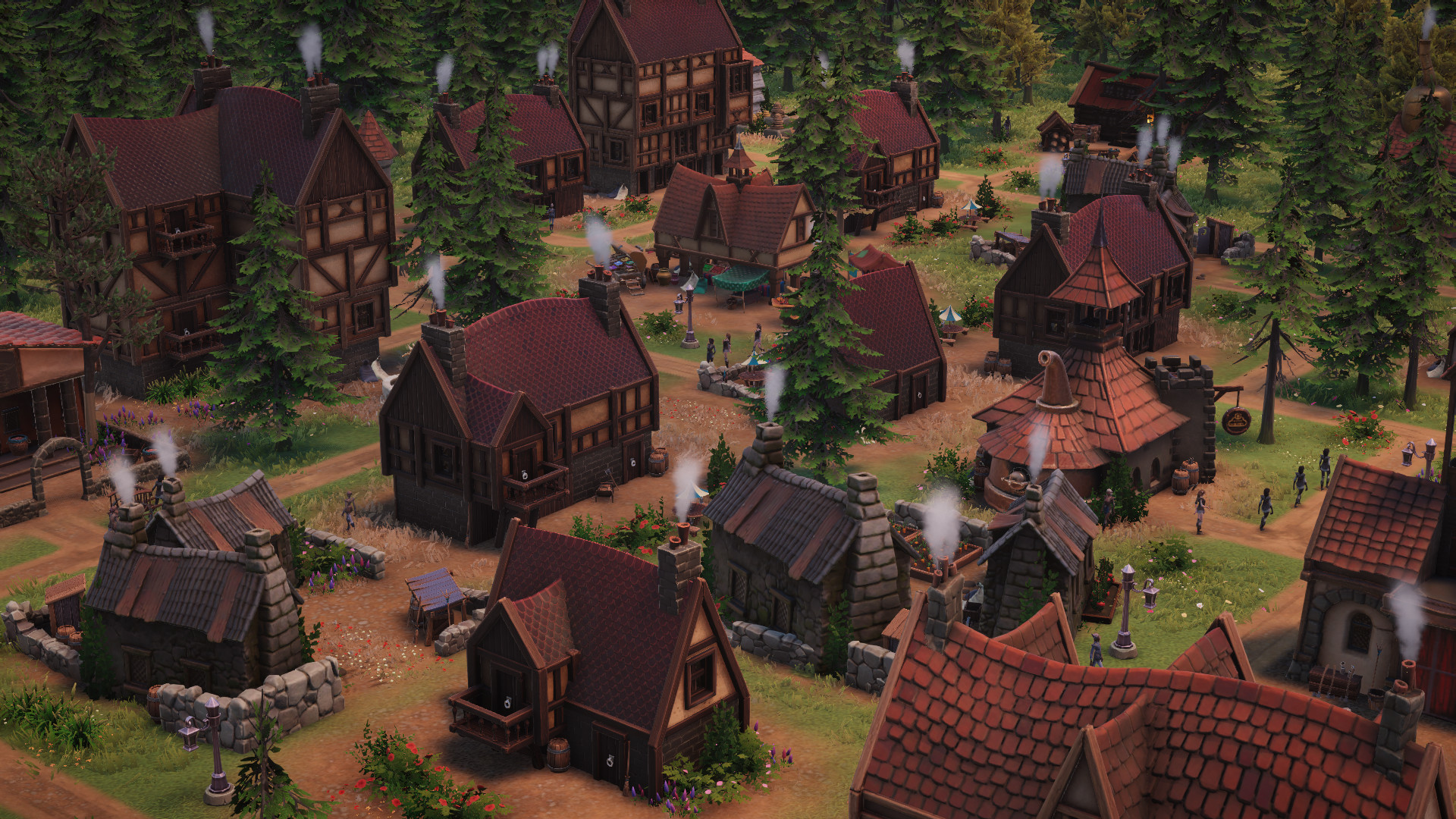
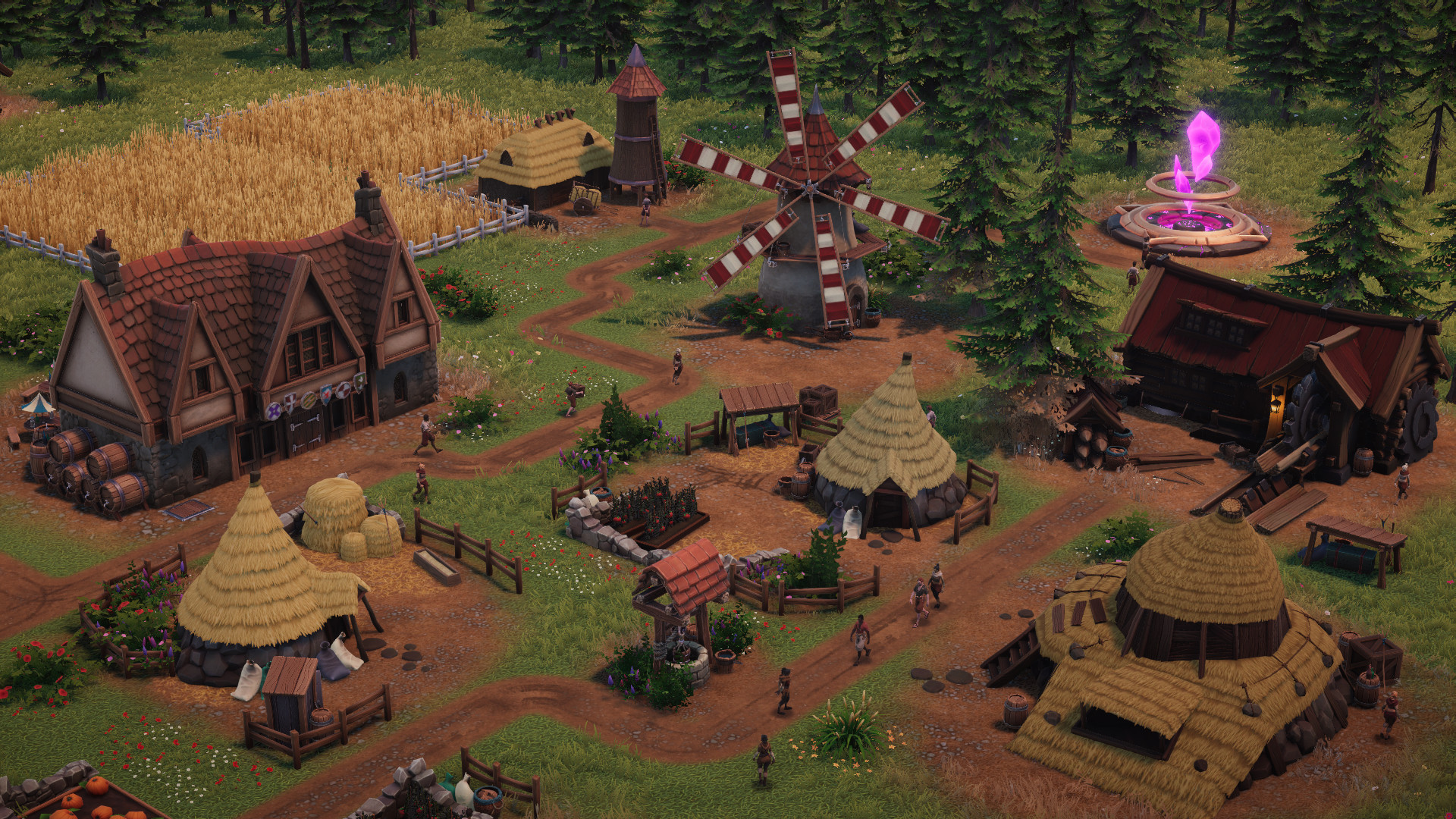
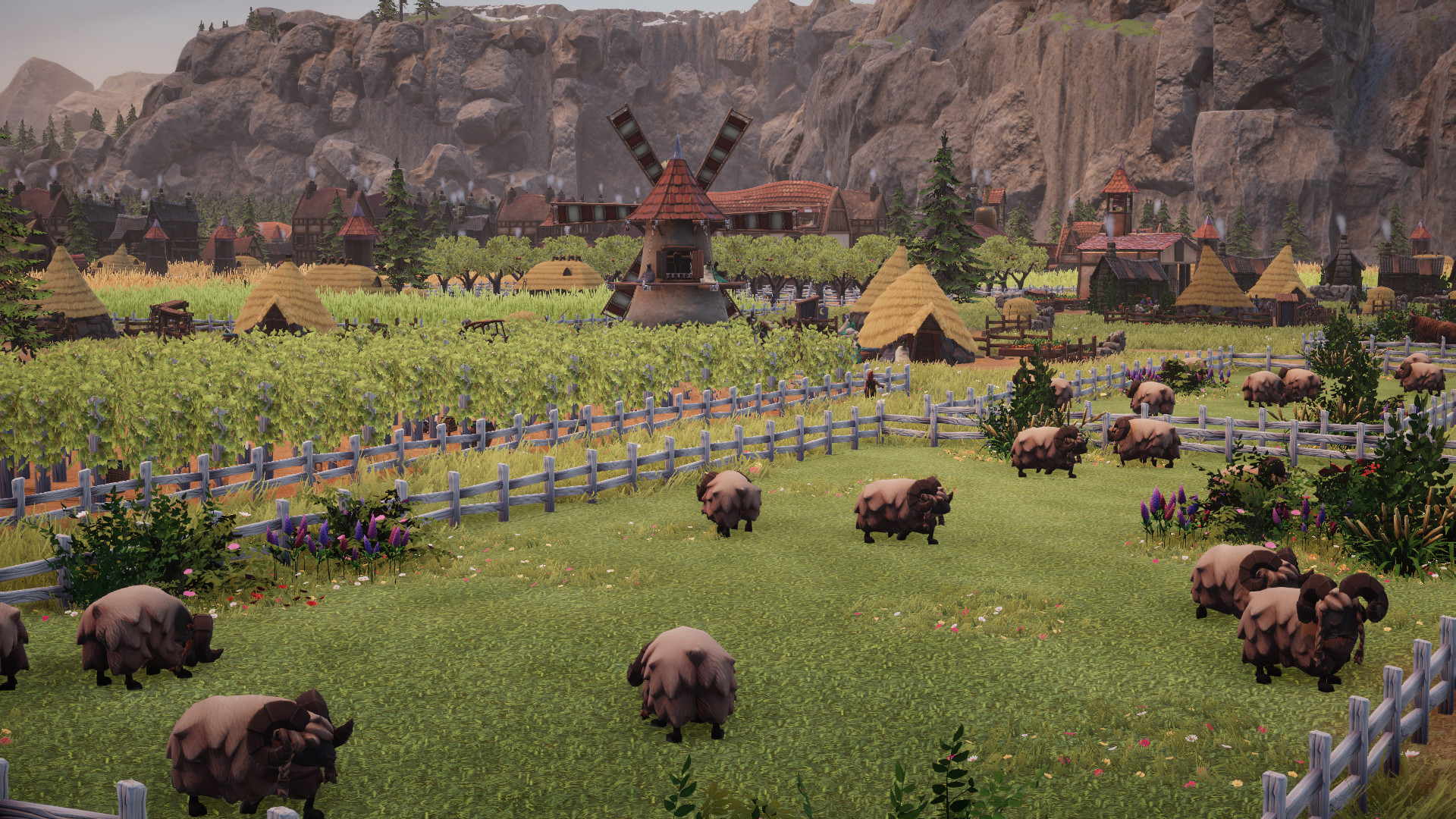
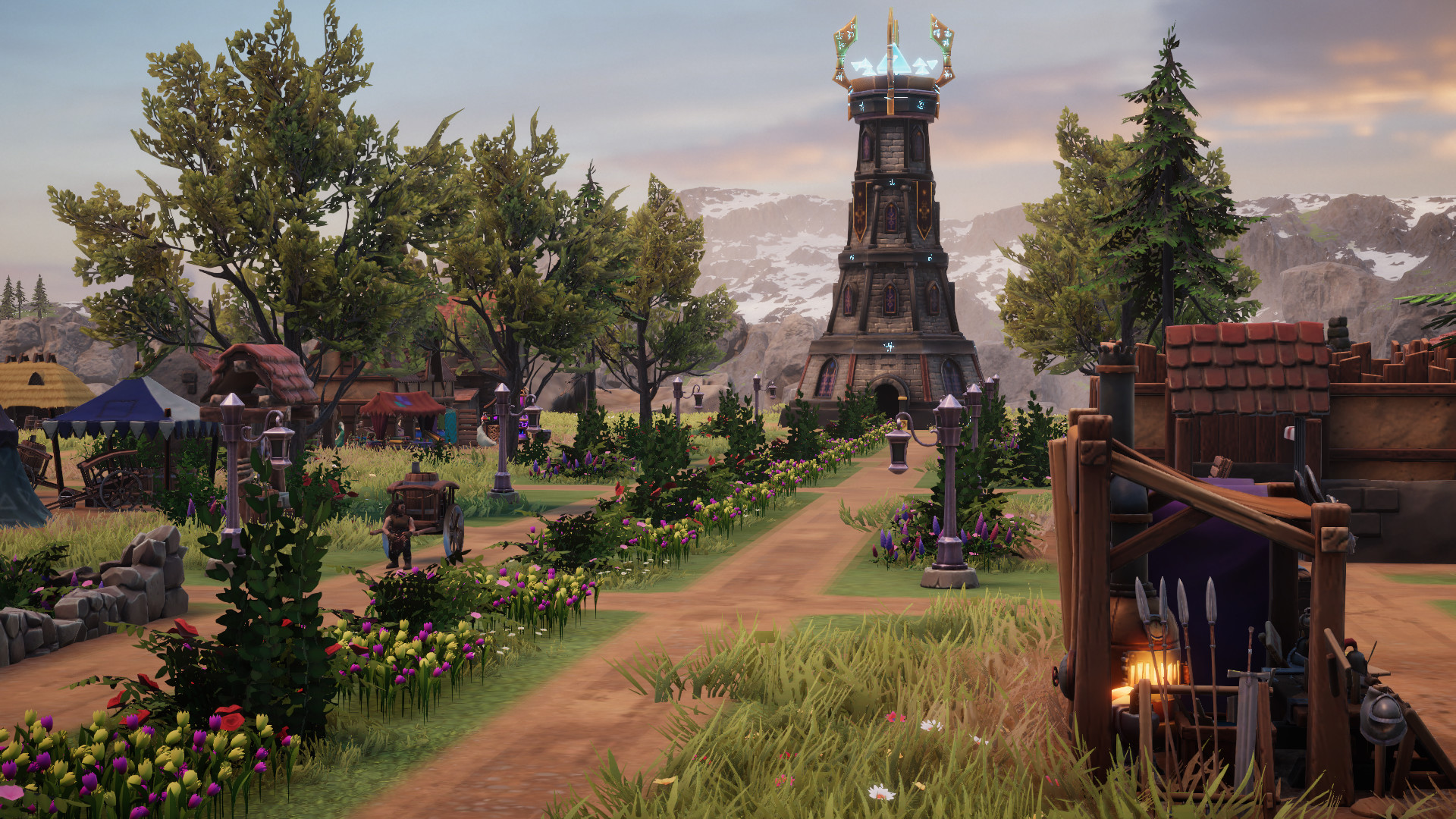
A unique blend of City Building, Social Management, Exploration and Adventure gameplay, Distant Kingdoms brings a rich fantasy world to life.Help the Humans, Dwarves, Elves and Orcs of Talam begin anew in the fabled land of Ineron. Build a sprawling network of towns and villages as you forge a new civilisation. Research new technologies and dabble in magical conjuration to support your growing settlements. Accessible for beginners, with complex and deep gameplay for experienced city-builders. Explore a new world filled with secrets, sending out adventuring parties into the unexplored mists. Help decide their fate through a choose-your-own-adventure style quest and event system. Deal with troublesome creatures, from Dragons to Imps, Wraiths and Trolls and venture into deep, dark and curious dungeons spread across the map. Provide for your population’s needs through a deep web of production lines, as they move through the social strata from peasant to noble, catering to each race’s desires. Help the humans, dwarves, elves and orcs come together across multiple maps and scenarios in a future grand campaign to save civilisation from apocalyptic ruin.

Distant Kingdoms screenshotDistant Kingdoms screenshotDistant Kingdoms screenshotDistant Kingdoms screenshotDistant Kingdoms screenshotDistant Kingdoms screenshot

How to redeem

  1. 1Check your Steam account and the listed region before purchasing.
  2. 2Find your code and supplier activation instructions in your confirmed order.
  3. 3Open the redeem-code section on Steam, enter the code and follow the platform’s prompts.

Supplier instructions

Go to: http://store.steampowered.com/ and download STEAM client Click "Install Steam" (from the upper right corner) Install and start application, login with your Account name and Password (create one if you don't have). Please follow these instructions to activate a new retail purchase on Steam: Launch Steam and log into your Steam account. Click the Games Menu. Choose Activate a Product on Steam... Follow the onscreen instructions to complete the process. After successful code verification go to the "LIBRARY" tab and start downloading.

You might also like