Get 10% back in Relic Coins on every order
Assassin's Creed Valhalla - Season Pass DLC AU cover

Xbox OneAustralia· DLC

Assassin's Creed Valhalla - Season Pass DLC AU

€30.44

+€3.04 cashback eligibility in Relic Coins

Check before you play

Platform
Xbox One
Region
Australia
Product type
DLC

Check the required base game and edition before purchasing this add-on.

Developer
Ubisoft Montreal
Publisher
Ubisoft
Supplier release date
2020-11-10
Genres
Action, RPG

About this product

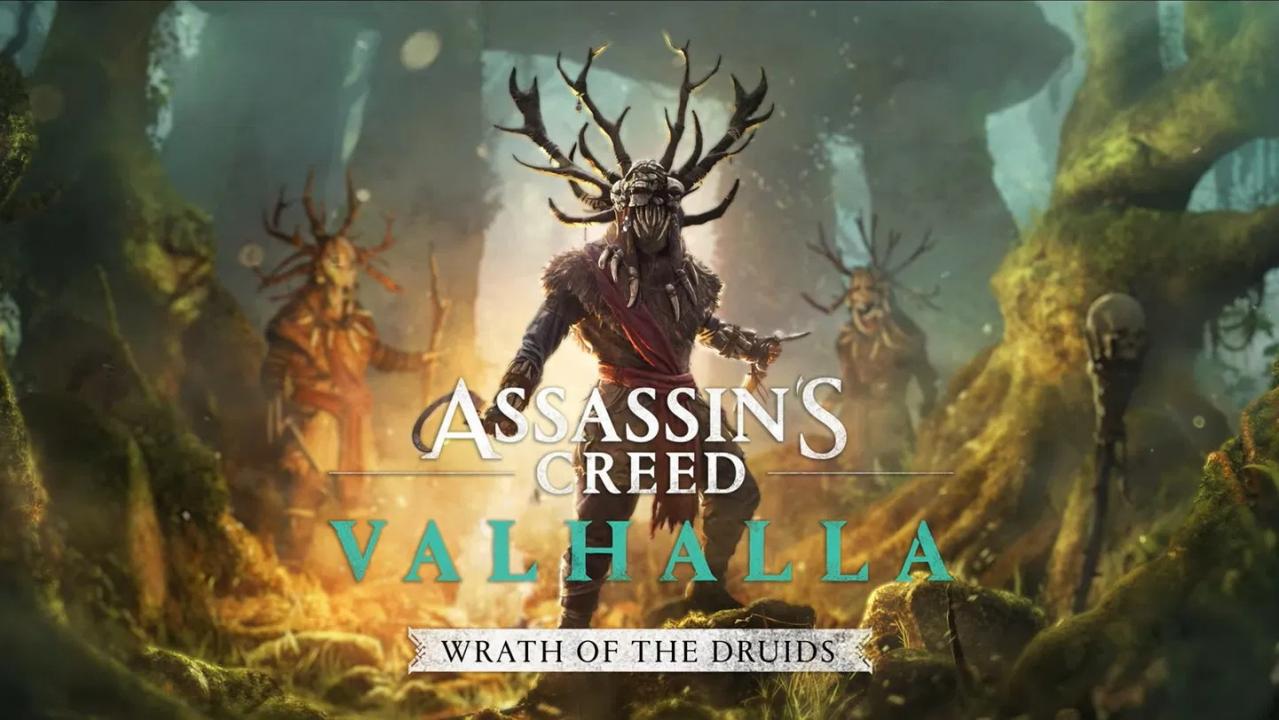
Includes: The Legend of Beowulf exclusive mission Expansion 1: Wrath of the Druids Expansion 2: The Siege of Paris The Season Pass adds two expansions and a special quest to the game. The Legend of Beowulf - QuestUncover the mystery behind the legend. Wrath of the Druids - Expansion IJourney to Ireland and unravel the mysteries of an ancient and mysterious druidic cult, tracking and discovering their members. Dive into Gaelic myths and folklore, fighting your way through haunted forests and dazzling landscapes while gaining influence among Gaelic kings. The Siege of Paris - Expansion IIRelive the most ambitious battle in Viking history with key historical figures of war-torn Francia. During this key moment in history, you will be able to infiltrate the fortified city of Paris and the River Seine under a prolonged siege, uncover enemy secrets, and form strategic alliances to safeguard your clan’s future.

Assassin's Creed Valhalla - Season Pass DLC AU screenshotAssassin's Creed Valhalla - Season Pass DLC AU screenshotAssassin's Creed Valhalla - Season Pass DLC AU screenshotAssassin's Creed Valhalla - Season Pass DLC AU screenshotAssassin's Creed Valhalla - Season Pass DLC AU screenshotAssassin's Creed Valhalla - Season Pass DLC AU screenshot

How to redeem

  1. 1Check the required base game, platform and edition before purchasing.
  2. 2Find the code or supplier activation instructions in your confirmed order.
  3. 3Redeem on Xbox One using the supplied instructions, then install the add-on with the compatible base game.

Supplier instructions

Go to https://www.xbox.com Login to your account Hover over your account link (the top right of the screen) a menu will appear, click on the "Redeem Code" button. On the next page, click "Redeem" Enter your code Click "Confirm" Click "Confirm" again to assign the key to your account.

You might also like