

SteamGlobal· Key
Calluna
€6.89
+€0.69 cashback eligibility in Relic Coins
Check before you play
- Platform
- Steam
- Region
- Global
- Product type
- Key
- Developer
- Surrealist AS
- Publisher
- Surrealist AS
- Supplier release date
- 2021-09-30
- Genres
- Adventure, Indie
SteamGlobal· Key
€6.89
+€0.69 cashback eligibility in Relic Coins
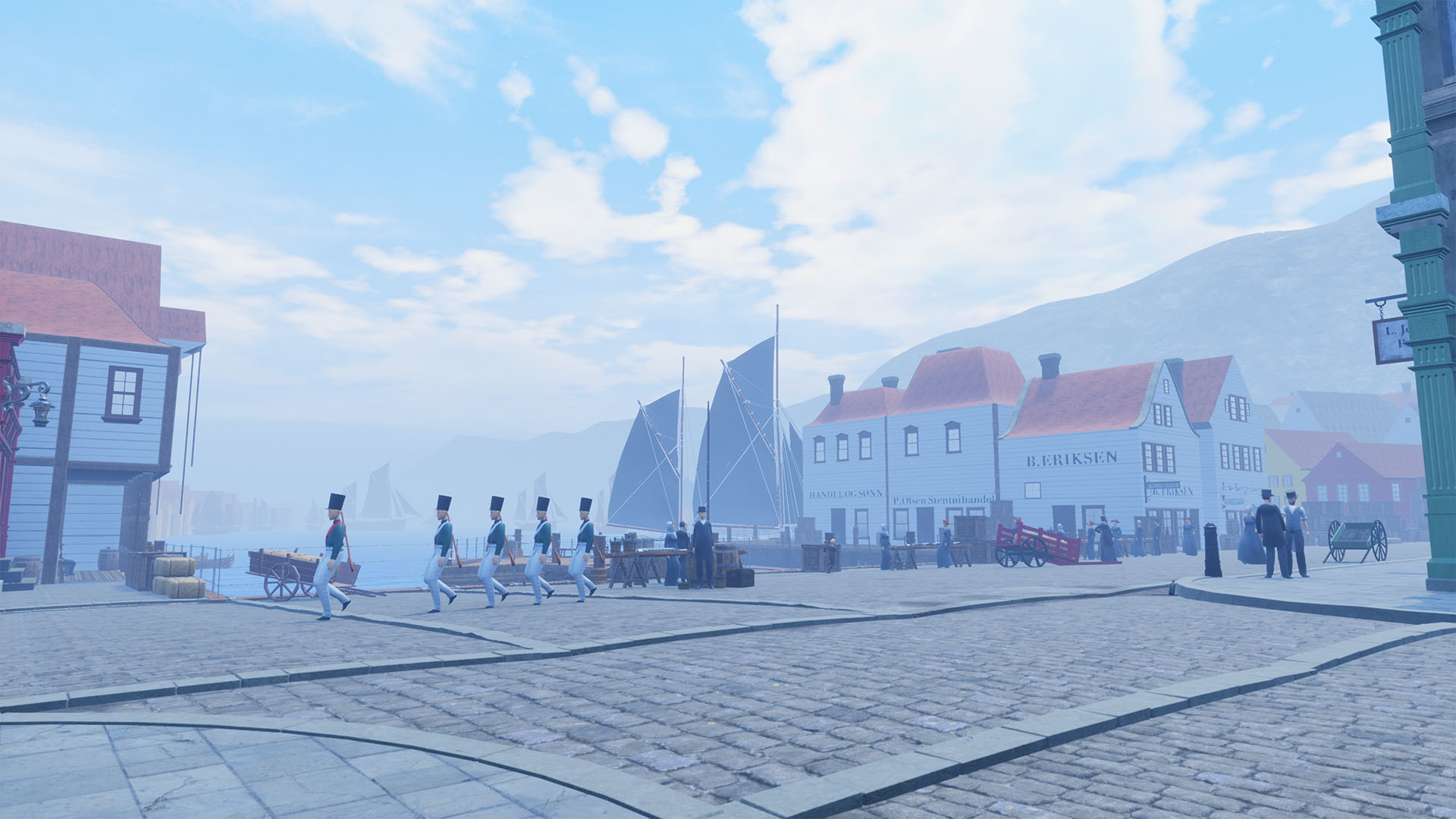
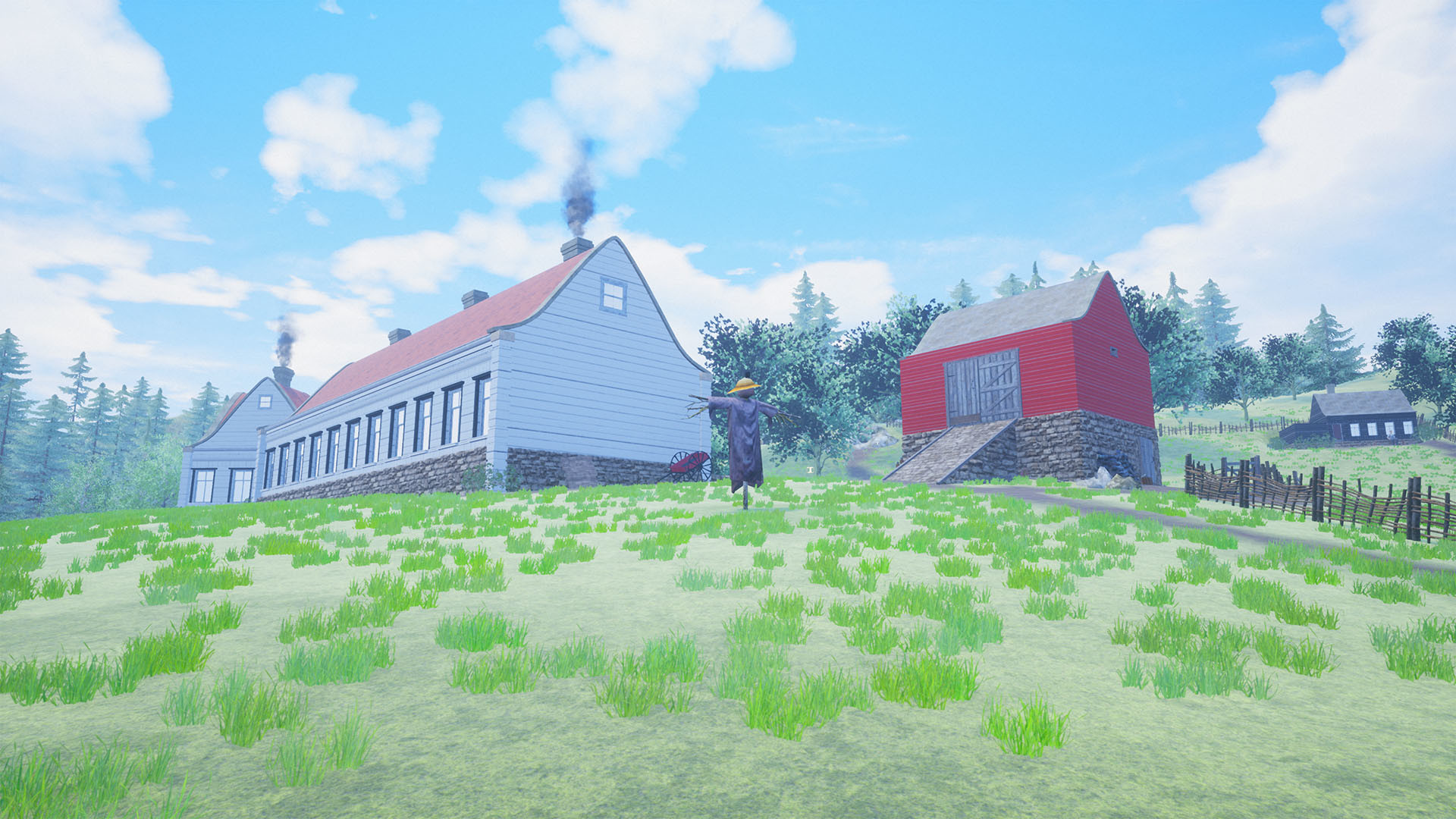
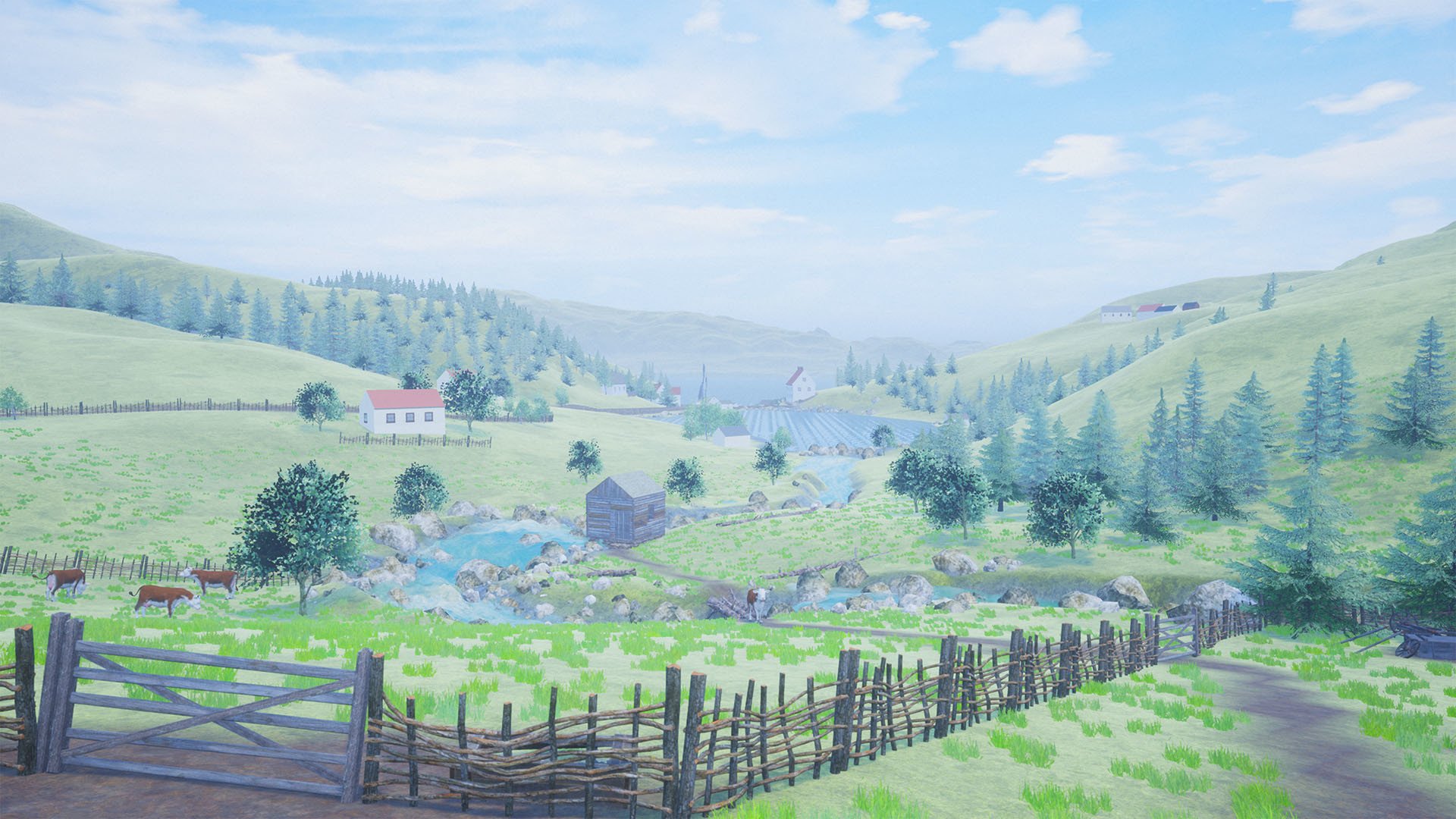
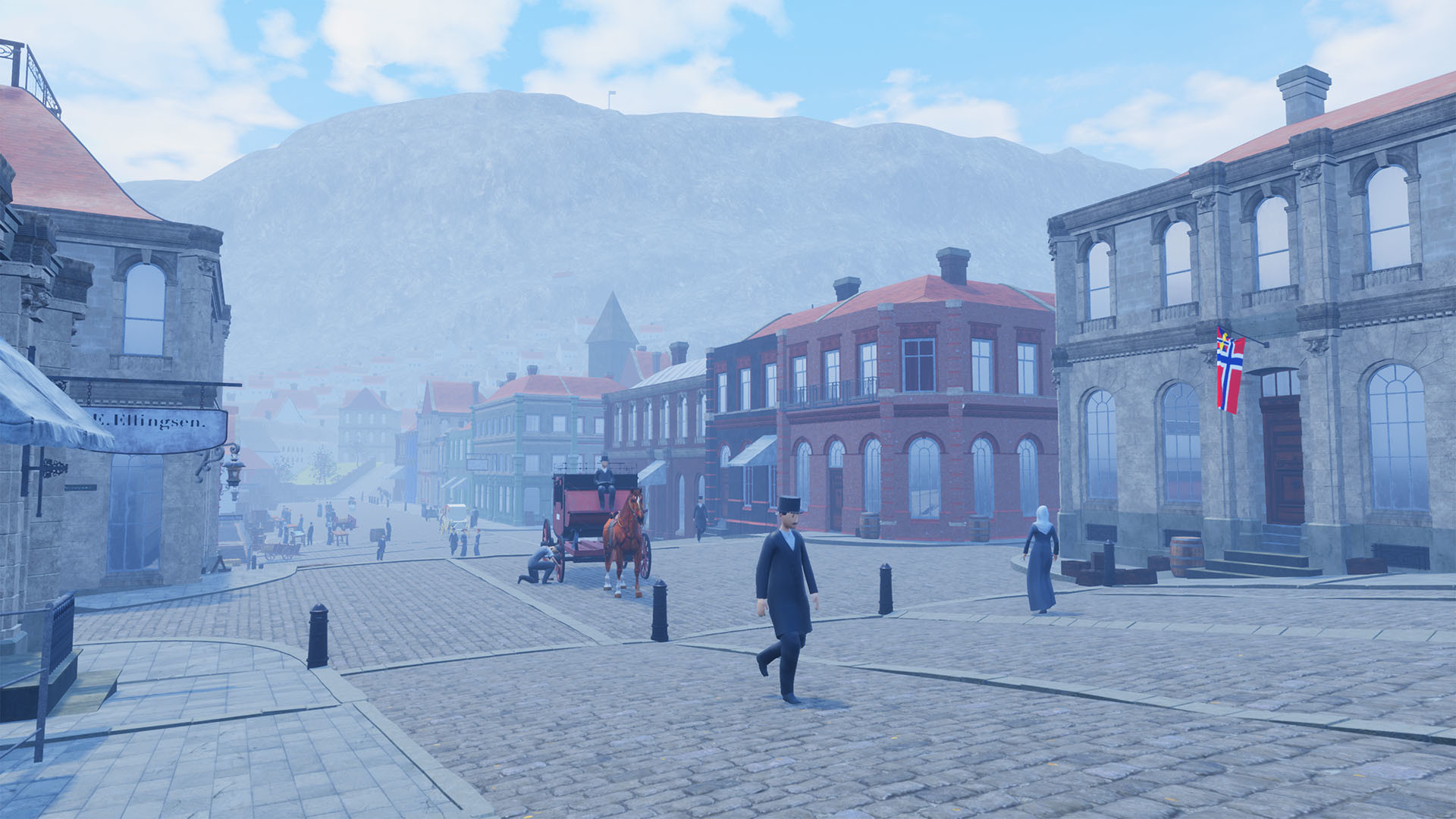
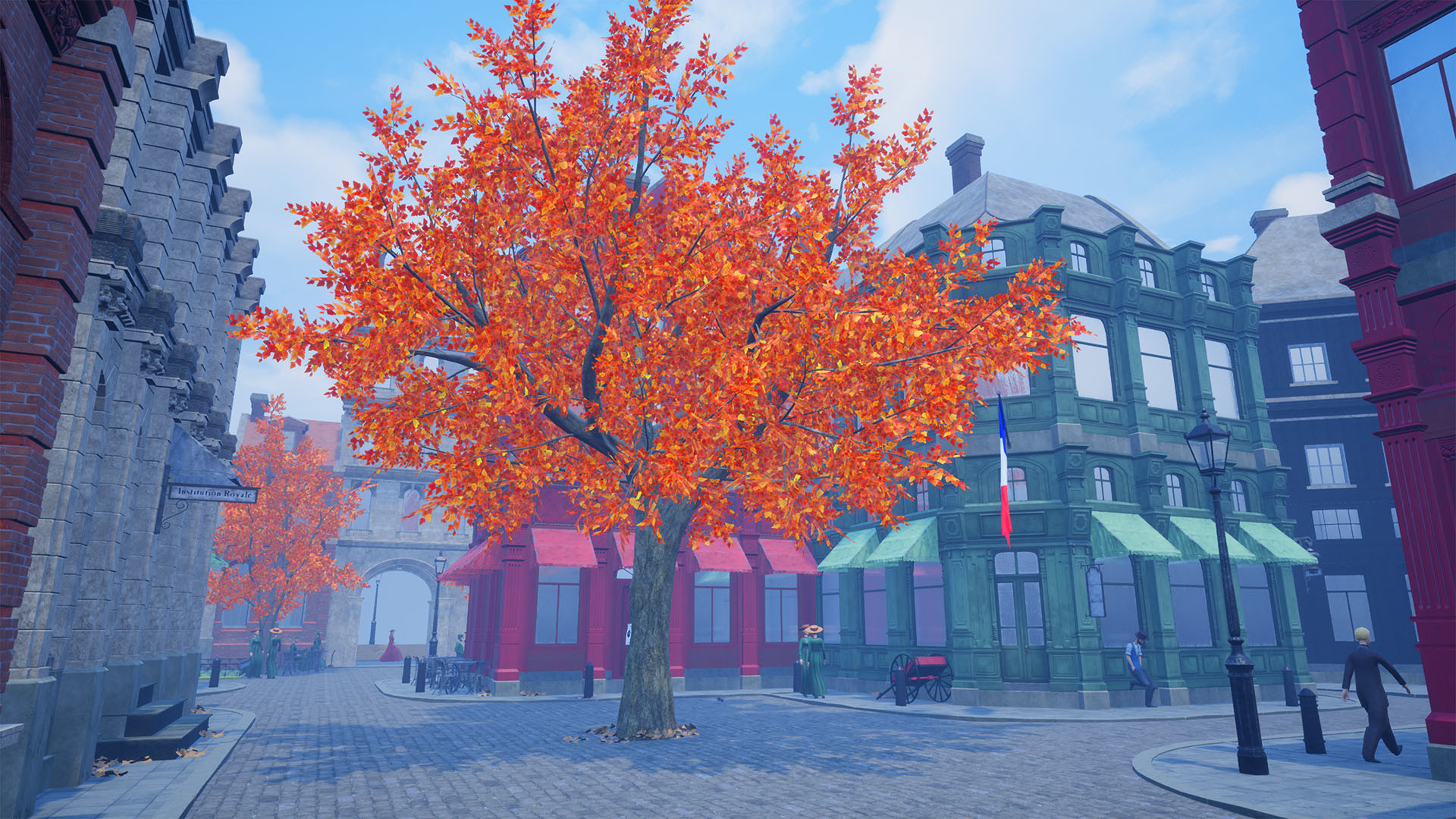
Calluna is a small adventure game about the Norwegian composer and violinist Ole Bull (1810 – 1880). In Calluna, you can play as Ole Bull in four independent adventures as young, old, rich, and poor. Walk the streets of Bergen, Paris, and Cairo in first-person and explore a semi-open world filled with interactive items, townspeople, and collectibles. Solve quests based on historical events and follow Ole Bull’s dream of fame and glory.Key features Take part in the life of Norway's first superstar and celebrity, Ole Bull Solve quests based on historical events from his turbulent life Experience Norwegian scenery, history, and national romance About Ole BullOle Bull was a Norwegian violinist and composer and one of the greatest performing artists of the 19th century. Bull was caught up in a rising tide of Norwegian romantic nationalism and acclaimed the idea of Norway as a sovereign state, separated from Sweden. He was a child prodigy, and he gave his public debut as a soloist at age nine. He is believed to have composed more than 70 works, but only about ten are known today. Ole Bull became incredibly famous and made a huge fortune. Ole was inspired by the beautiful Norwegian scenery and drawn towards the highest mountains. He was also an entrepreneur and tried to establish a colony in Pennsylvania, US, in 1852.Calluna was Ole Bull’s favorite flower.Future updates Save game Steam Achievements About SurrealistSurrealist is a Norwegian indie-game company based in Oslo. Surrealist was established in 2015 by game designer, and founder Christian Bøen. Calluna is Surrealist’s first official game.
Go to: http://store.steampowered.com/ and download STEAM client Click "Install Steam" (from the upper right corner) Install and start application, login with your Account name and Password (create one if you don't have). Please follow these instructions to activate a new retail purchase on Steam: Launch Steam and log into your Steam account. Click the Games Menu. Choose Activate a Product on Steam... Follow the onscreen instructions to complete the process. After successful code verification go to the "LIBRARY" tab and start downloading.