Get 10% back in Relic Coins on every order
Necromunda: Underhive Wars cover

Xbox One Europe - All Countries· Key

Necromunda: Underhive Wars

€4.19

+€0.42 cashback eligibility in Relic Coins

Check before you play

Platform
Xbox One
Region
Europe - All Countries
Product type
Key
Developer
Streum On Studio
Publisher
Focus Entertainment
Supplier release date
2020-09-08
Genres
Action, Strategy, Co-op

About this product

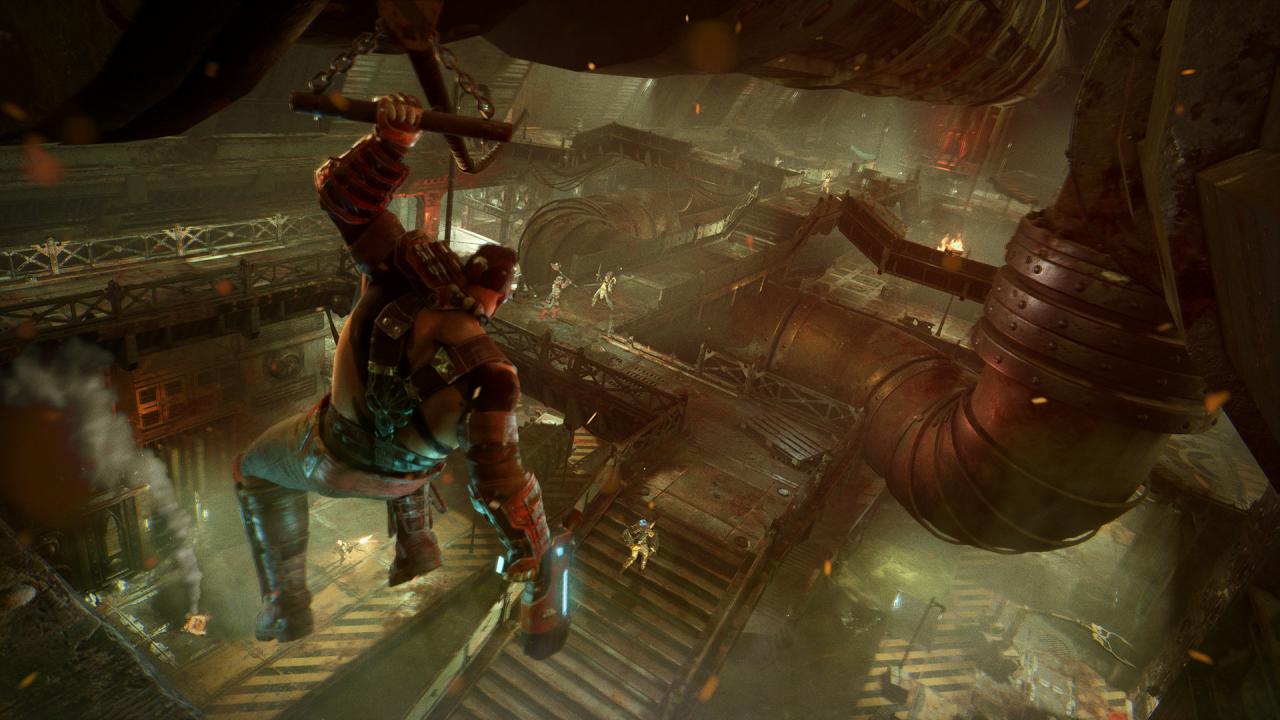
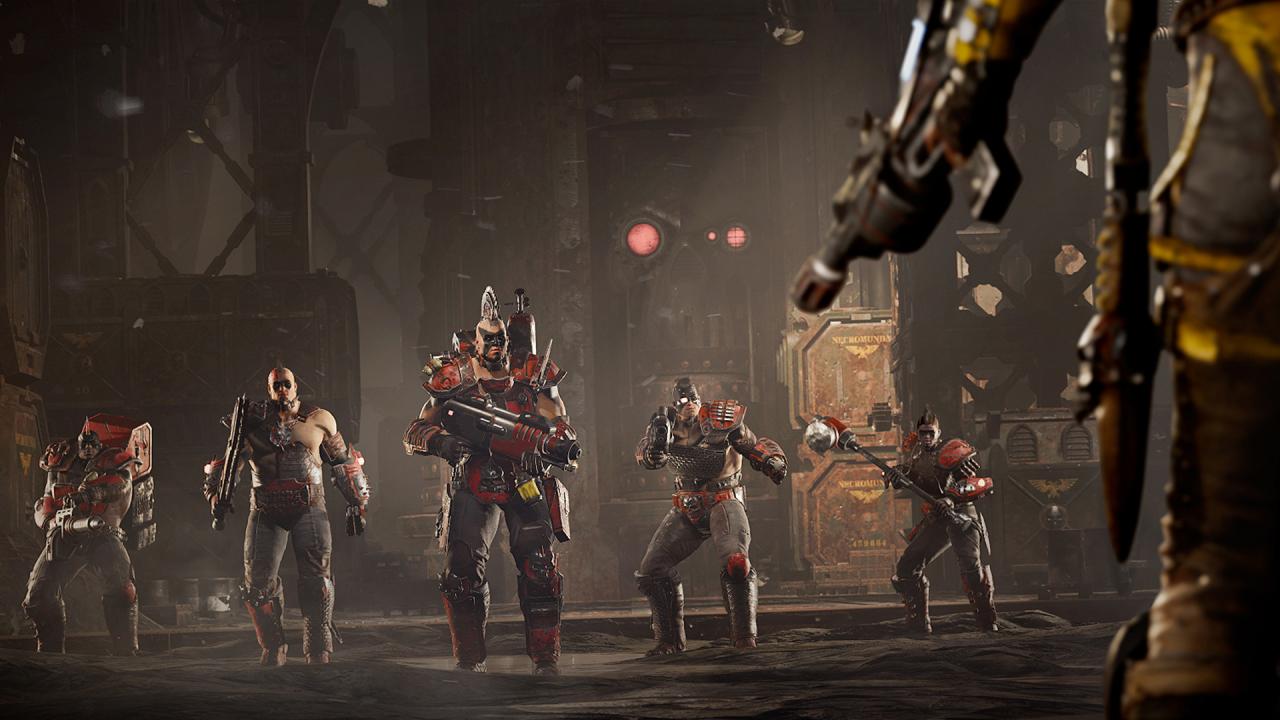
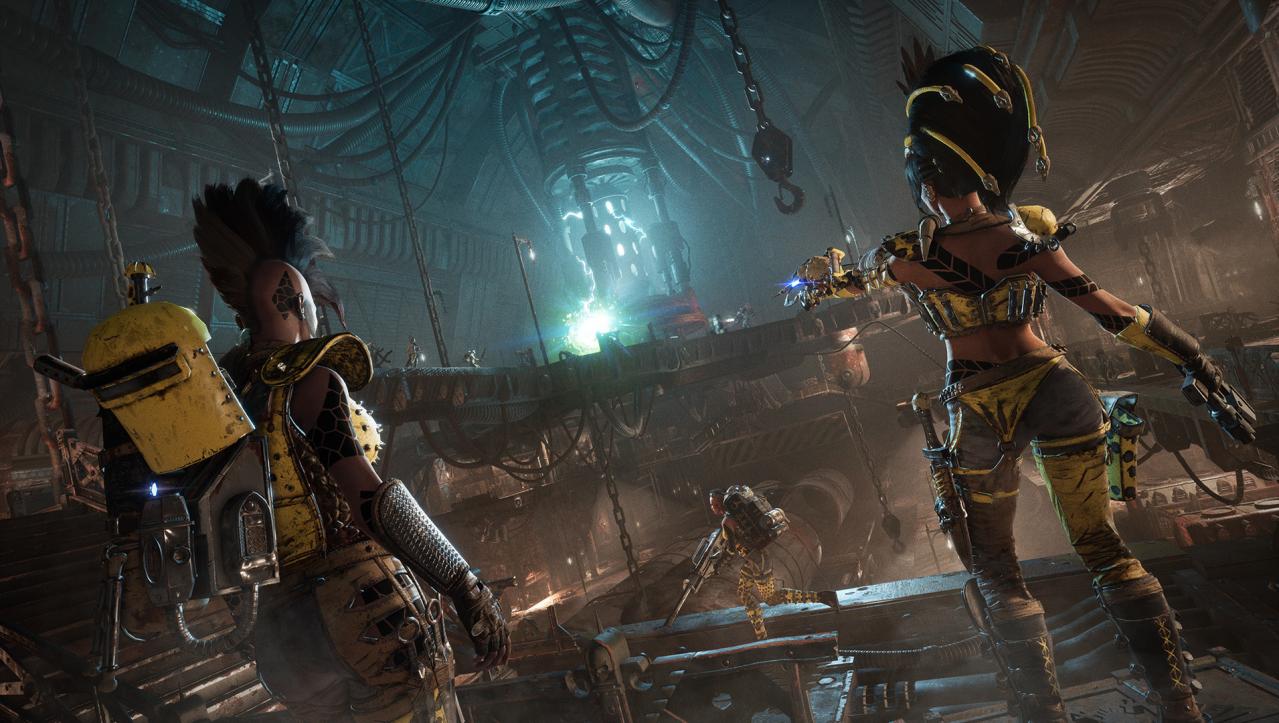
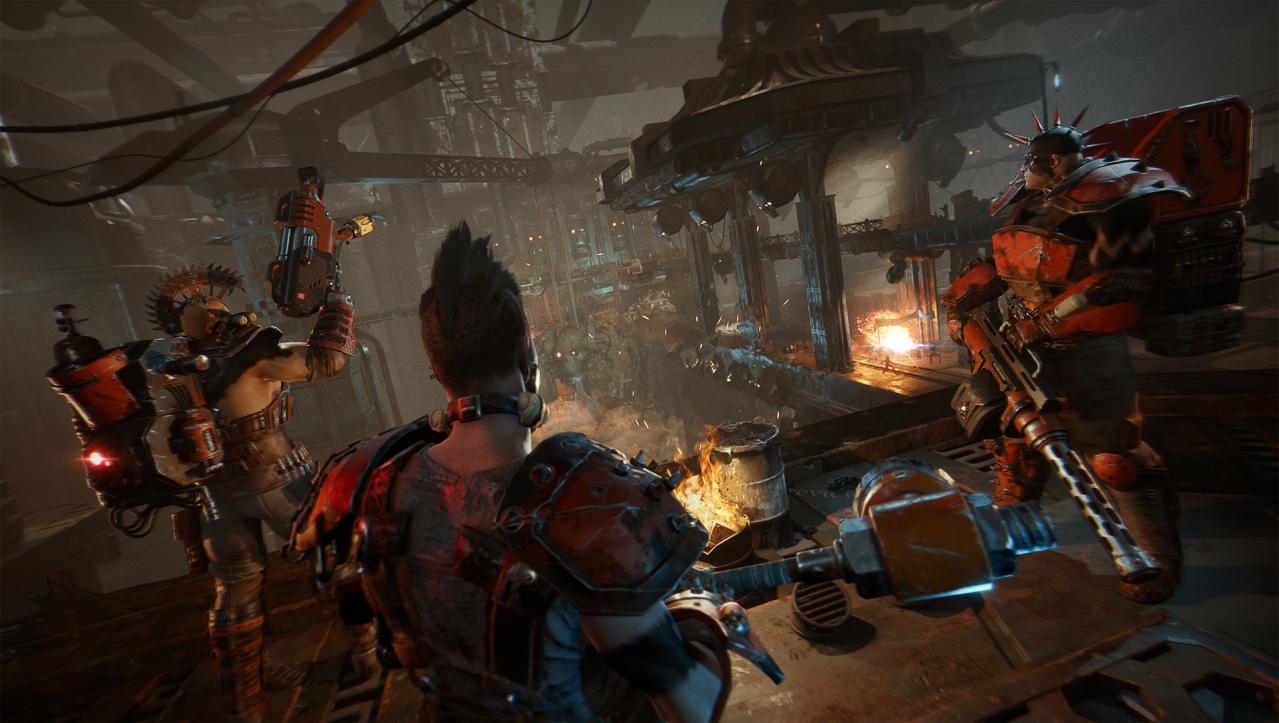
Deep below the nightmarish, polluted hive cities of Necromunda, in the twisted, vertiginous, dark tunnels of the Underhive, rival gangs fight to the bitter end for personal power, wealth, survival and the honour of their Houses. Only the strongest survive.Lead, customize, and grow your gangs of Escher, Goliath, and Orlock. Specialize each member and send them to battle in hazardous dystopian environments. Exploit the terrain in tactical gunfights: climb raised walkways to take advantage, set traps, and ambush foes to force them into bloody melee engagements.Learn new skills, loot equipment and bring your evolved gang to 4-player online gang fights. Features Lead and evolve your gangs in this compelling tactical-RPG Follow a rich narrative campaign in the Underhive Engage in immersive and persistent game modes First video game adaptation from mythical tabletop game Necromunda, the most famous Hive World of Warhammer 40, 000 Play solo or join thrilling 4-way online gang fights

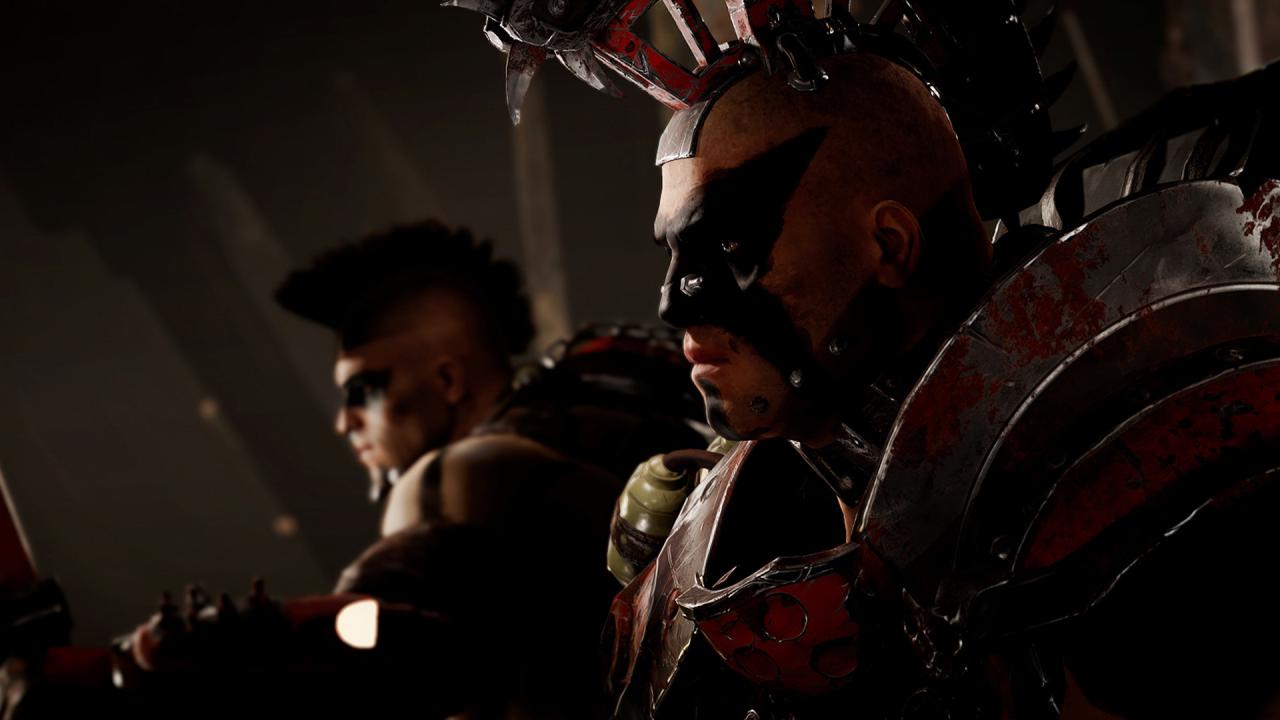
Necromunda: Underhive Wars screenshotNecromunda: Underhive Wars screenshotNecromunda: Underhive Wars screenshotNecromunda: Underhive Wars screenshotNecromunda: Underhive Wars screenshotNecromunda: Underhive Wars screenshot

How to redeem

  1. 1Check your Xbox One account and the listed region before purchasing.
  2. 2Find your code and supplier activation instructions in your confirmed order.
  3. 3Open the redeem-code section on Xbox One, enter the code and follow the platform’s prompts.

Supplier instructions

Go to: http://store.steampowered.com/ and download STEAM client Click "Install Steam" (from the upper right corner) Install and start application, login with your Account name and Password (create one if you don't have). Please follow these instructions to activate a new retail purchase on Steam: Launch Steam and log into your Steam account. Click the Games Menu. Choose Activate a Product on Steam... Follow the onscreen instructions to complete the process. After successful code verification go to the "MY GAMES" tab and start downloading.

You might also like