Get 10% back in Relic Coins on every order
Mystic Pillars: A Story-Based Puzzle Game cover

SteamGlobal· Key

Mystic Pillars: A Story-Based Puzzle Game

€0.36

+€0.04 cashback eligibility in Relic Coins

Check before you play

Platform
Steam
Region
Global
Product type
Key
Developer
Holy Cow Productions
Publisher
Holy Cow Productions
Supplier release date
2020-03-04
Genres
Adventure, Casual, Indie, Puzzle, Story rich

About this product

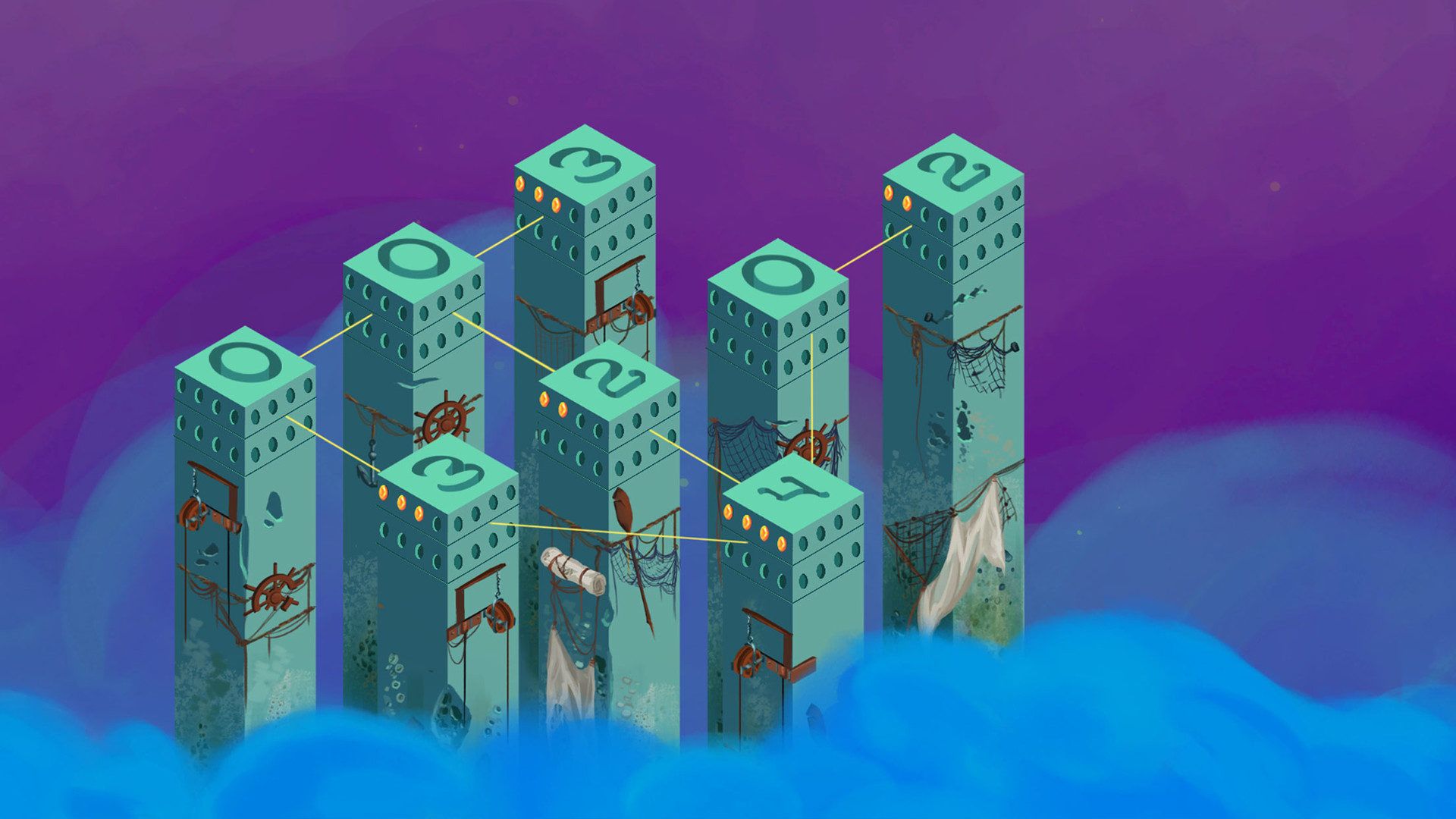
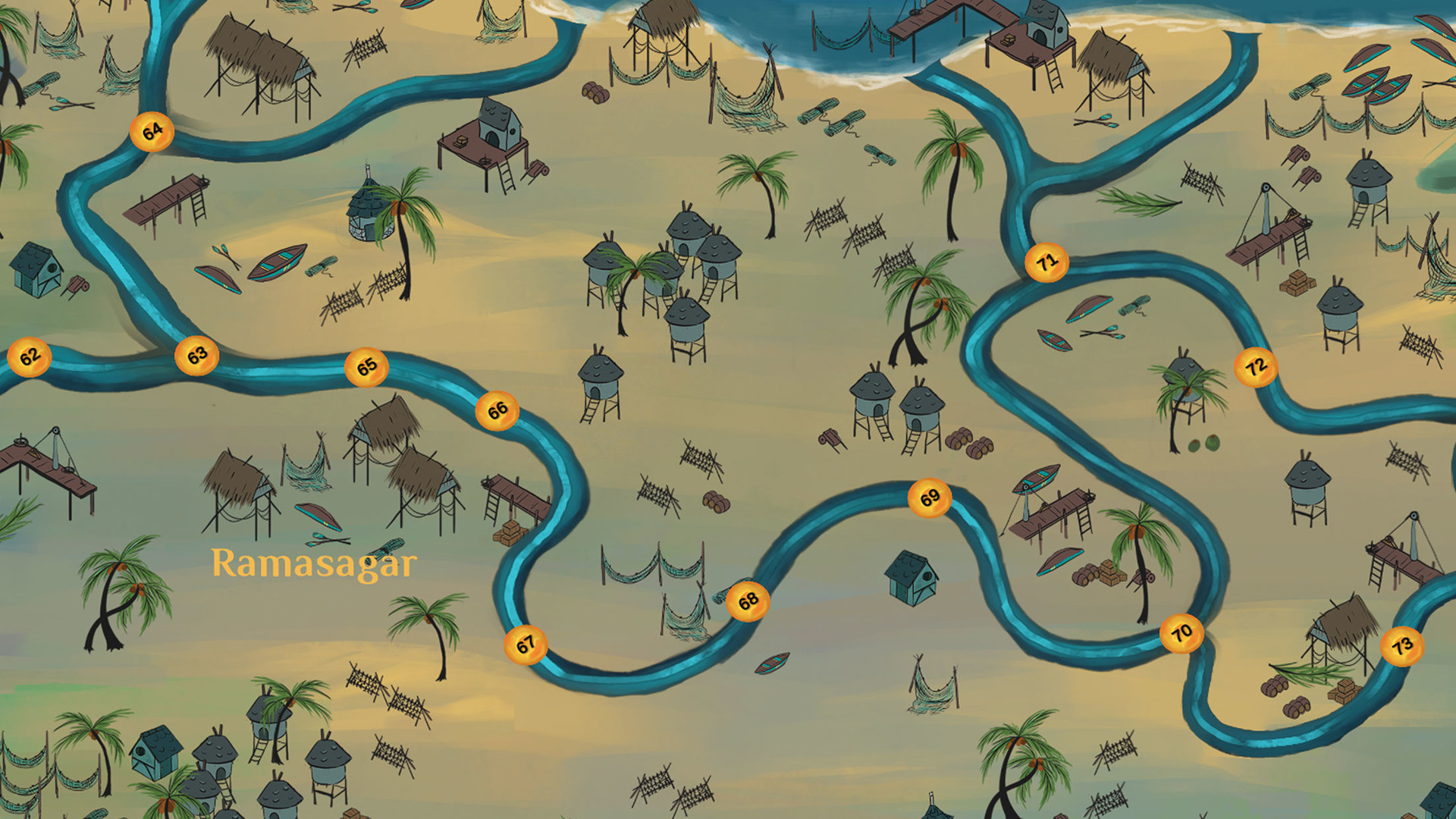
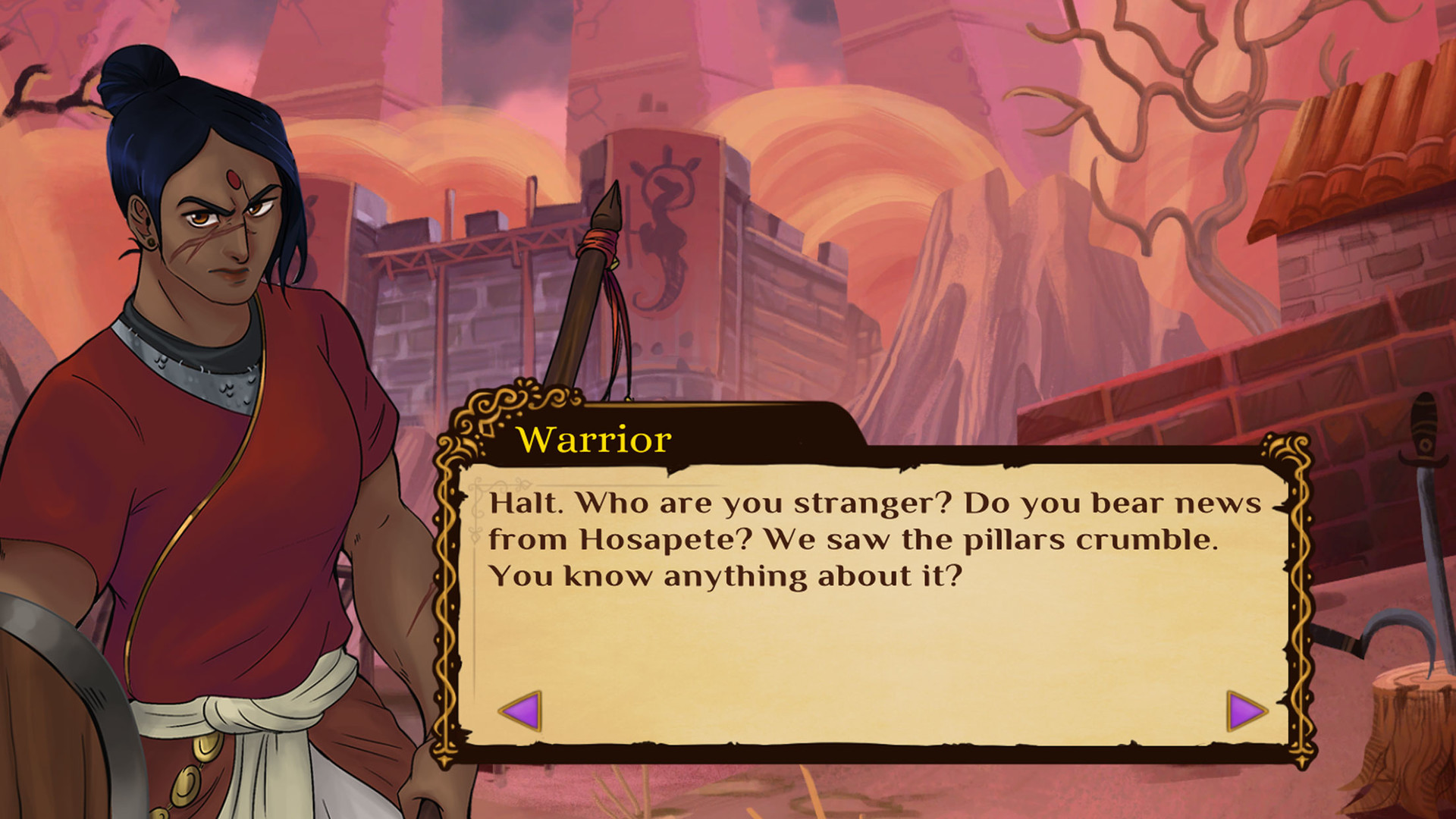
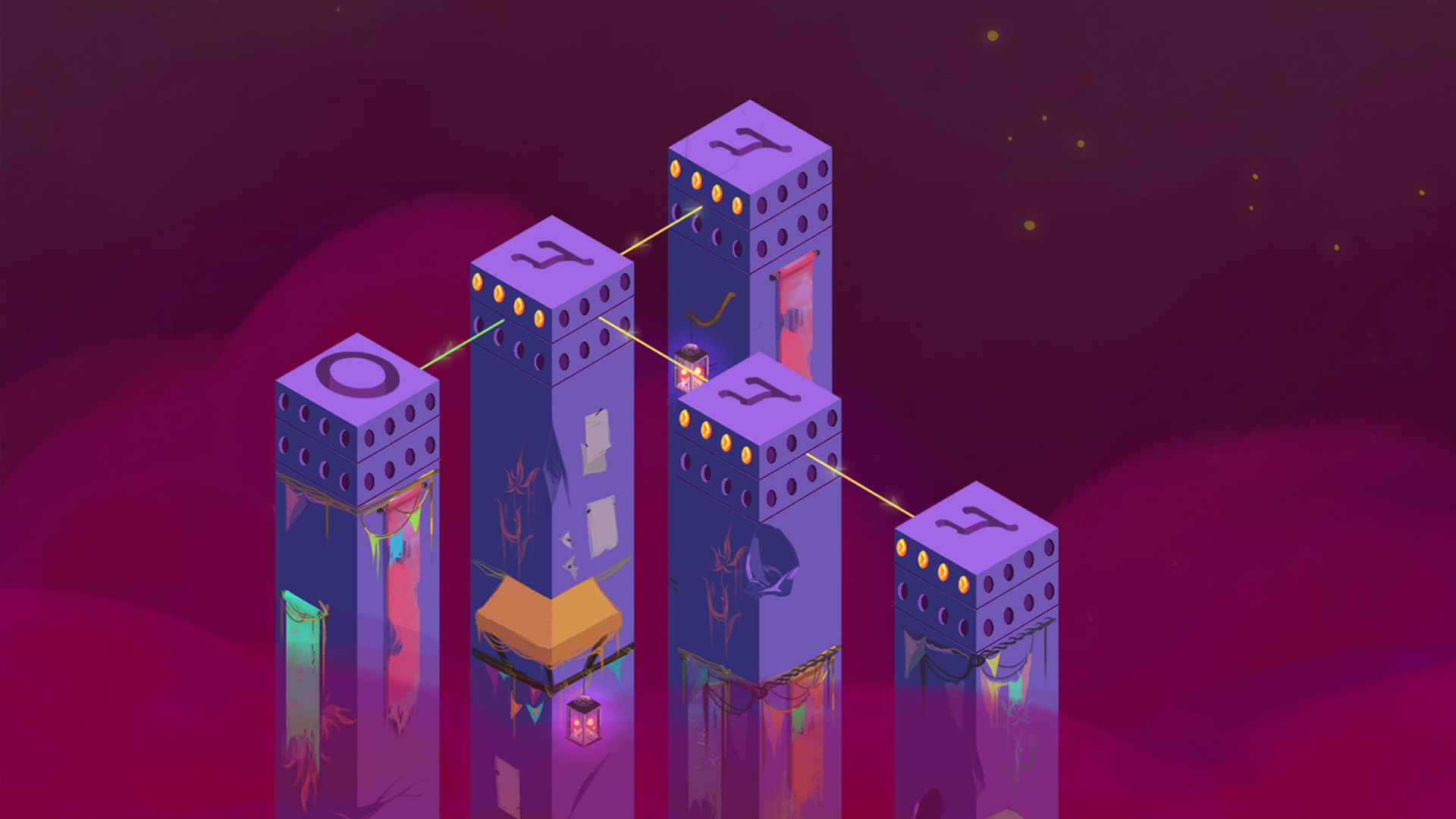
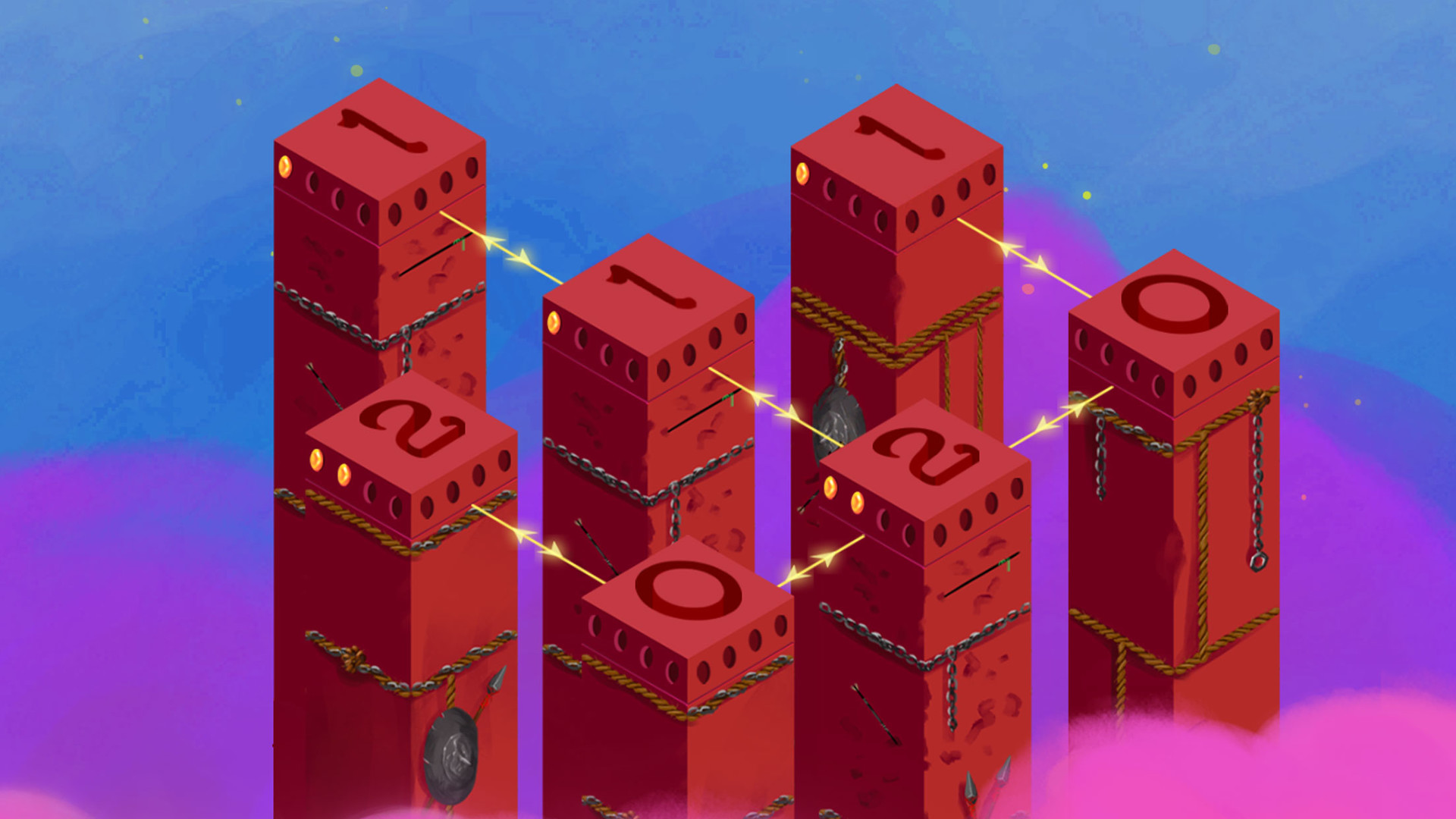
Play as a mysterious traveller whose journey across the world lands you in the kingdom of Zampi. Resolve the drought plaguing the once-prosperous kingdom of Zampi by solving puzzles and destroying the magical pillars blocking the water.Over the course of your journey, you meet other characters and slowly uncover what exactly happened that led to the downfall of Zampi. The animated cutscenes in the game add to the storyline and keep you wanting for more. Puzzles become more interesting and challenging to solve with different configurations as you proceed further in the game. Features A game based in the southern part of Ancient India. 100 simple and unique logical puzzles. An engrossing mystery surrounding the past, unveils the truth as you press forward on your journey. Highly stylized, beautiful hand drawn artwork. Animated cutscenes. Partial Controller Support. Inspired by the board game Mancala / Ali Guli Mane Supported in 20+ languages - English, French, Italian, German, Spanish, Russian, Chinese (Simplified & Traditional), Japanese, Korean, Portuguese EU, Polish, Turkish, Portuguese BR, Hindi, Kannada, Telugu, Tamil, Arabic, Catalan, Hebrew Voice over in English and Kannada (the local language in Bangalore, India)

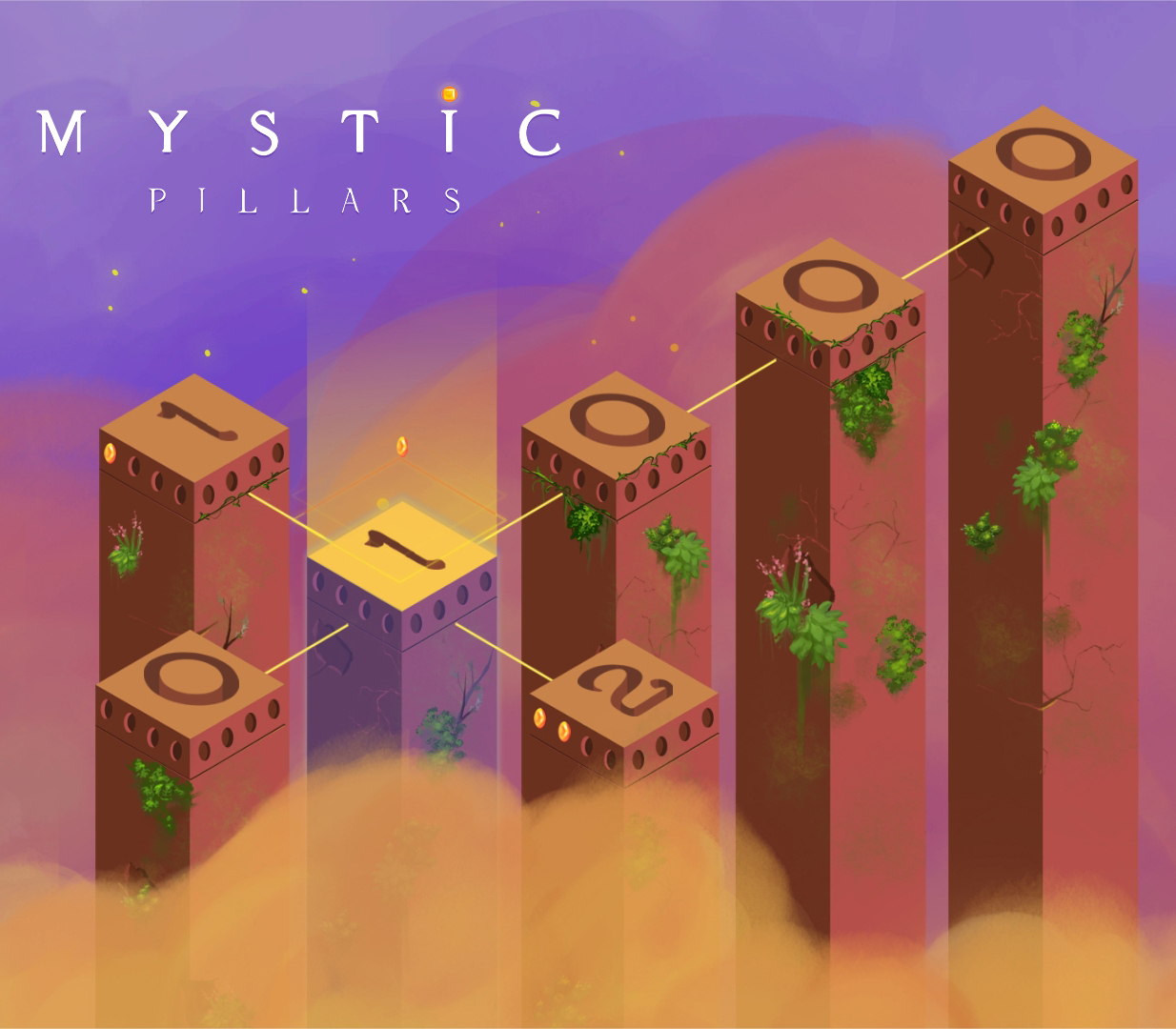
Mystic Pillars: A Story-Based Puzzle Game screenshotMystic Pillars: A Story-Based Puzzle Game screenshotMystic Pillars: A Story-Based Puzzle Game screenshotMystic Pillars: A Story-Based Puzzle Game screenshotMystic Pillars: A Story-Based Puzzle Game screenshotMystic Pillars: A Story-Based Puzzle Game screenshot

How to redeem

  1. 1Check your Steam account and the listed region before purchasing.
  2. 2Find your code and supplier activation instructions in your confirmed order.
  3. 3Open the redeem-code section on Steam, enter the code and follow the platform’s prompts.

Supplier instructions

Go to: http://store.steampowered.com/ and download STEAM client Click "Install Steam" (from the upper right corner) Install and start application, login with your Account name and Password (create one if you don't have). Please follow these instructions to activate a new retail purchase on Steam: Launch Steam and log into your Steam account. Click the Games Menu. Choose Activate a Product on Steam... Follow the onscreen instructions to complete the process. After successful code verification go to the "LIBRARY" tab and start downloading.

You might also like